Genova
Upload
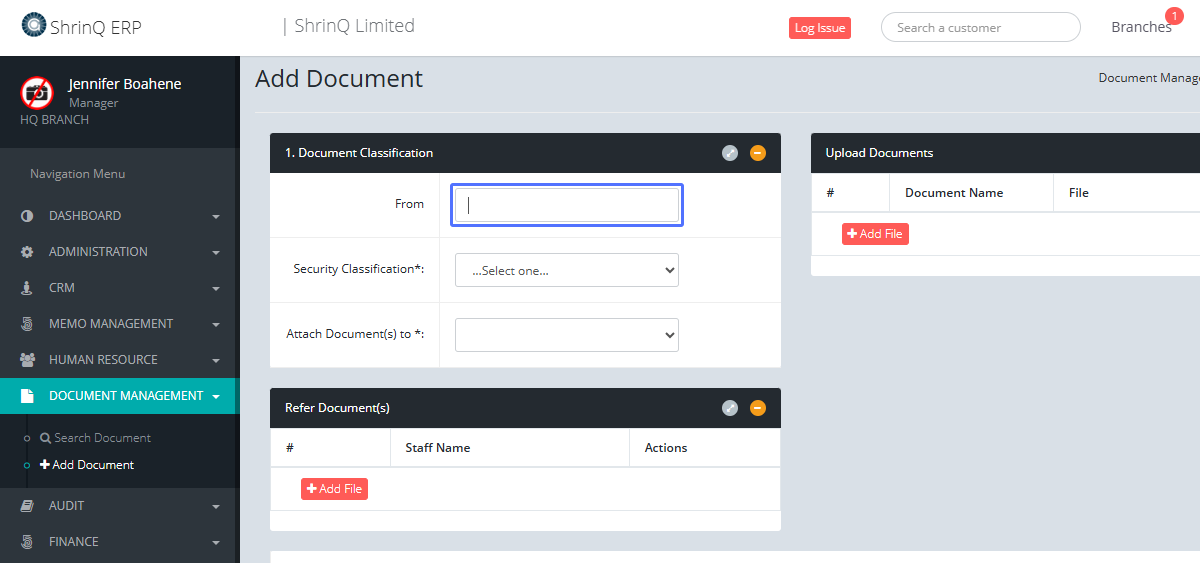
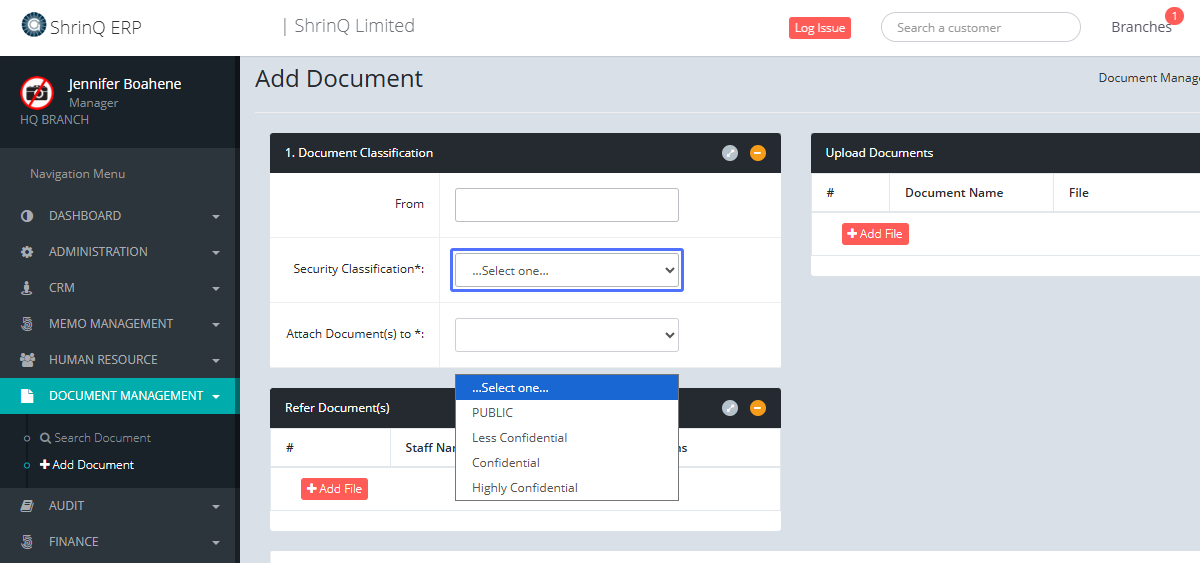
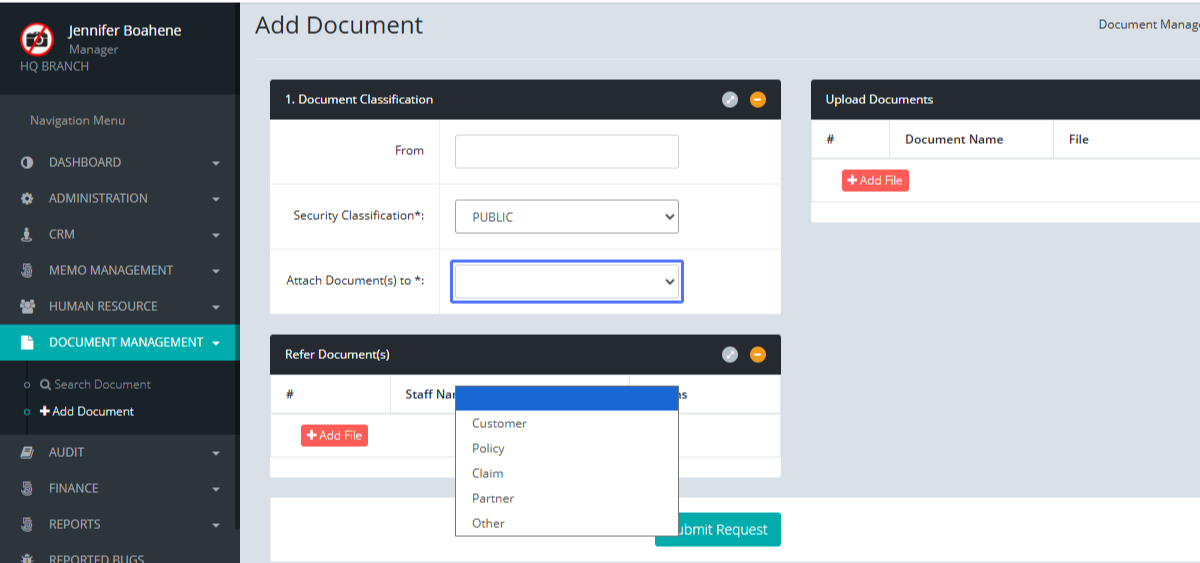
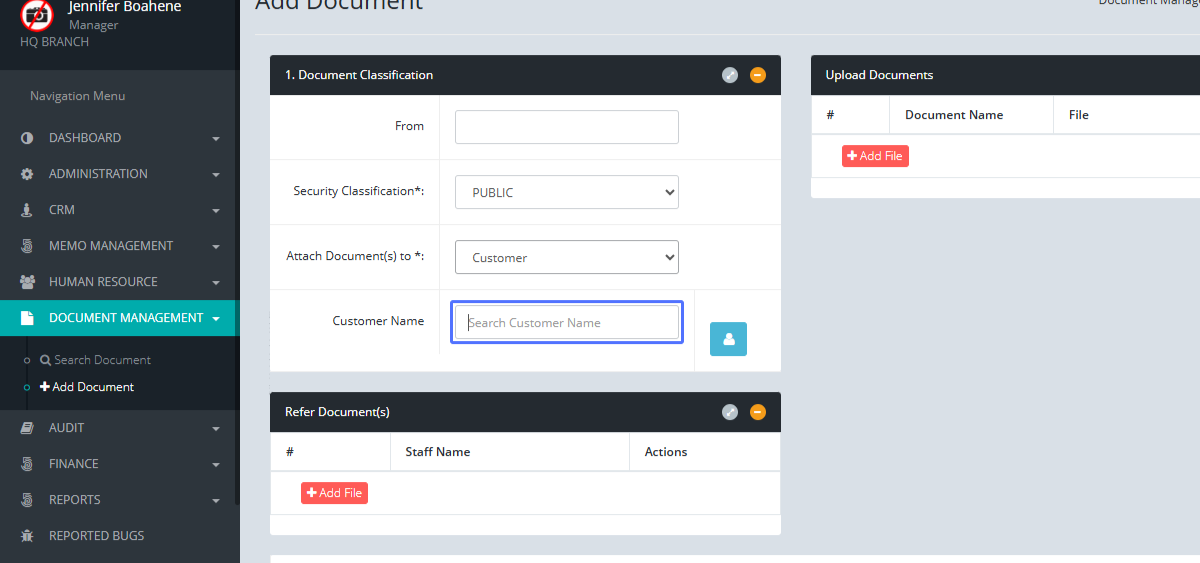
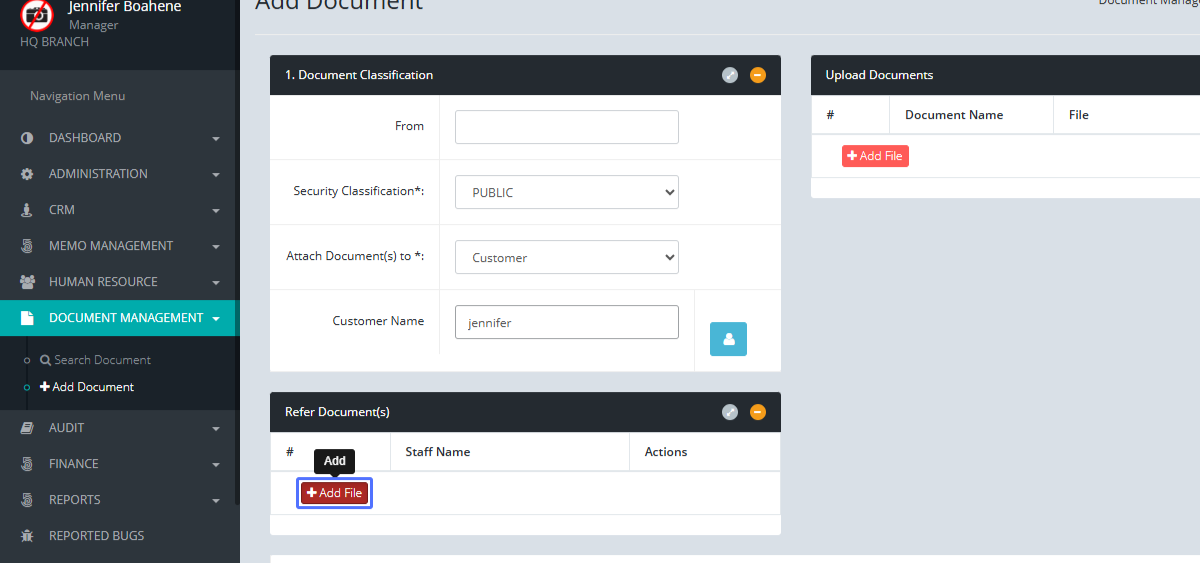
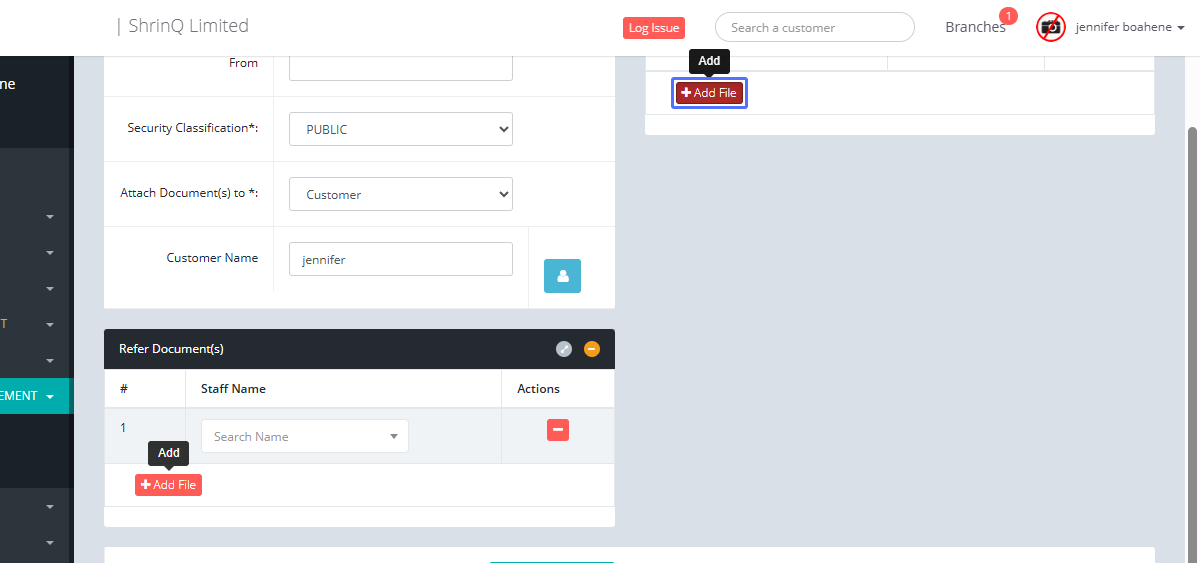
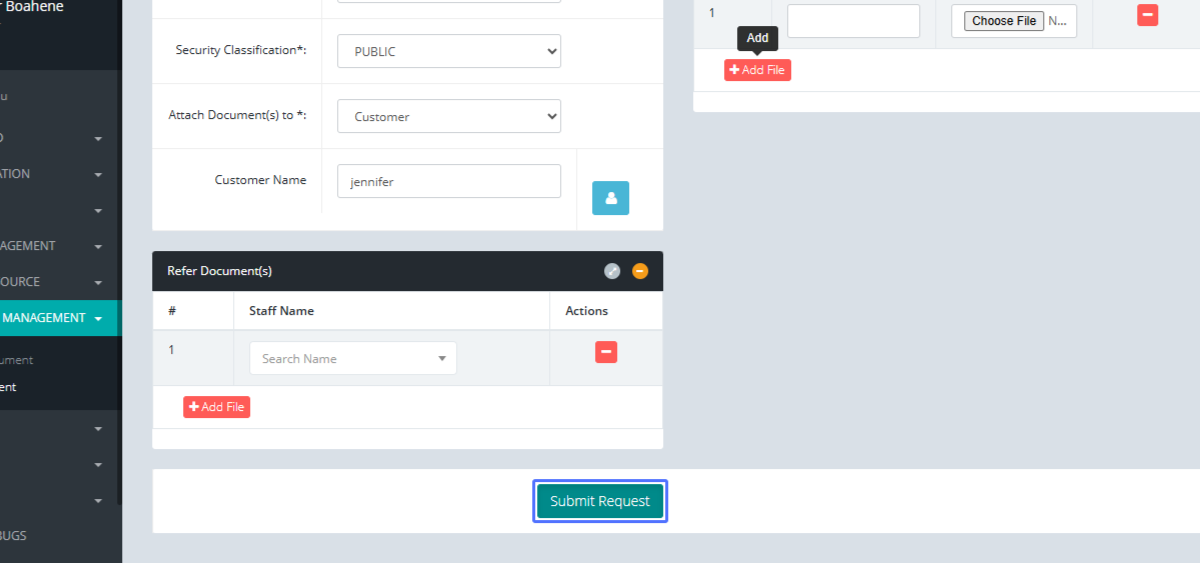
This guide provides a step-by-step process for adding documents to the system using the ERP platform. Each step includes a screenshot and clear instructions to ensure a smooth and efficient workflow. Follow these steps to successfully add your document.
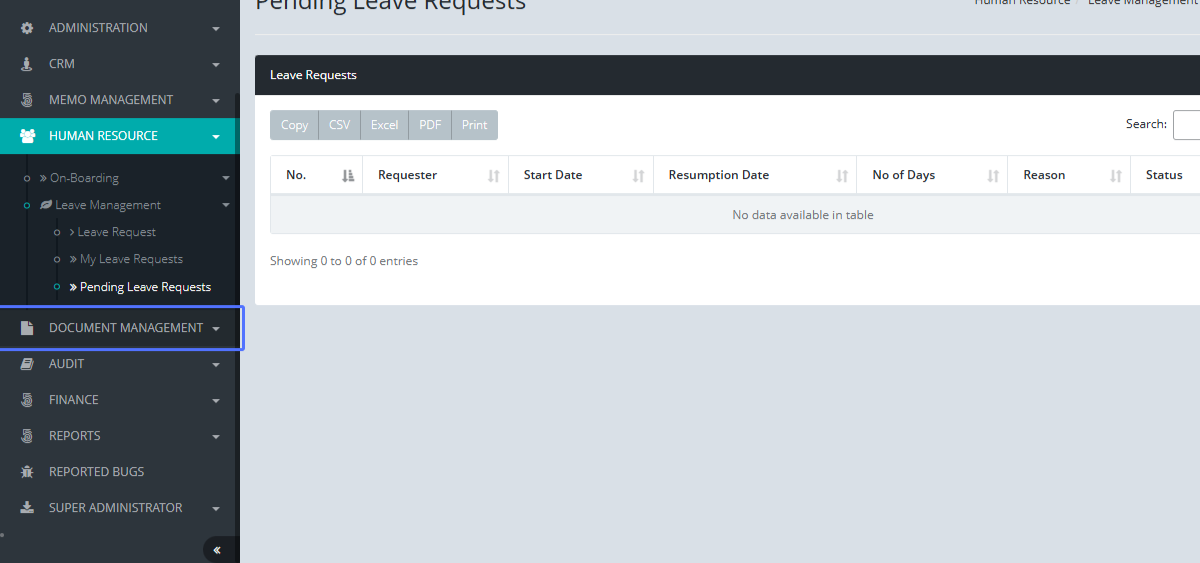
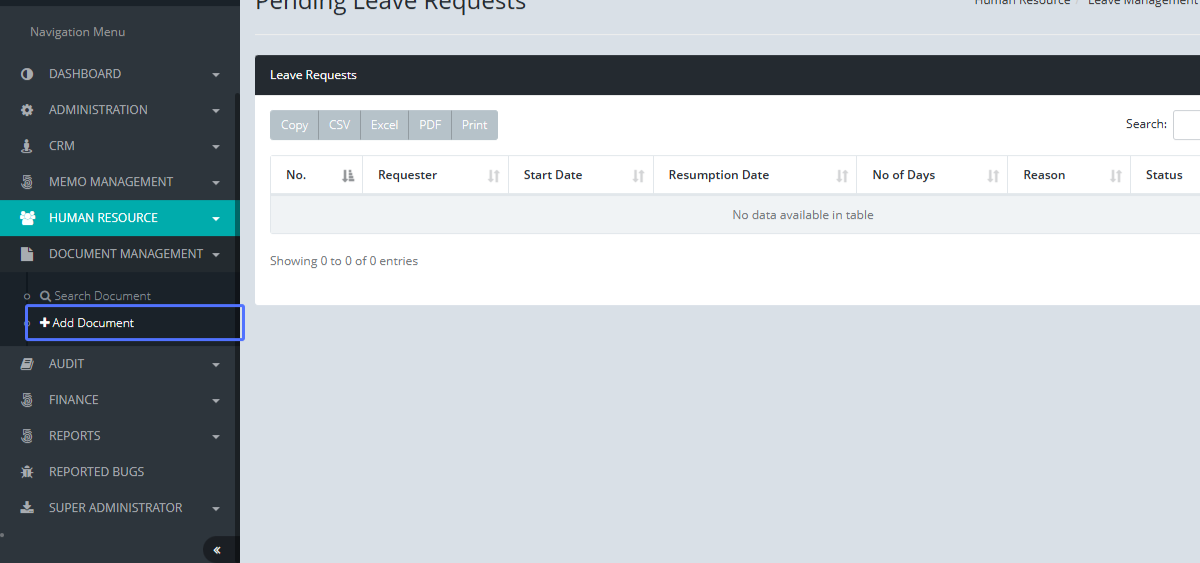
Tab Name: Add Document - GENOVA INSURANCE