Genova
INWARDS
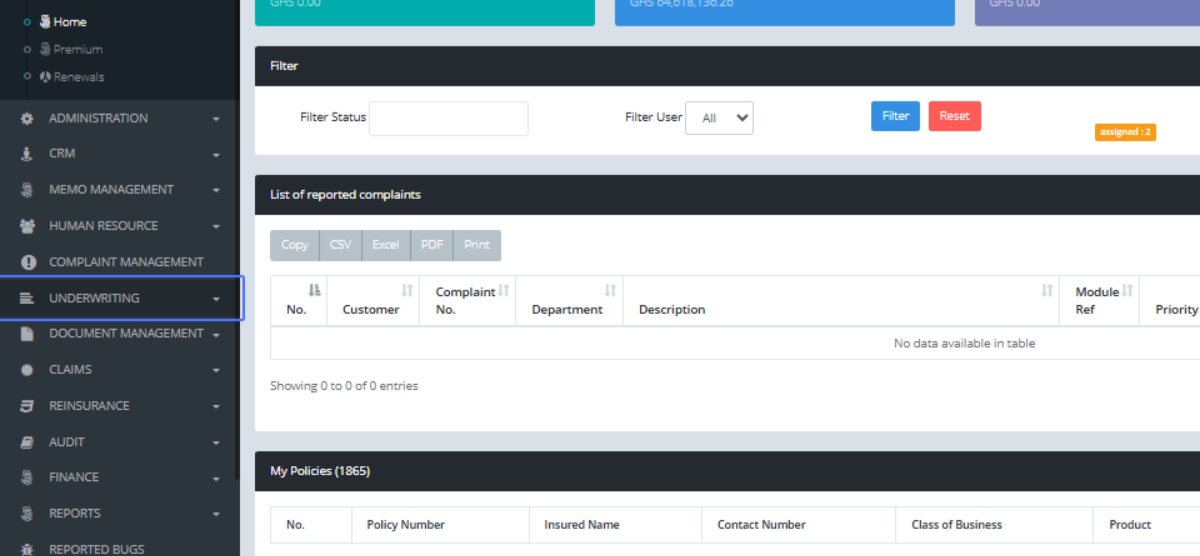
UNDERWRITING FAC INClick on the link "UNDERWRITING" to create a policy
Click on the link "Policy"

Click on the link "Create Policy"
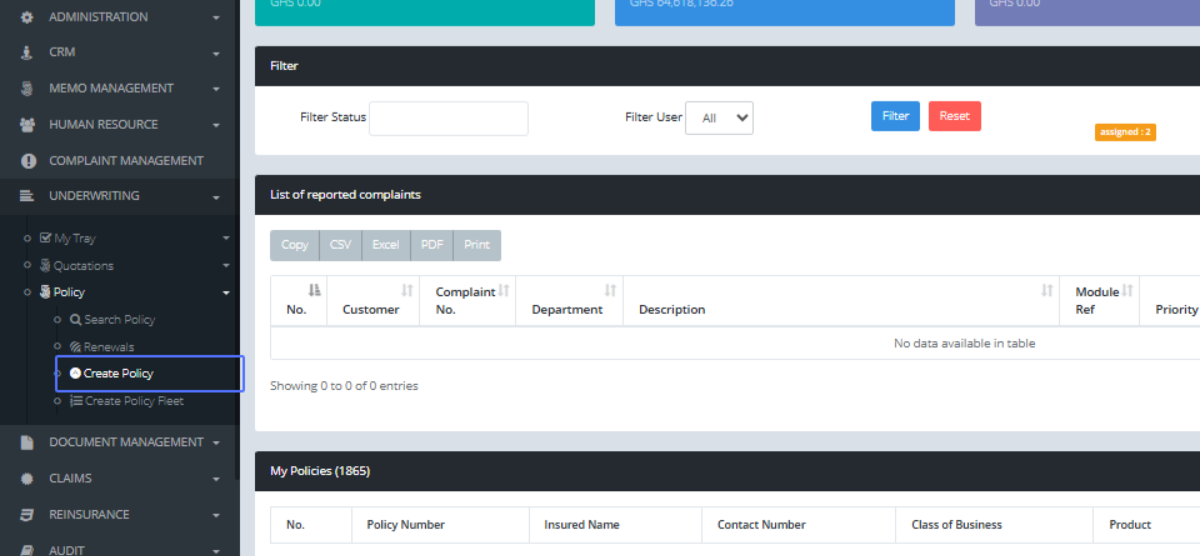
Click on the link "Create Policy" on the customer u are creating the policy for

Select the product, which includess Motor, Lability, Bond, Fire and others 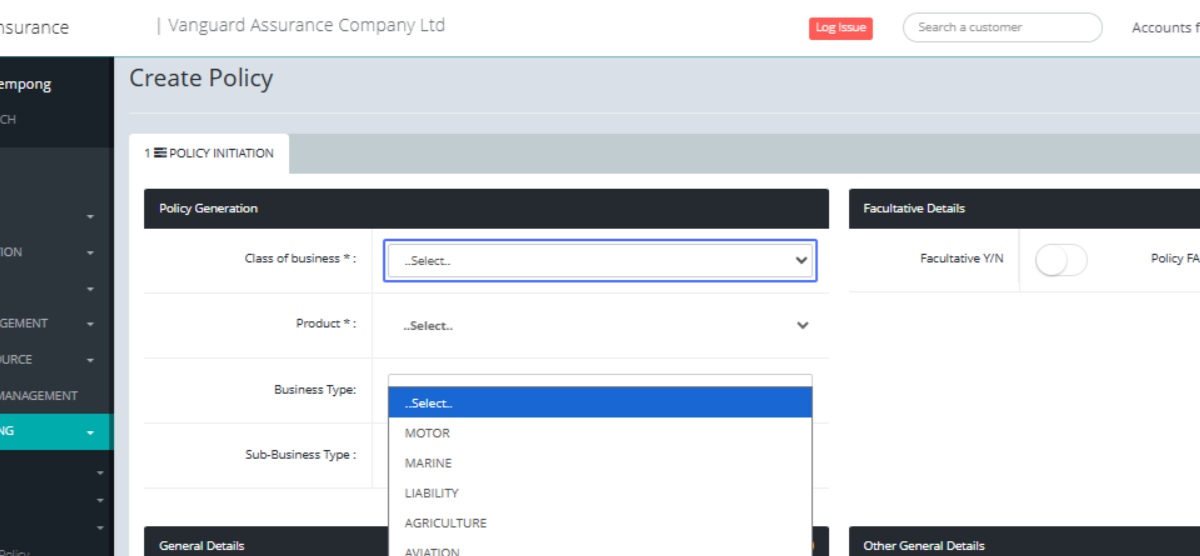
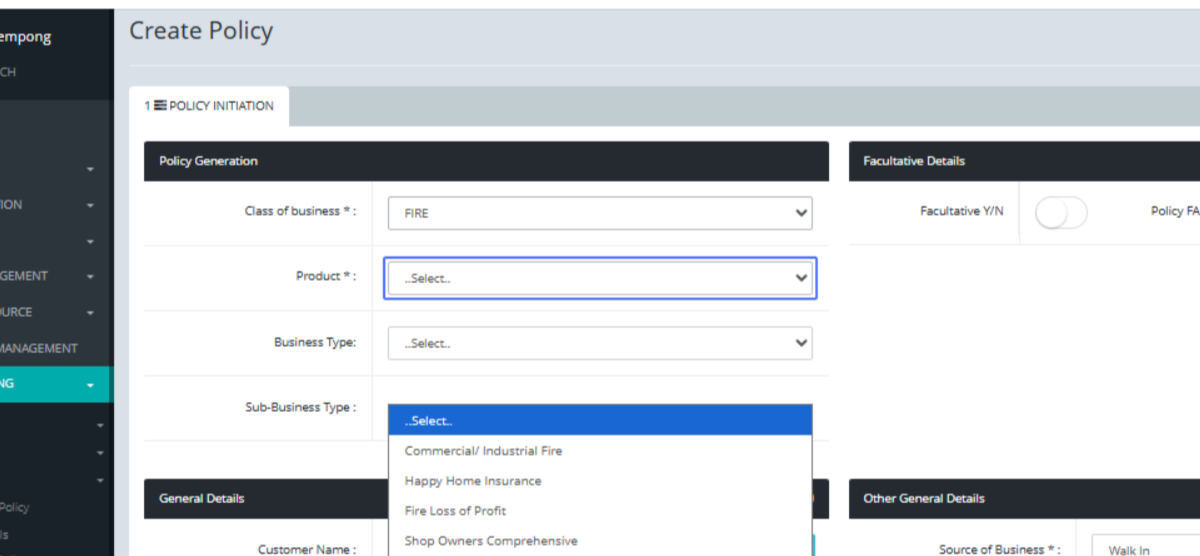
..Select.. any of the policies under the FIRE product Commercial/ Industrial Fire Happy Home Insurance, Fire Loss of Profit, Shop Owners
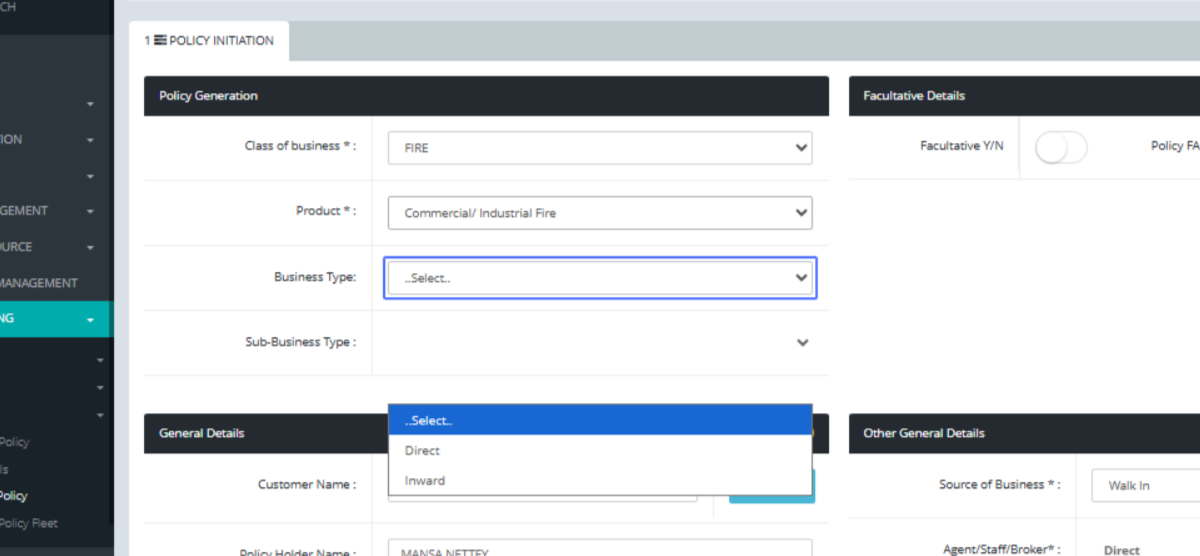
Click on Direct Inward, to show the policy is a Facultative business from a different insurance company
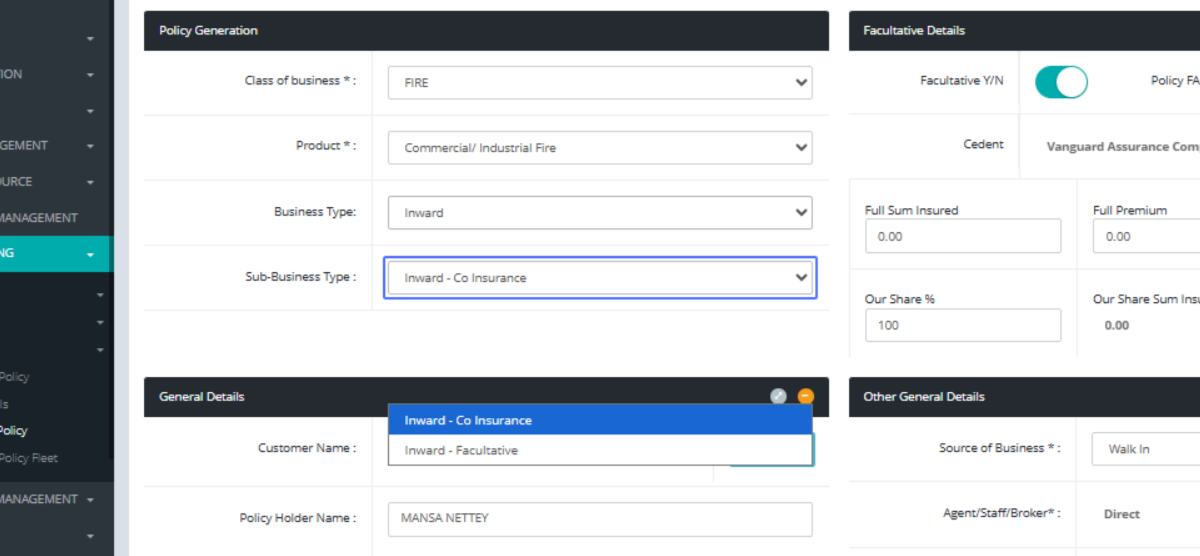
Click on "Inward - Co Insurance Inward - Facultative"
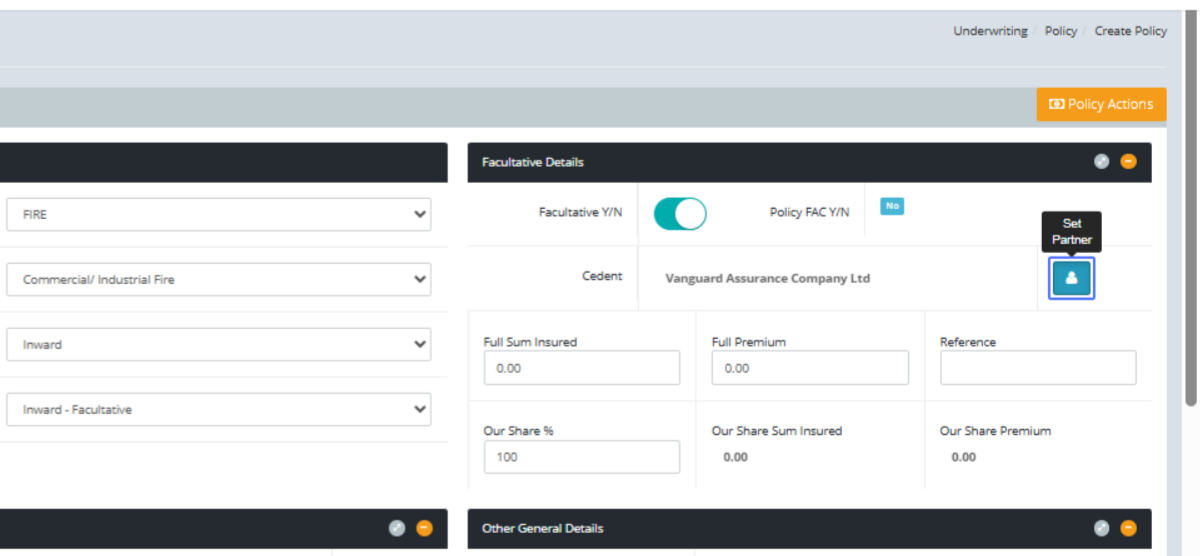
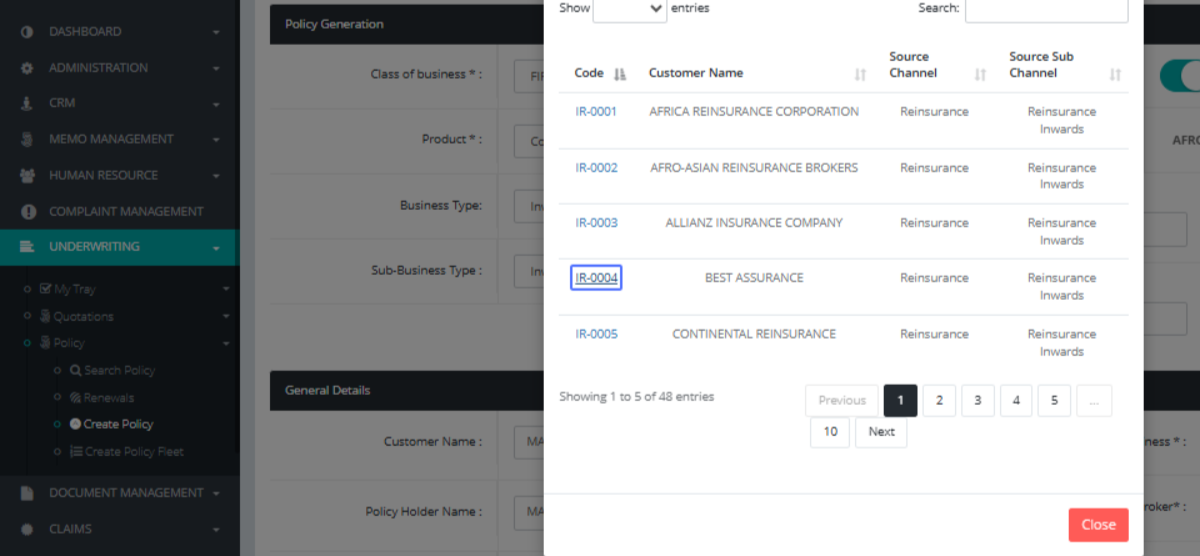
Click on the button "Set Partner" to choose which Insurance company the policy is originally from
Click on the link "IR-0004", BEST ASSURANCE being the owner of the policy
Click on the input and fill the required info of the policy and your share
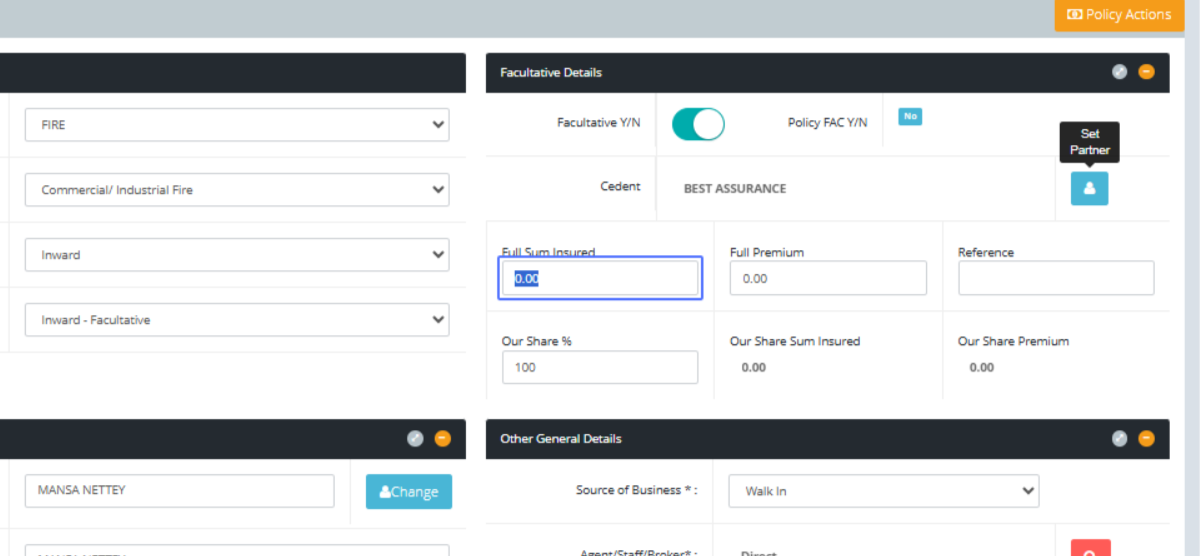
Click on the input
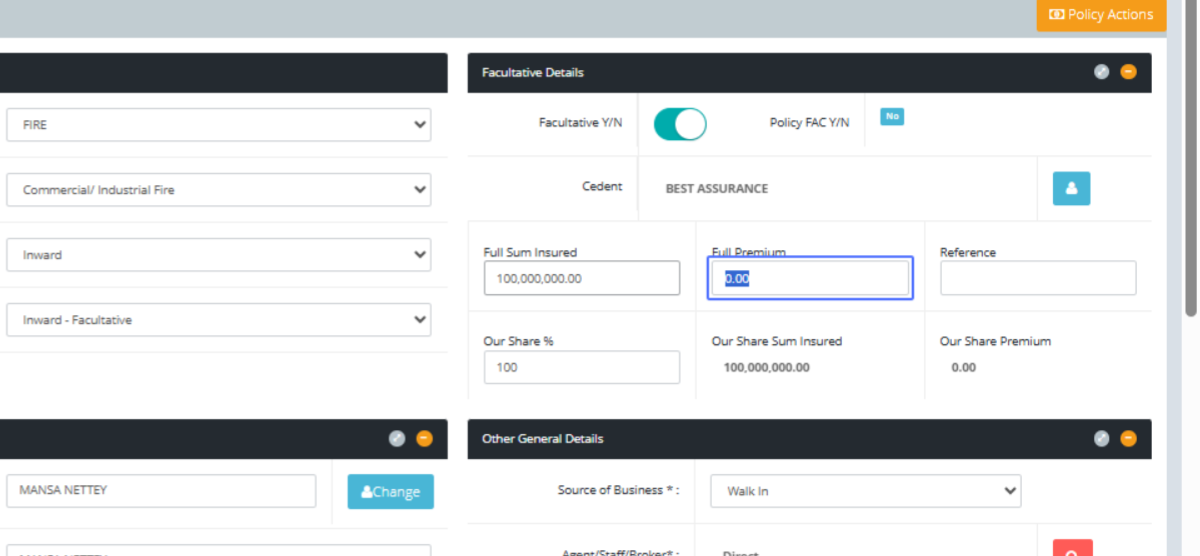
Click on the input
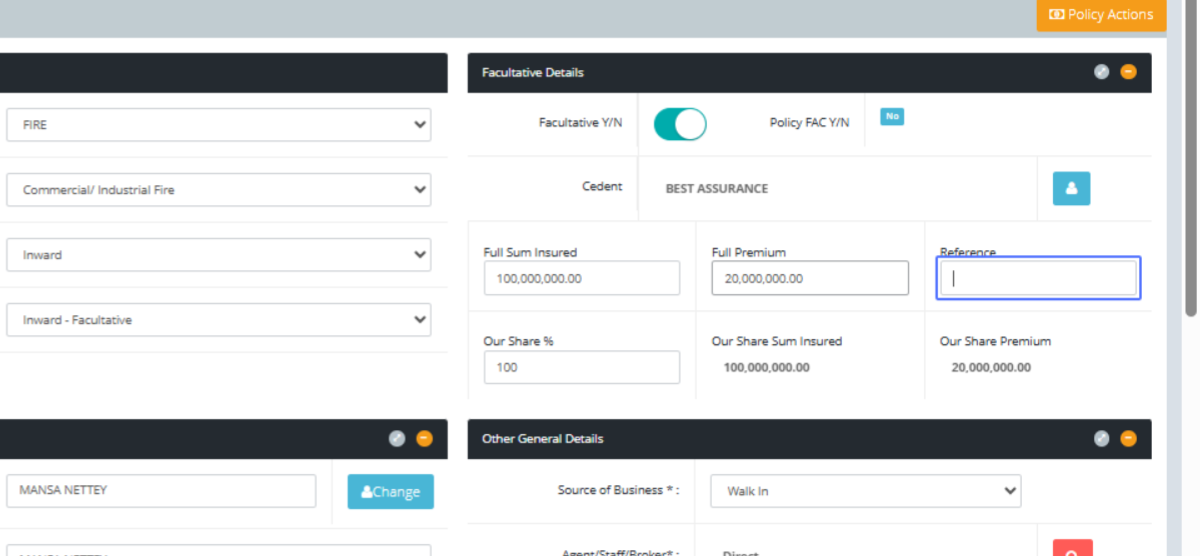
Click on the input
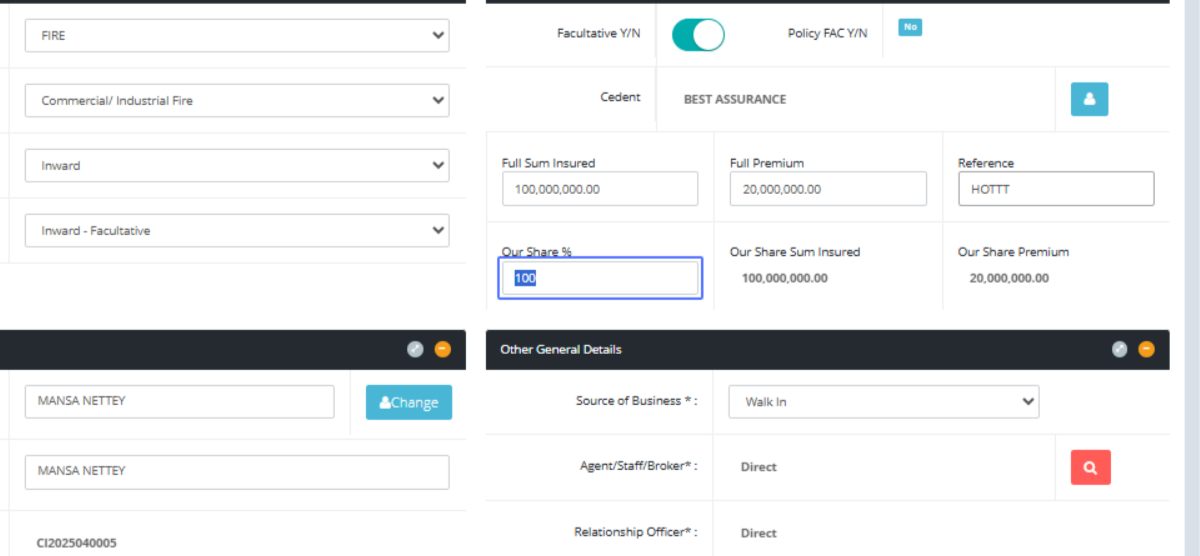
Click on the input to select the date of the policy into your system
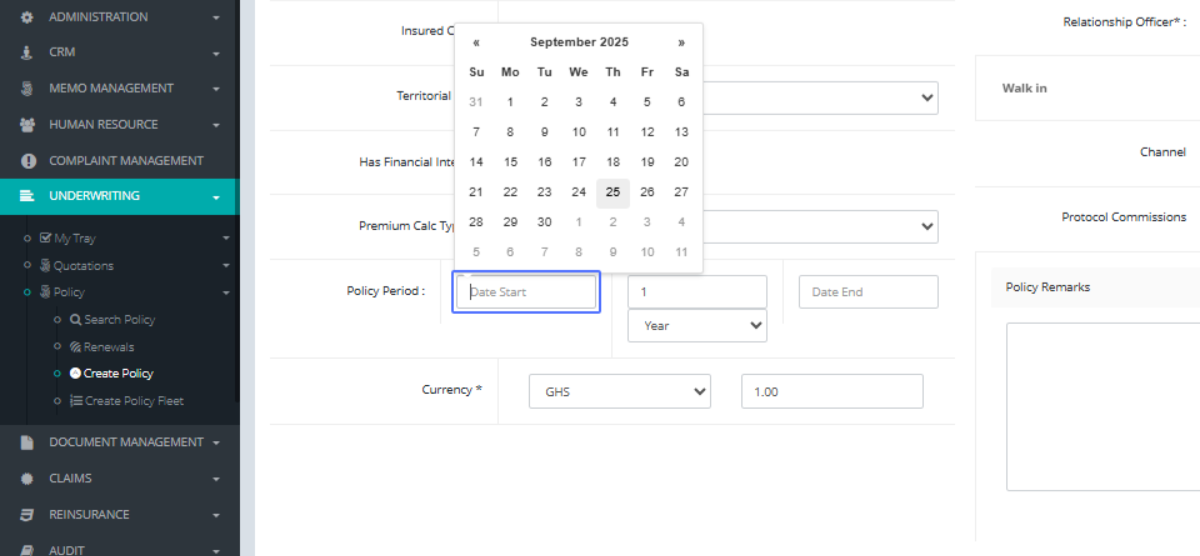
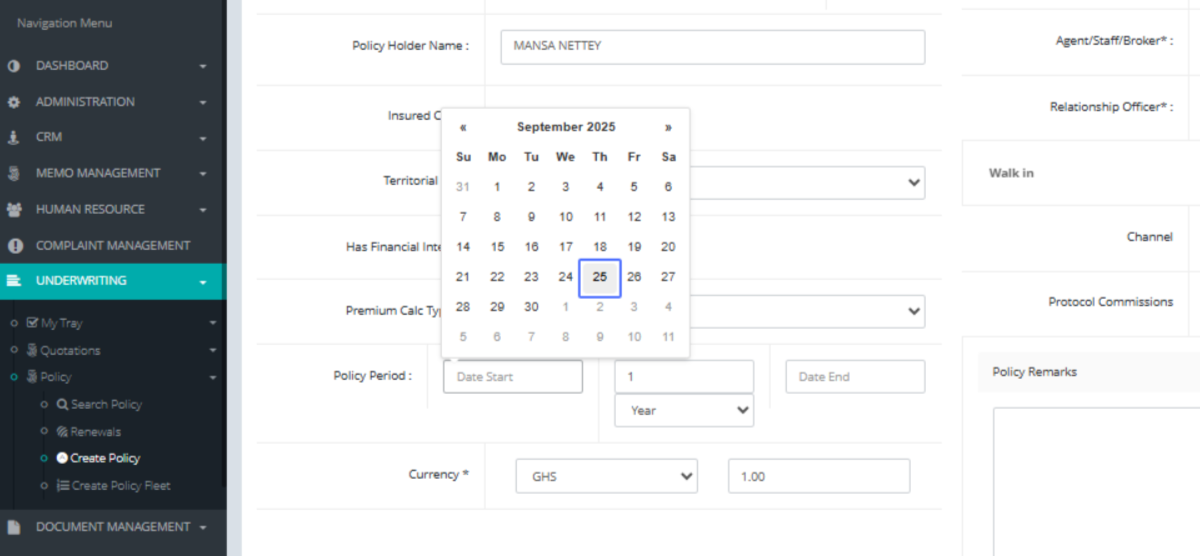
Click on "25" as the date chosen
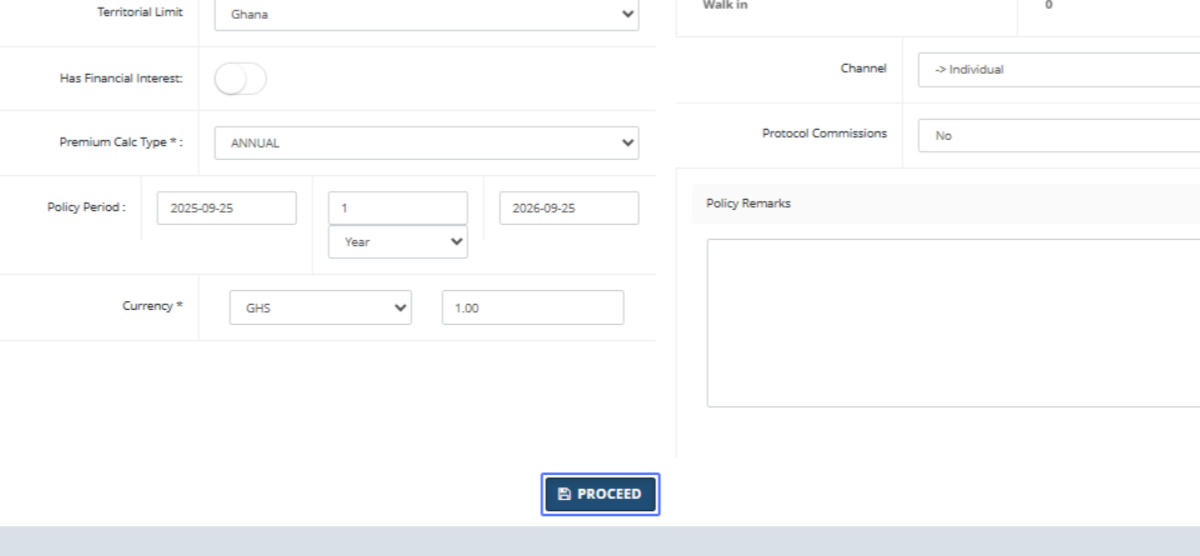
Click on the button "PROCEED"
Click on "Name Broker Share % Sum Insured Premium Commision Net Premium." to show the agreement between both parties
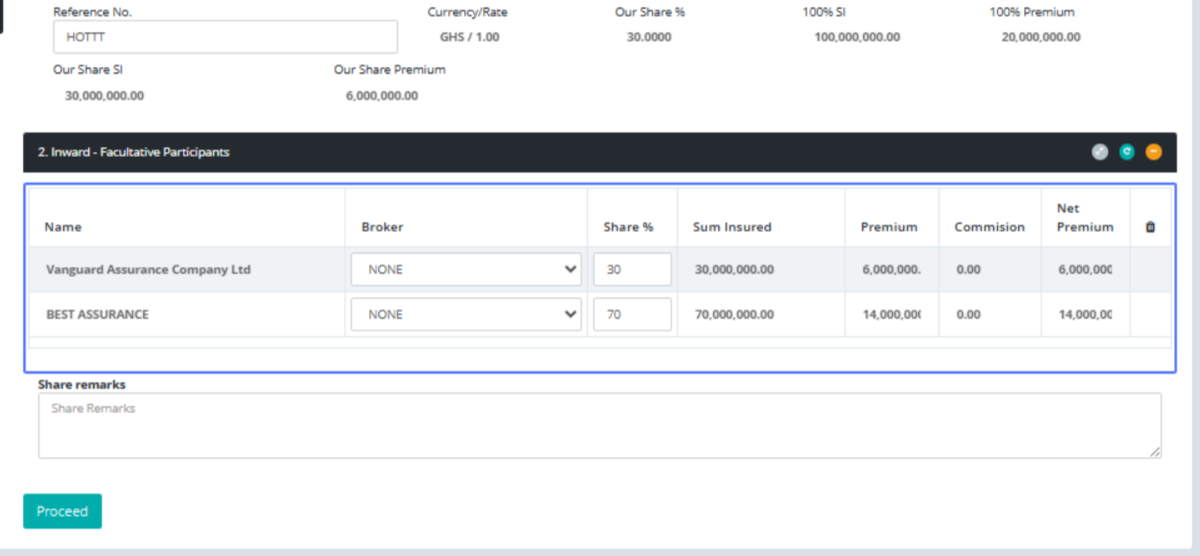
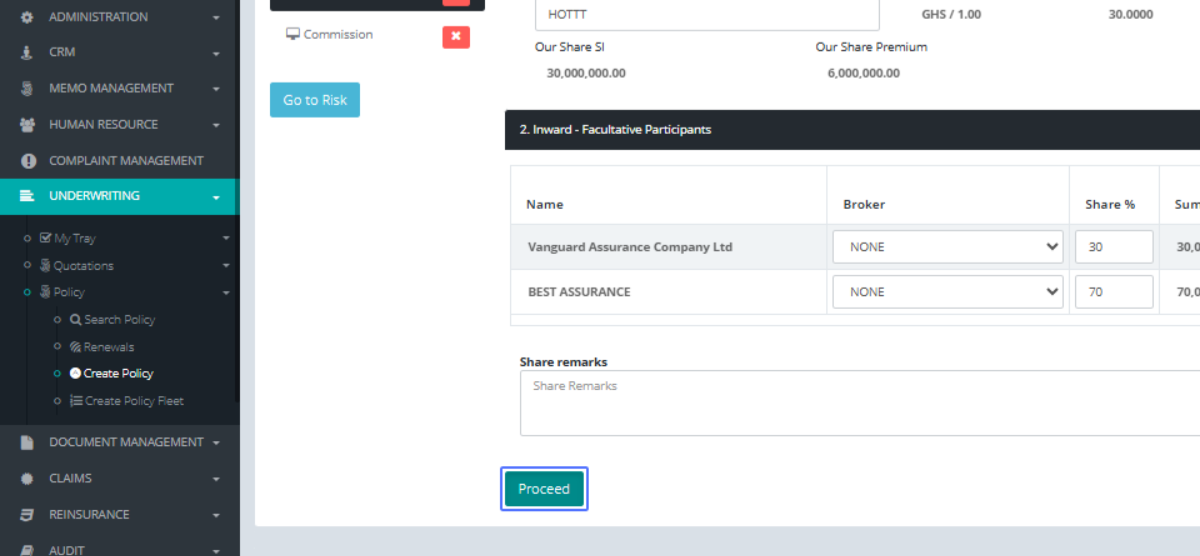
Click on the button "Proceed"
Inward - Facultative Participant ..." to see the commission related in the business as agreed
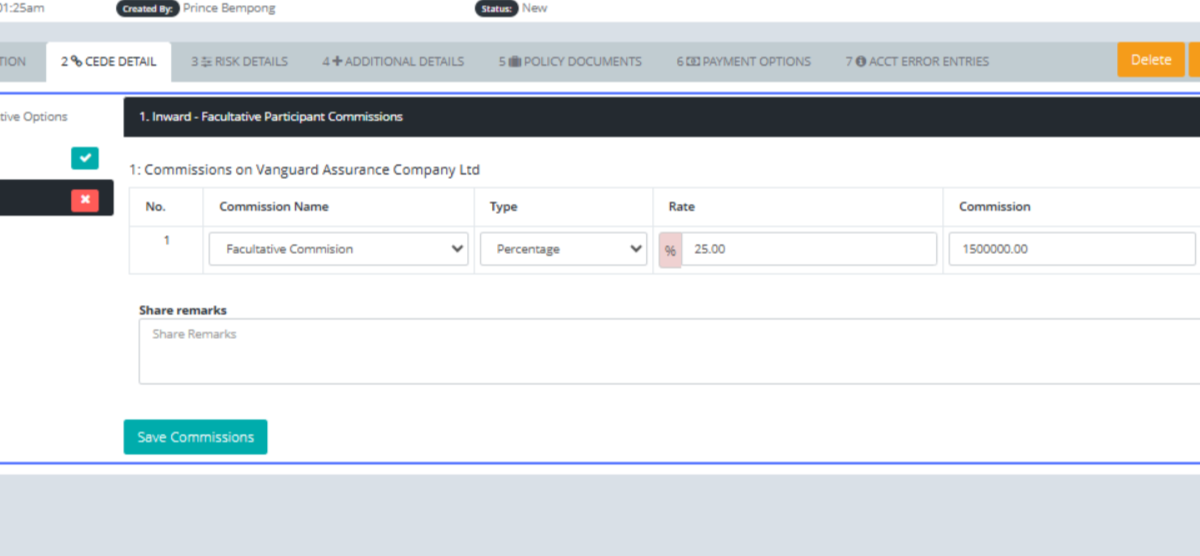
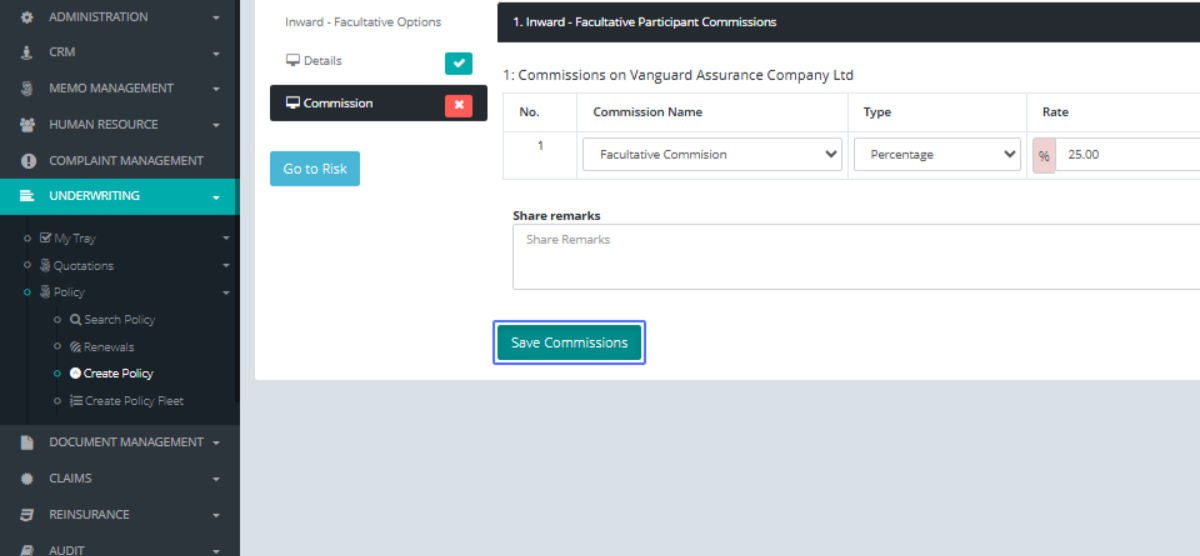
Click on the button "Save Commissions"
Click on the link "Go to Risk" to create close or similar risk into the system for reference
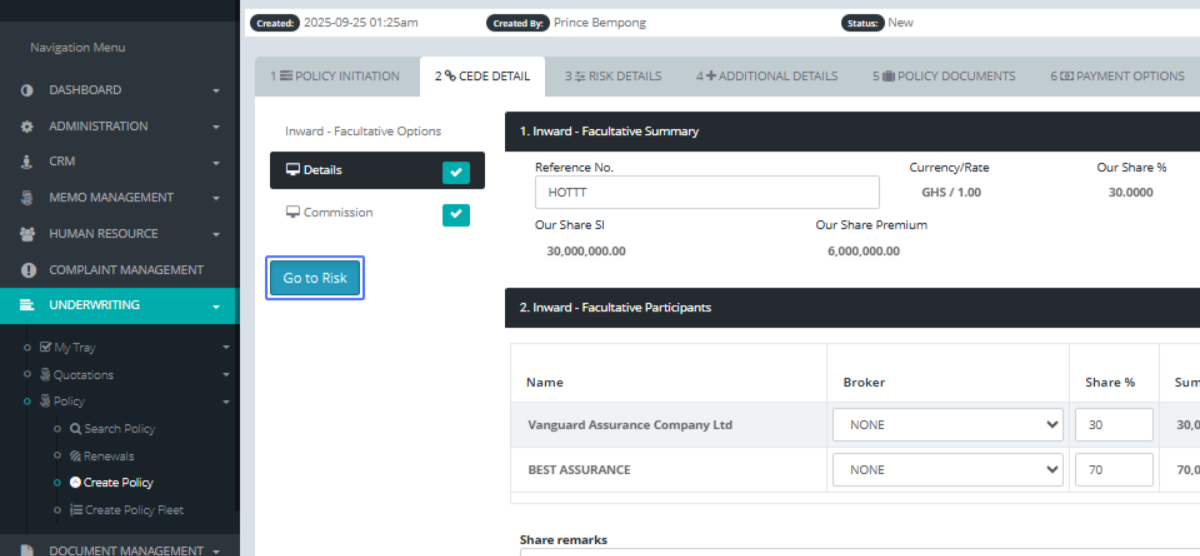
Click on "Buildings Contents Stock in trade Plant And Machinery"
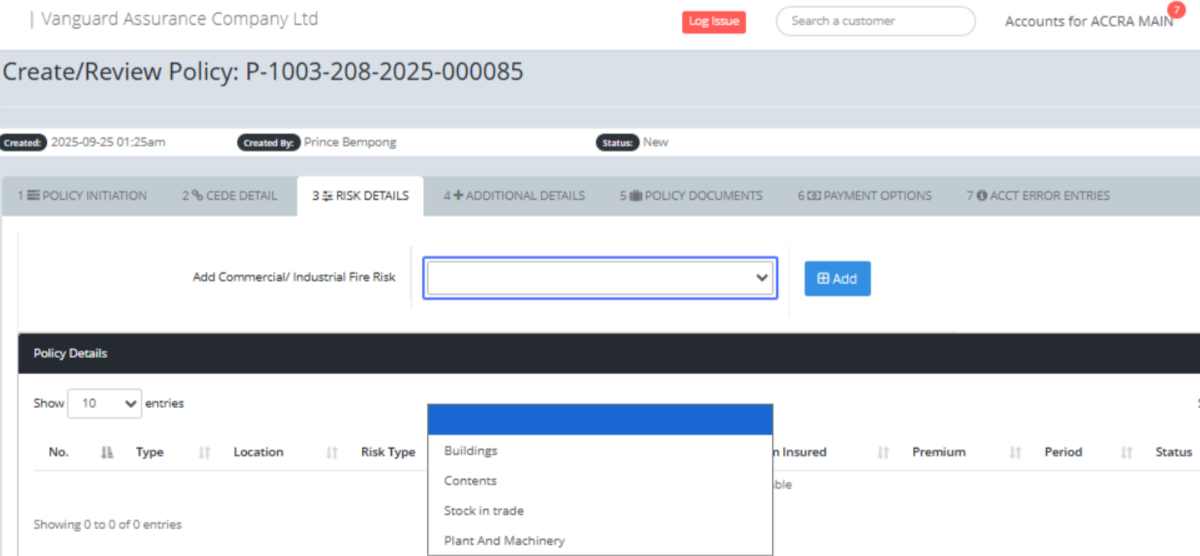
Click on the button "Add"
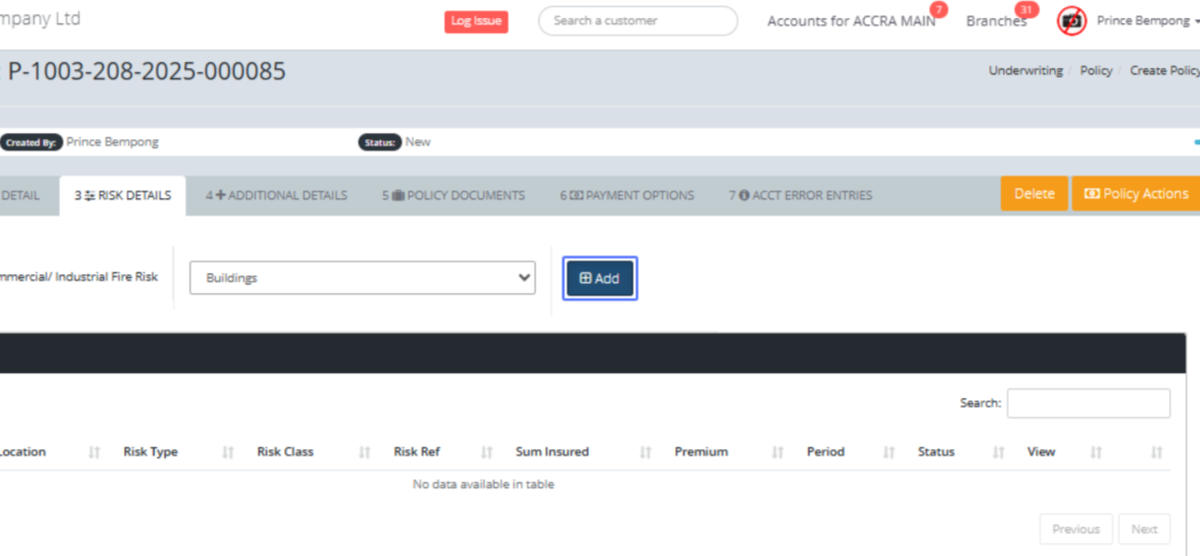
Click here and fill in the required details
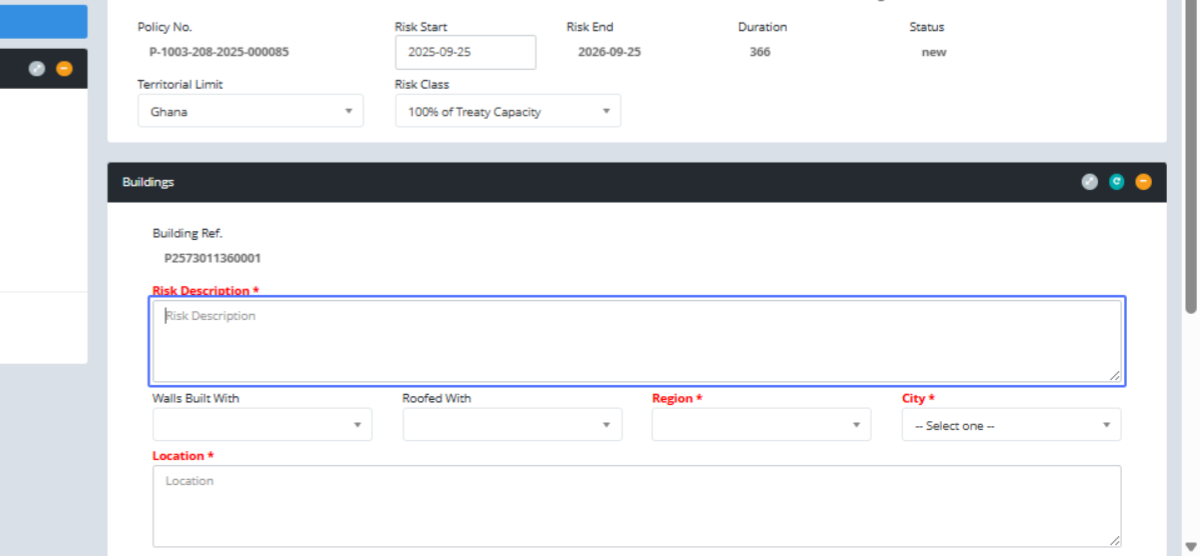
Click here and fill in the required details
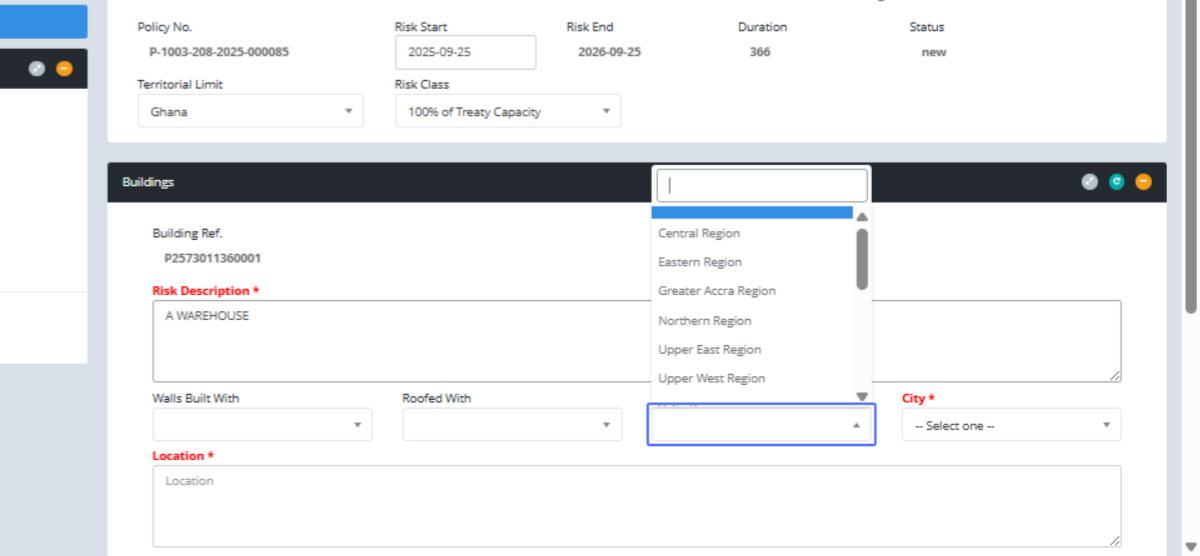
Click on "Greater Accra Region" to select the region and location
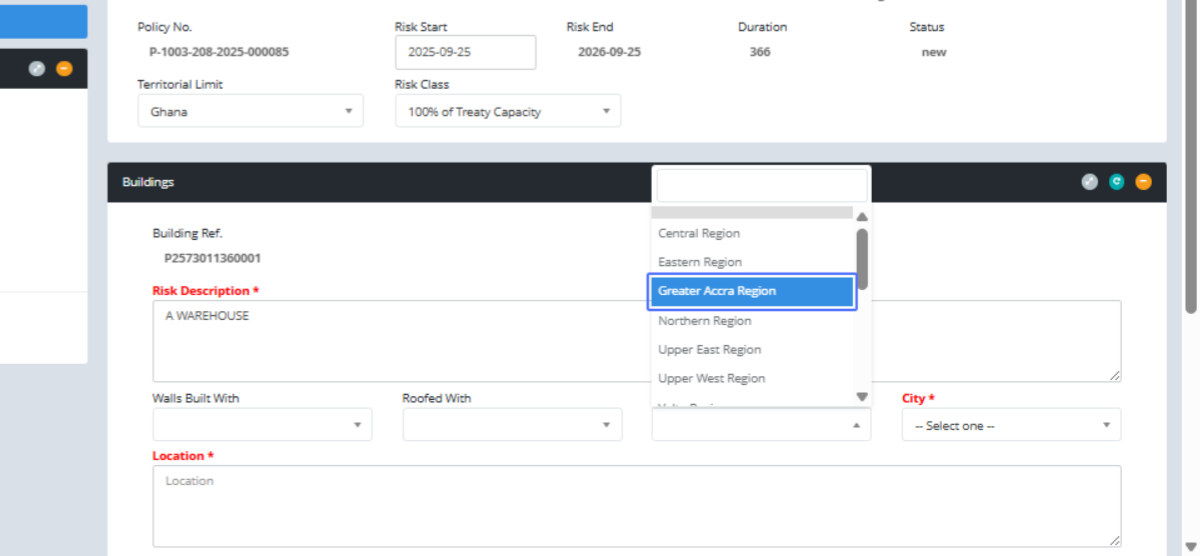
Click on "-- Select one --"
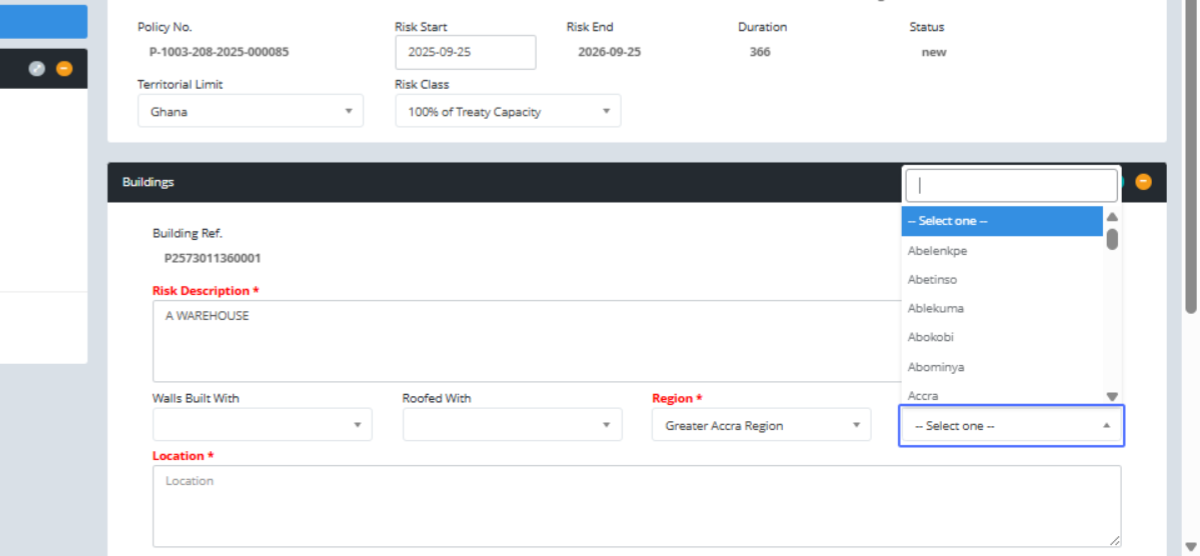
Click on "Ablekuma" as the town
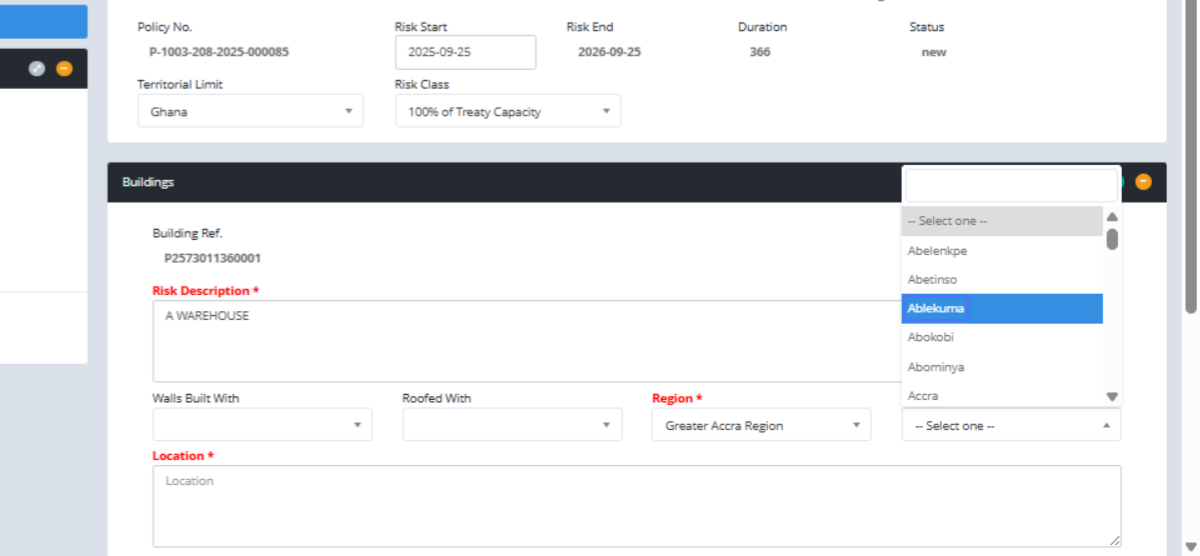
Click here and fill in the required details
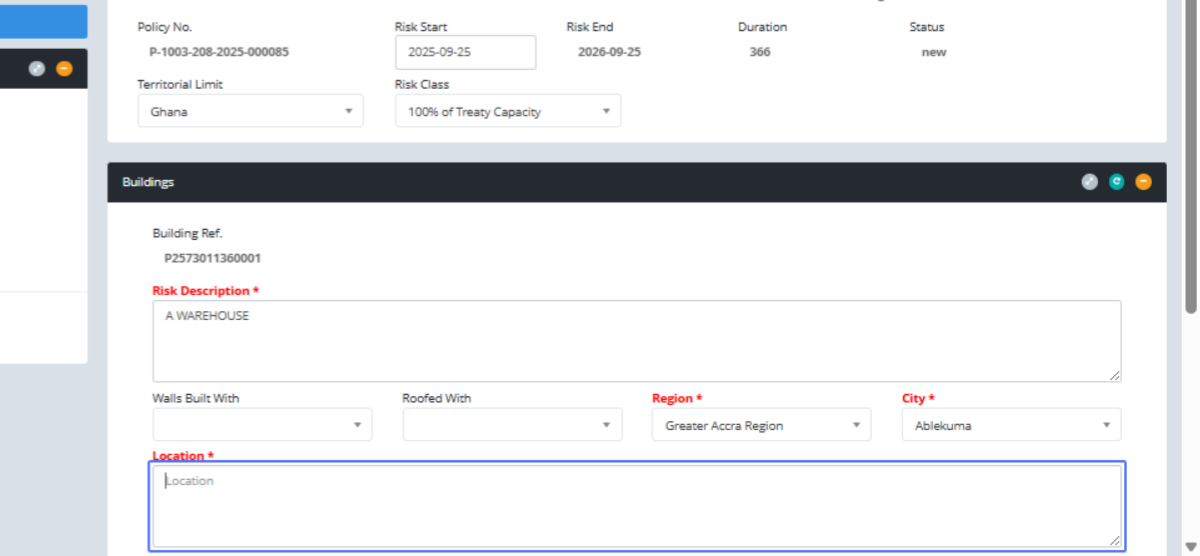
Click on the input "Sum Insured "
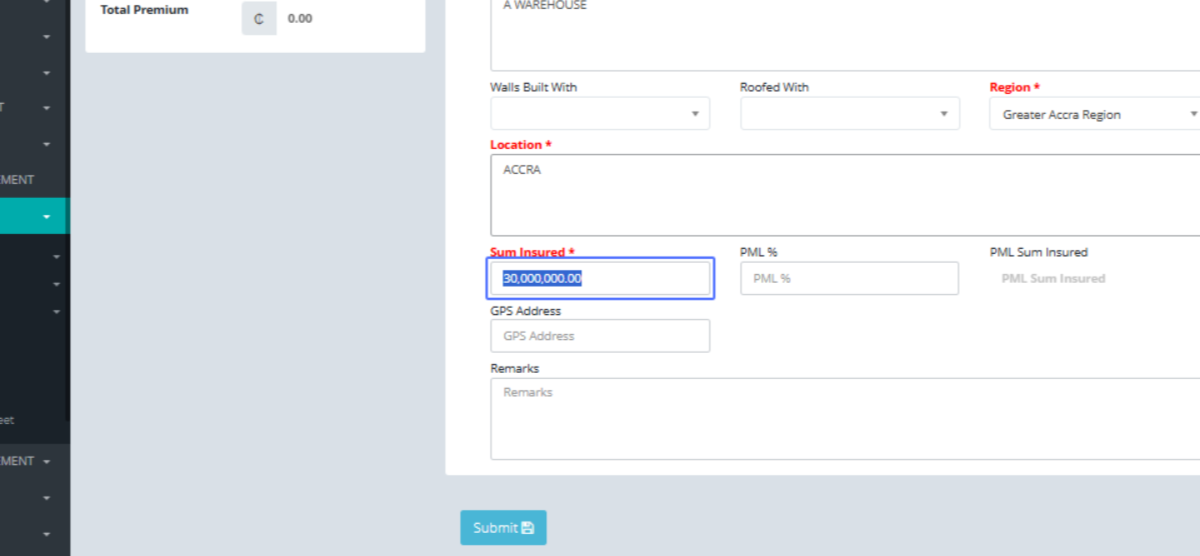
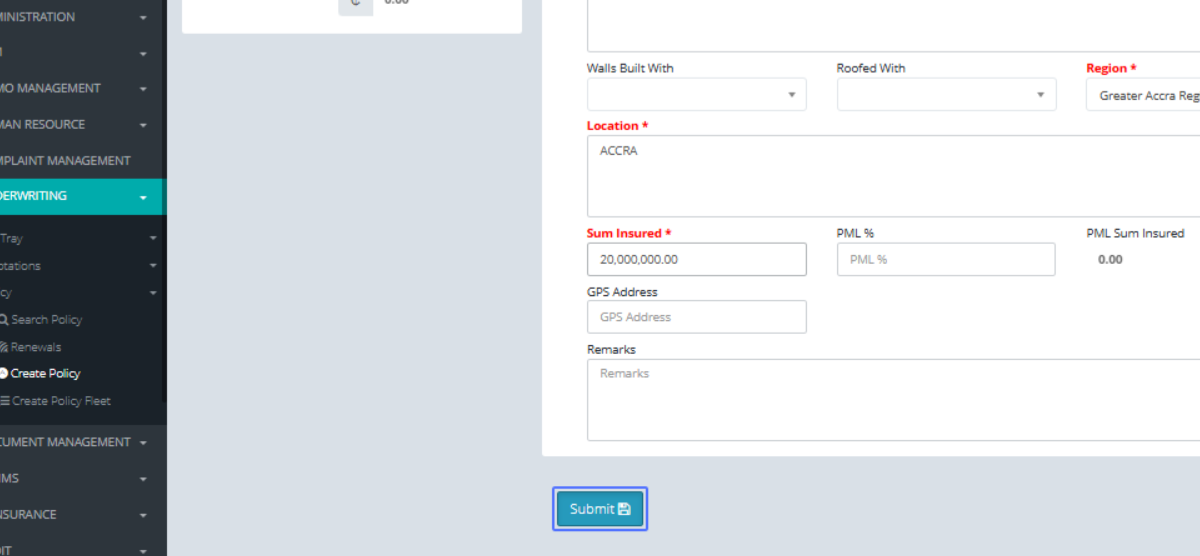
Click on the button "Submit"
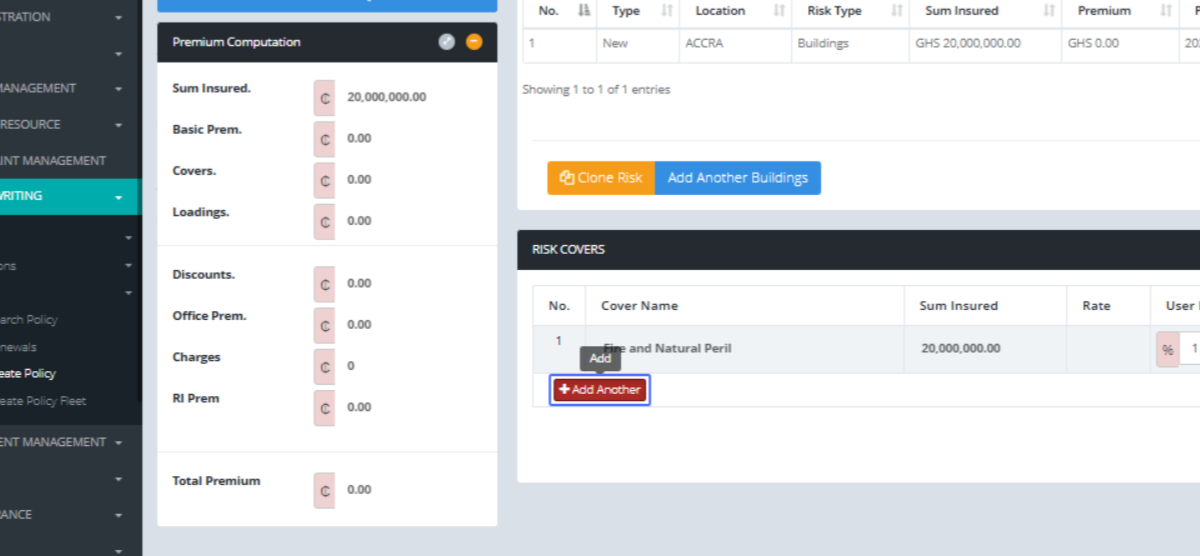
Click on the link "Add Another" to add any other covers, give the amount and rate it
Click on "...Select one... Strike, Riots, Civil Commotion and Malicious Damage Explosion Impact Burst Pipe/Tan..."
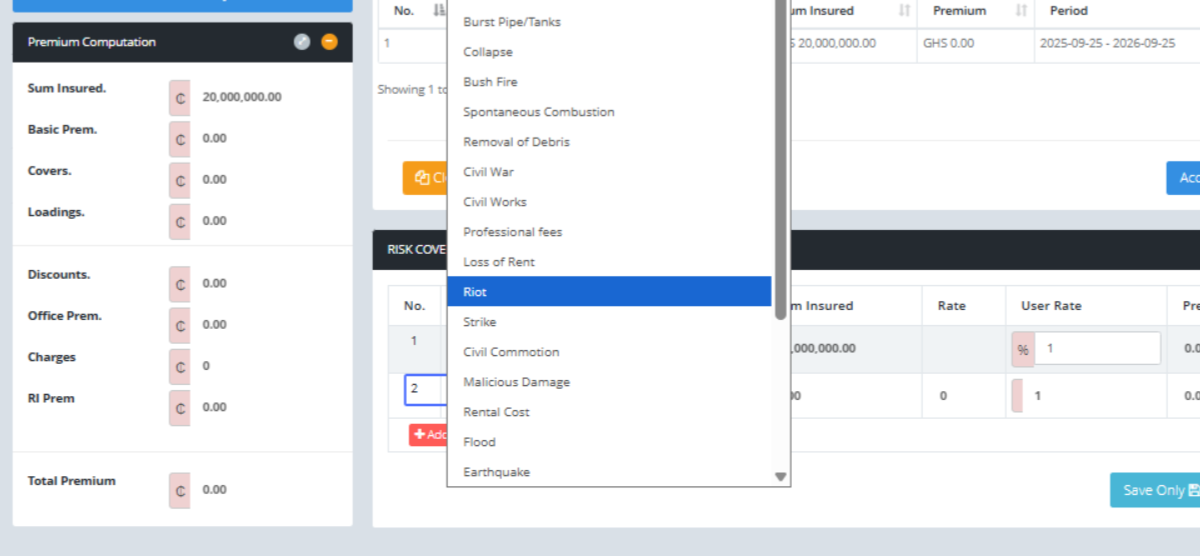
Click on the input
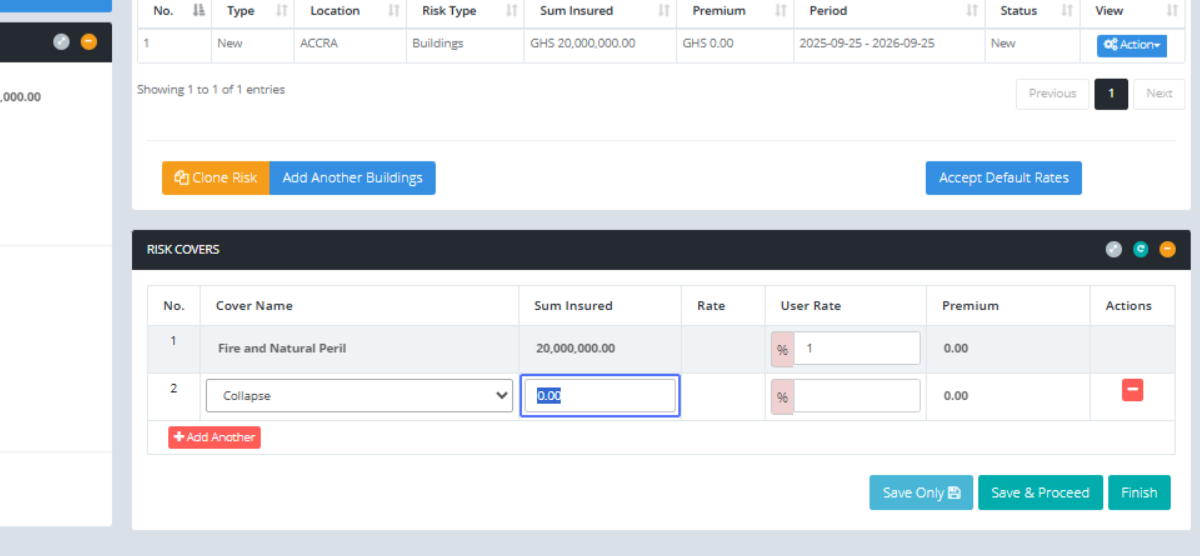
Click on the input
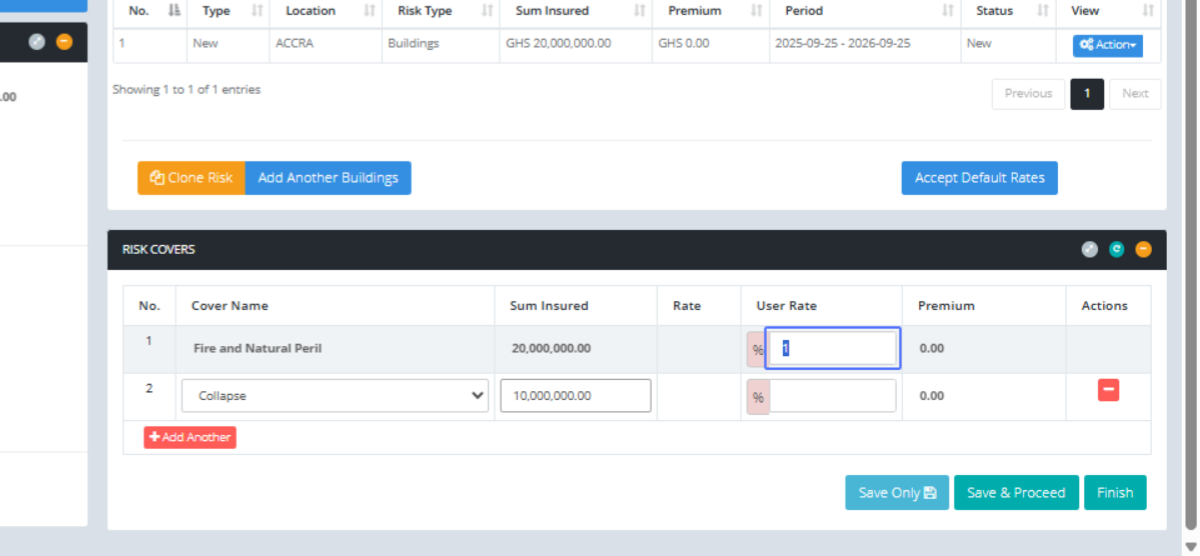
Click on the input
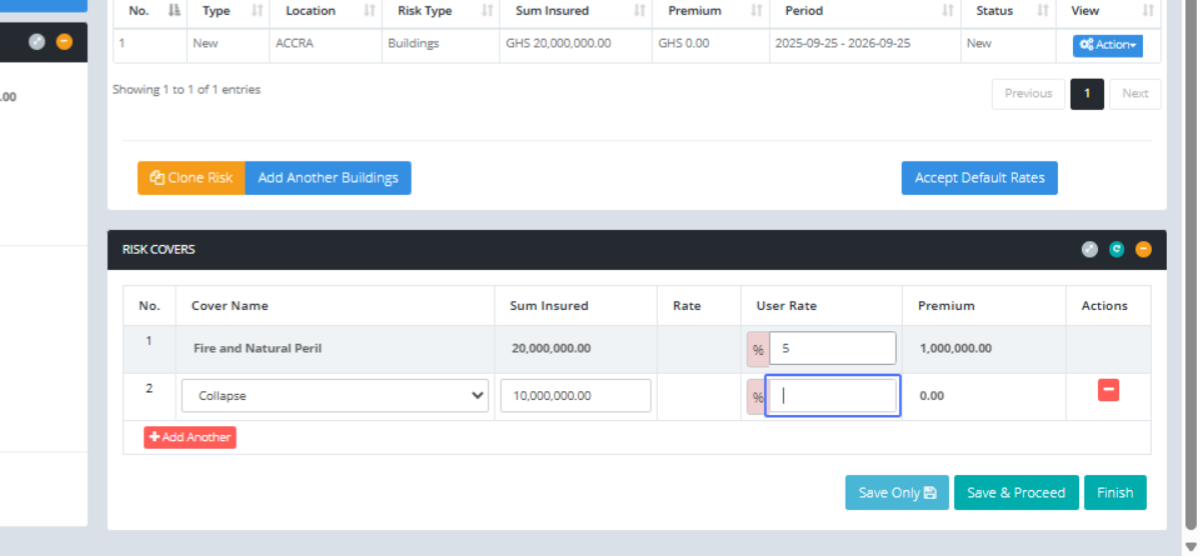
Click on the button "Save & Proceed"
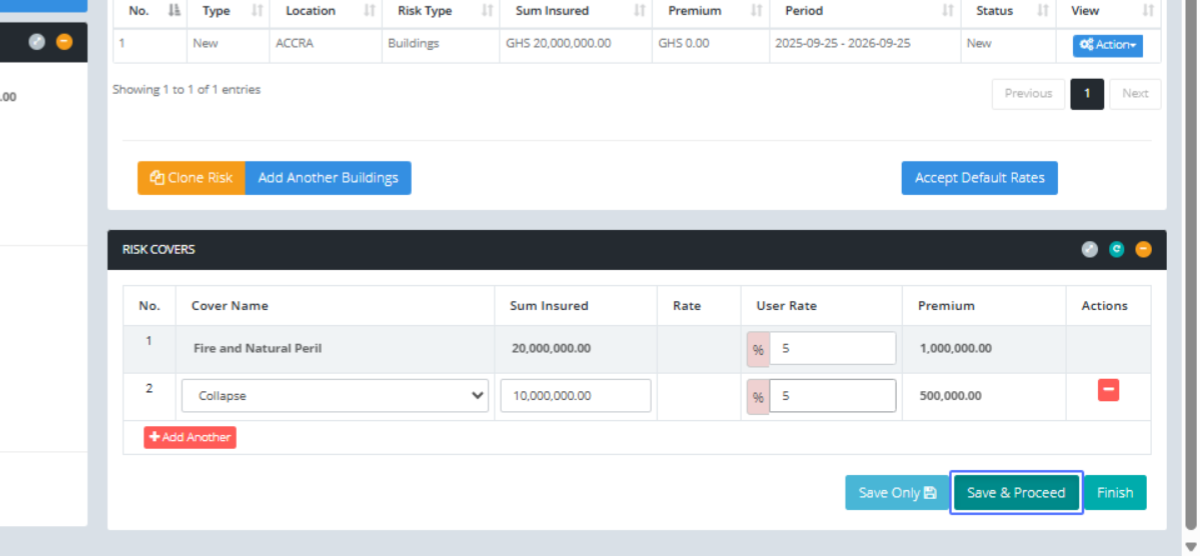
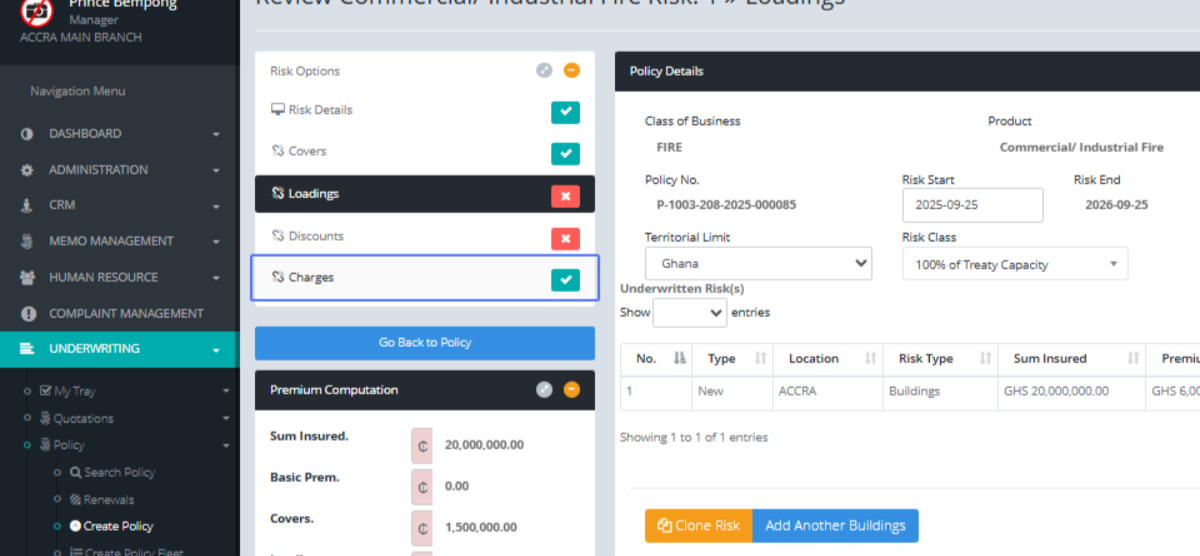
Click on the link "Charges"
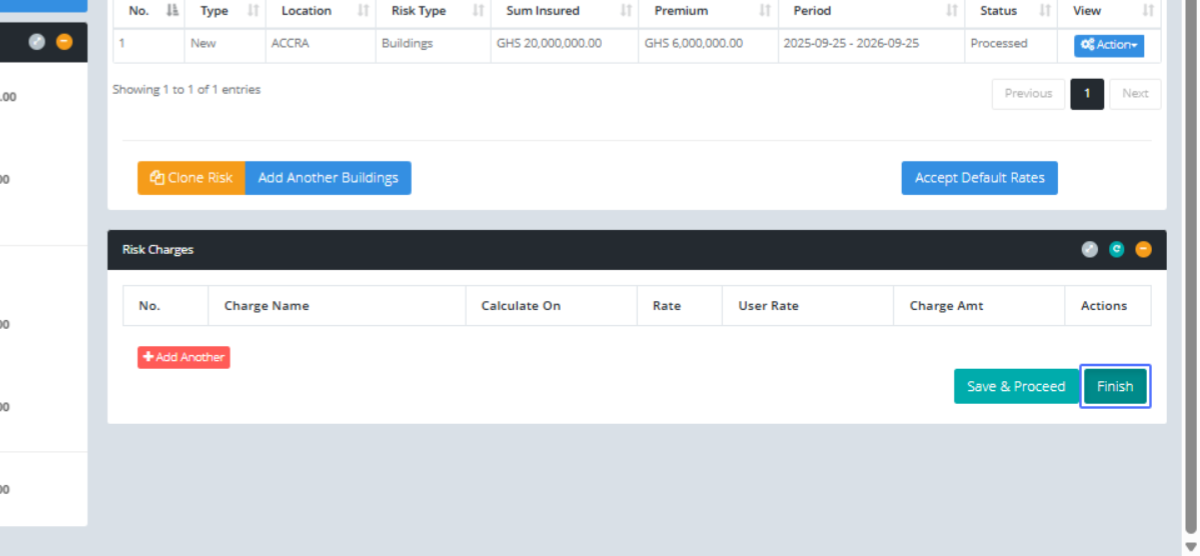
Click on the link "Finish"
Click on the link "3 RISK DETAILS"

To see your risk made for the business 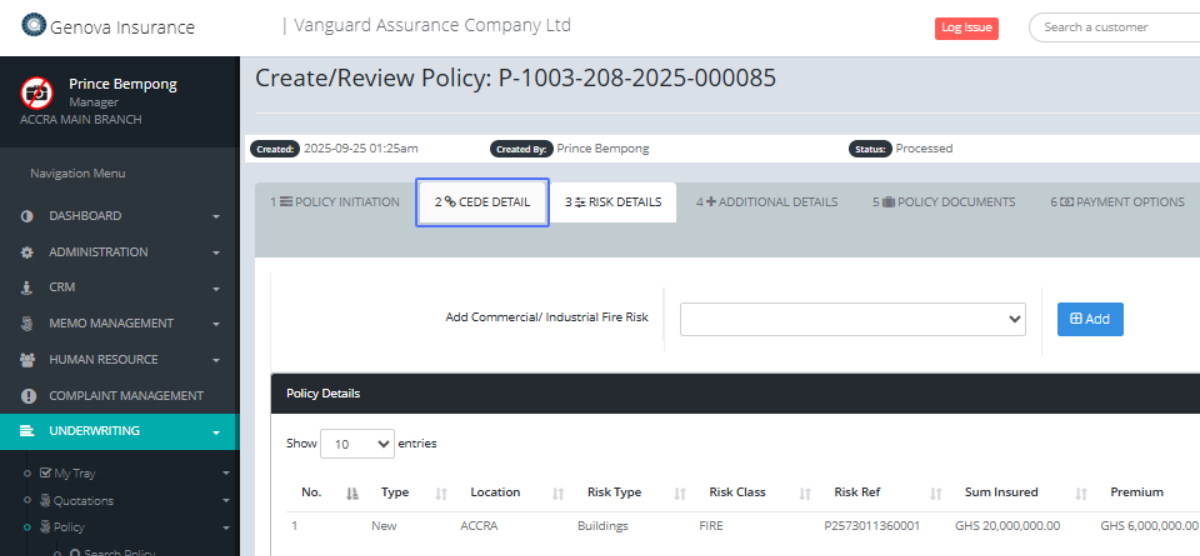
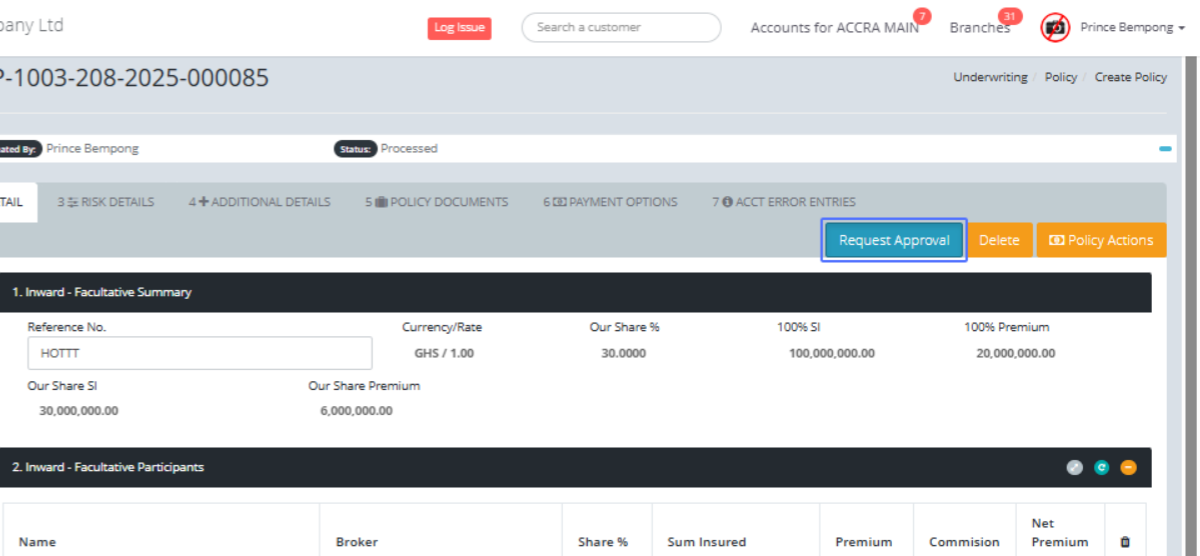
Click on the link "Request Approval"
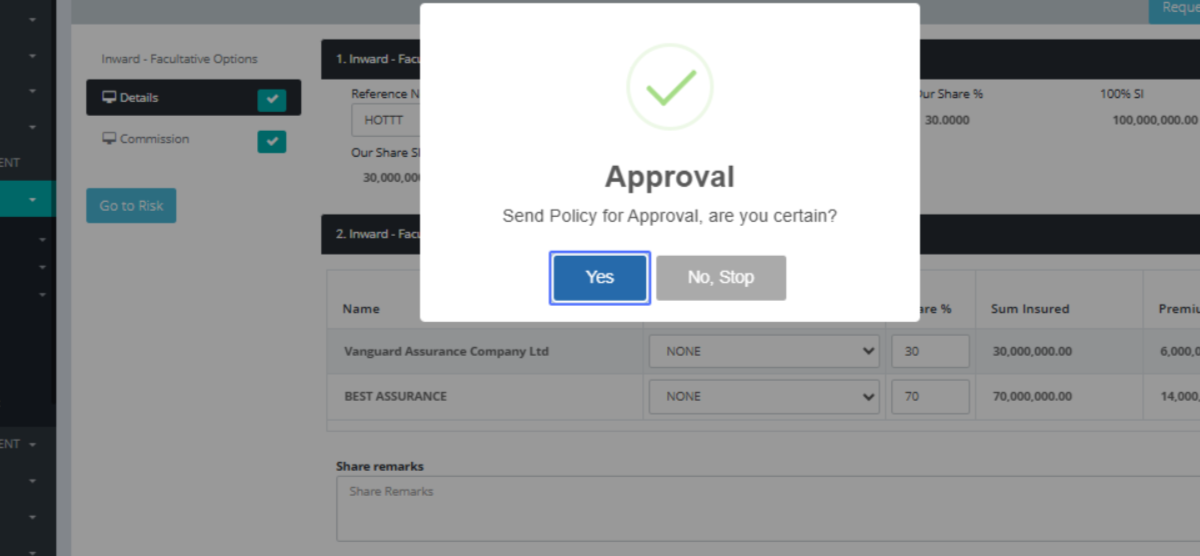
Click on the button "Yes"
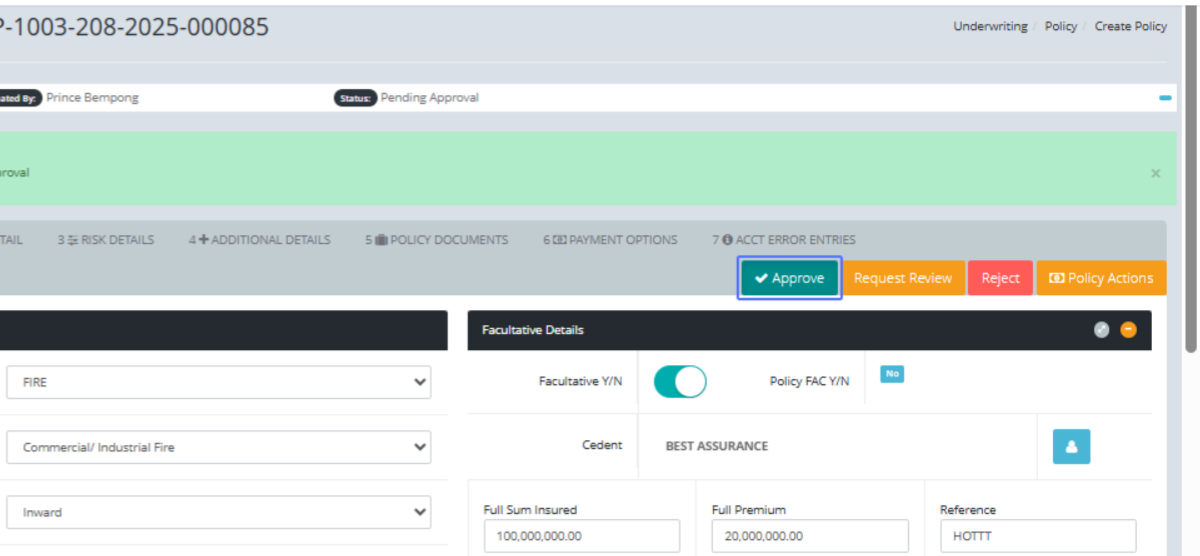
Click on the link "Approve"
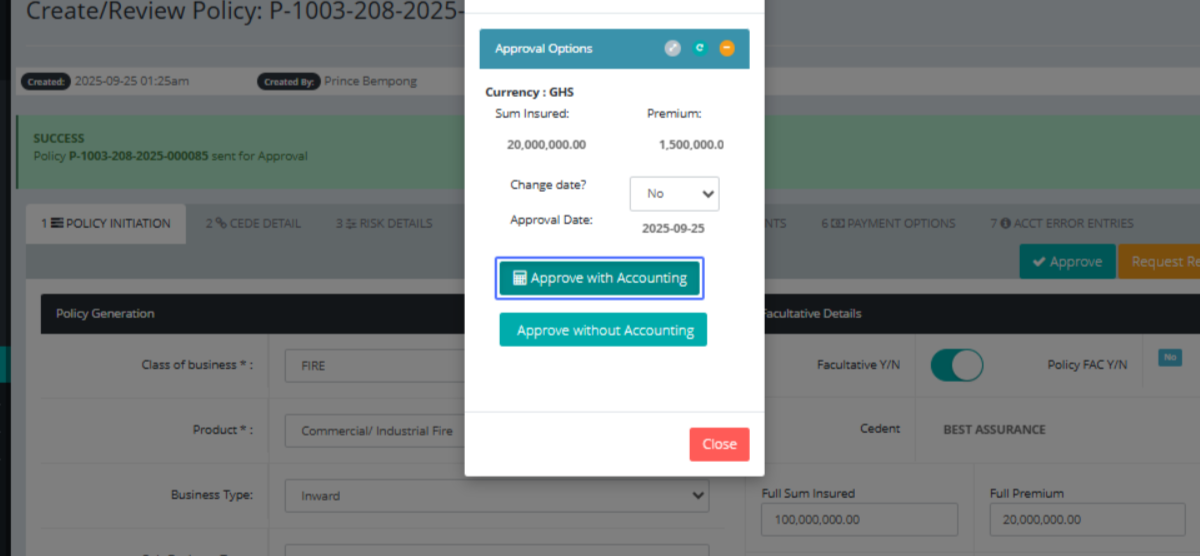
Click on the button "Approve with Accounting" to get financial implications on the policy
Click on the link "5 POLICY DOCUMENTS"
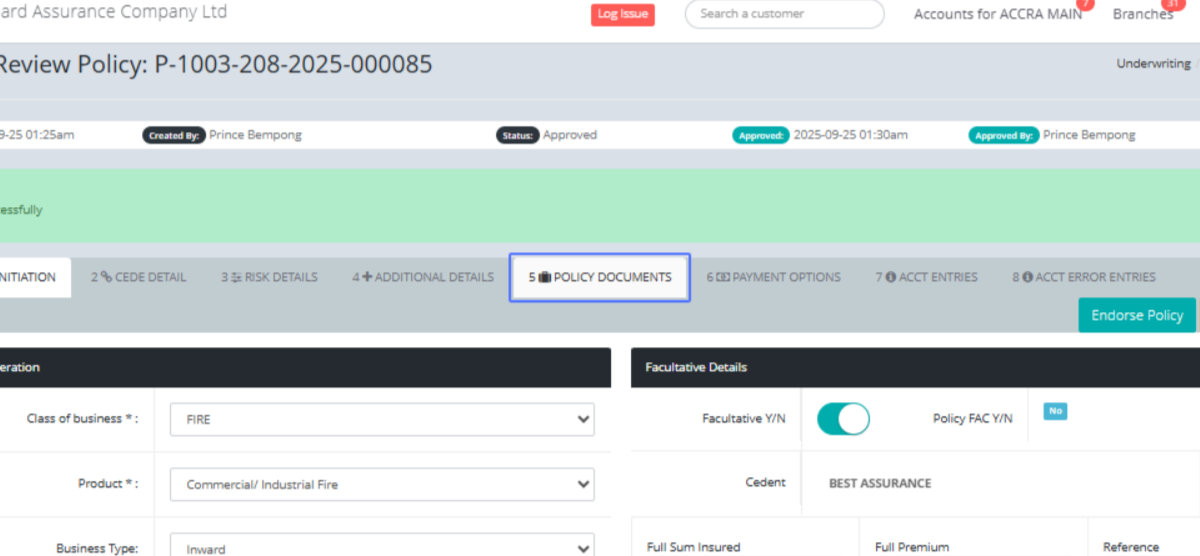
Click on "Send Policy Document(s) to send policy documents to anyone via mail
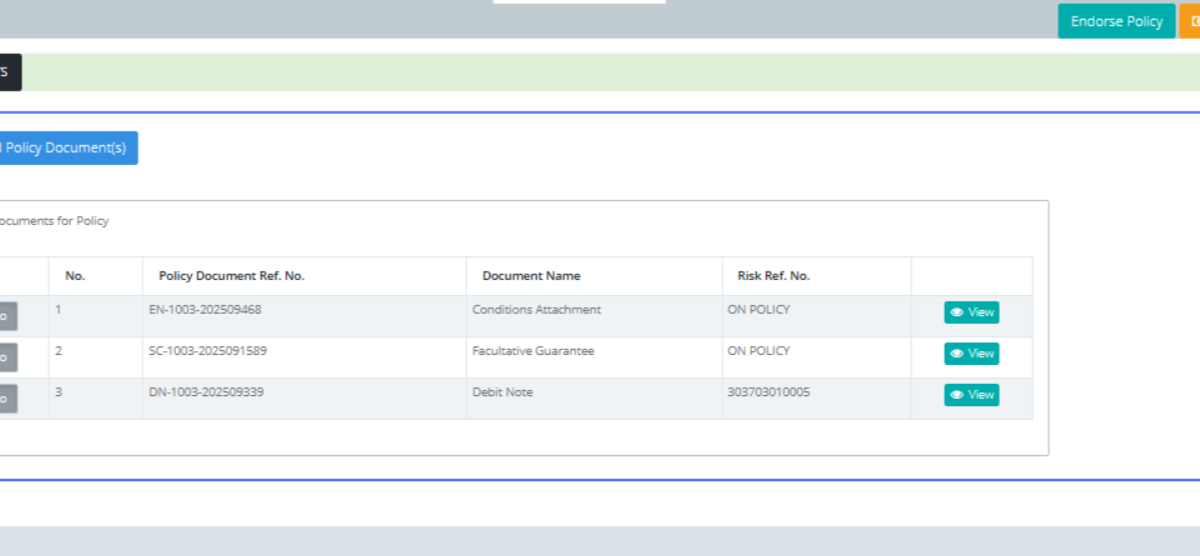
Click on the link "View"
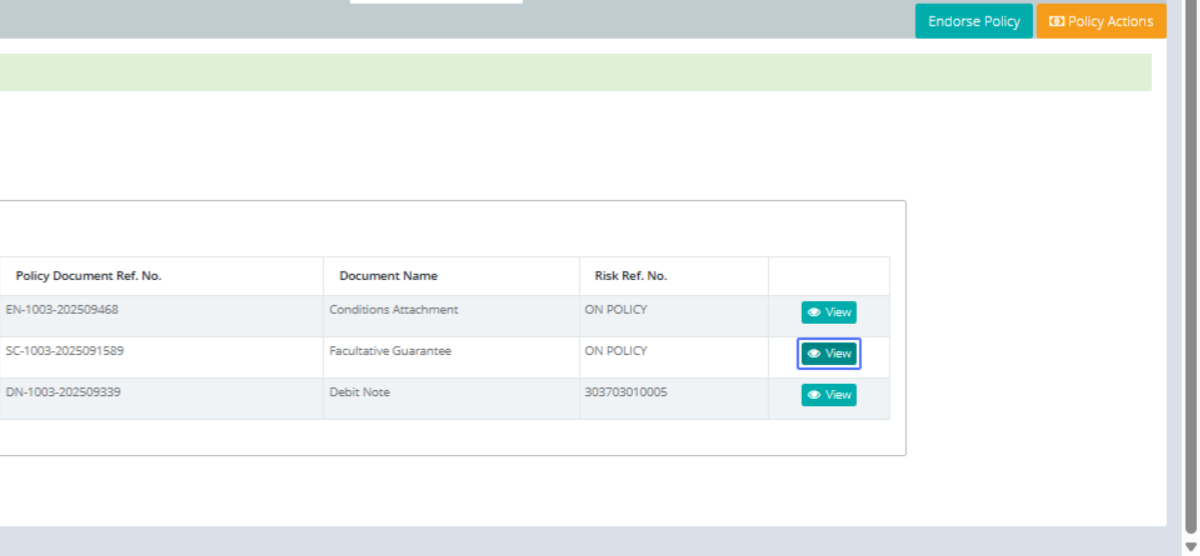
To view the Facultative Guarantee document of the policy with it details
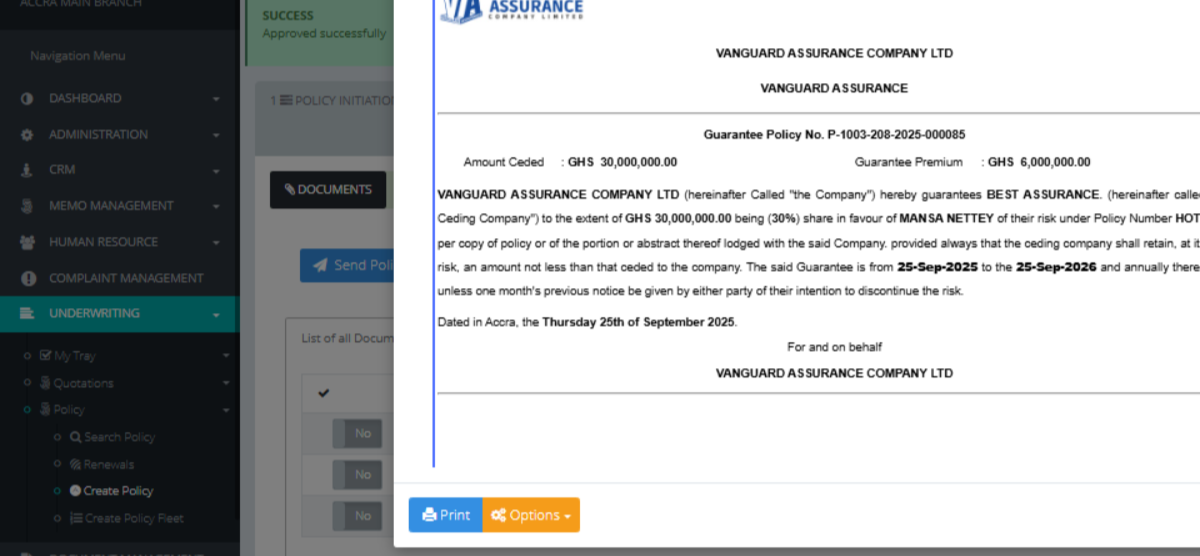
Click on the link "View"
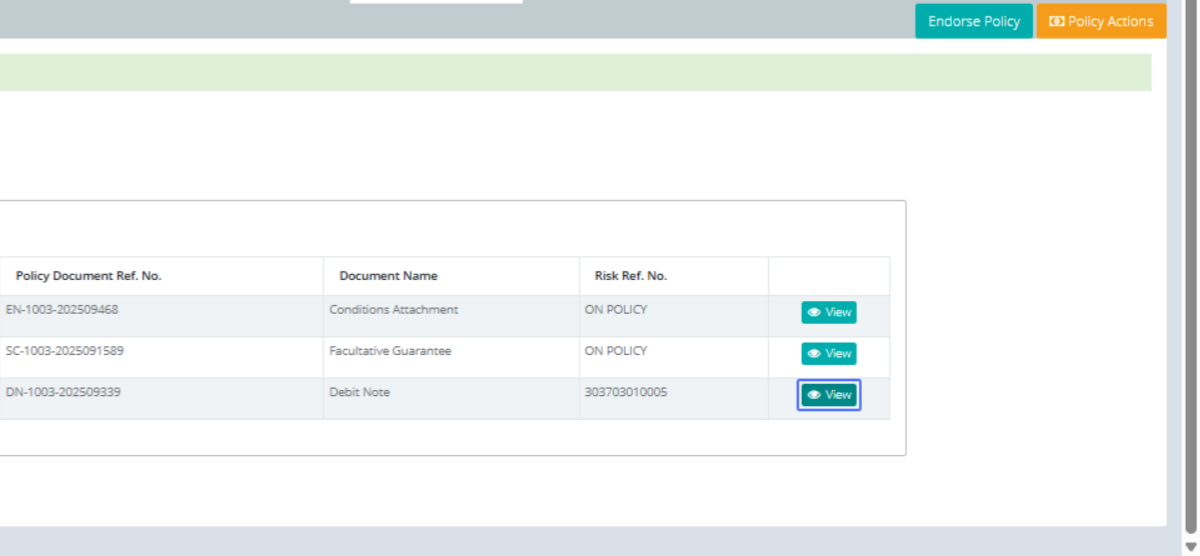
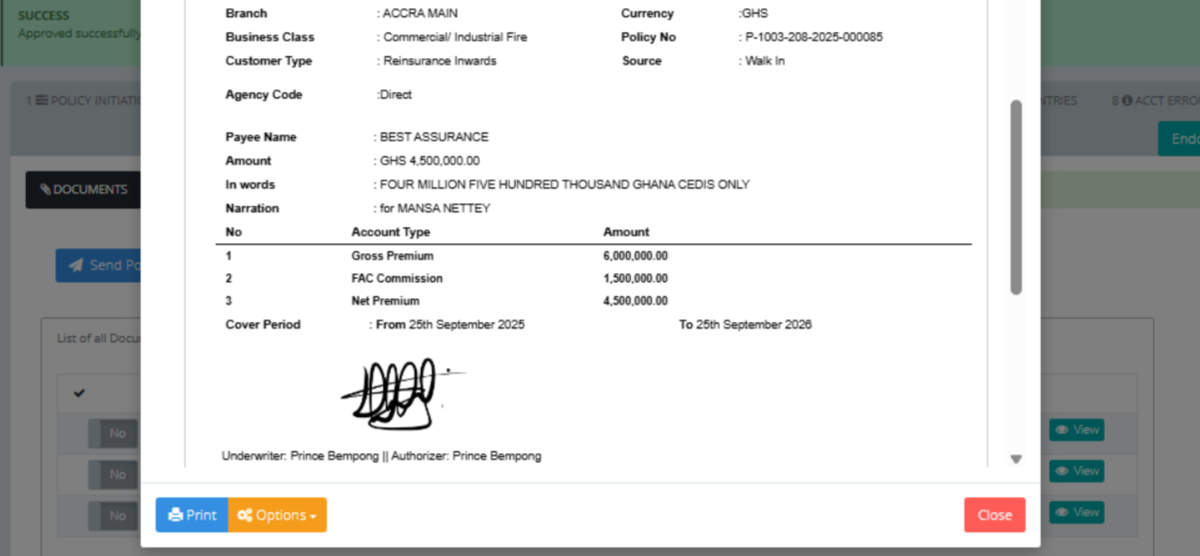
Click on "DEBIT NOTE from GENOVA INSURANCE, GHANA. to..."
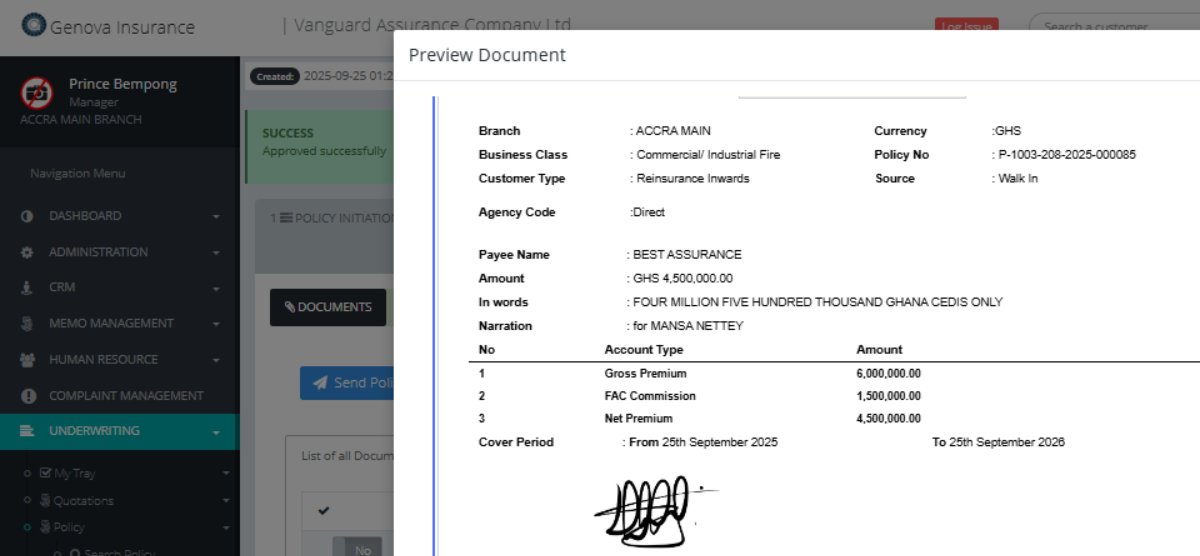
Click on "× Preview Document Print Options Close"
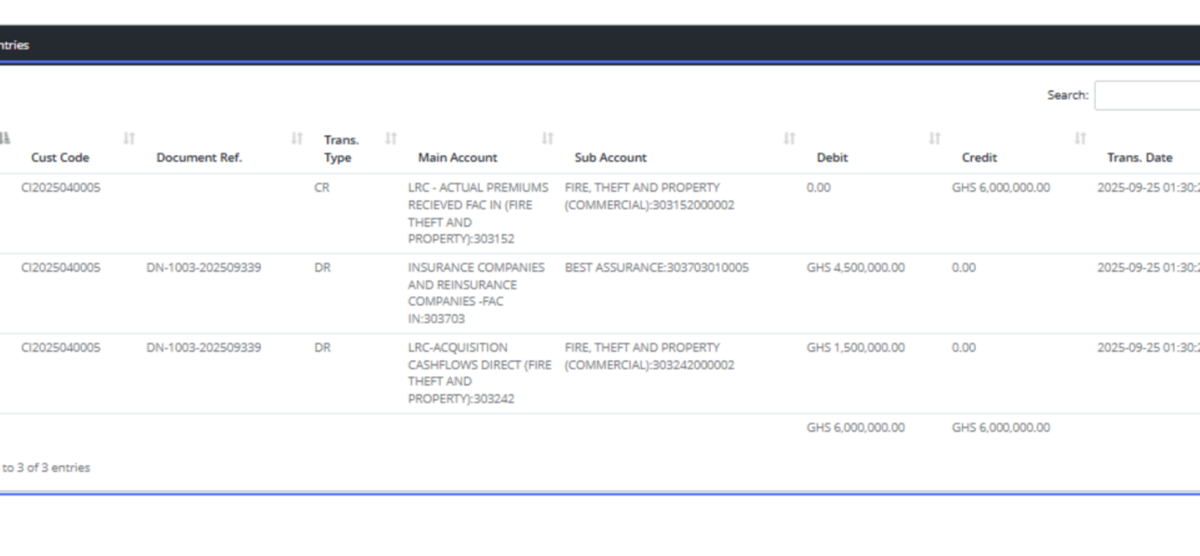
Click on the link "7 ACCT ENTRIES" to check the financial implications
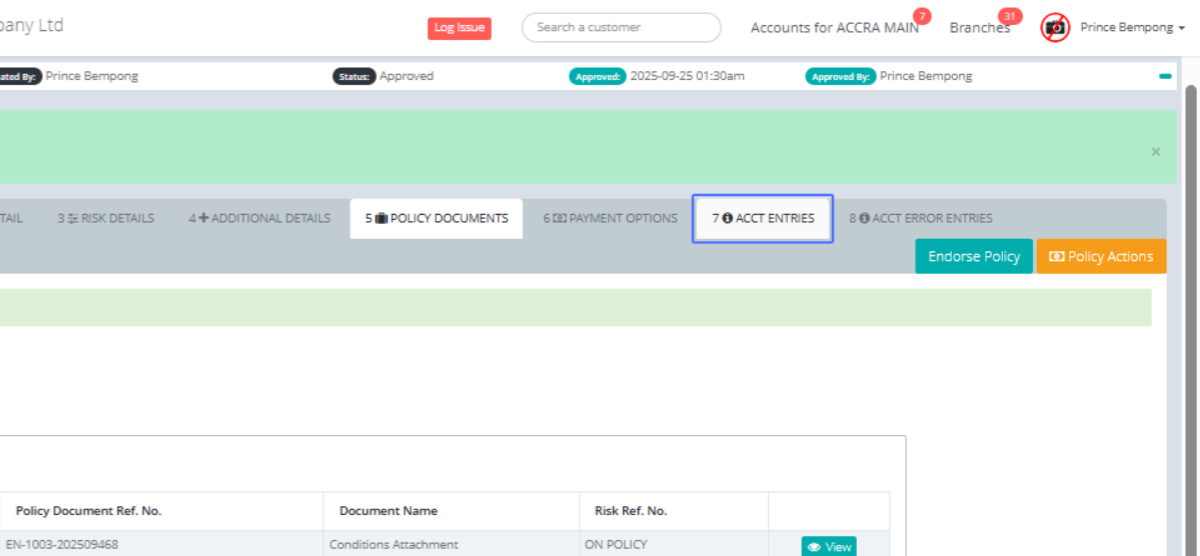
No. Cust Code Document Ref. Trans. Type Main Account Sub Account Debit Credit Trans. Date 1