Genova
OUTWARDS
FAC REQUIREDClick on the link "UNDERWRITING" to create a policy

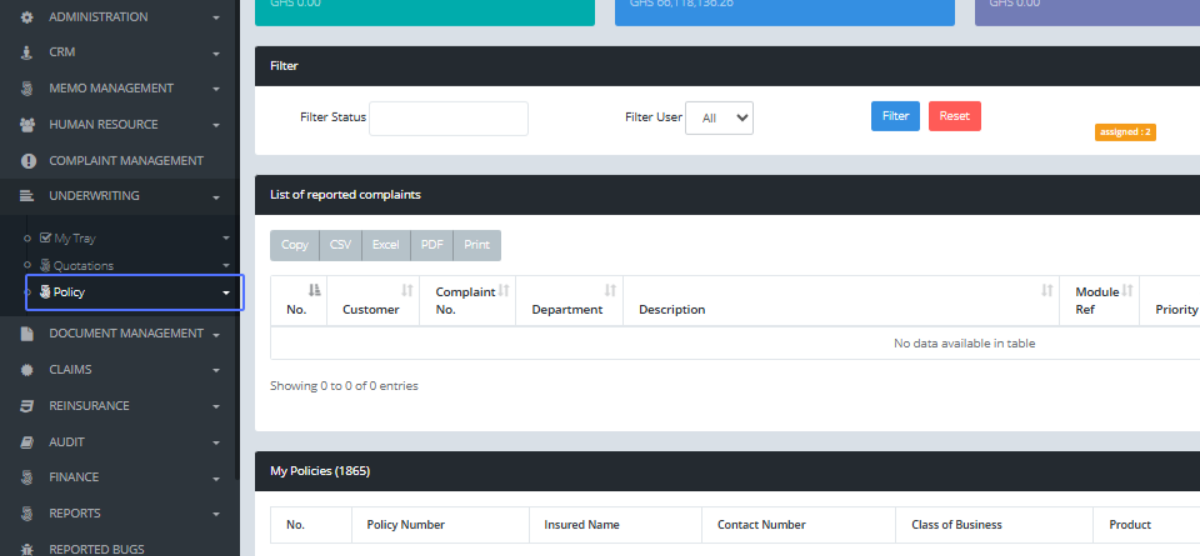
Click on the link "Policy"
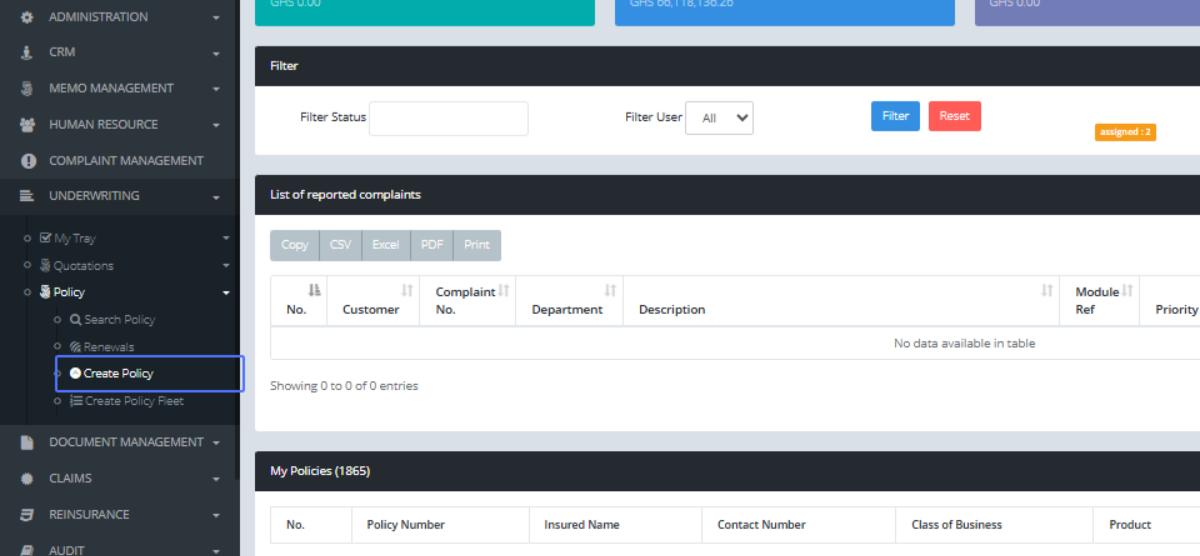
Click on the link "Create Policy"
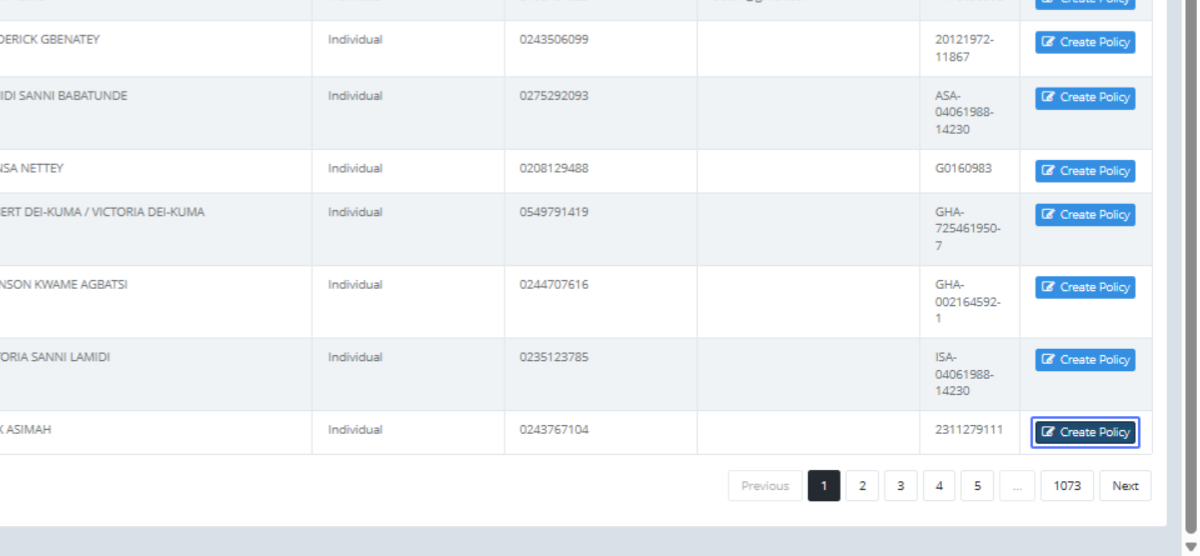
Click on the link "Create Policy"
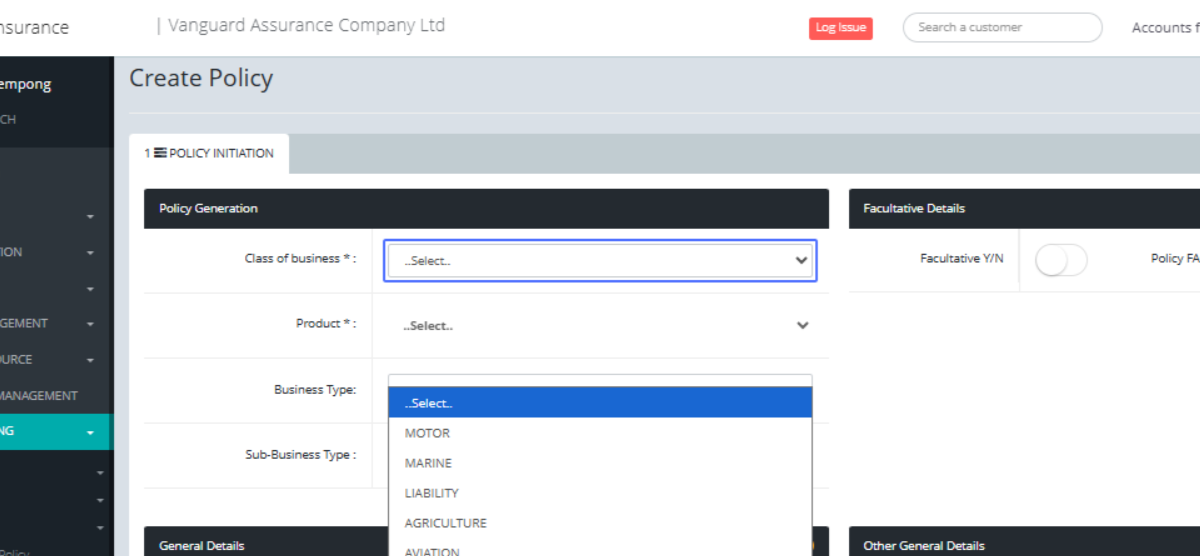
Click on "..Select.. MOTOR MARINE LIABILITY AGRICULTURE
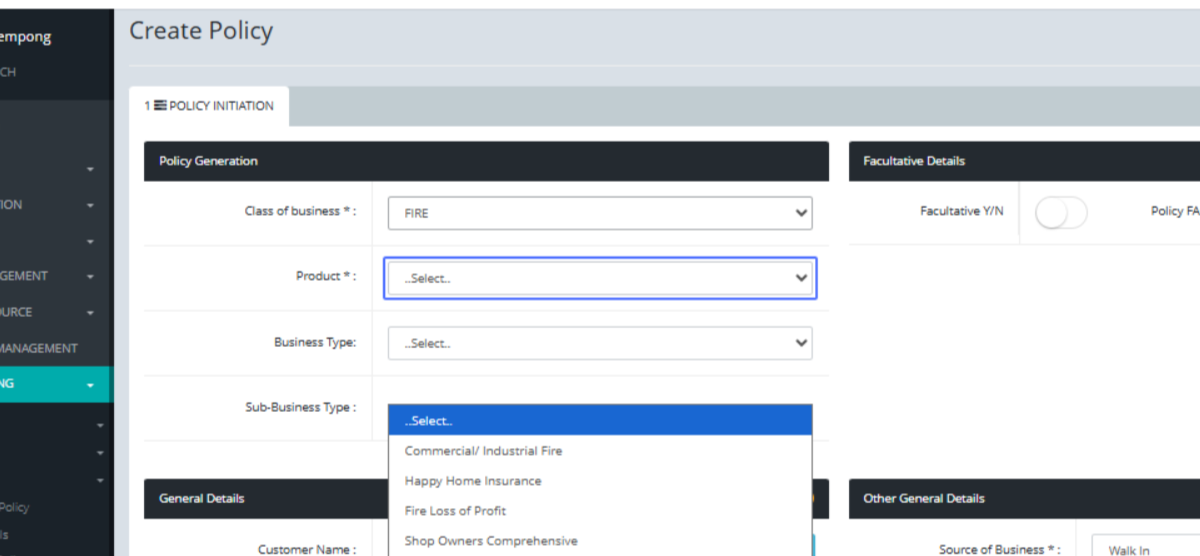
..Select.. Commercial/ Industrial Fire Happy Home Insurance Fire Loss of Profit Shop Owners
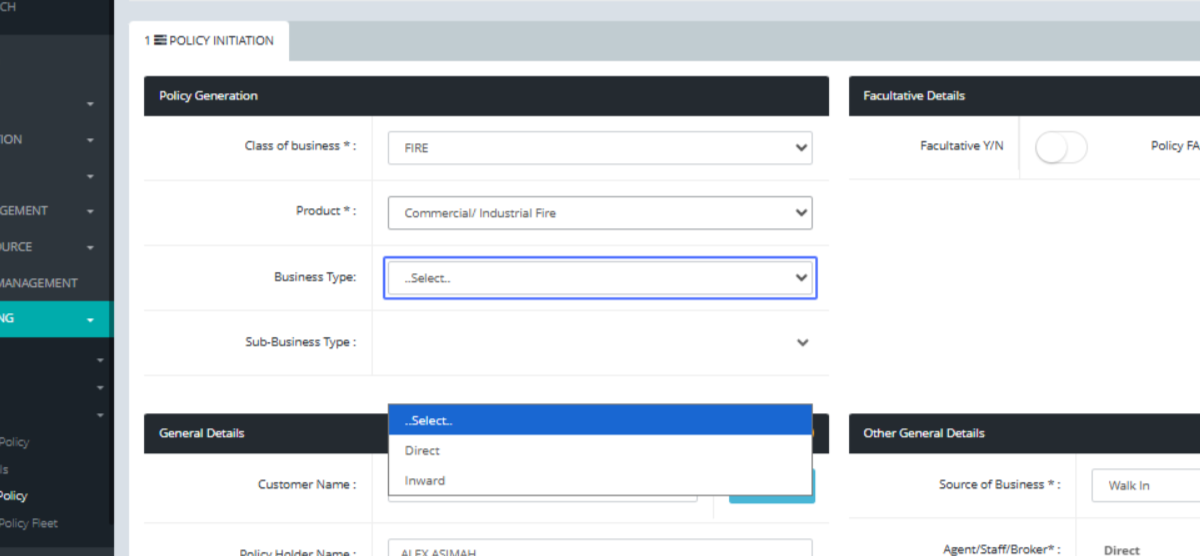
Select.. Direct
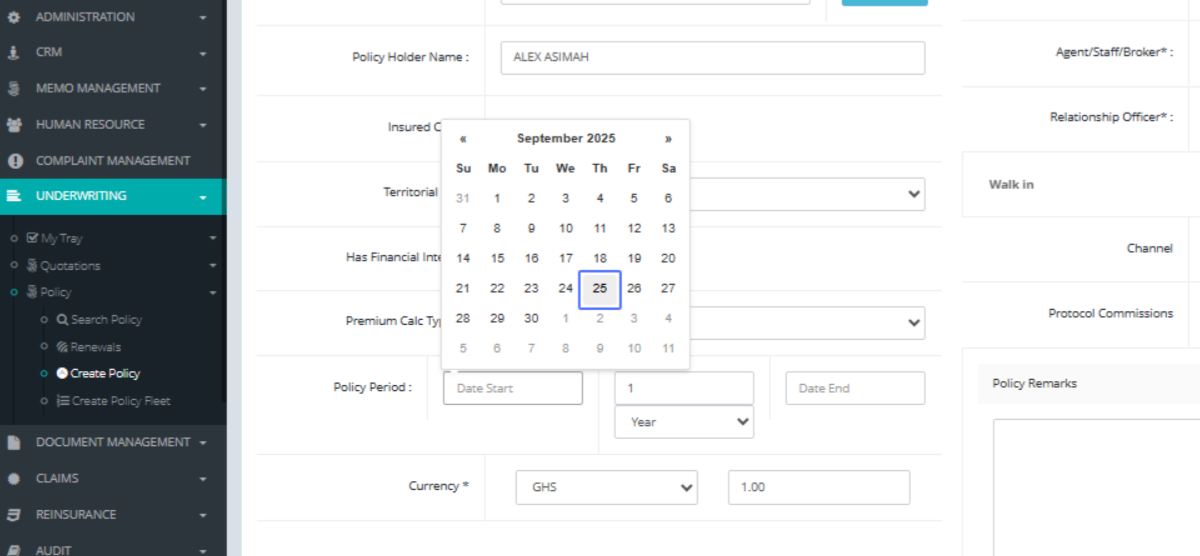
Click on the input
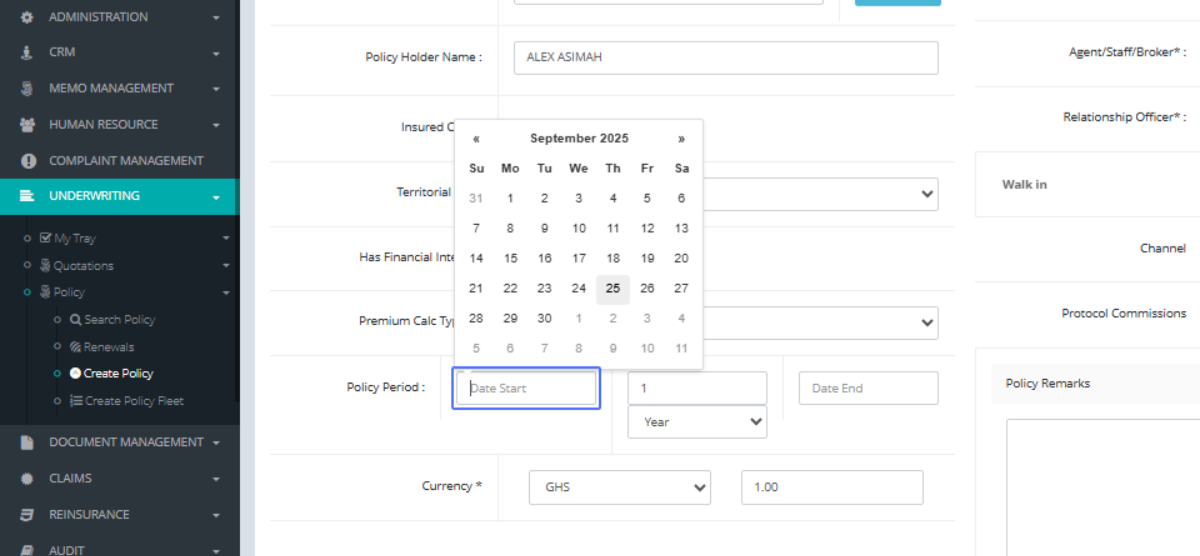
Click on "25" as the date
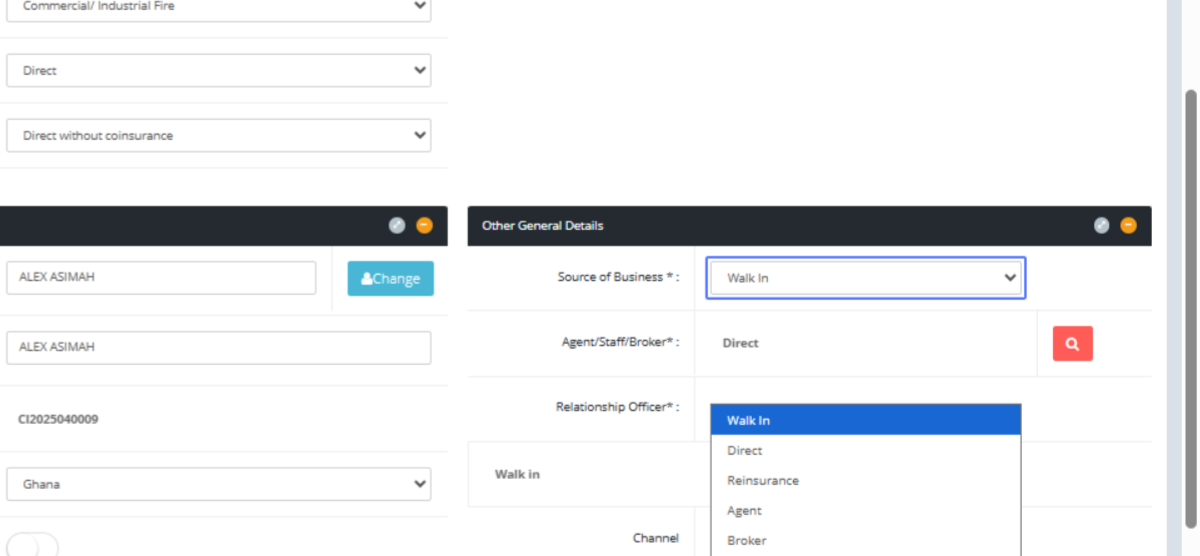
Click on "Walk In Direct Reinsurance Agent Broker Bancassurance Protocol"
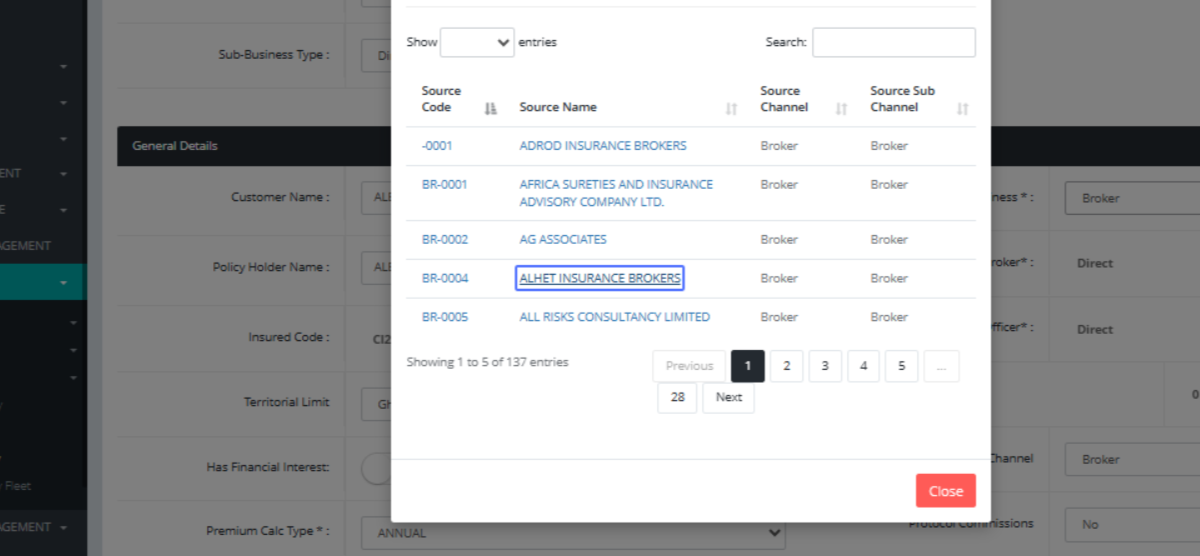
Click on the link "ALHET INSURANCE BROKERS" as the intermediary for the business
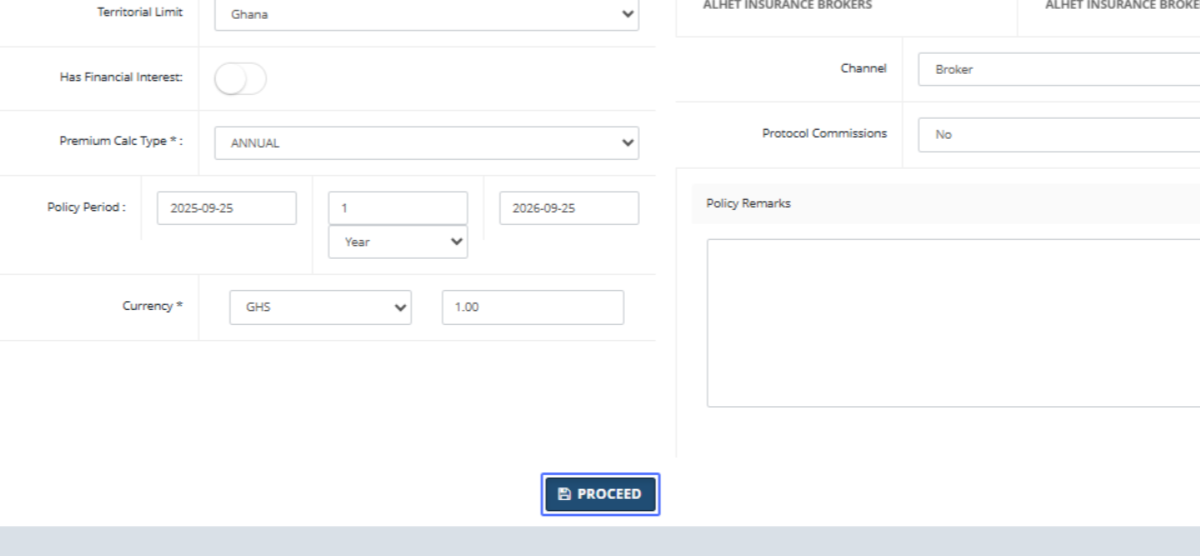
Click on the button "PROCEED"
Click on "Buildings Contents Stock in trade Plant And Machinery" to add your risk
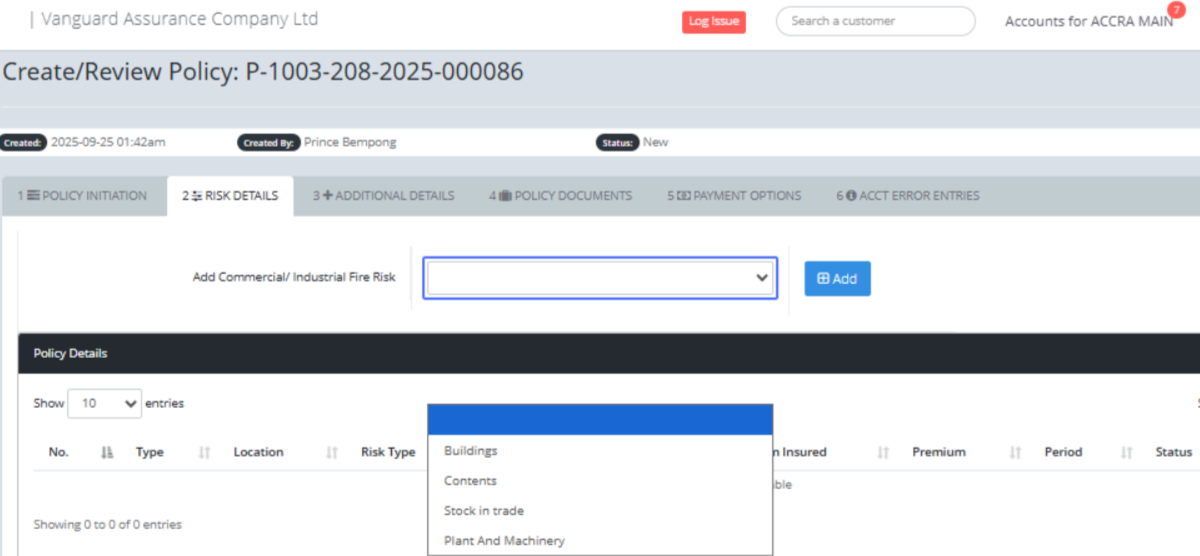
Click on the button "Add"
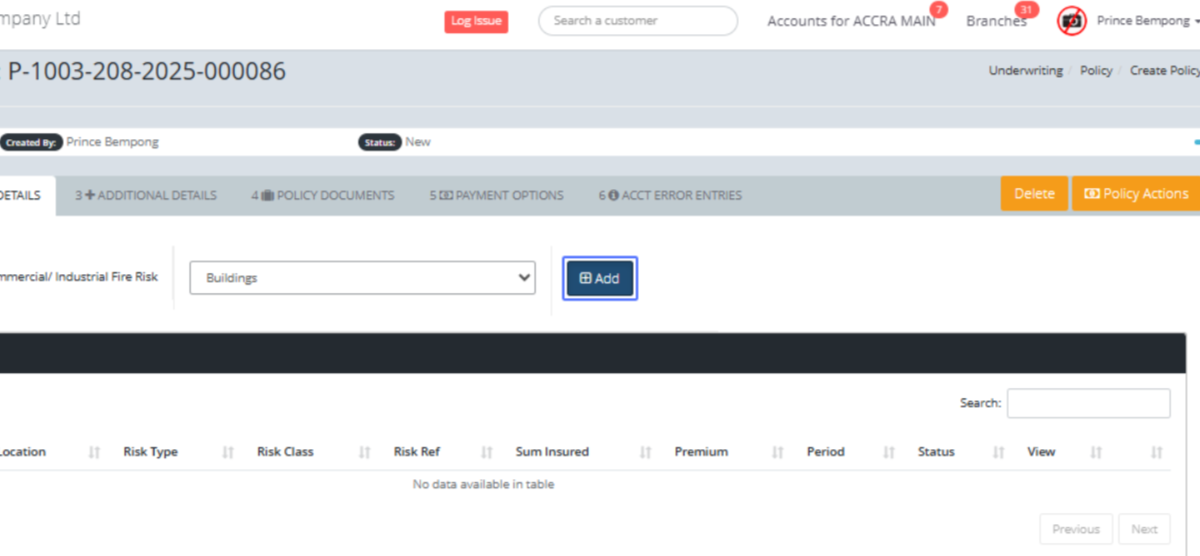
Click here to fill in all the required fields, in RED inscriptions

Click here
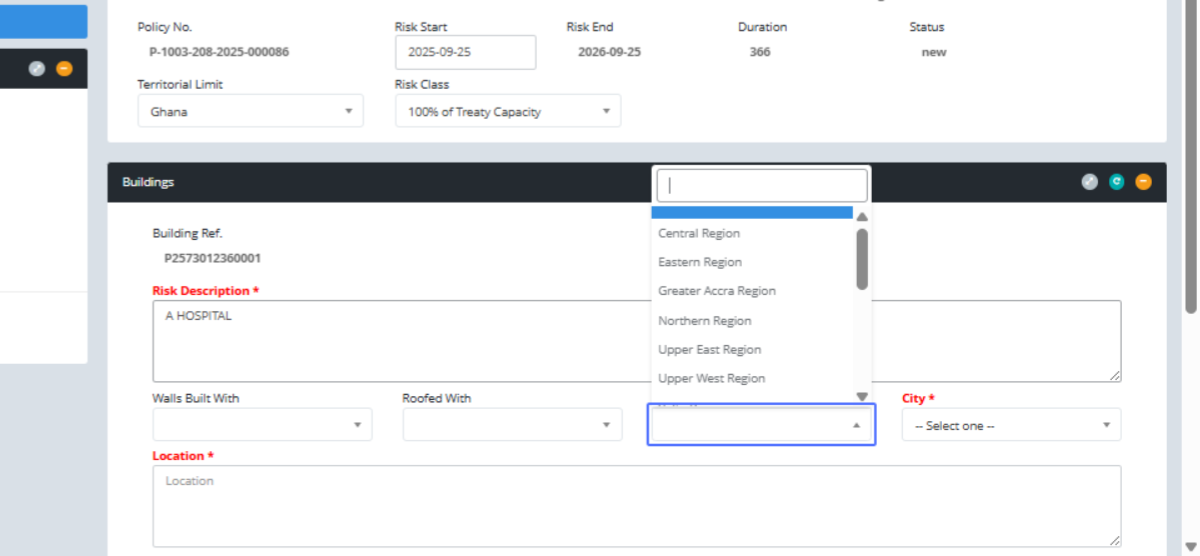
Click on "Eastern Region"
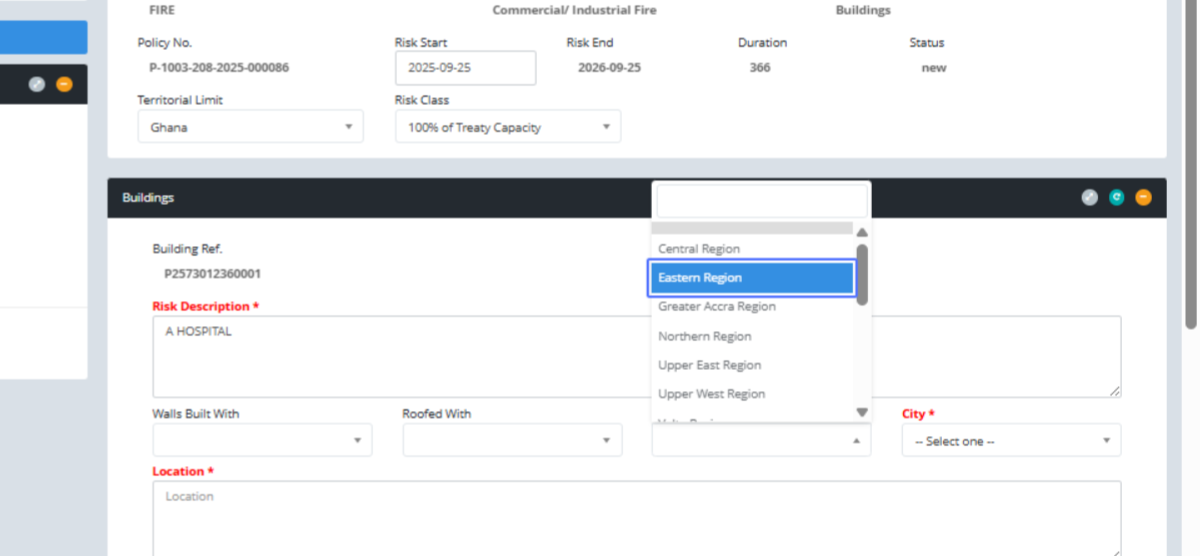
Click on "-- Select one --"
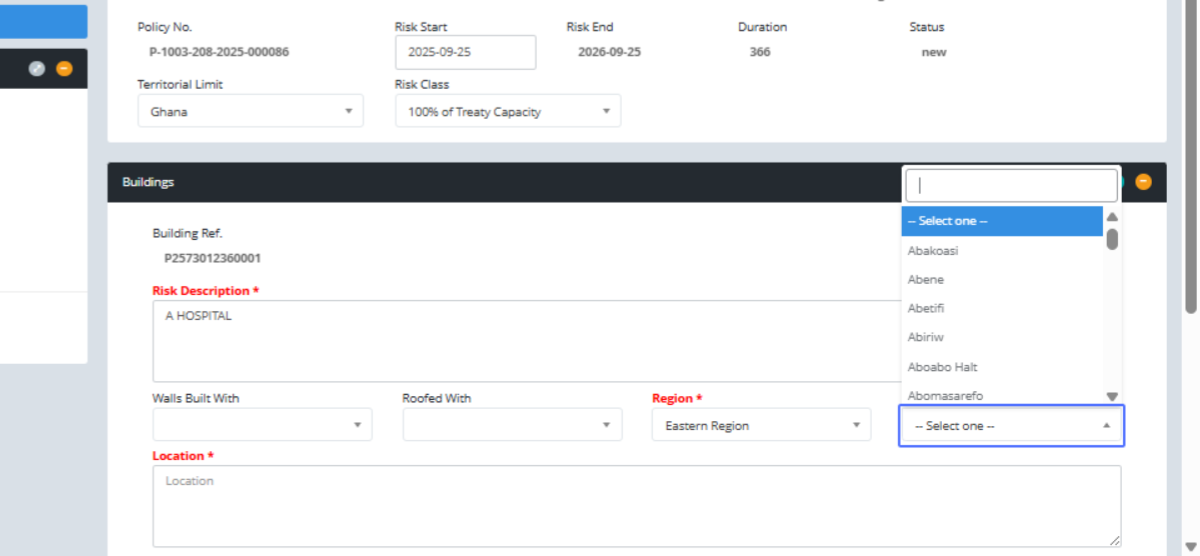
Click on "Abetifi"
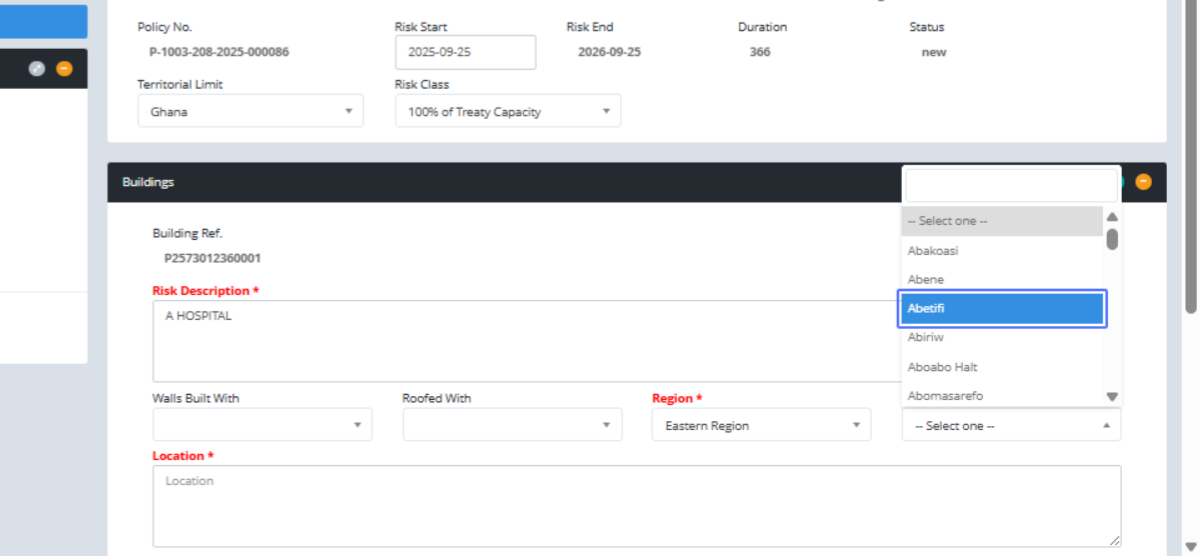
Click here
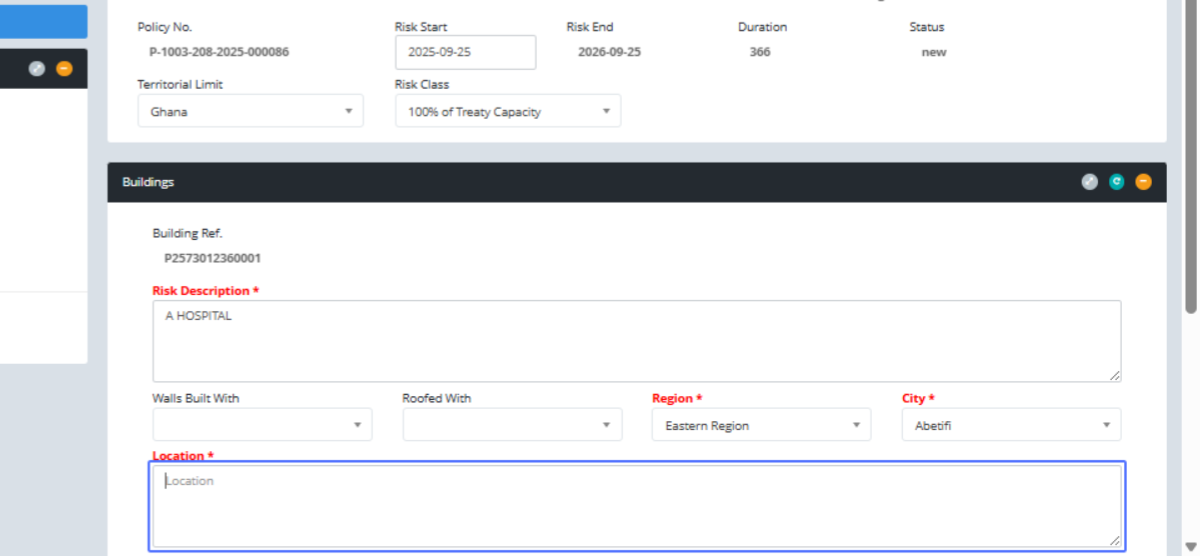
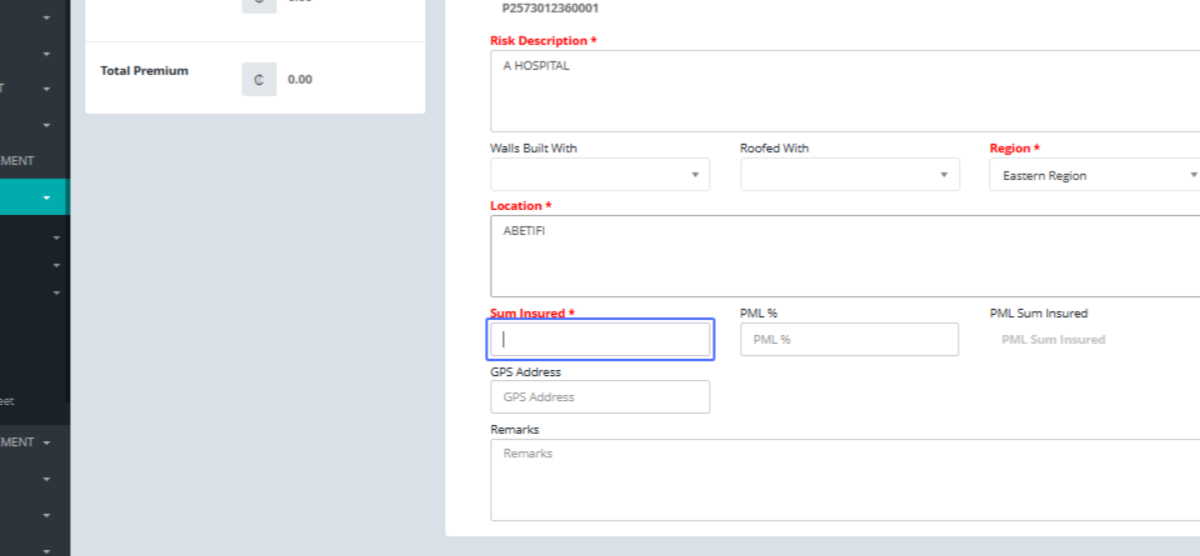
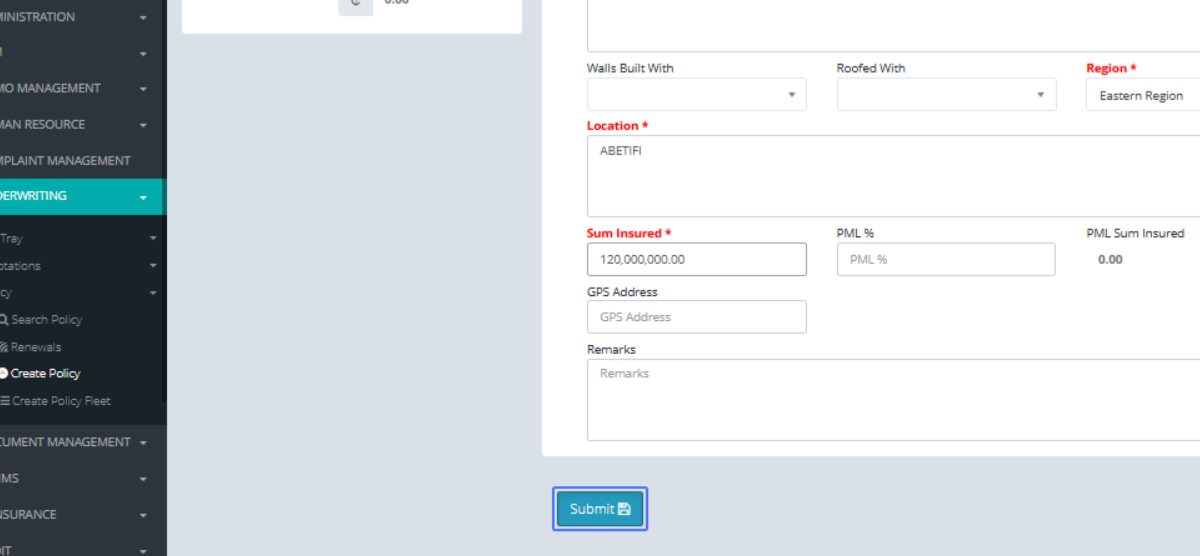
Click on the input "Sum Insured *"
Click on the button "Submit"
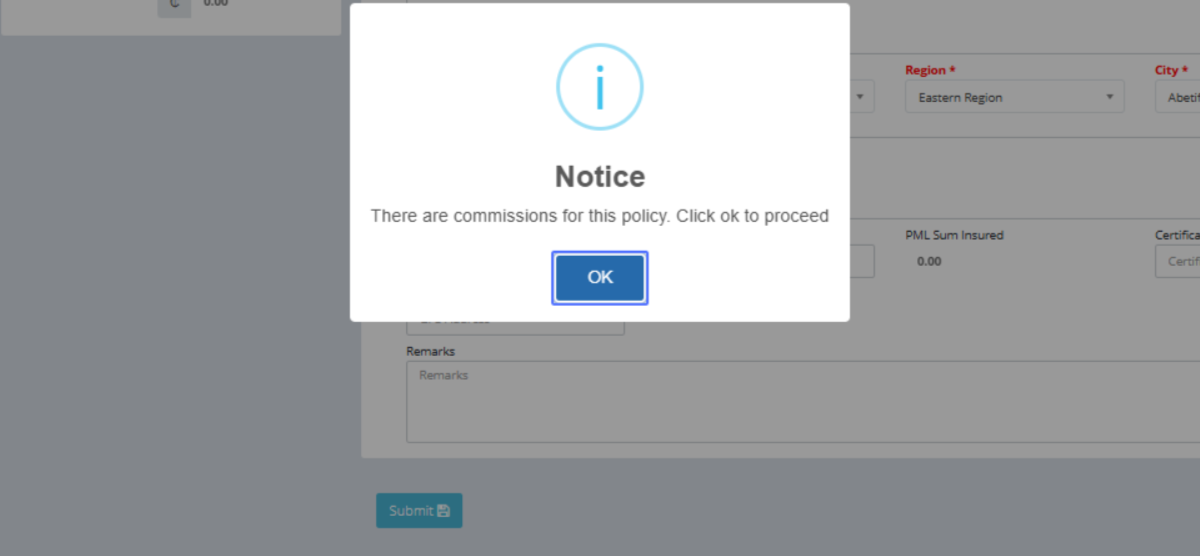
Click on the button "OK" to accept the commissions tied to the intermediary on the policy
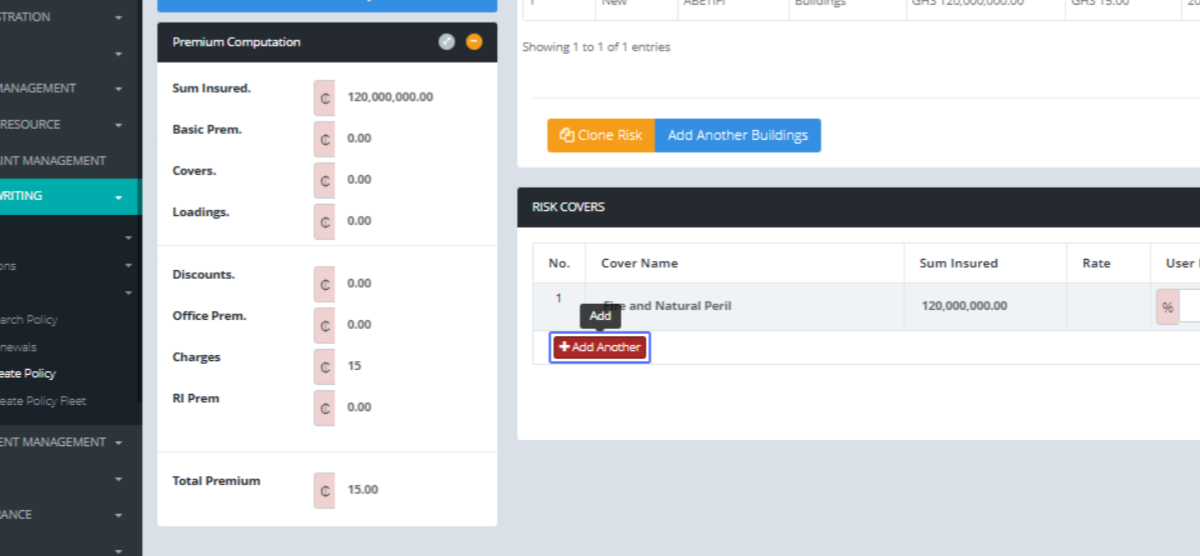
Click on the link "Add Another" to add other covers, it amounts and rates
Click on "...Select one... Strike, Riots, Civil Commotion and Malicious Damage Explosion Impact Burst Pipe/Tan..."
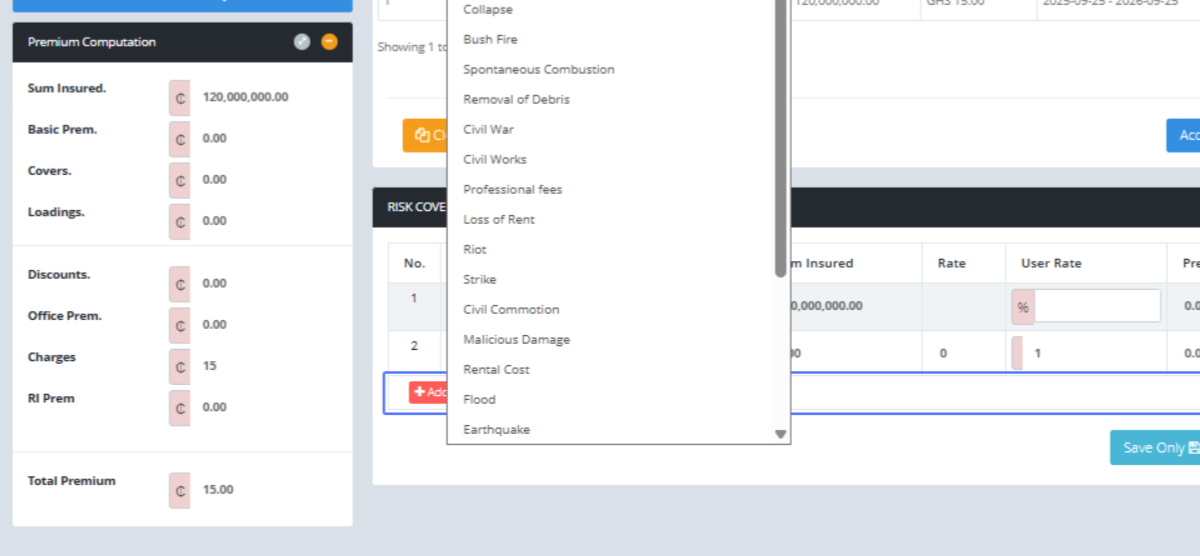
Click on the link "Add Another"

Click on "...Select one... Strike, Riots, Civil Commotion and Malicious Damage Explosion Impact Burst Pipe/Tan..."
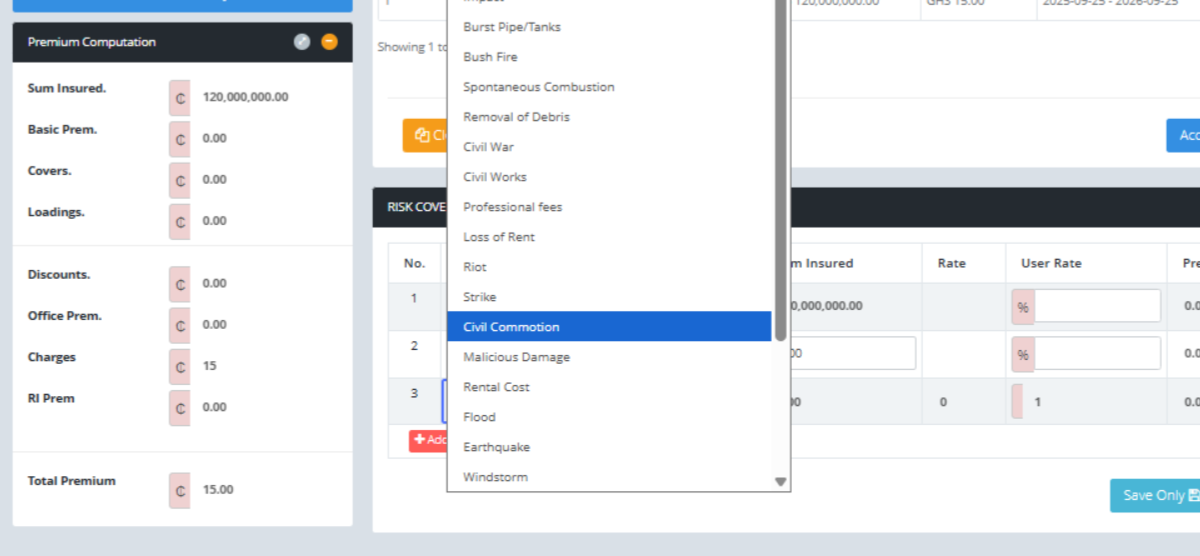
Click on the input
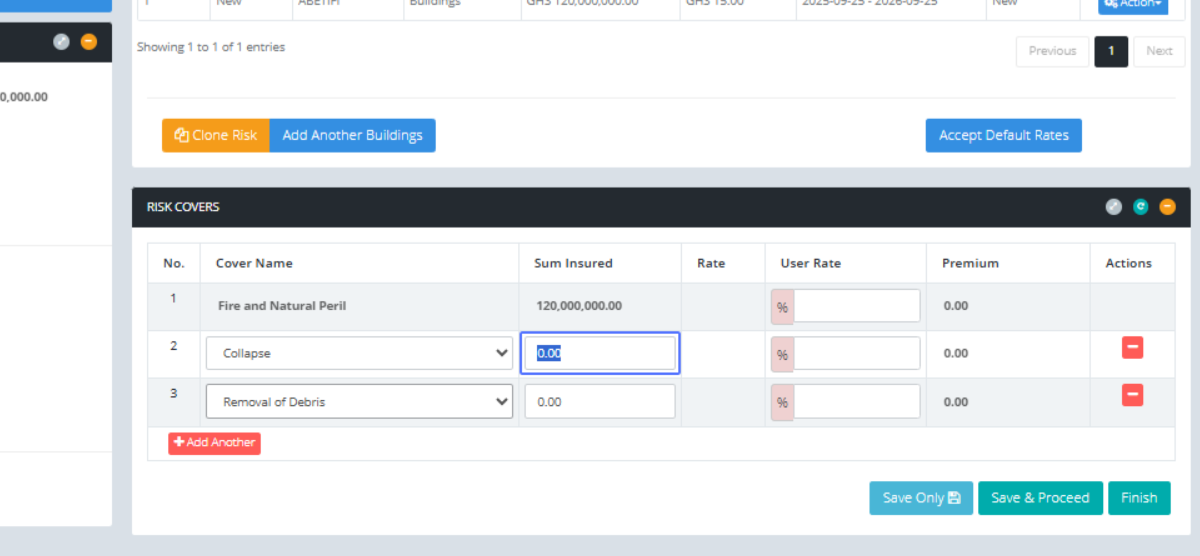
Click on the input
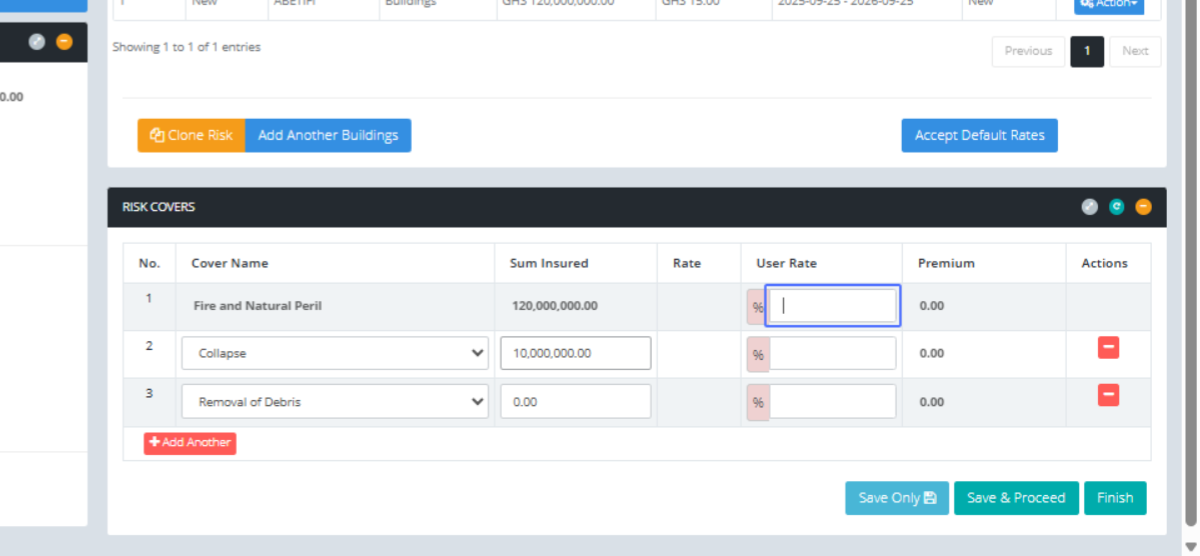
Click on the input
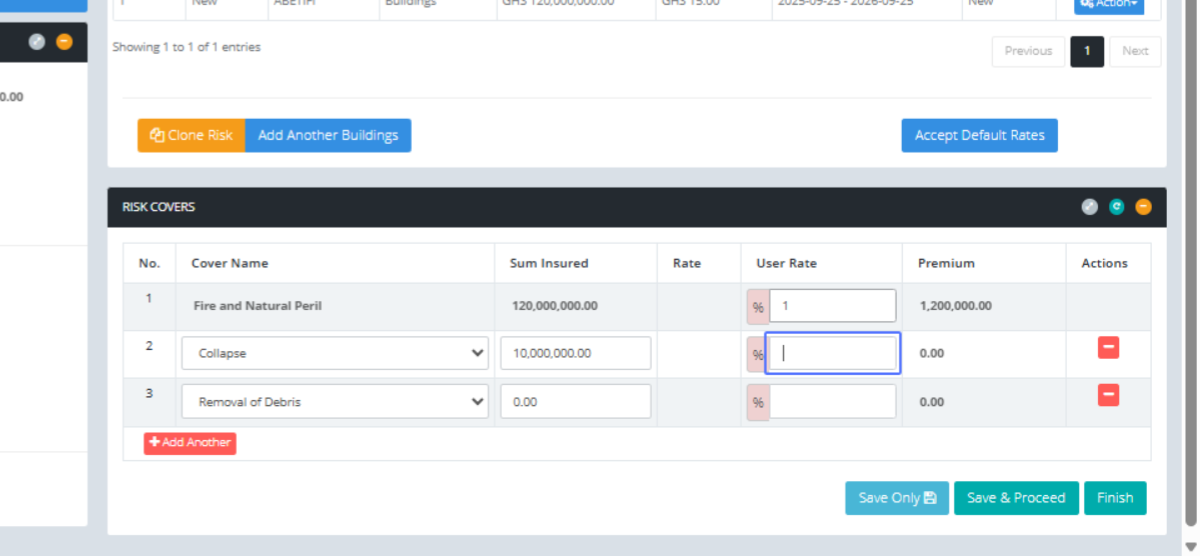
Click on the input
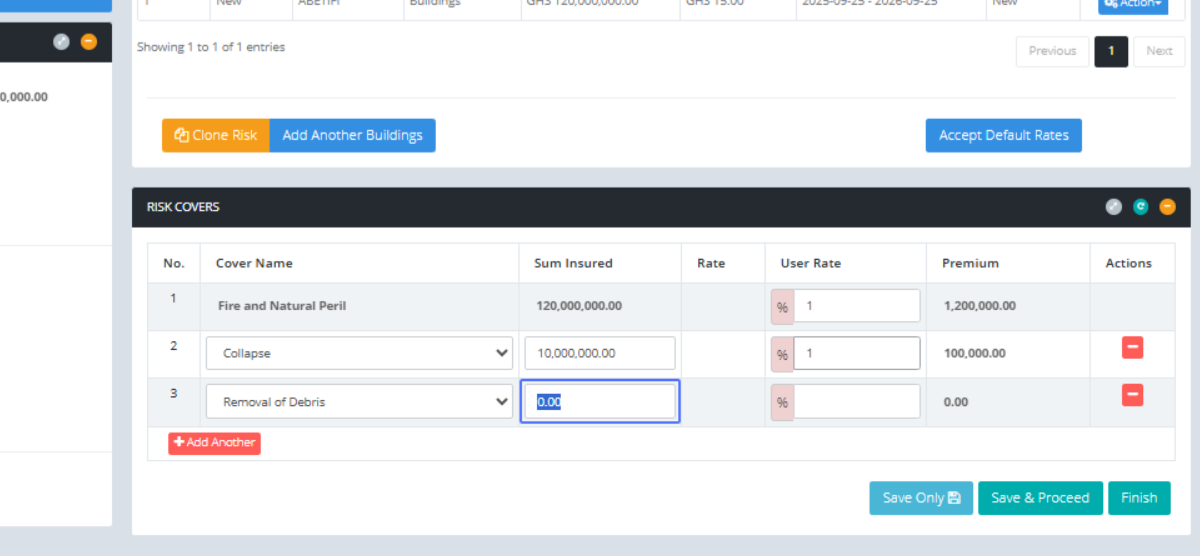
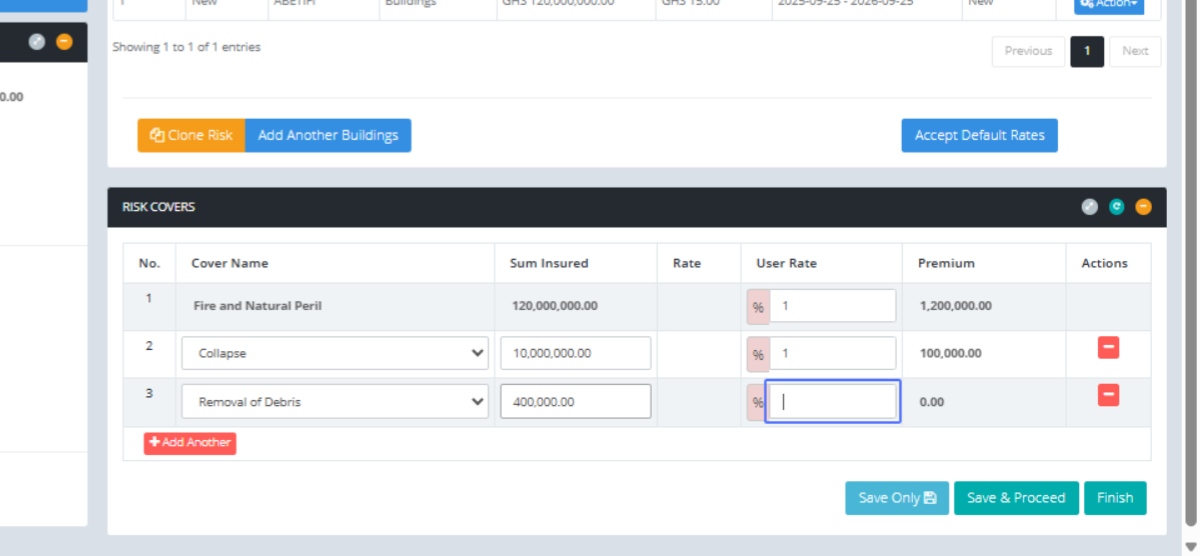
Click on the input
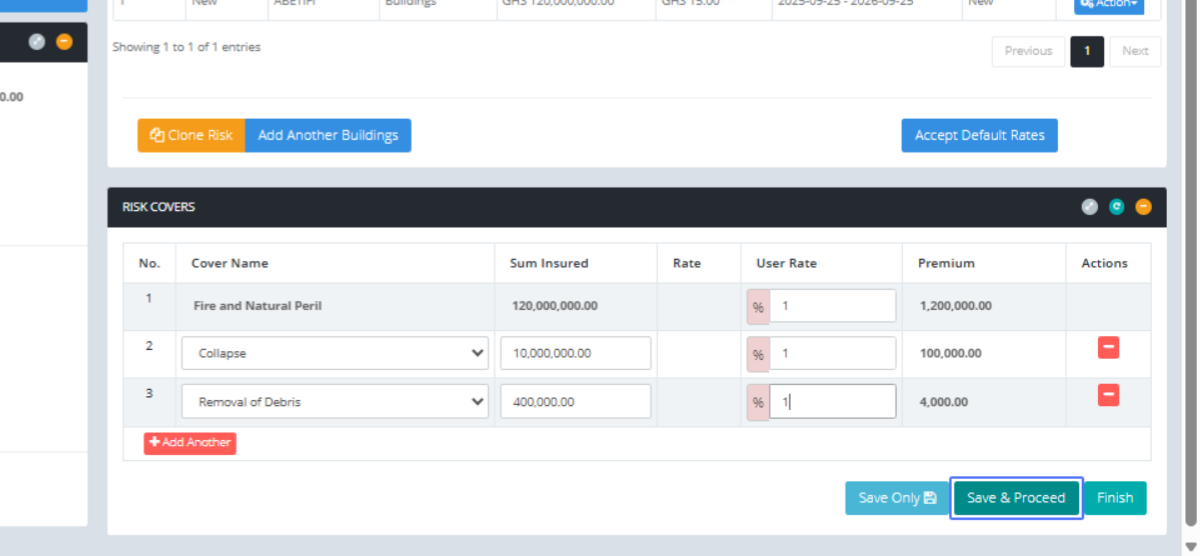
Click on the button "Save & Proceed"
Click on the link "Charges"
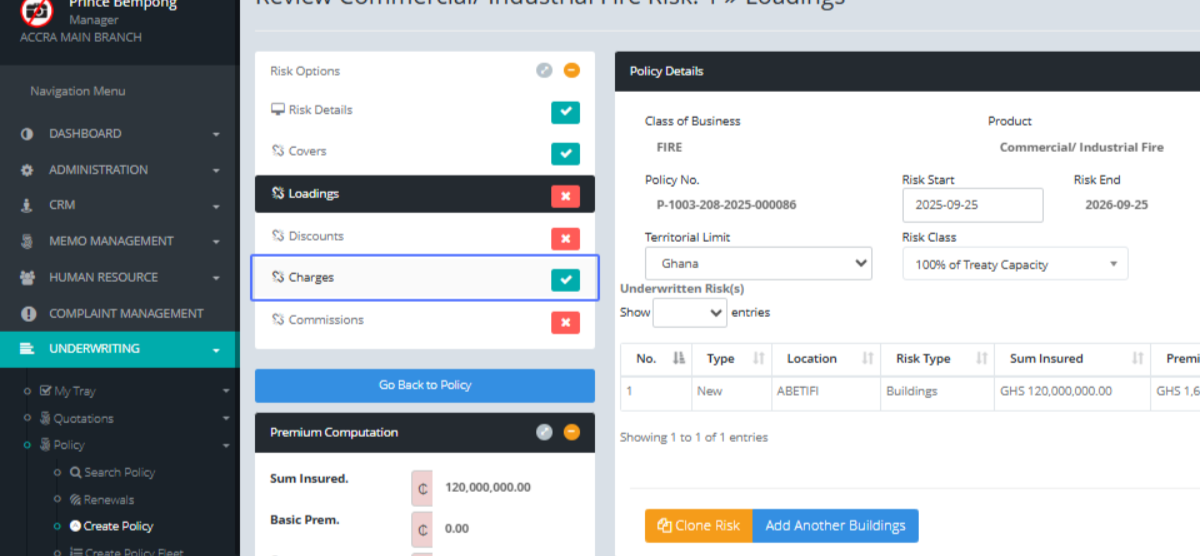
Charge Name, Calculate the Vat and other charges automatically so you can confirm before you proceed
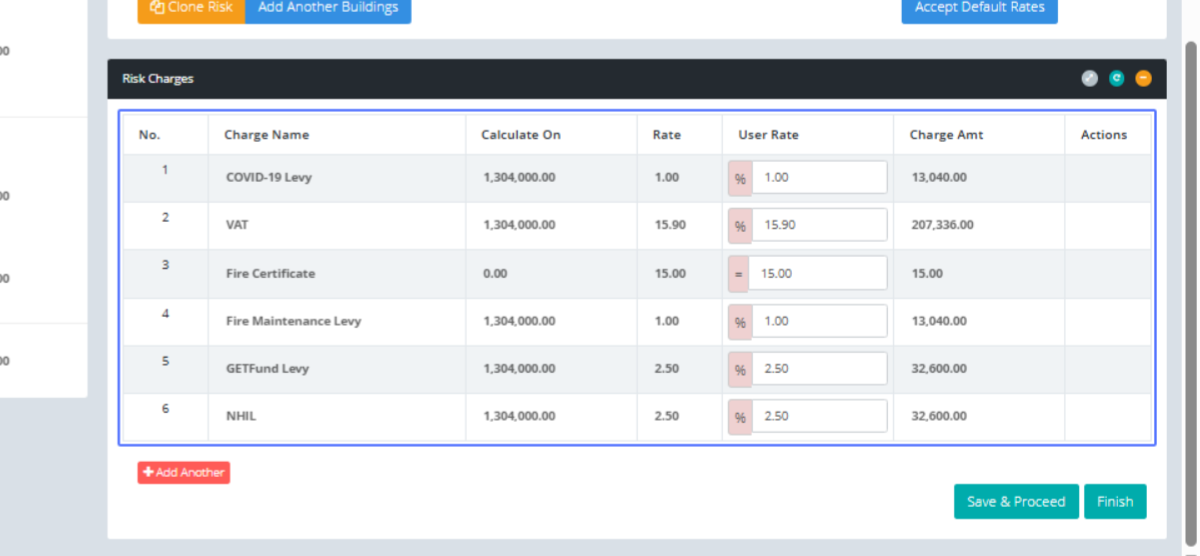
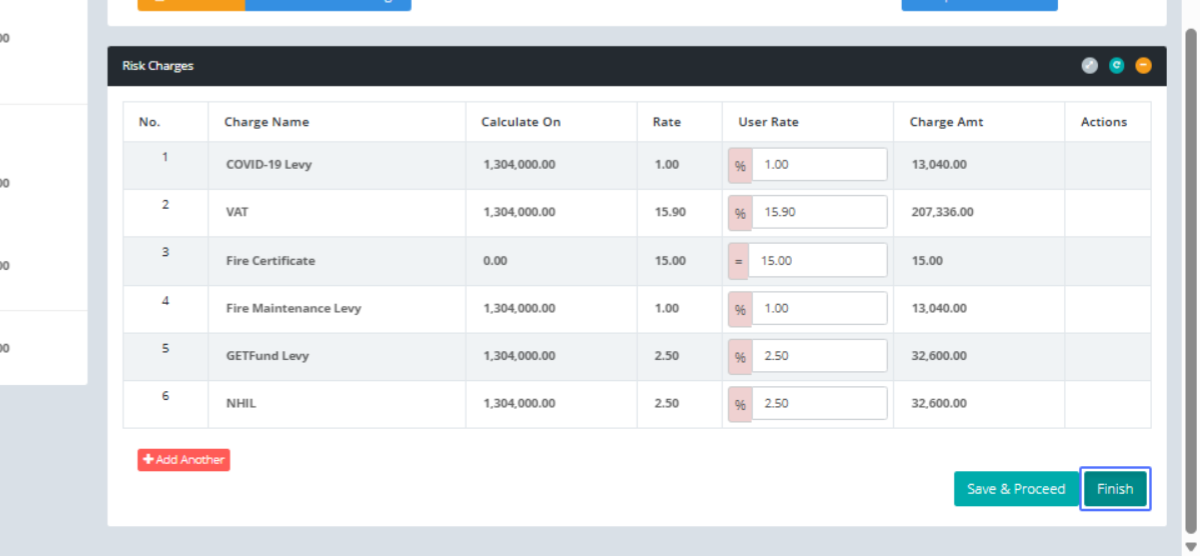
Click on the link "Finish"
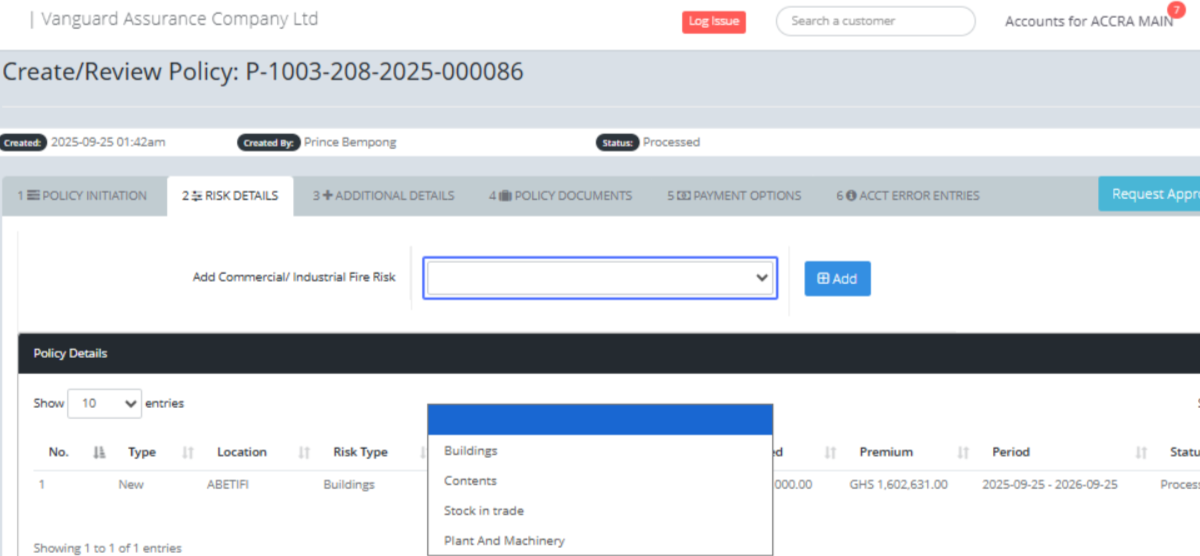
Click on "Buildings Contents Stock in trade Plant And Machinery" to add a different risk
Click on the button "Add" to Add the Content as a different risk on the policy
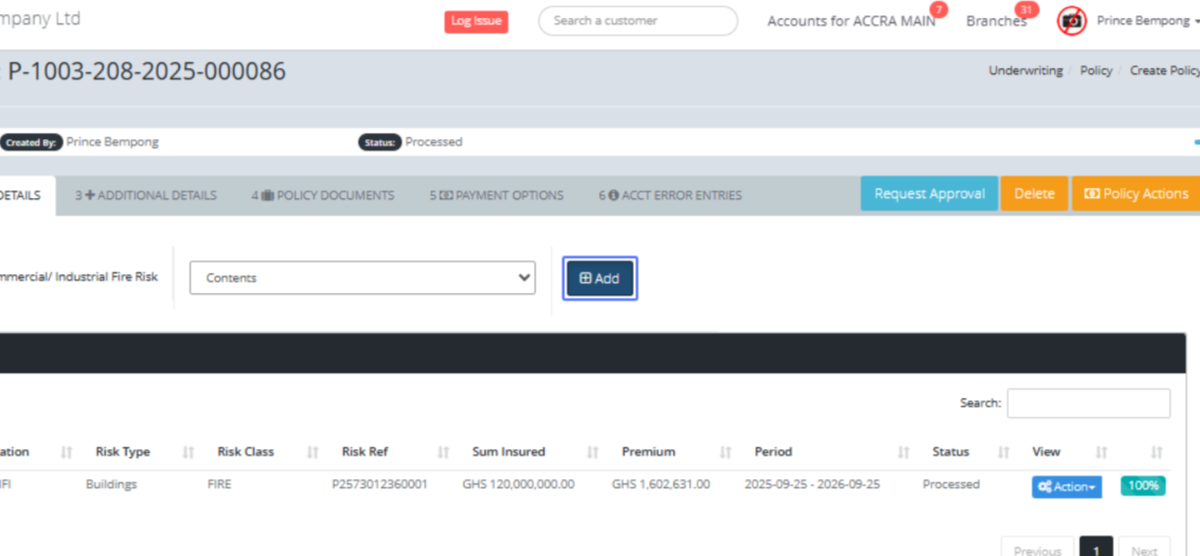
Click here to fill in all the mandatory fields
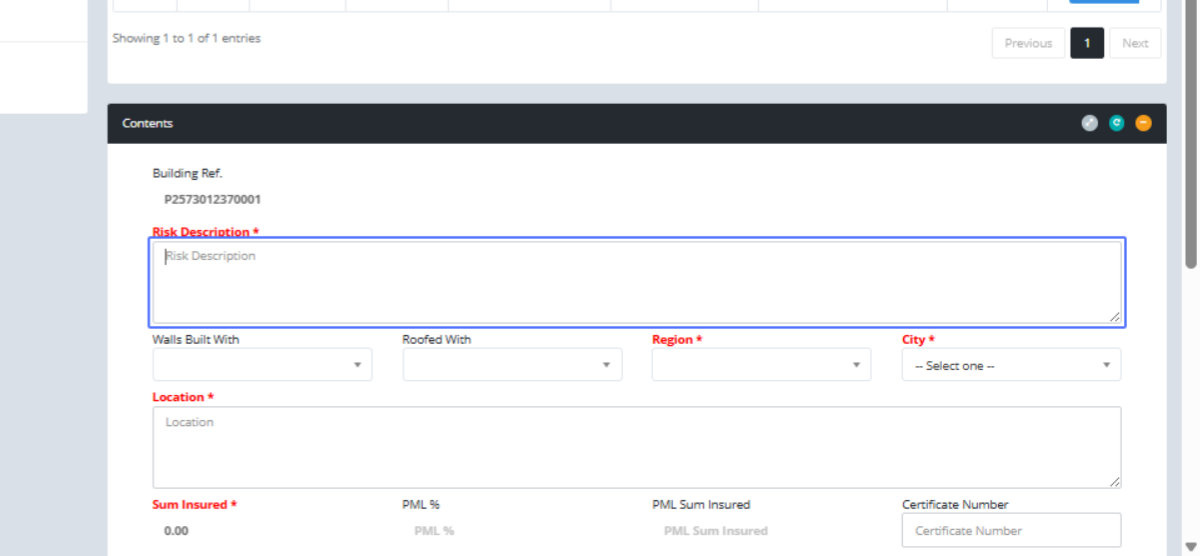
Click here
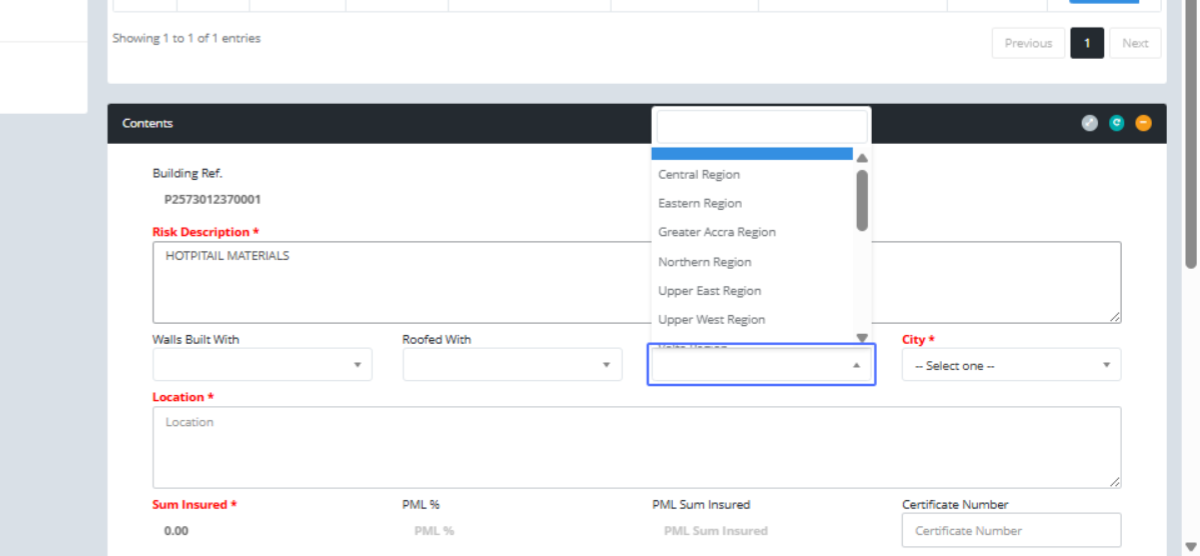
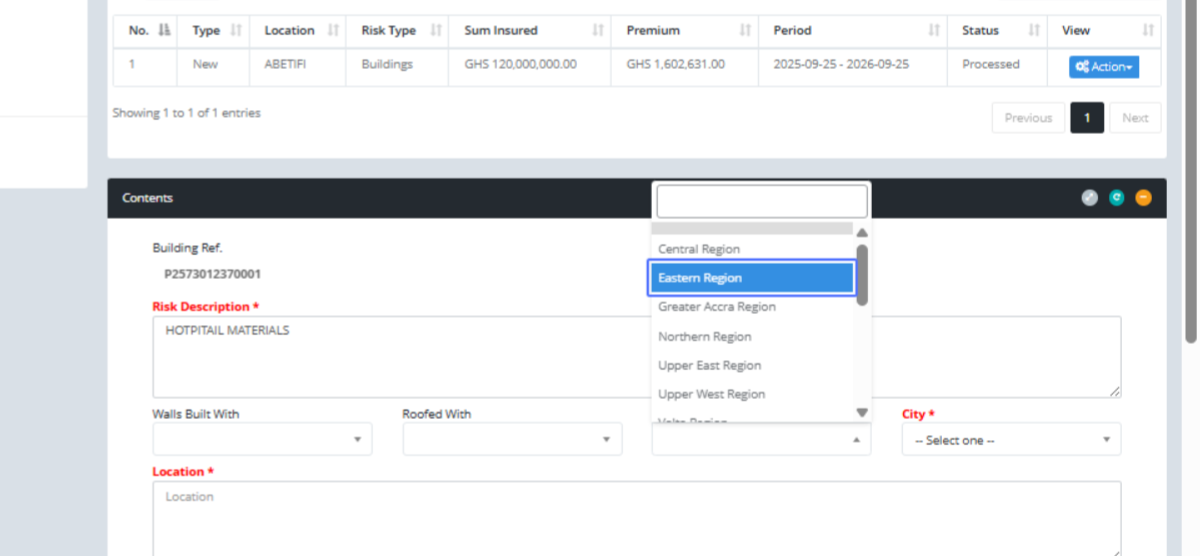
Click on "Eastern Region"
Click on "-- Select one --"
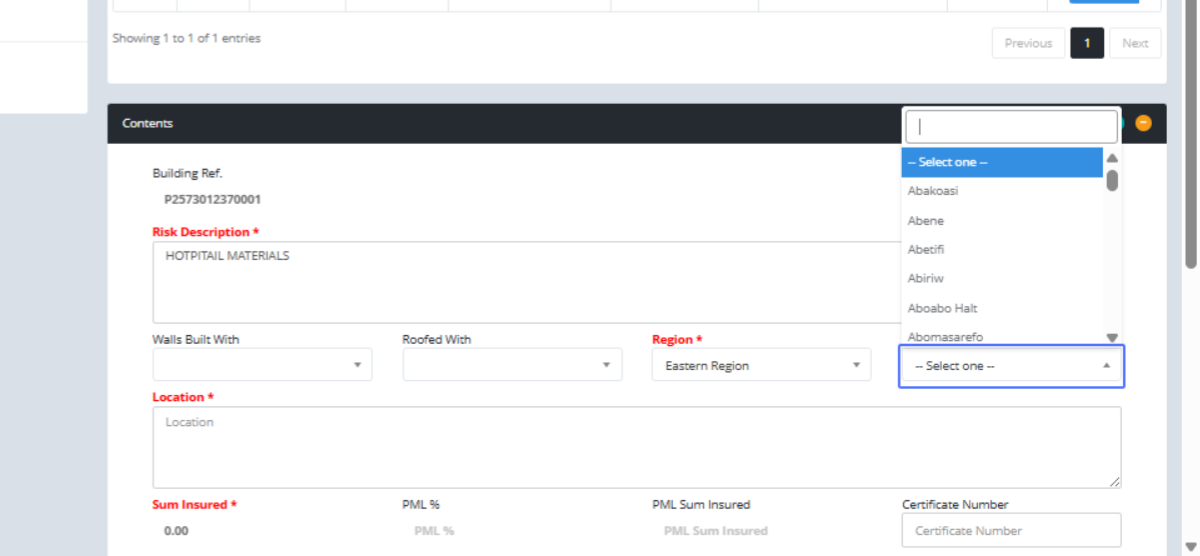
Click on "Abetifi"
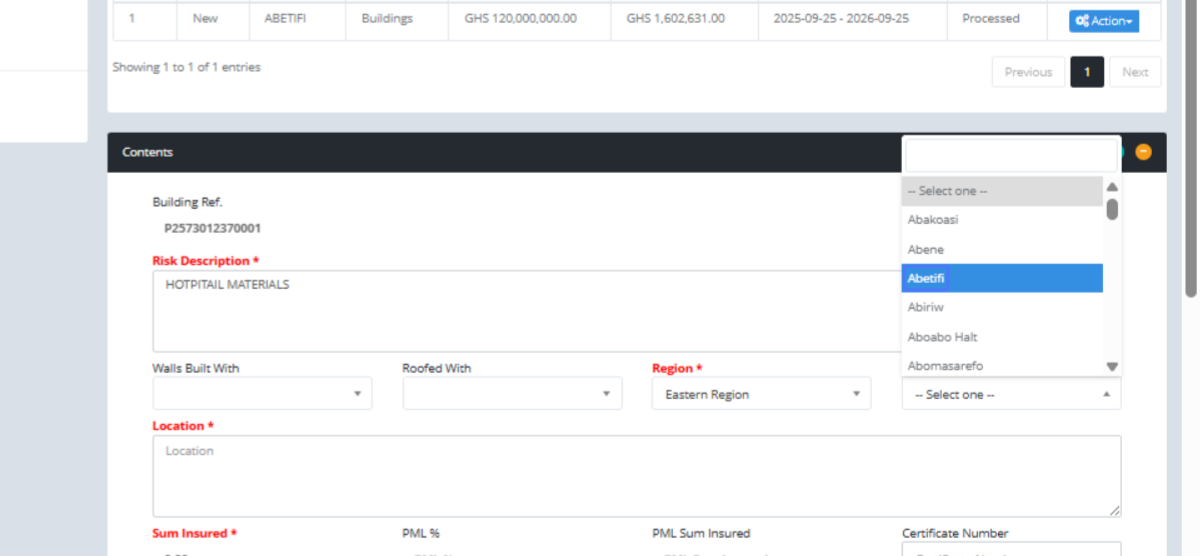
Click here
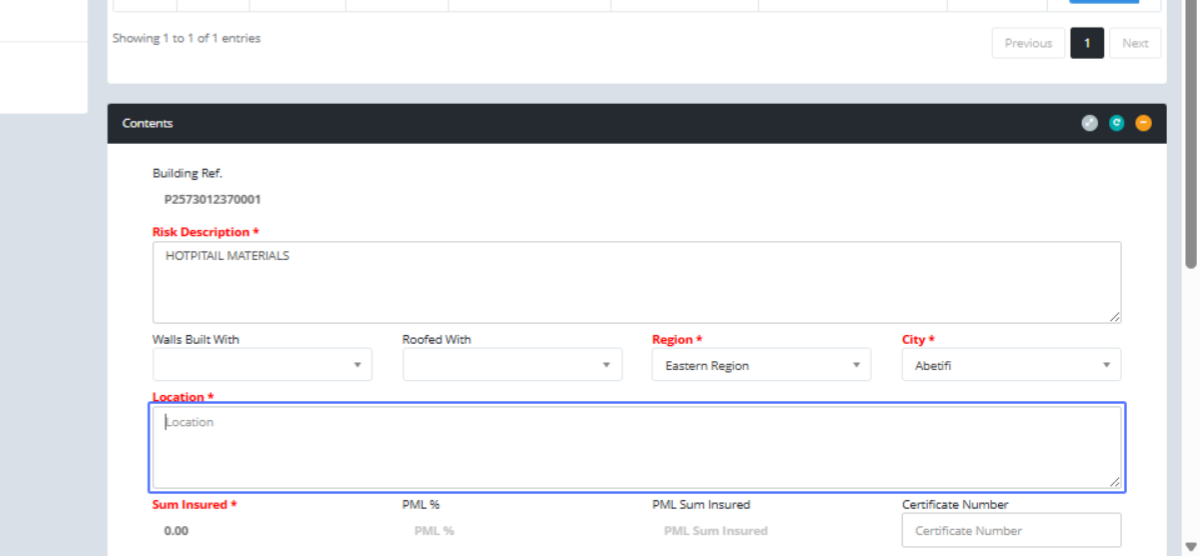
Click on the input to list your contents and its amount respectively
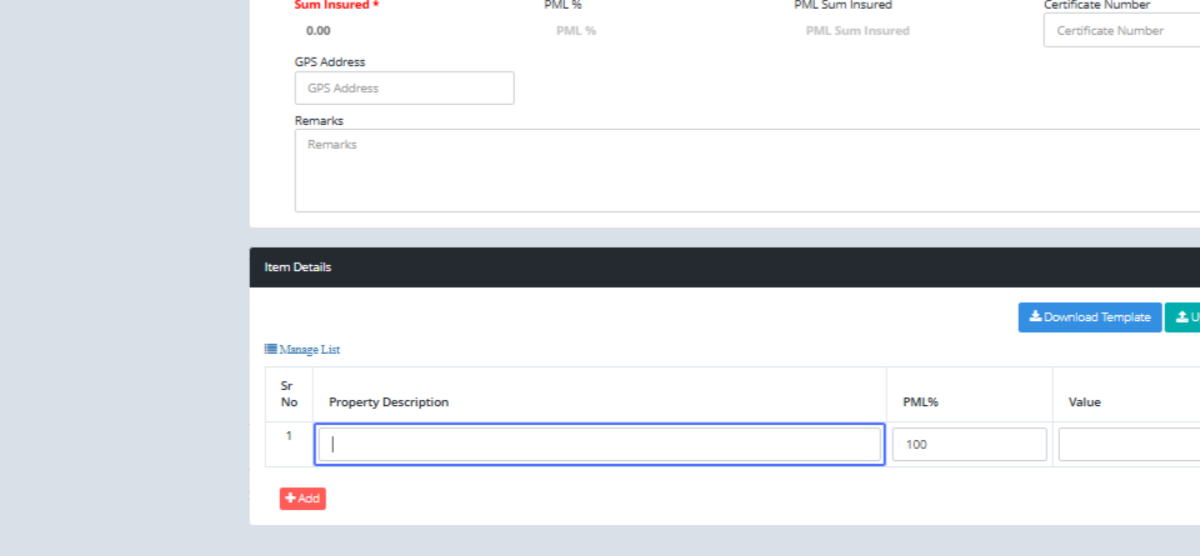
Click on the input
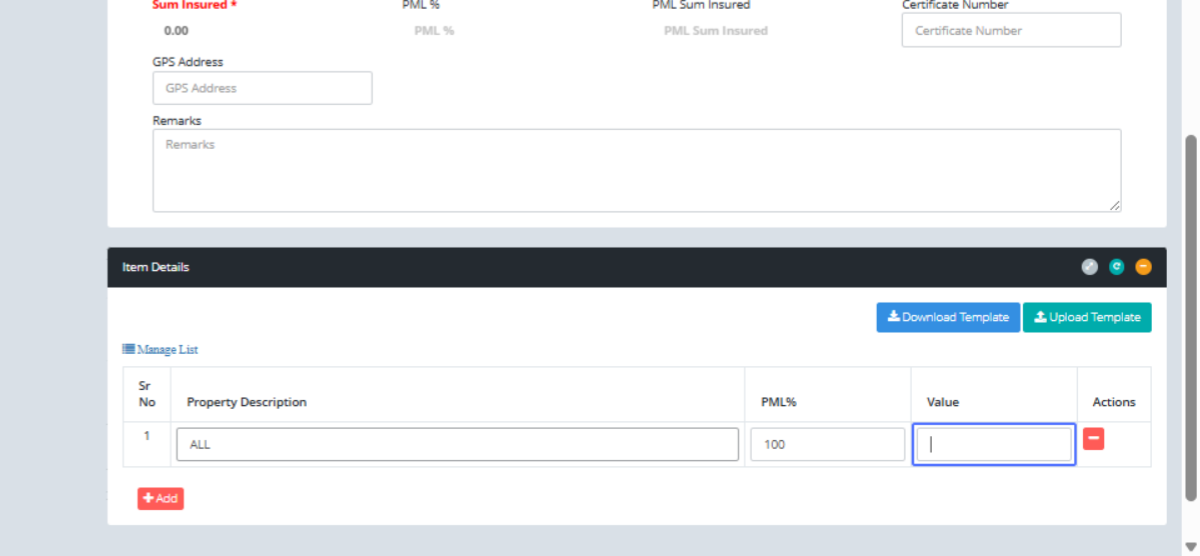
Click on the button "Submit"
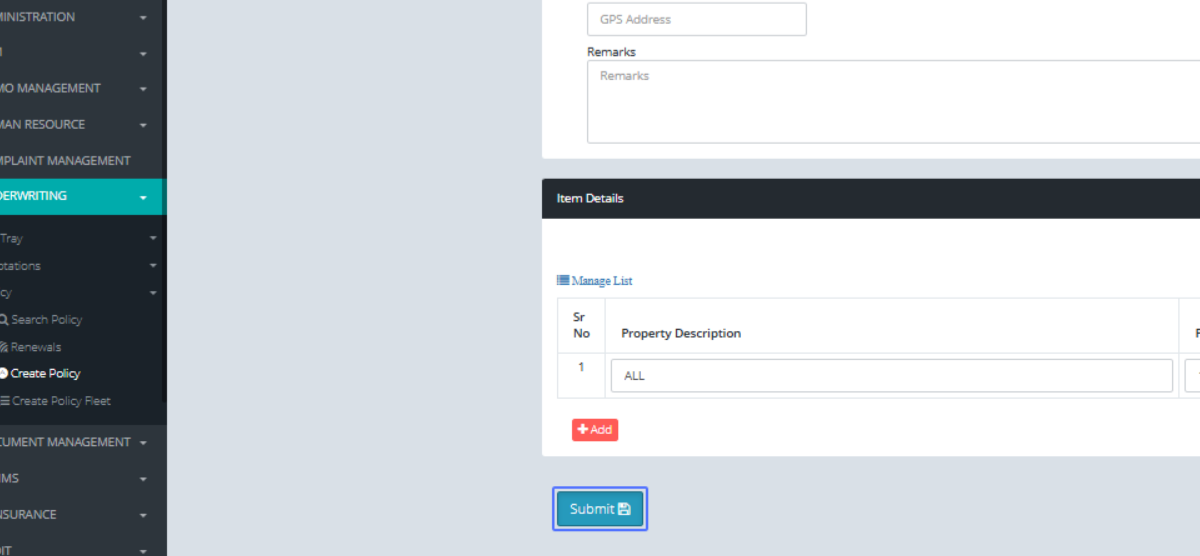
Click on the link "Add Another" to add other covers, amount and rate
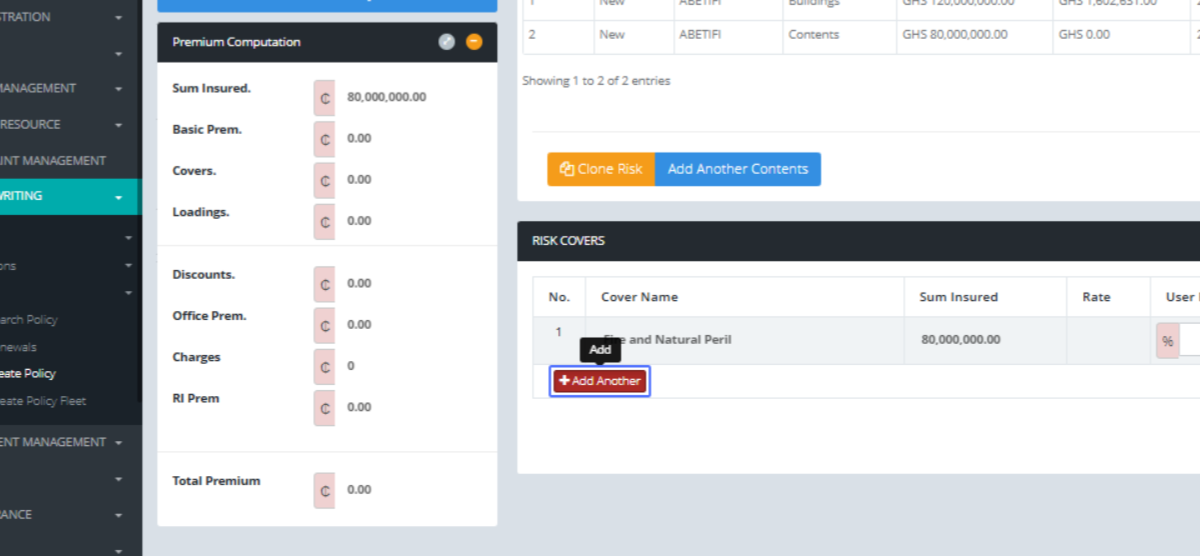
Click on "...Select one... Strike, Riots, Civil Commotion, and Malicious Damage Explosion Impact Burst Pipe/Tan..."
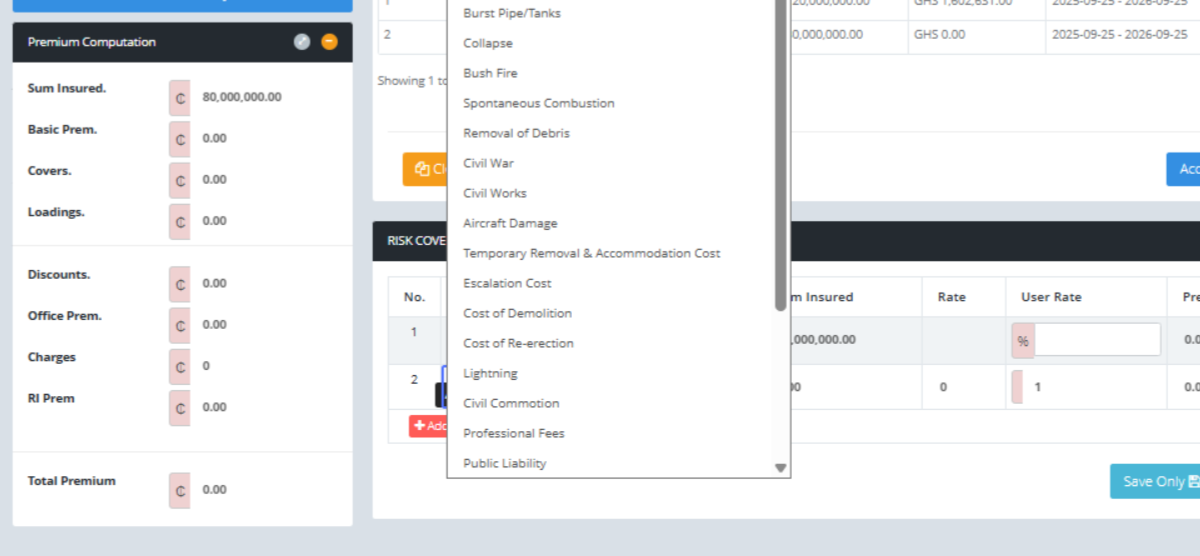
Click on the link "Add Another"
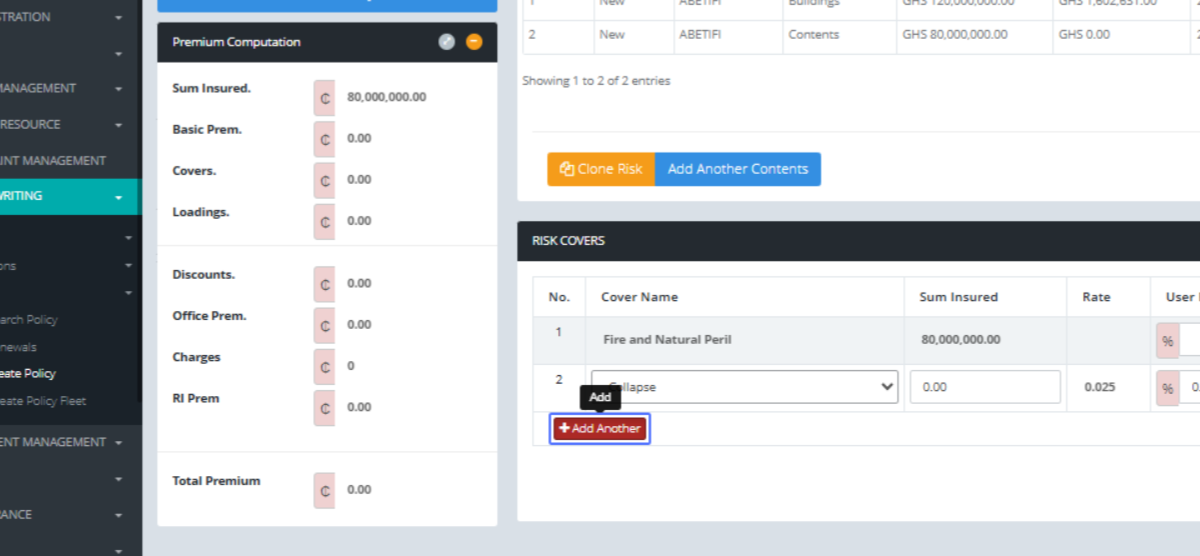
Click on "...Select one... Strike, Riots, Civil Commotion, and Malicious Damage Explosion Impact Burst Pipe/Tan..."
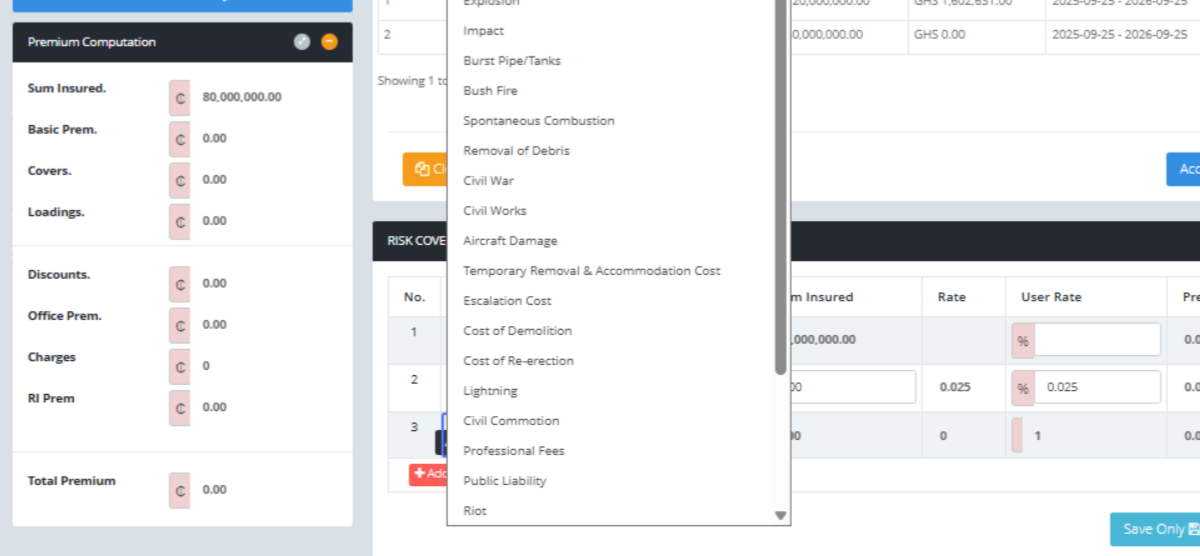
Click on the input

Click on the input
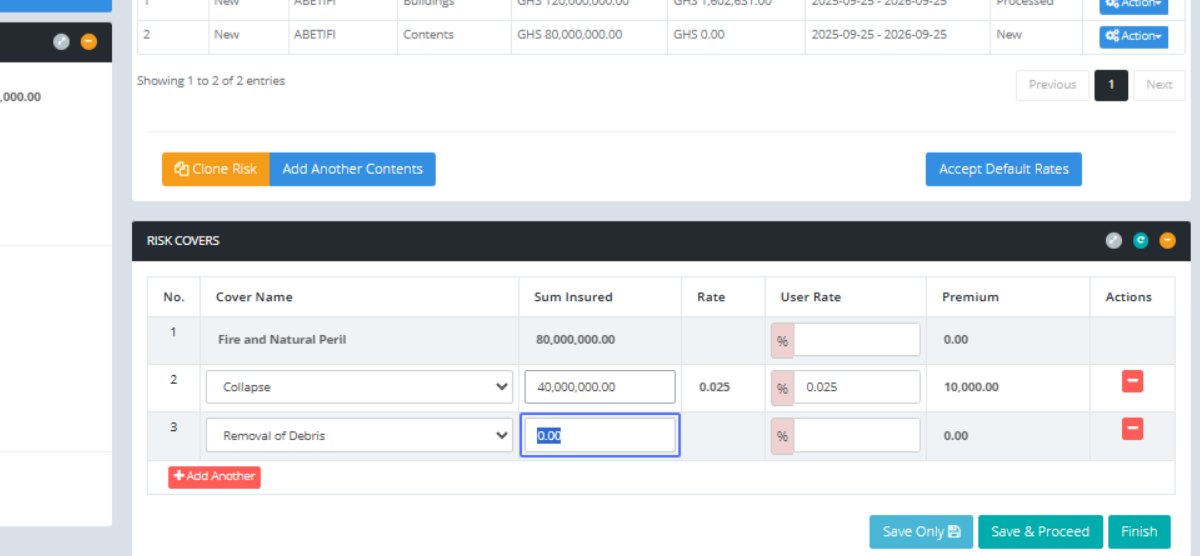
Click on the input
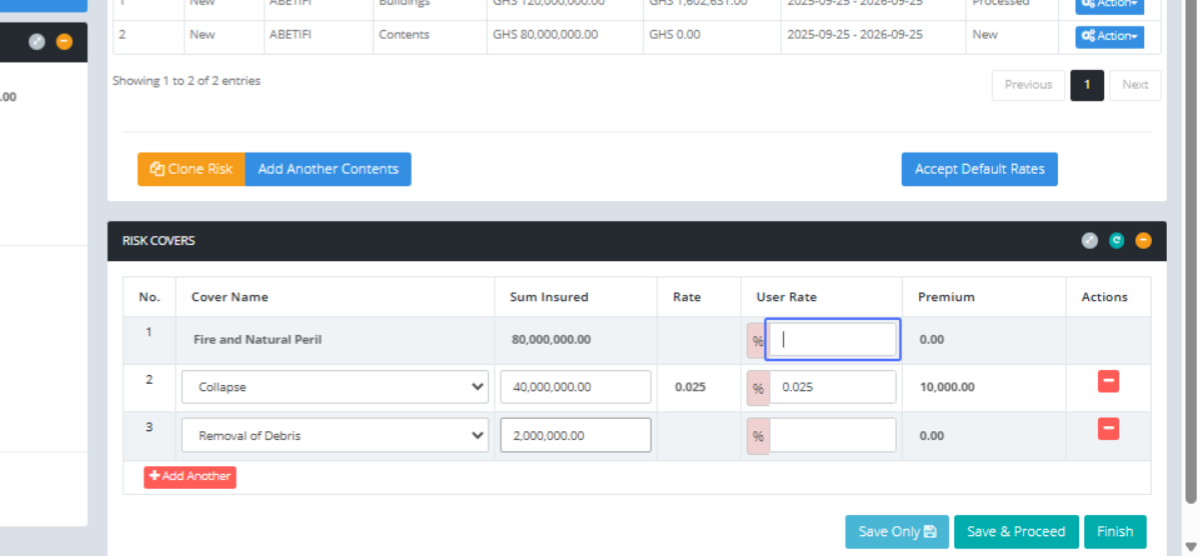
Click on the input
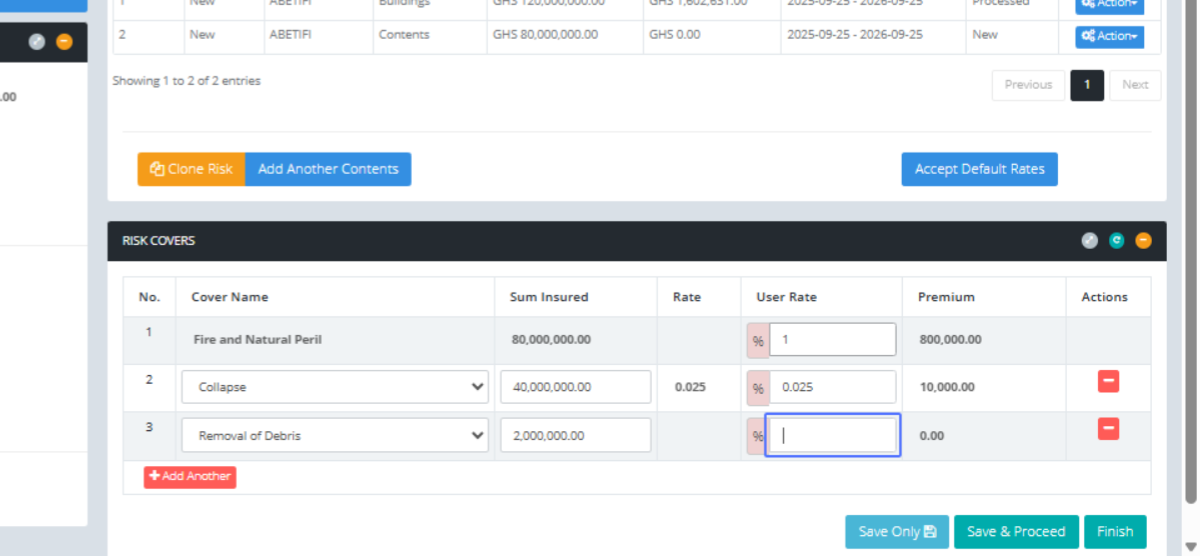
Click on the button "Save & Proceed"

Click on the link "Charges"

Charge Name Calculate Vat and other charges to confirm before you proceed
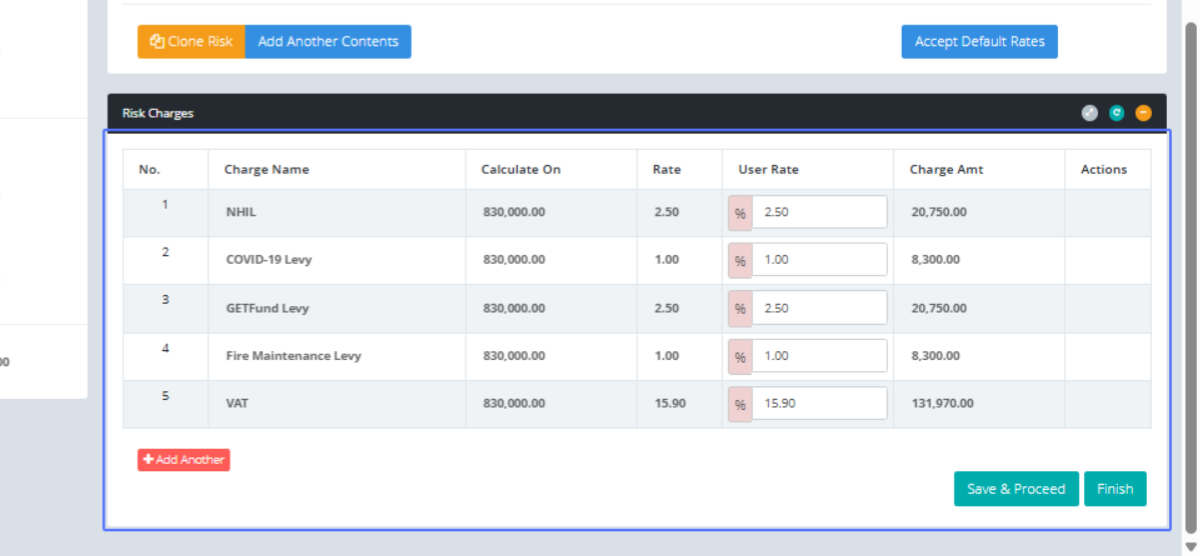
Click on the link "Finish"
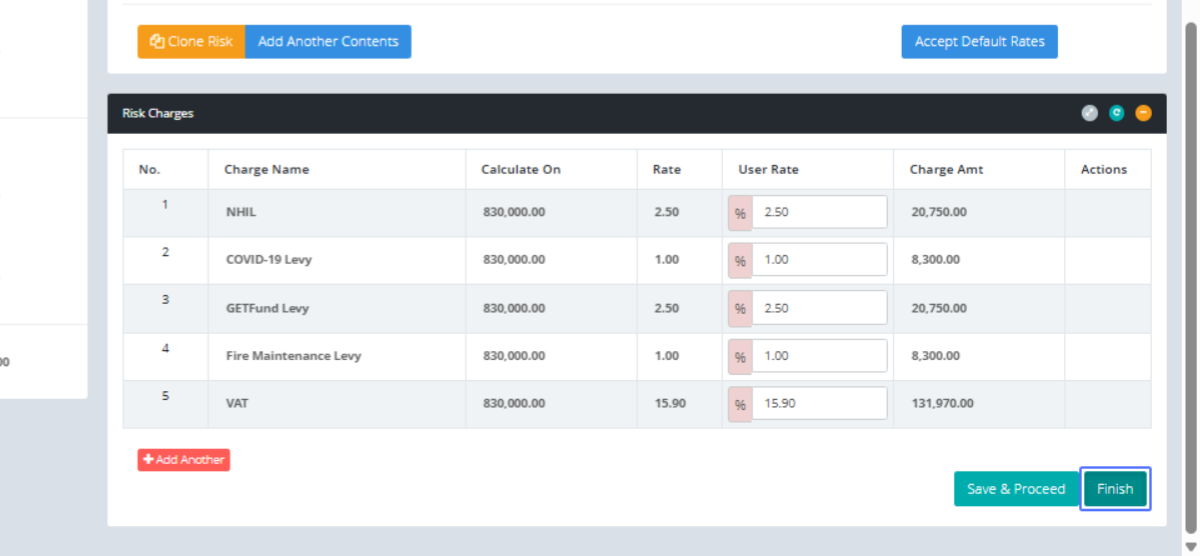
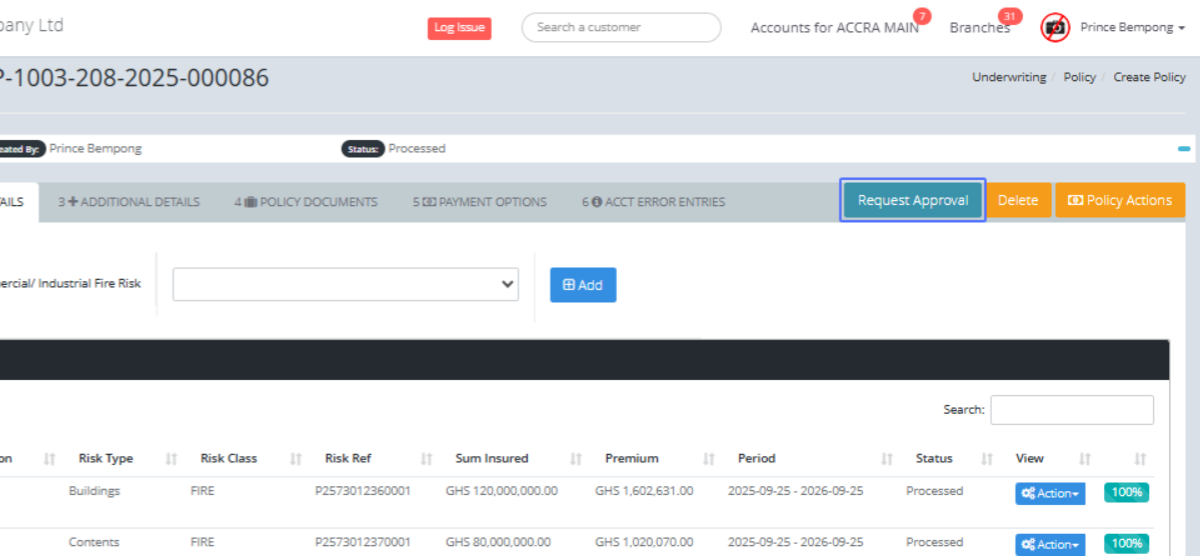
Click on the link "Request Approval"
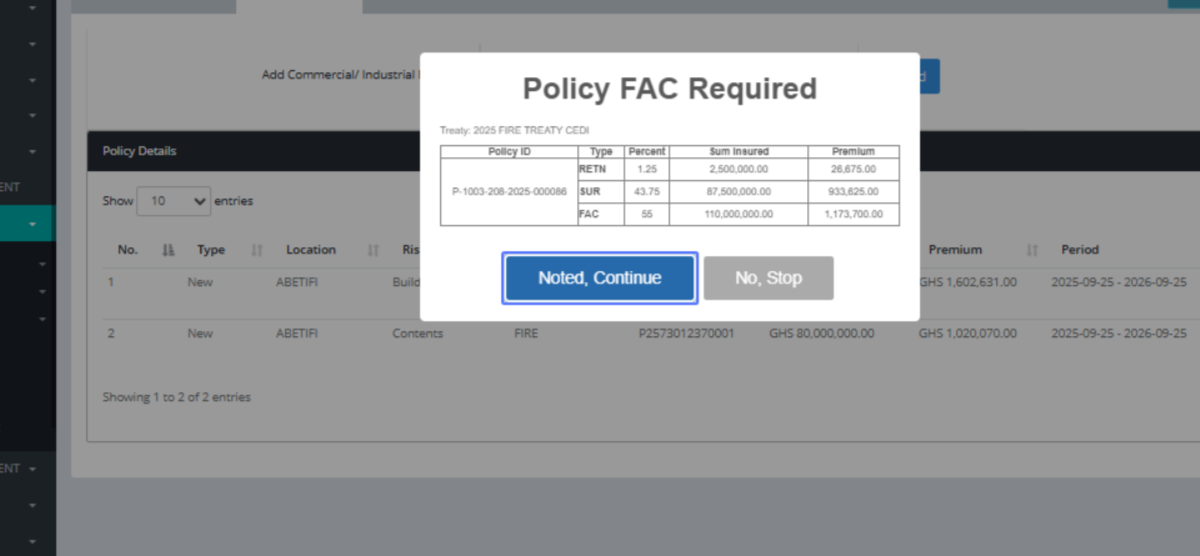
Click on the button "Noted, Continue," because the SUM INSURED exceeds the treaty amount configured in the system. The Reinsurance team has to check the risks involved in the policy to permit the underwriter to proceed.
Click on the link "REINSURANCE"
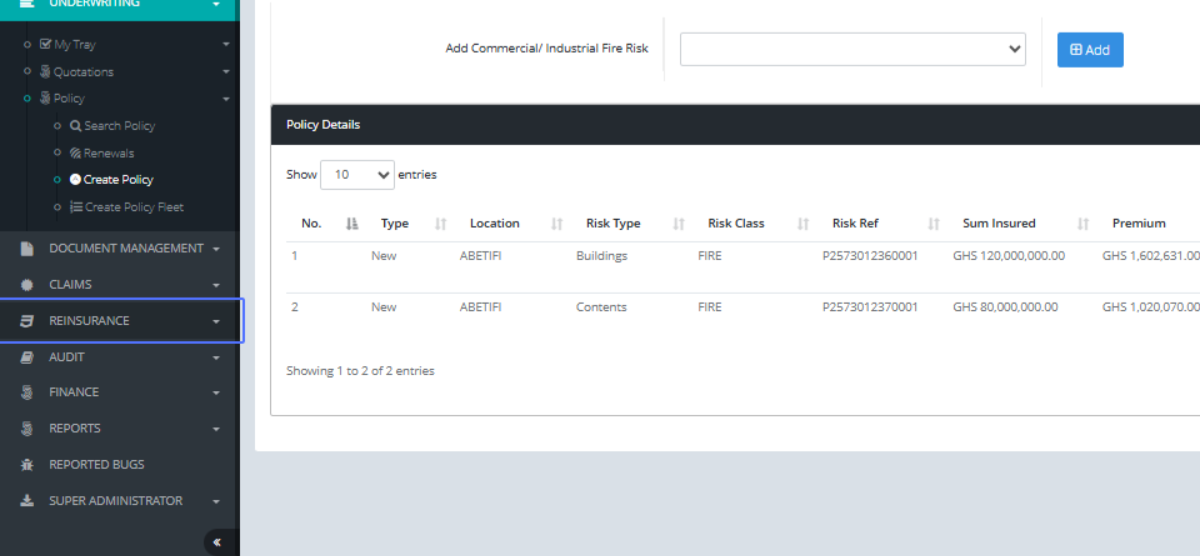
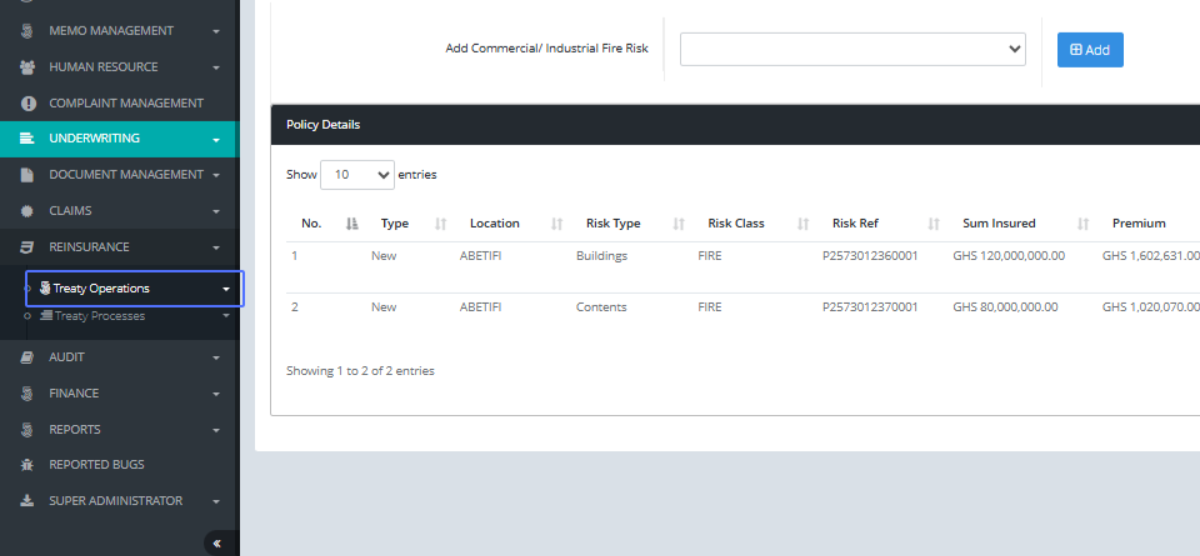
Click on the link "Treaty Operations"
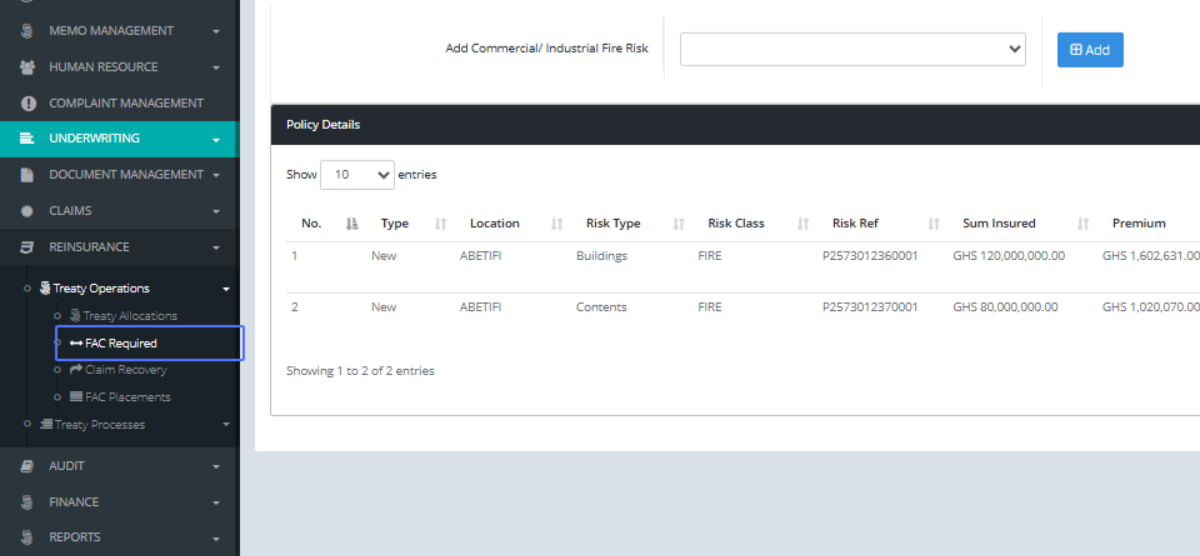
Click on the link "FAC Required"
Tab Name: FAC Required - GENOVA INSURANCE
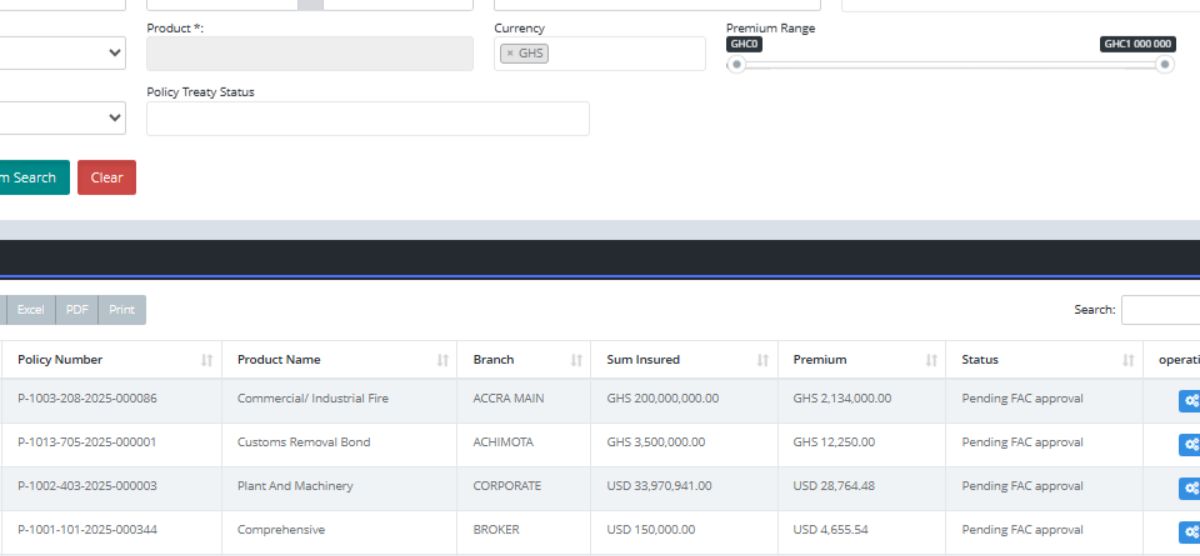
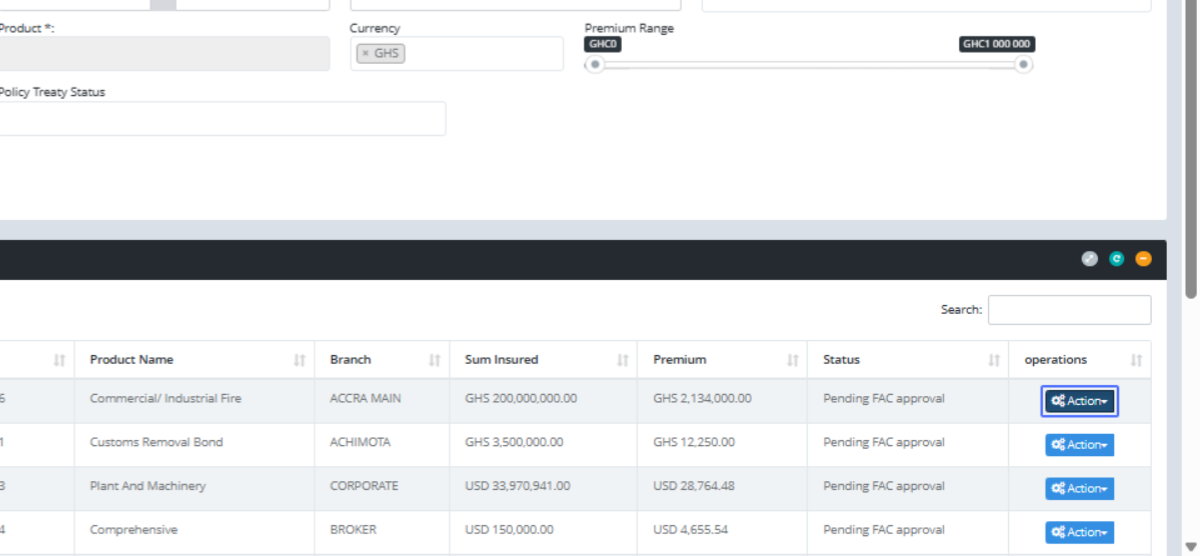
Click on the button "Action"
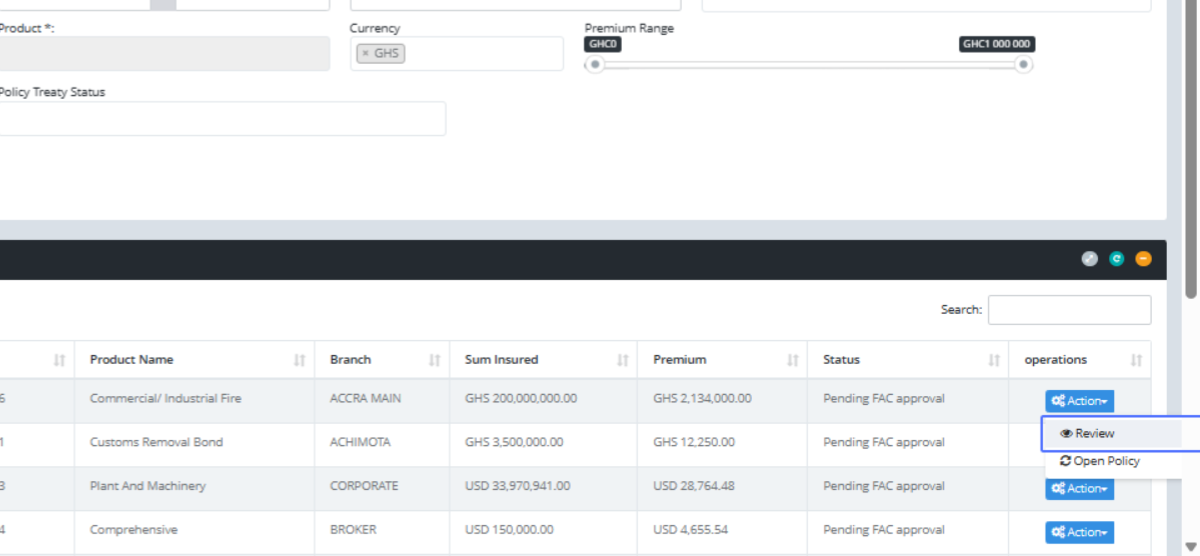
Click on the link "Review"
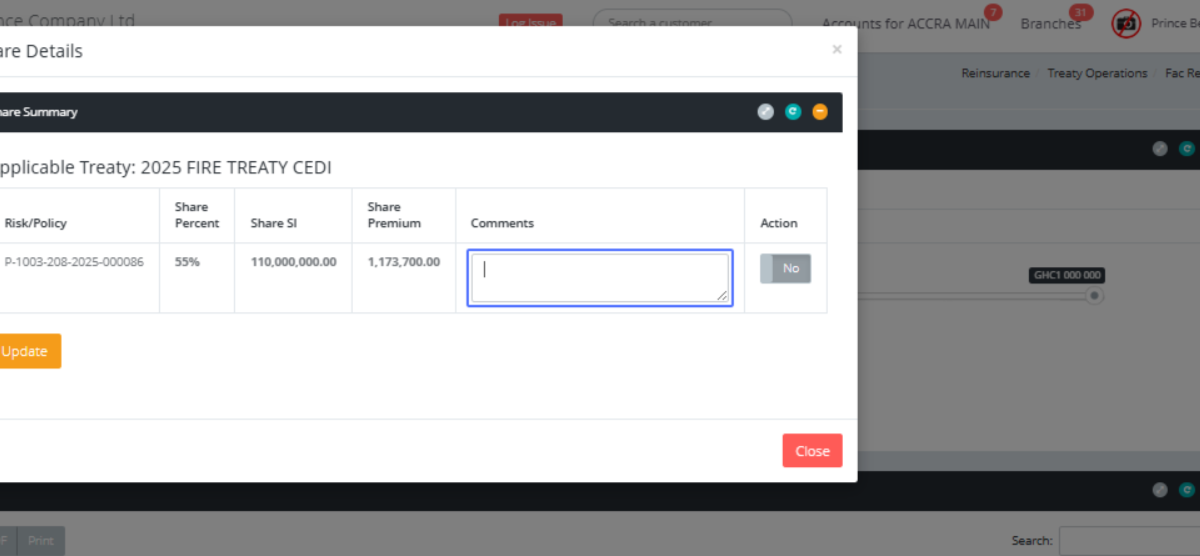
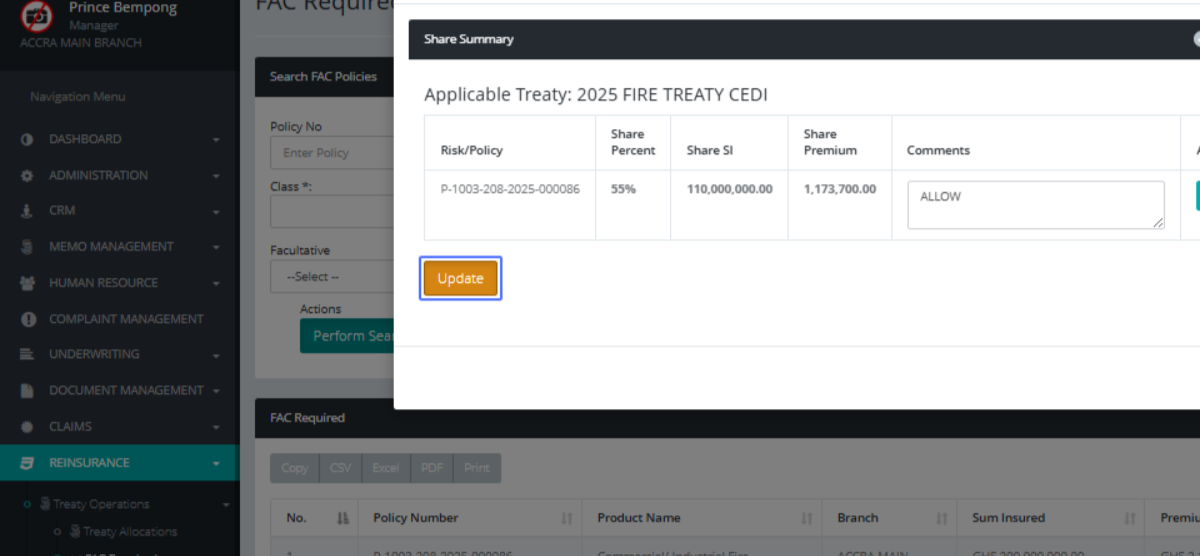
Click here to pass a comment to show the business as been accepted by Reinsurance
Click on No to change it to YES to proceed
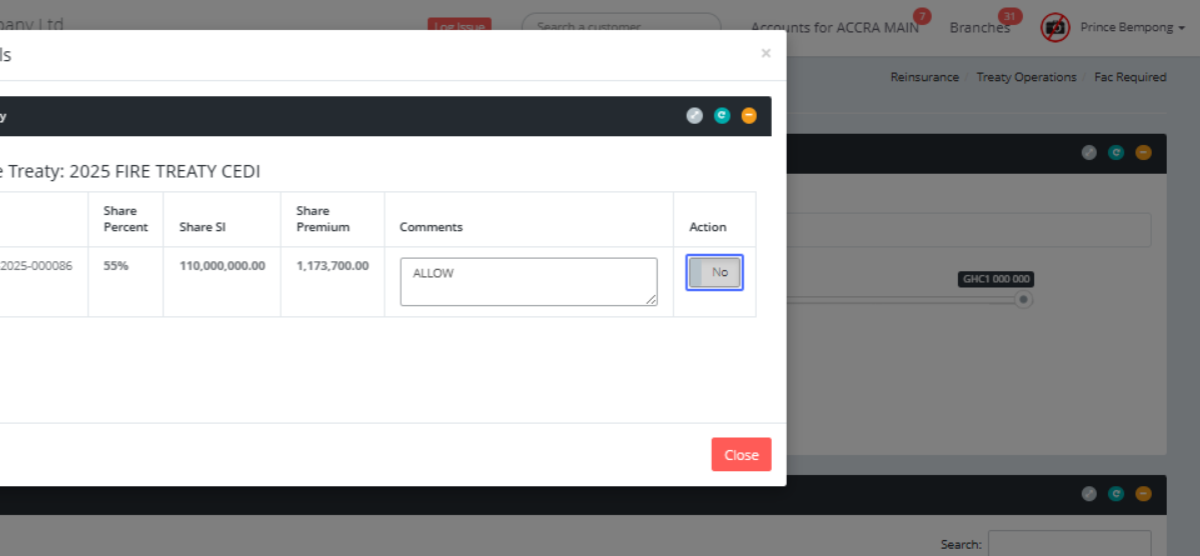
Click on the button "Update"
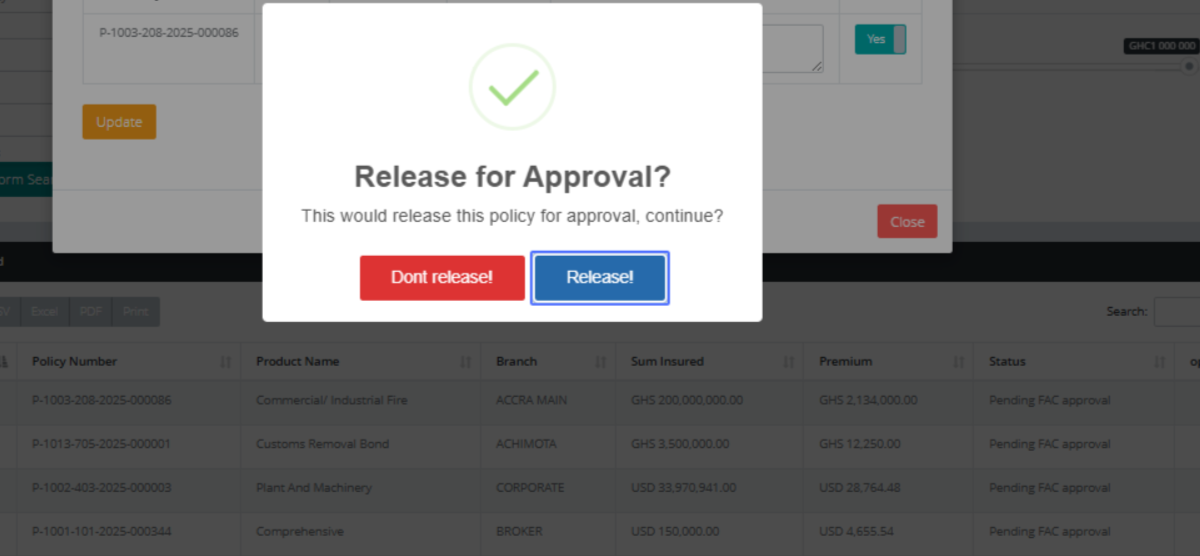
Click on the button "Release!"
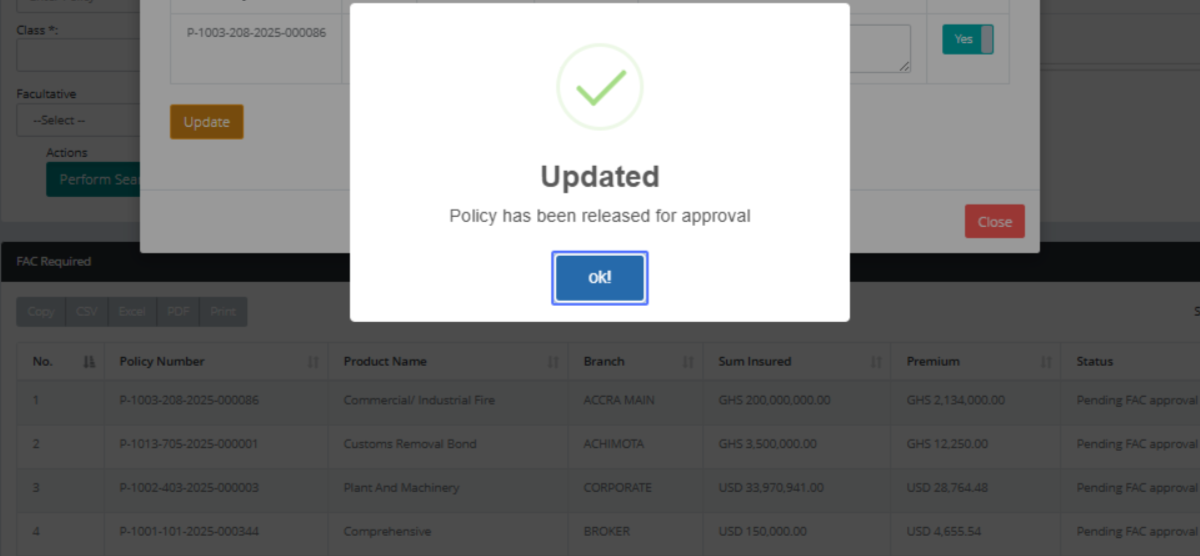
Click on the button "ok!"
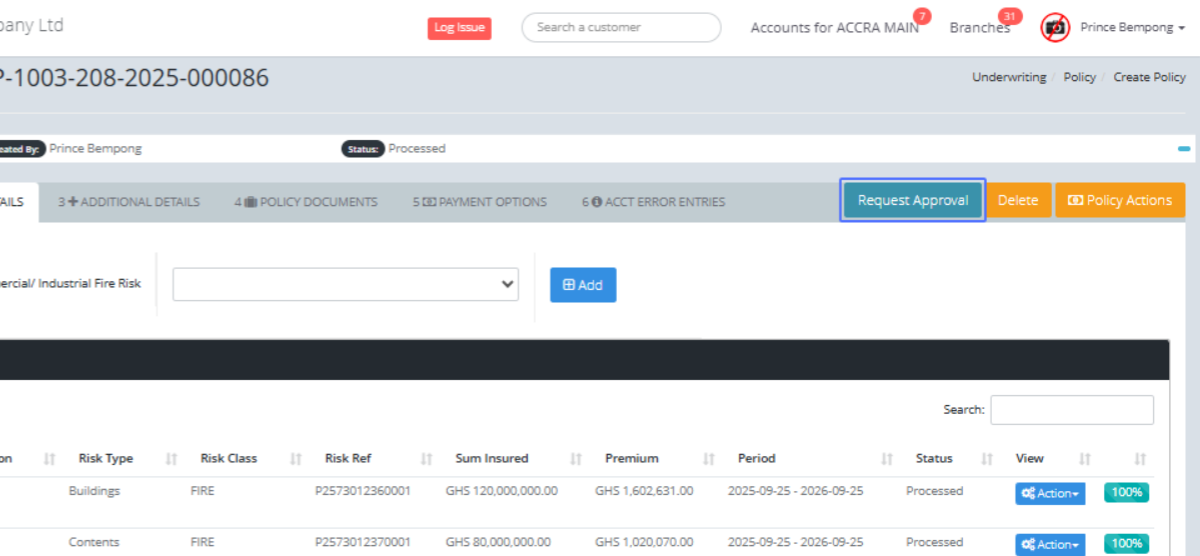
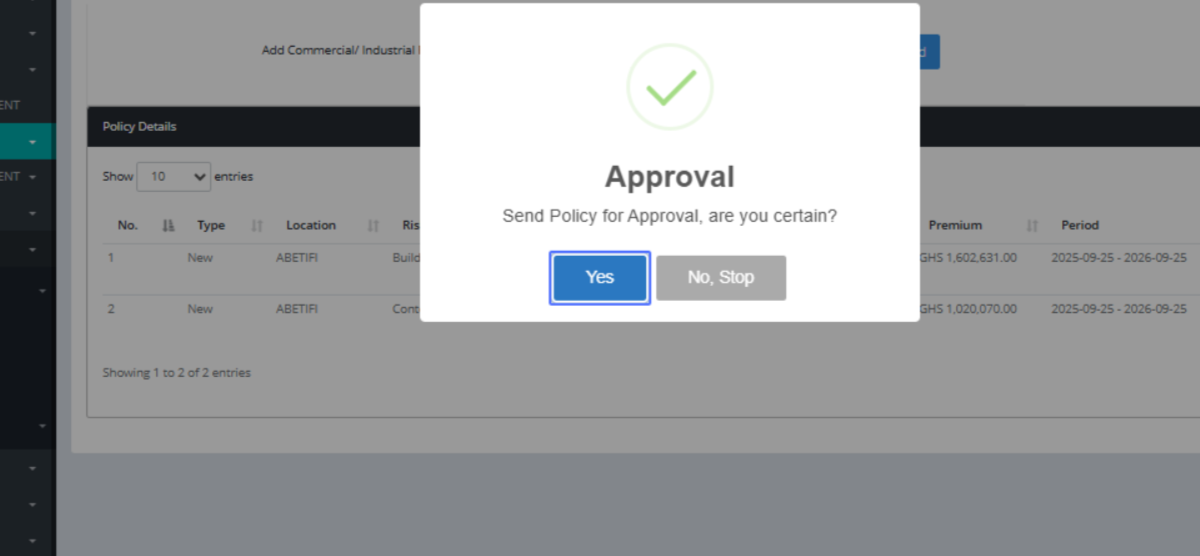
Click on the link "Request Approval"
Click on the button "Yes"
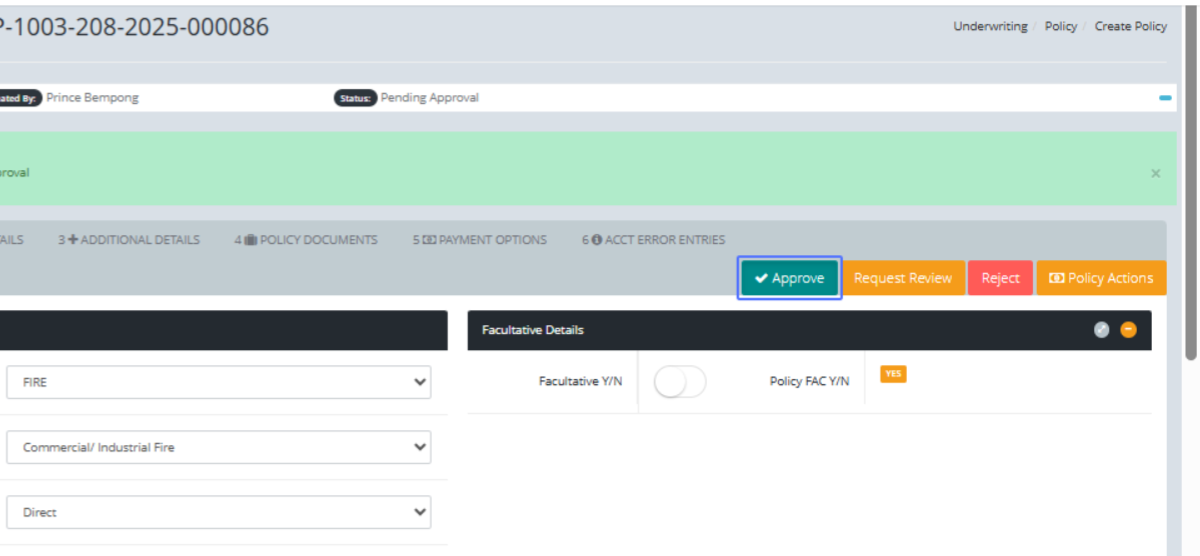
Click on the link "Approve"
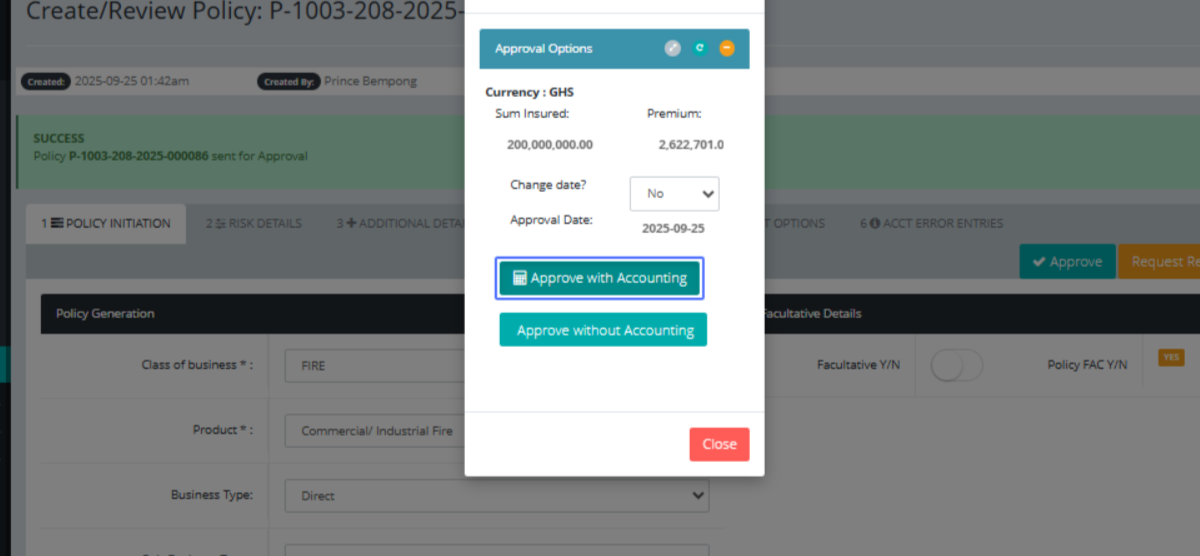
Click on the button "Approve with Accounting"
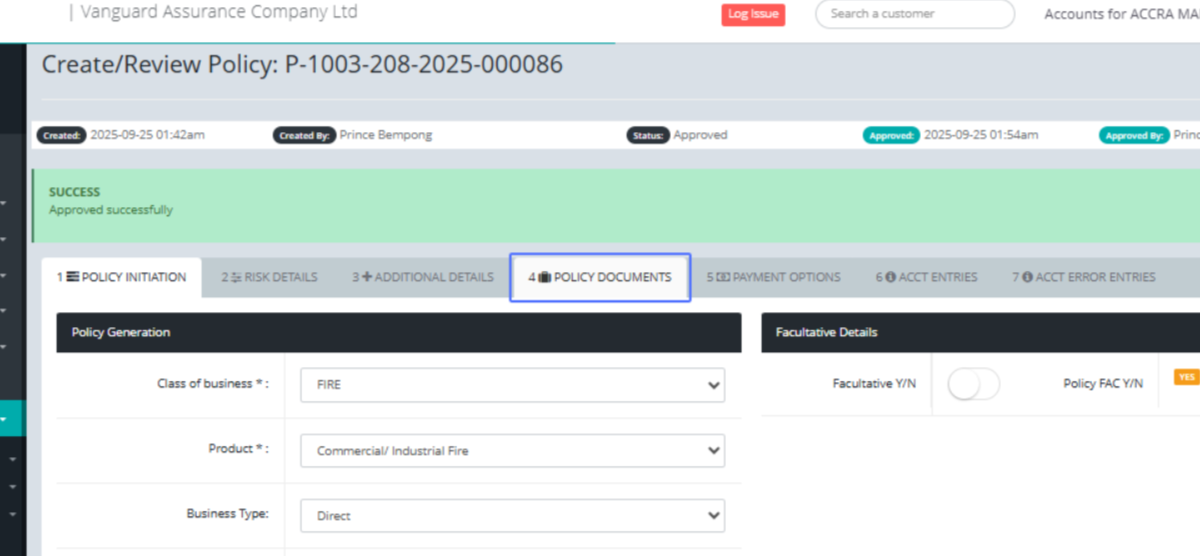
Click on the link "4 POLICY DOCUMENTS"
Click on "Send Policy Document(s) List of all Documents for Policy No. Policy
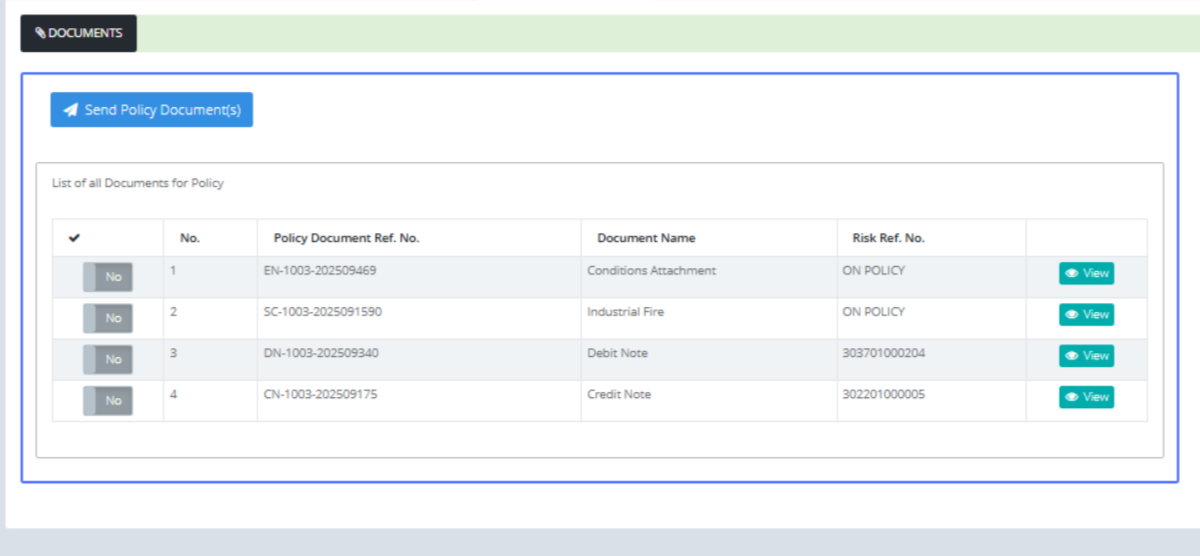
Click on the link "View"
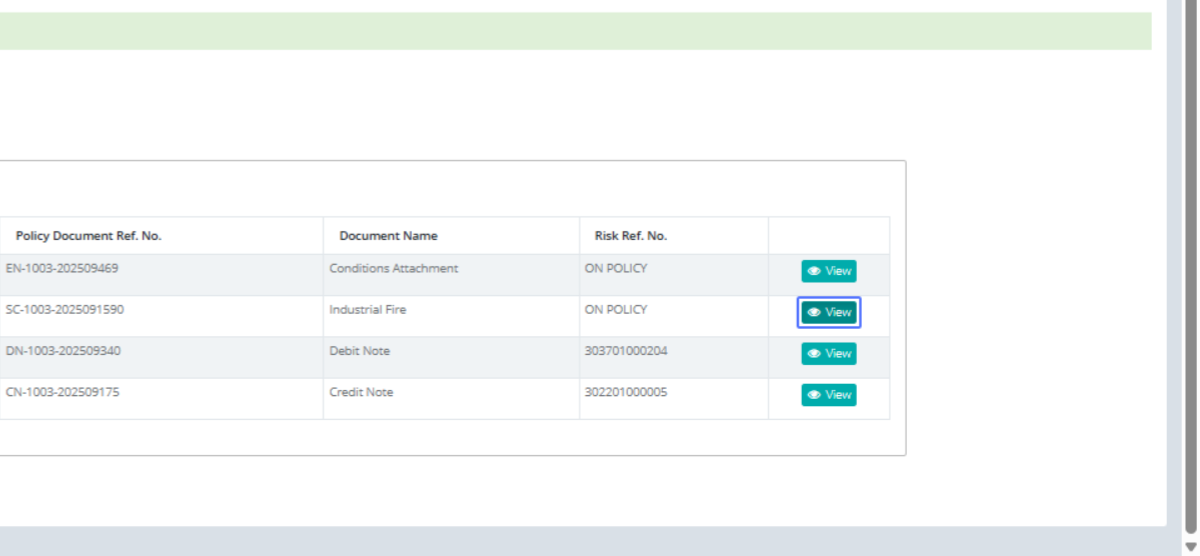
To view the policy documents
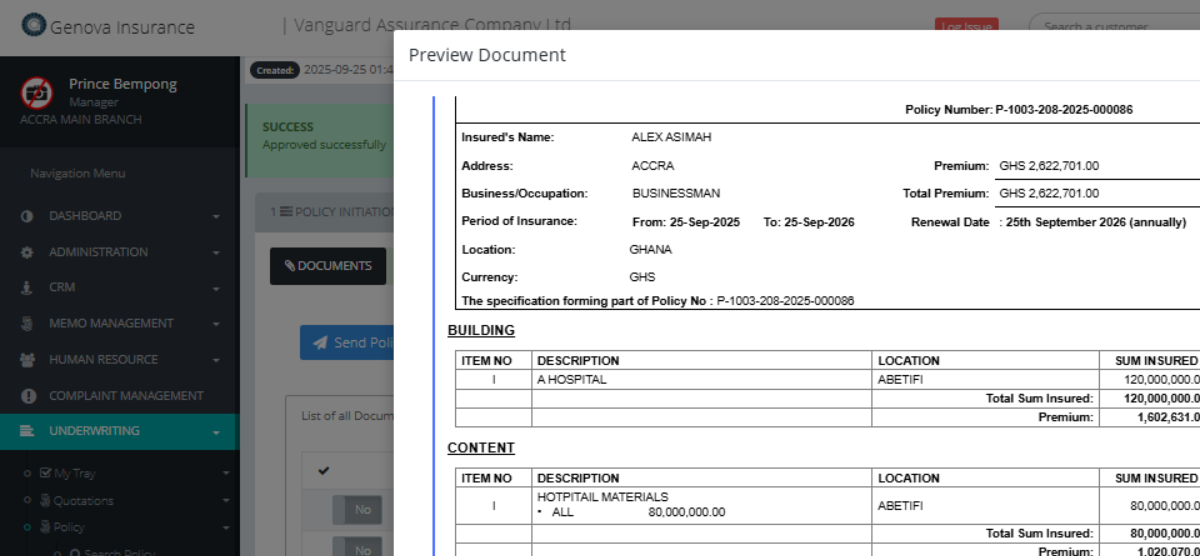
Click on "× Preview Document Print Options Close"
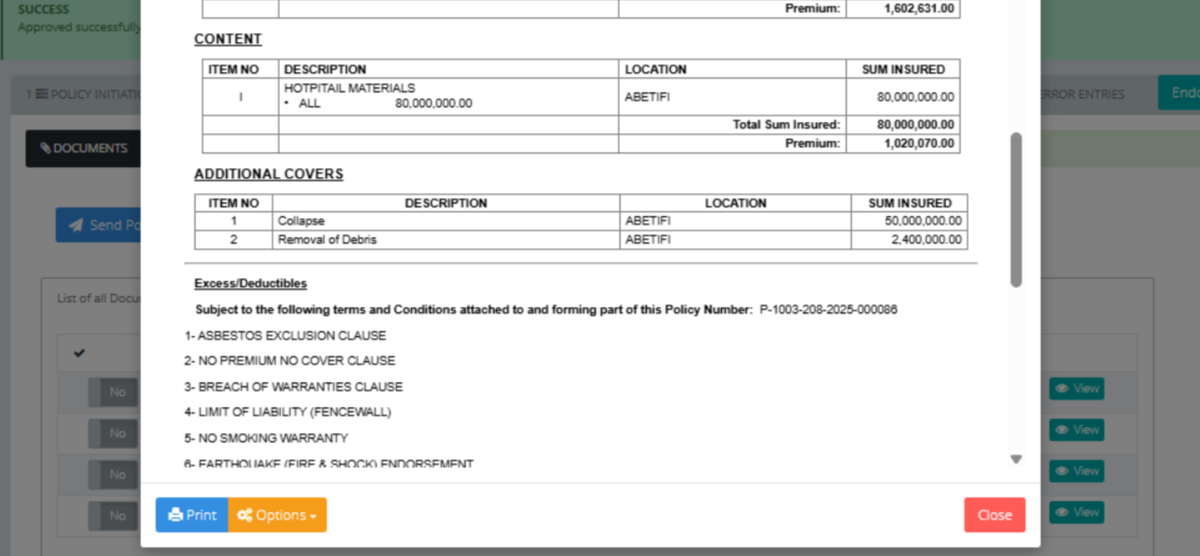
Click on the link "View"
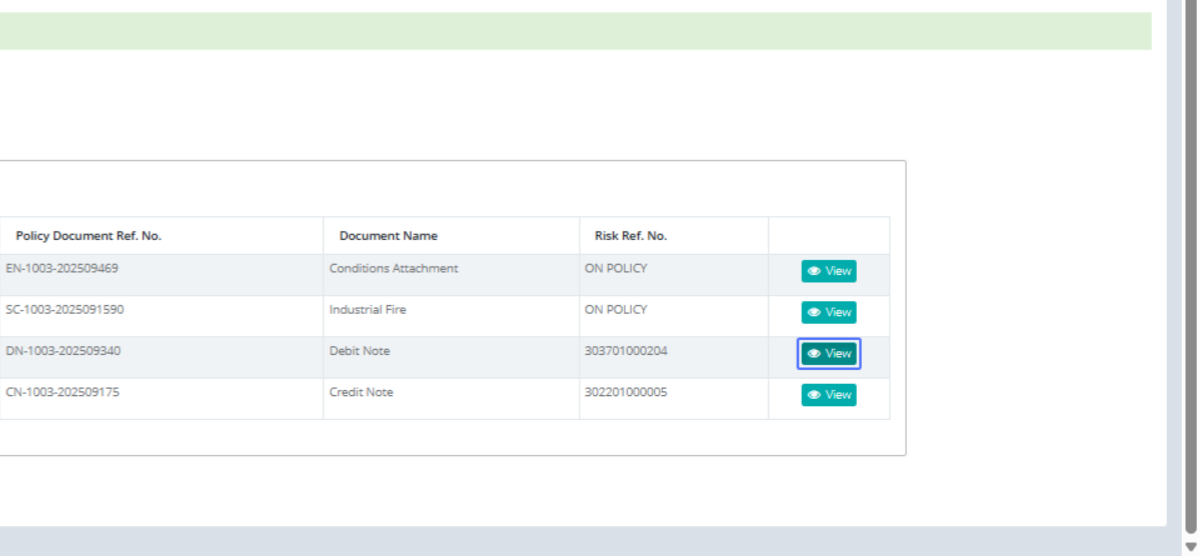
Click on "DEBIT NOTE from GENOVA INSURANCE
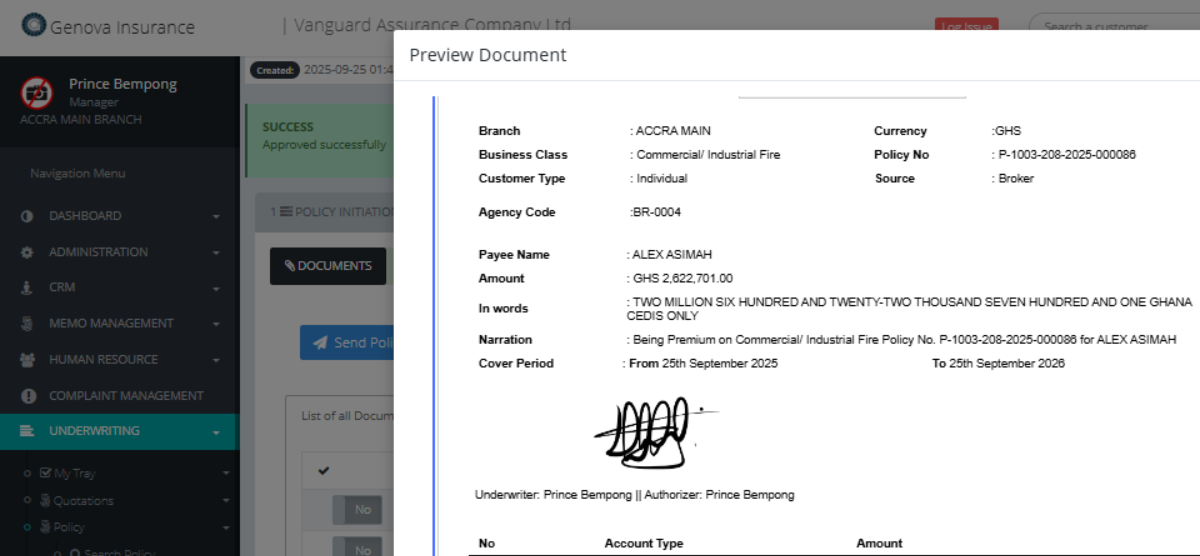
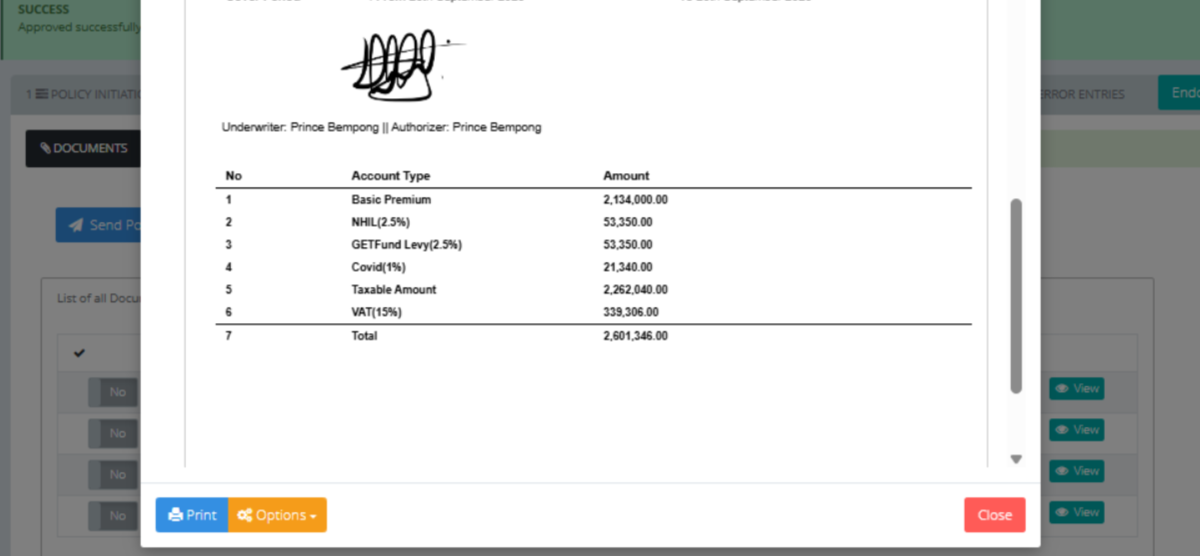
Preview on the Debit note and its related charges on the policy created
Click on the link "Treaty Allocations" to approve the treaty of the policy made
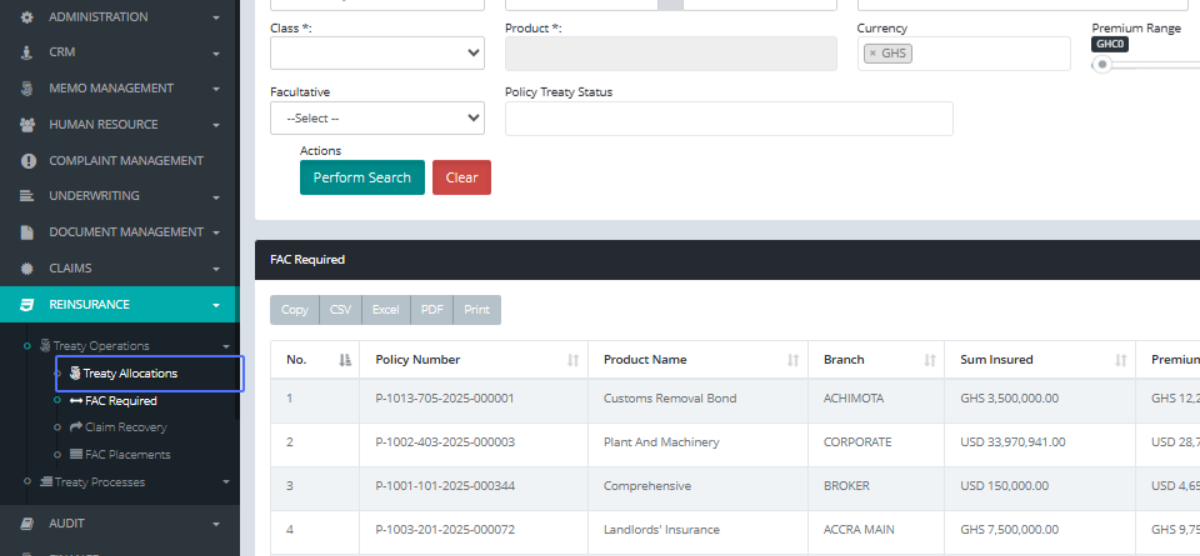
Click on the link "View Details" after locating the policy you want approve it treaty
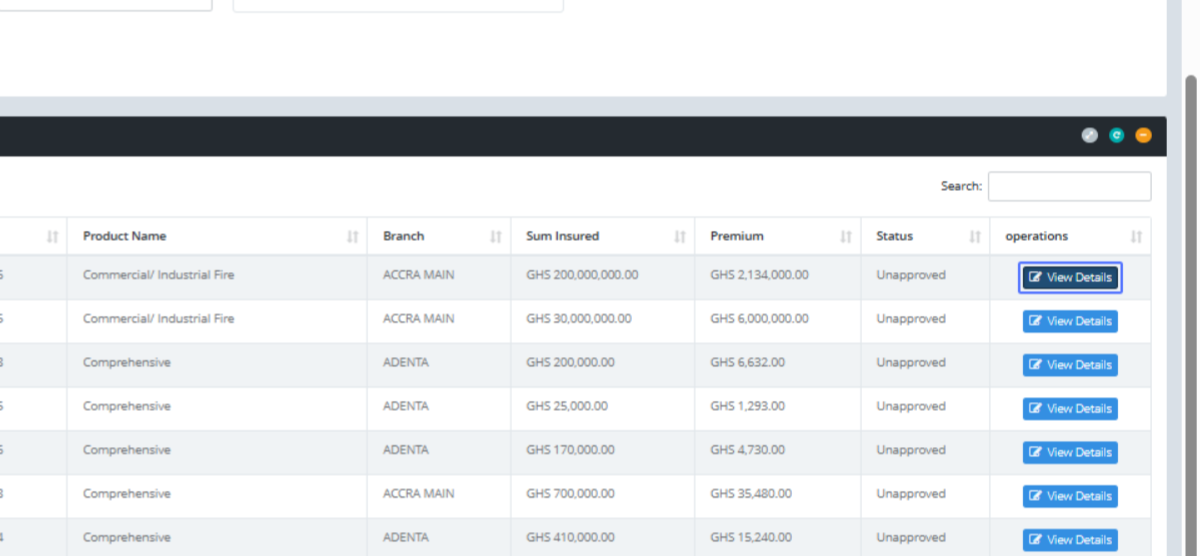
Click on the button "Approve Treaty Allocation" after confirming the percentages, you can click on the OVERRIDE btn to make changes and save
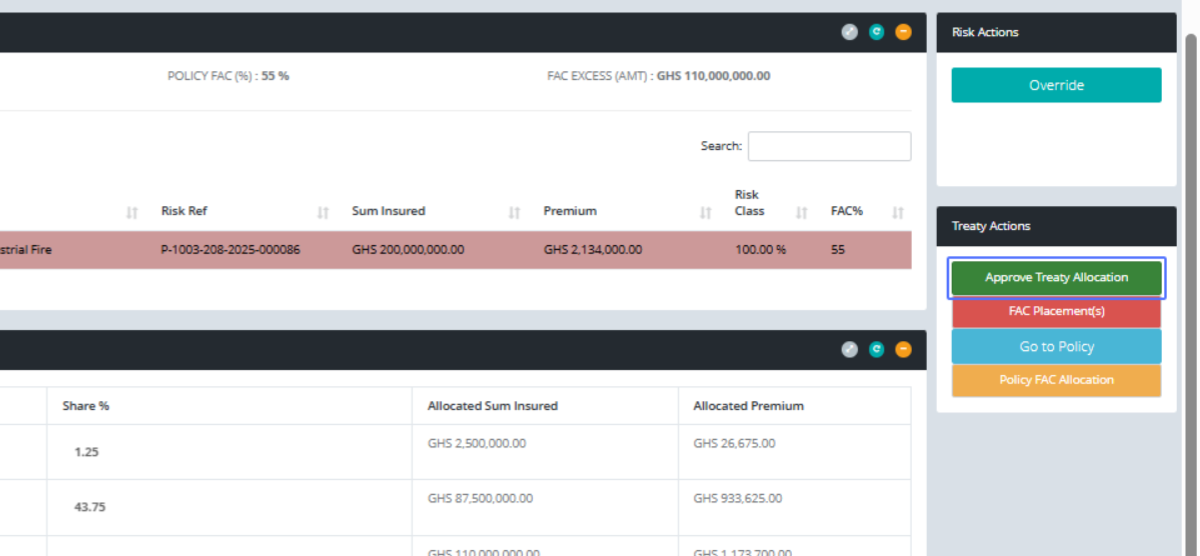
Click on the button "Yes, Approve it!"
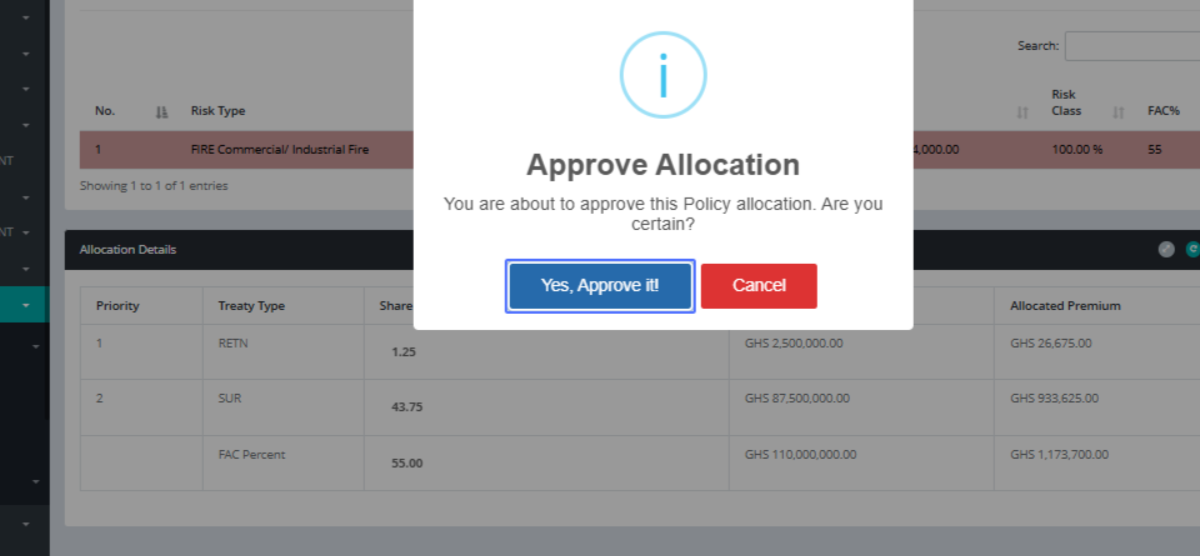
Click on the button "OK"
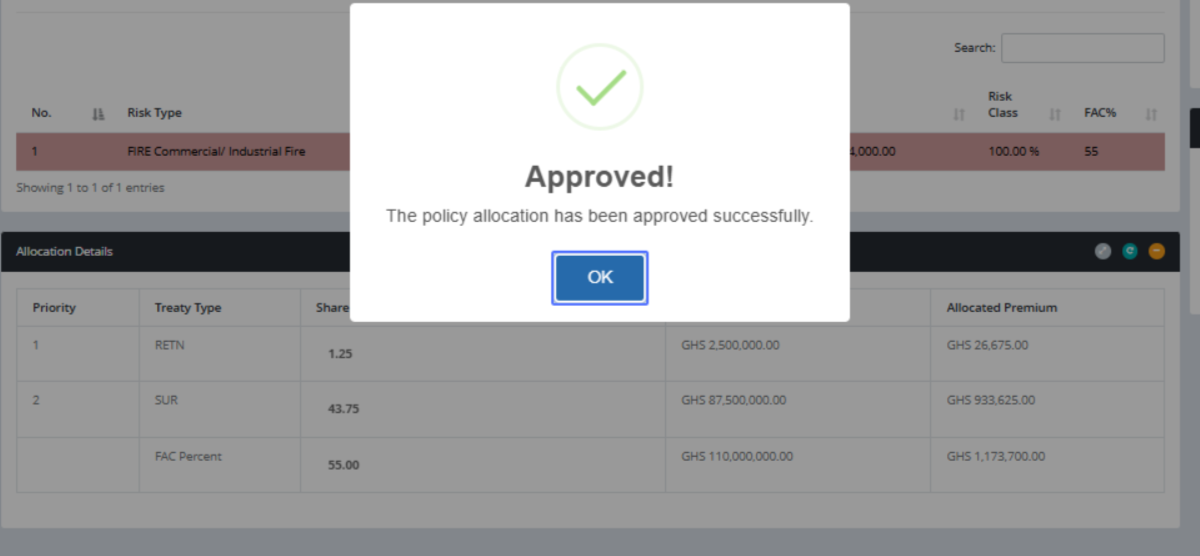
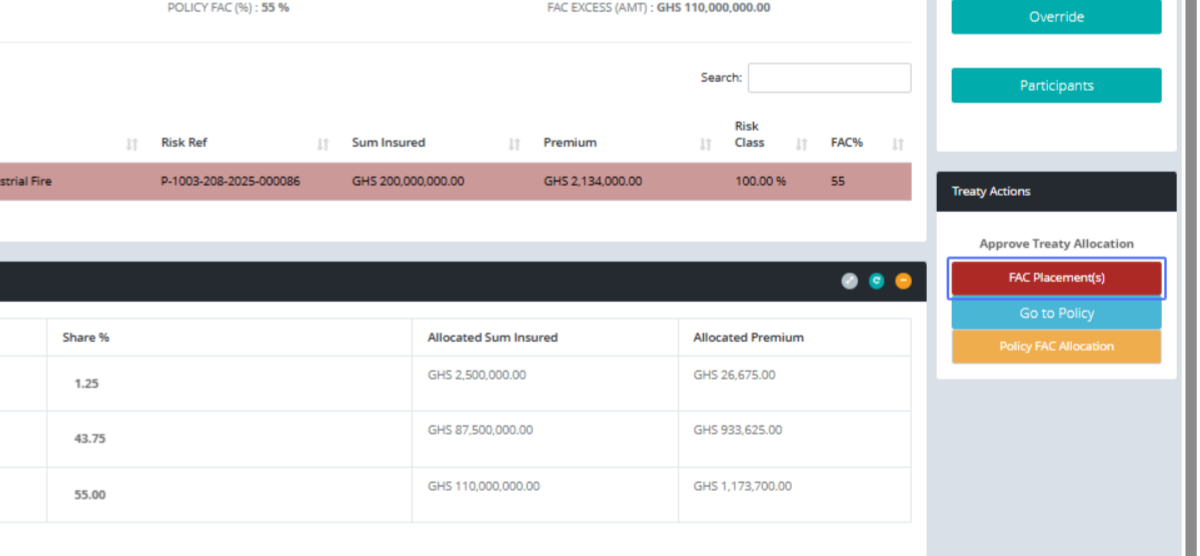
Click on the button "FAC Placement(s)" place the remaining risk on FAC
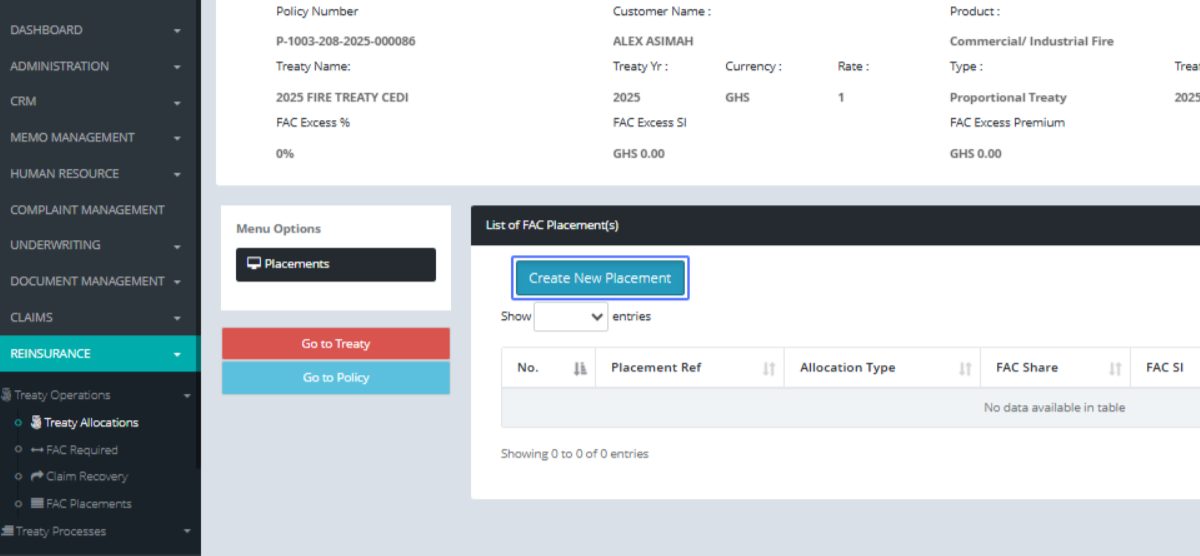
Click on the button "Create New Placement"
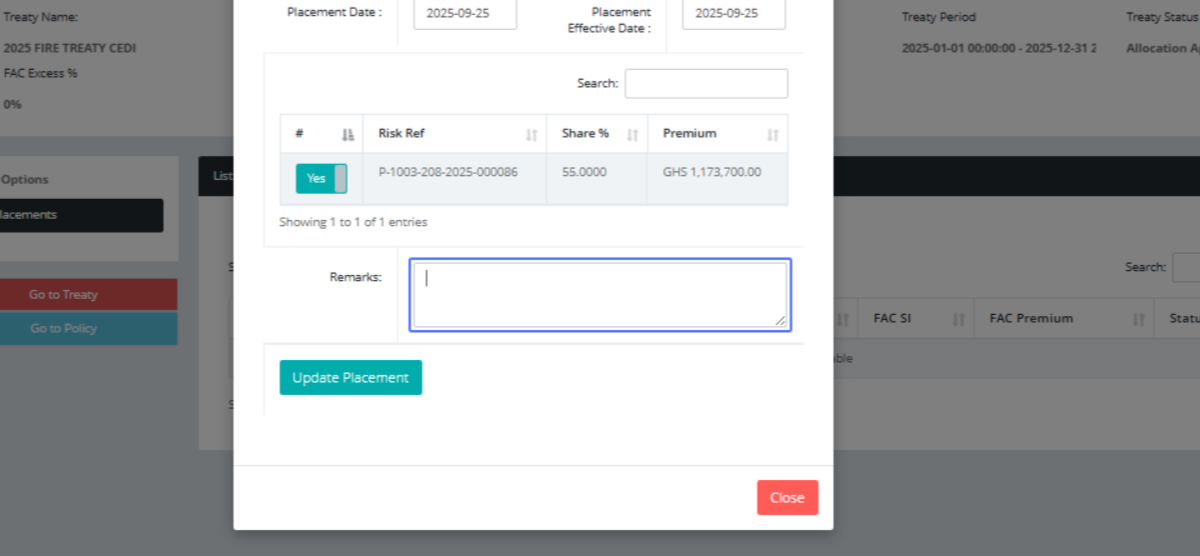
Click here to pass your comment
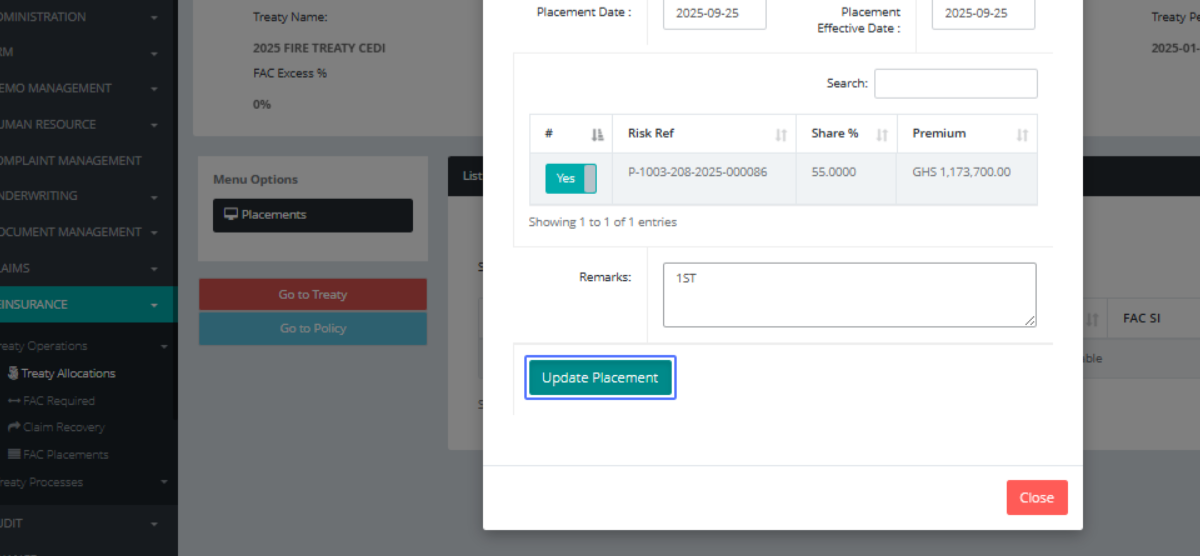
Click on the button "Update Placement"
Click on the button "Ok Thanks"
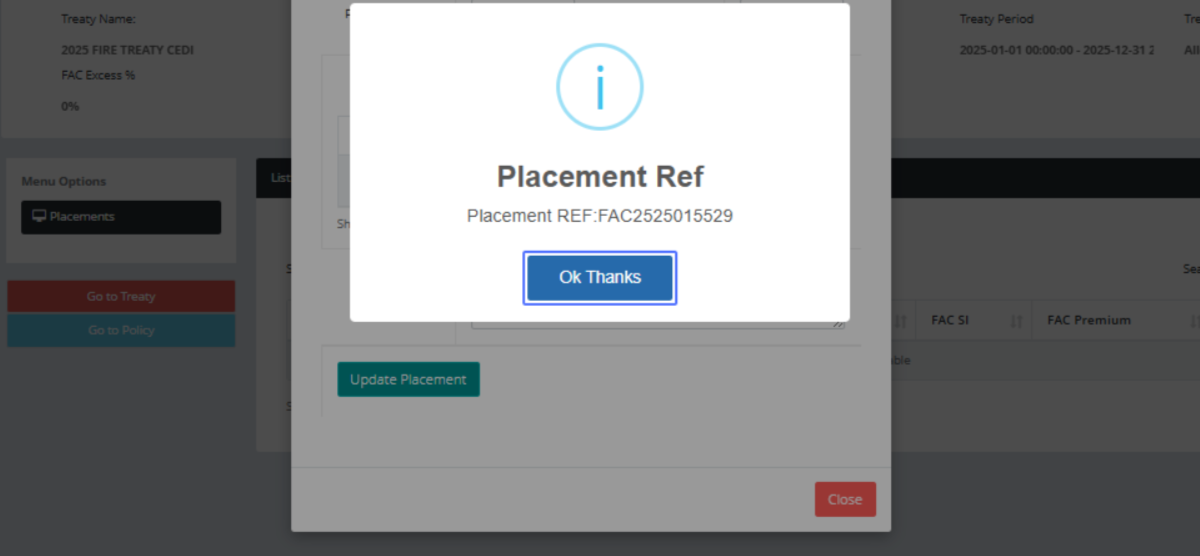
Click on the link "Review"
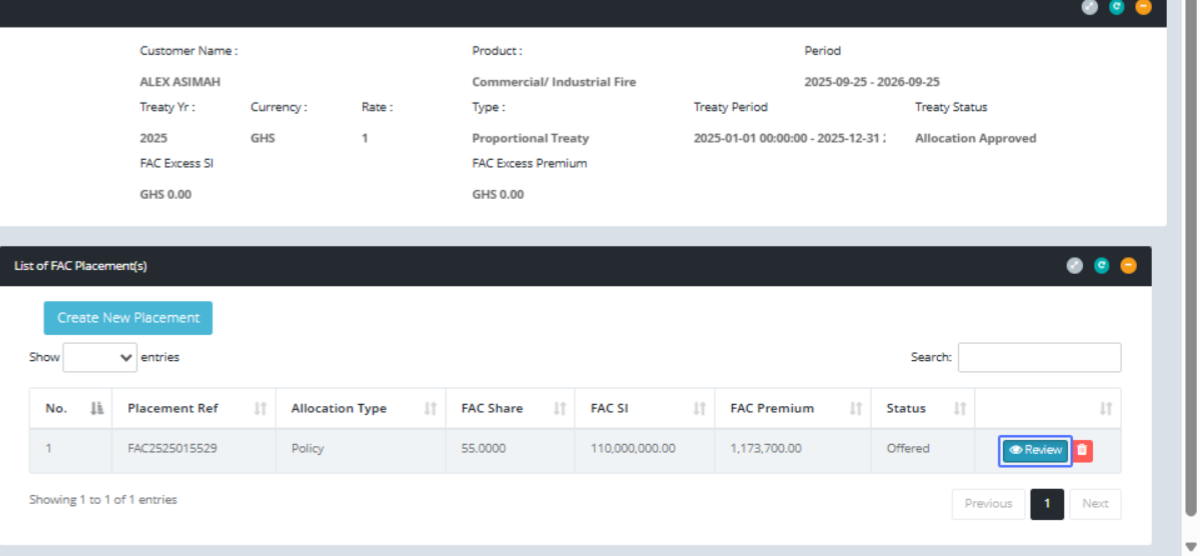
Click on the button "Manage Participants"
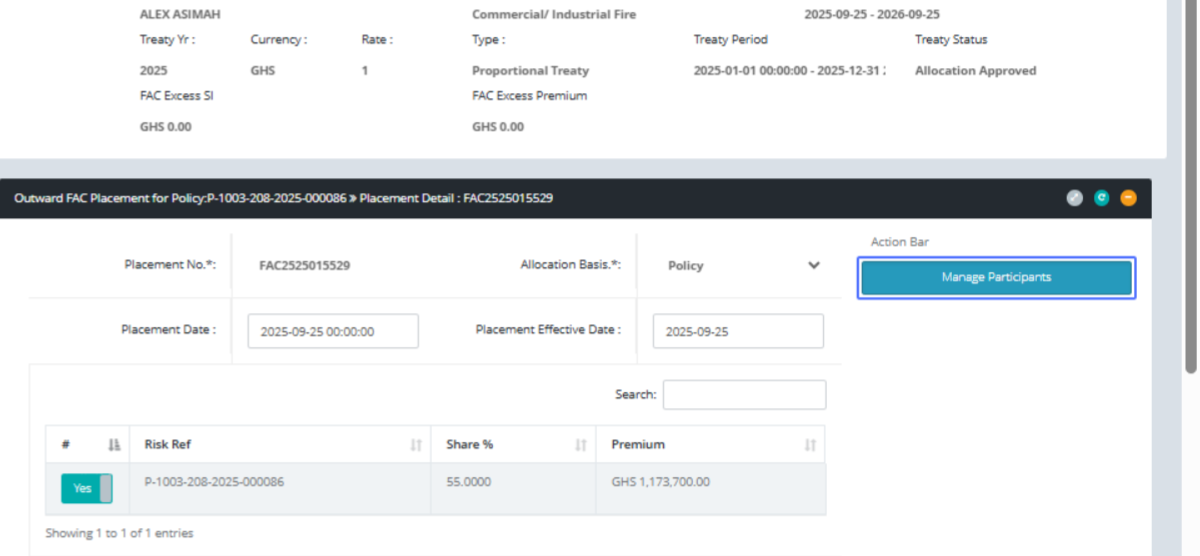
Click on the link "Add Participant" or any insurance firm to share the risk with
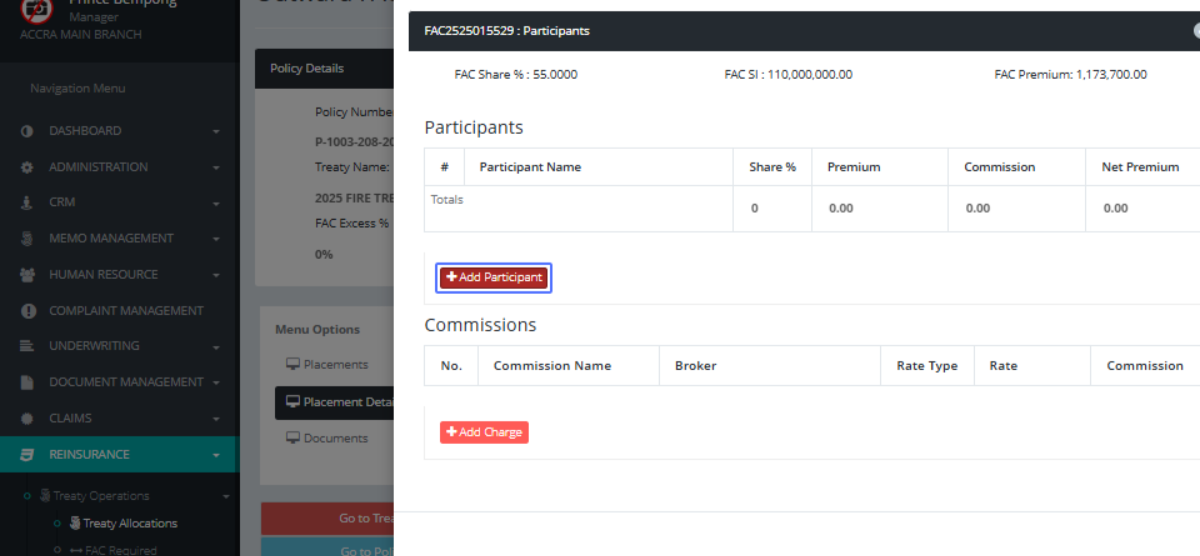
Click here to choose among the list
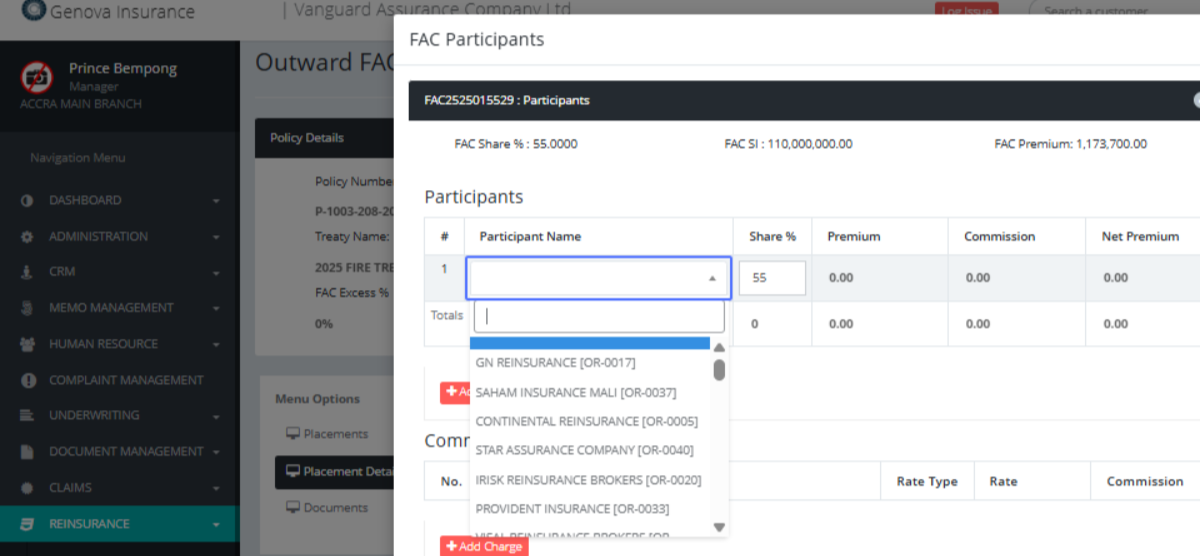
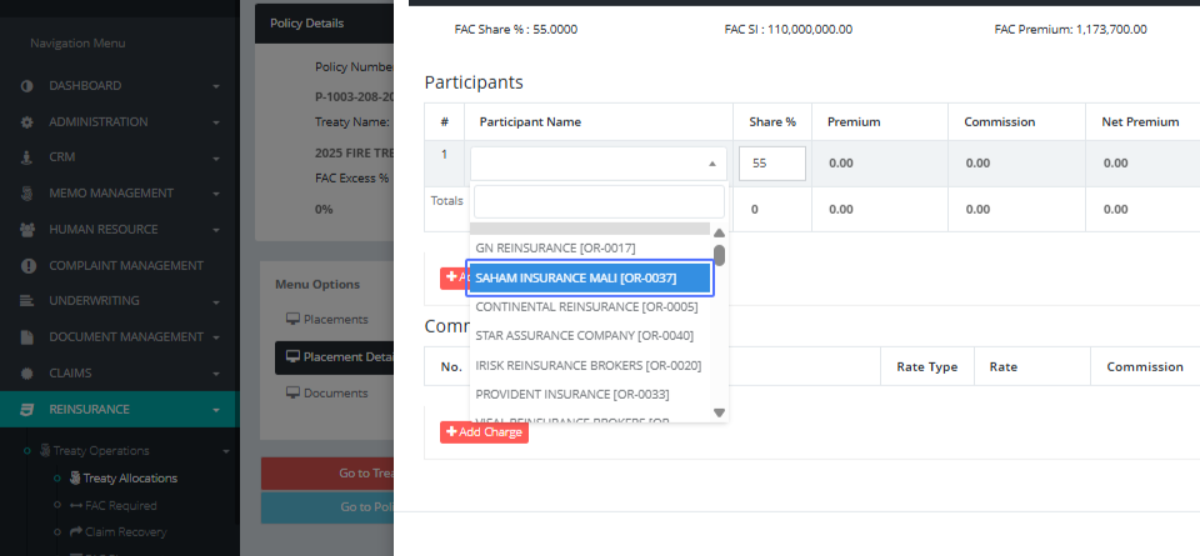
Click on "SAHAM INSURANCE MALI [OR-0037]" and give it rate for the risk
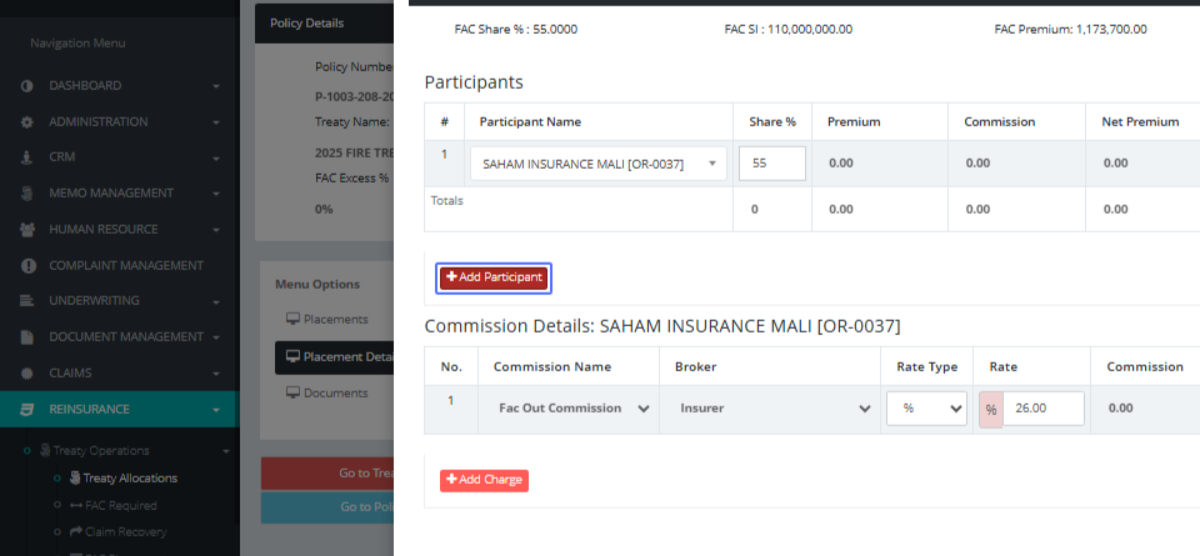
Click on the link "Add Participant"
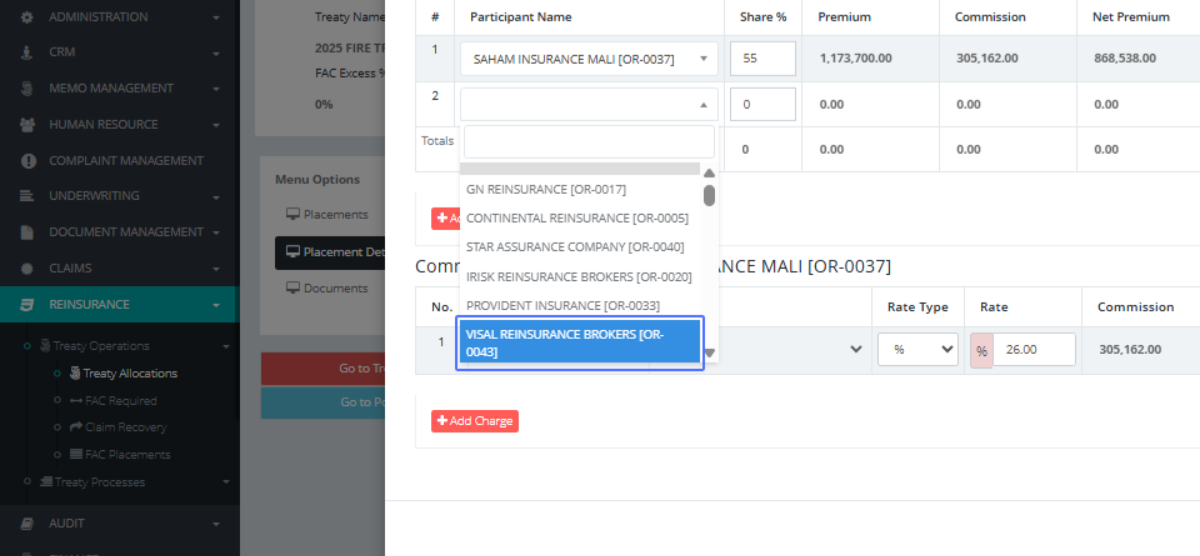
Click here to choose
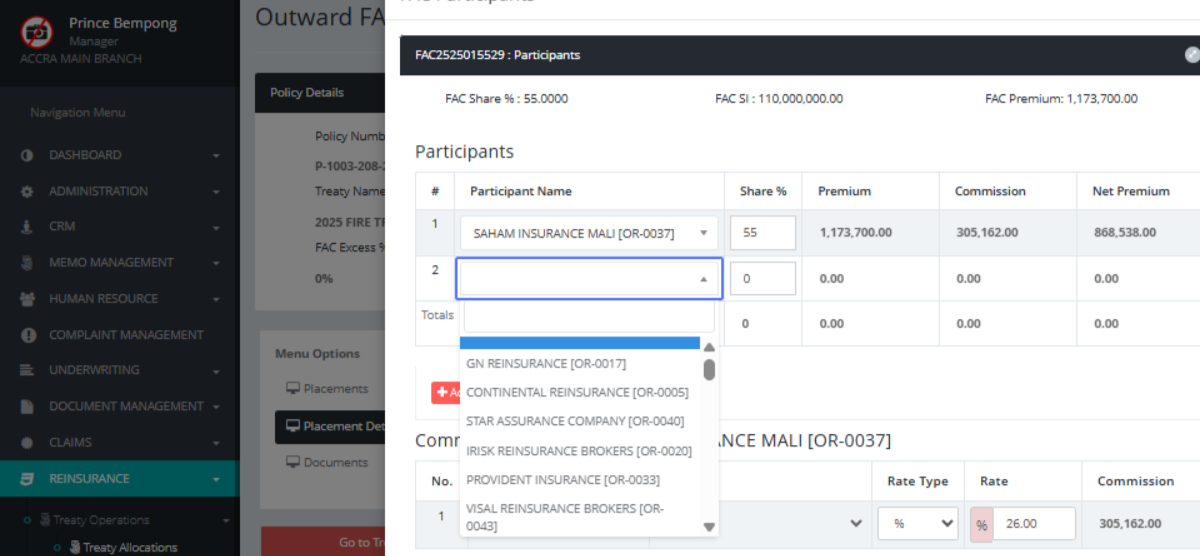
Click on "VISAL REINSURANCE BROKERS [OR-0043]"
Input the rate shared among them, on the policy
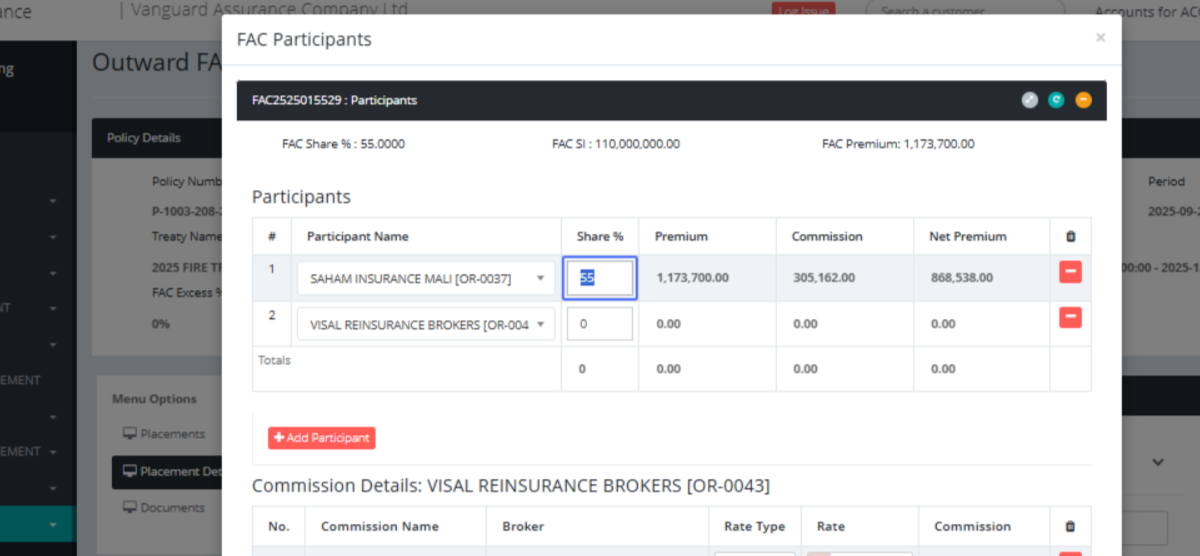
Click on the input
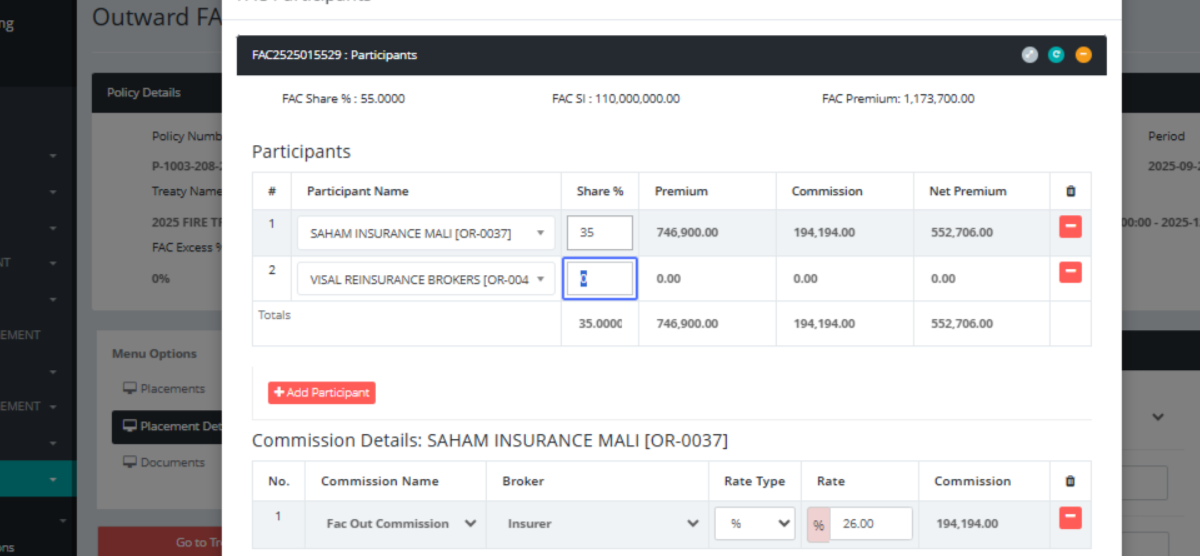
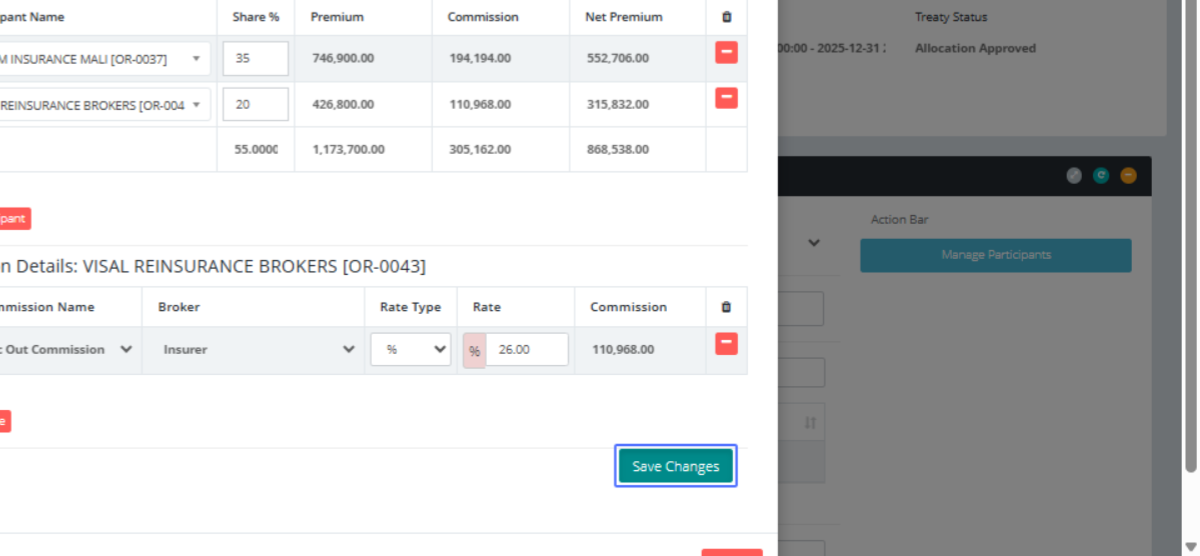
Here shows the risk shared, their commissions and rates for the them
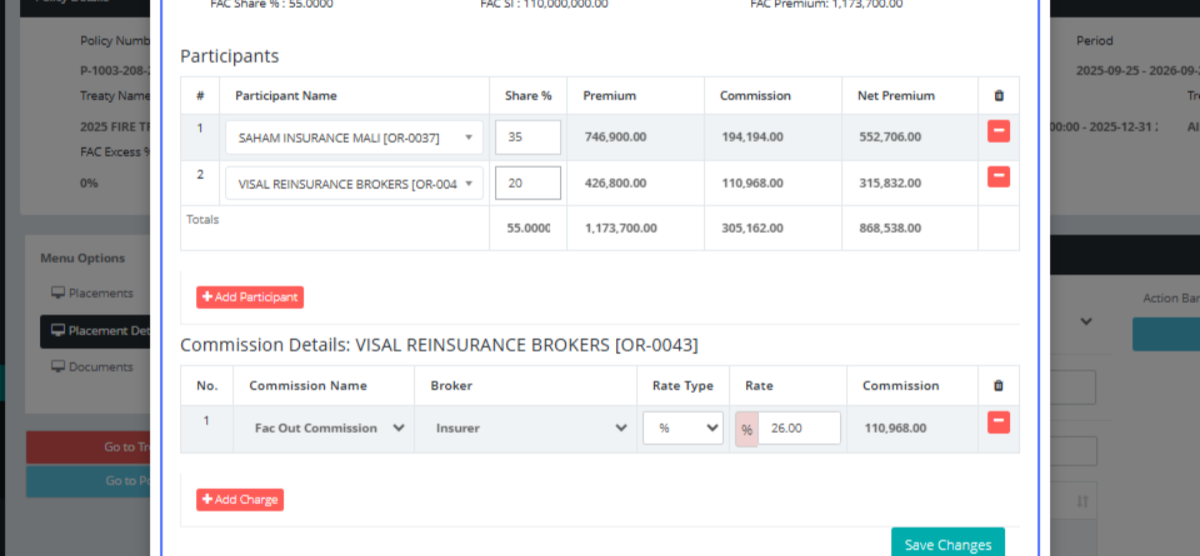
Click on the button "Save Changes"
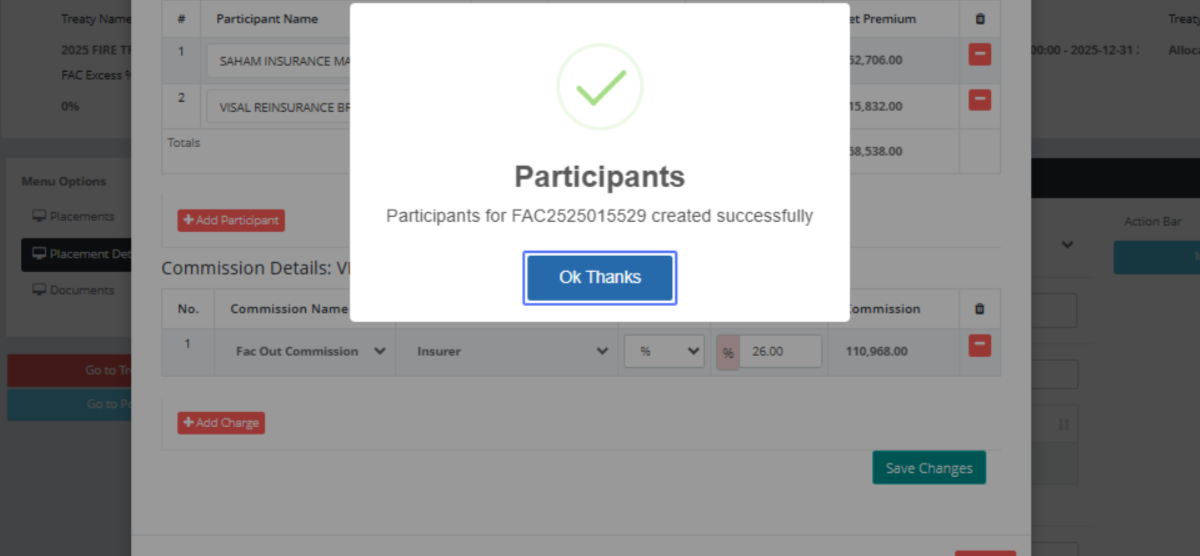
Click on the button "Ok Thanks"
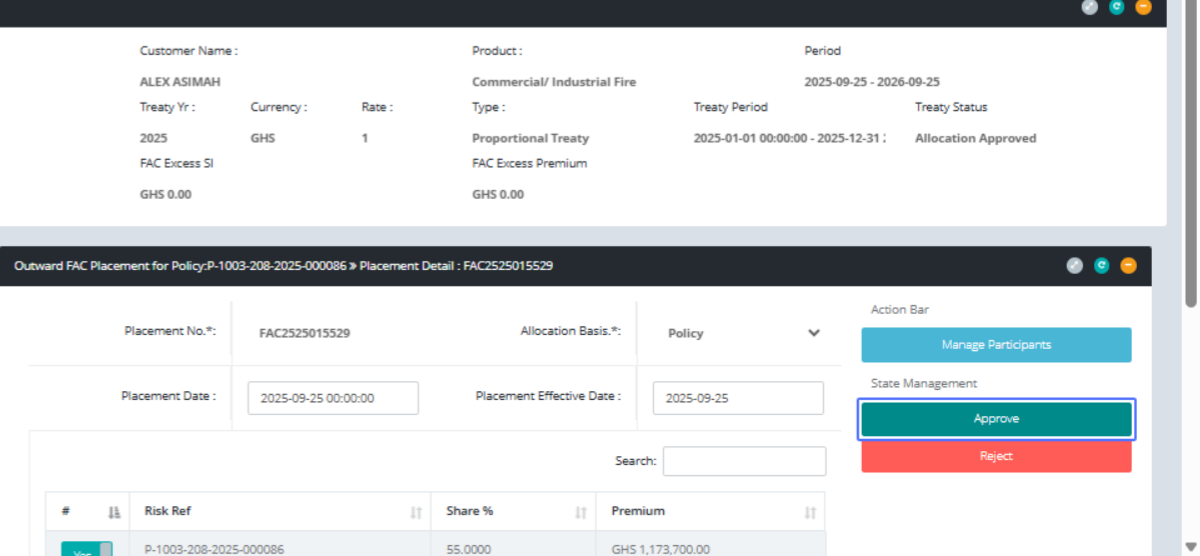
Click on the button "Approve"
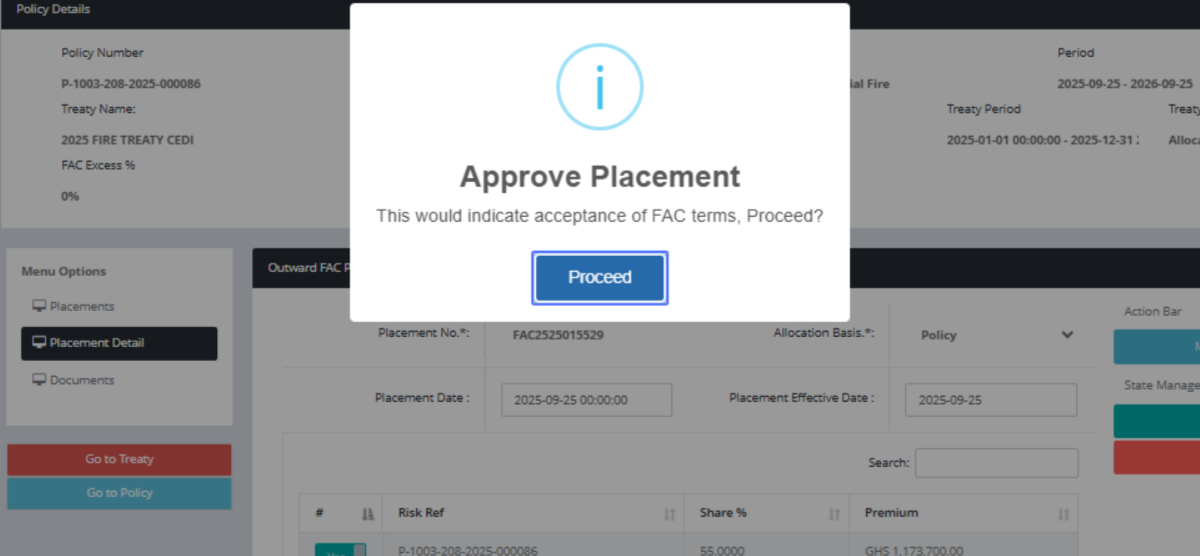
Click on the button "Proceed"
Click on the button "Ok Thanks"
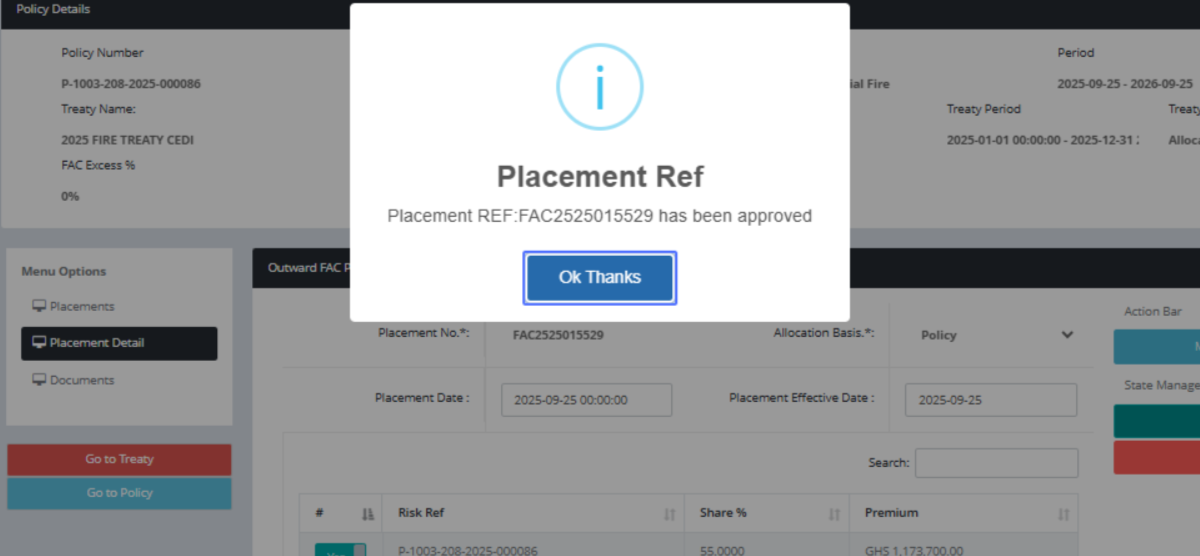
Click on "Menu Options Placements Placement Detail Documents Accounting"
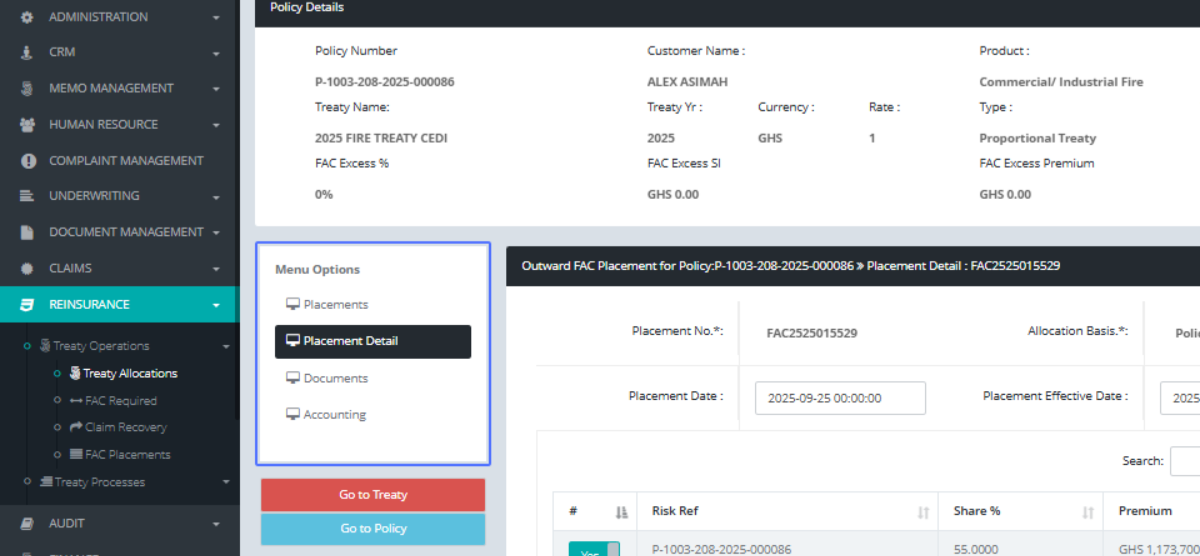
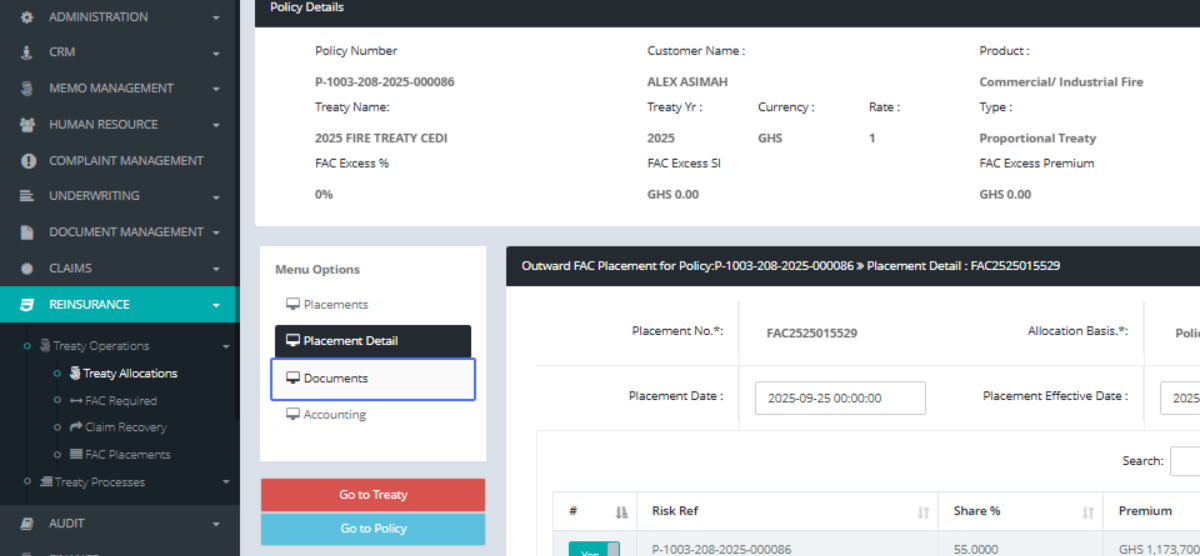
Click on the link "Documents"
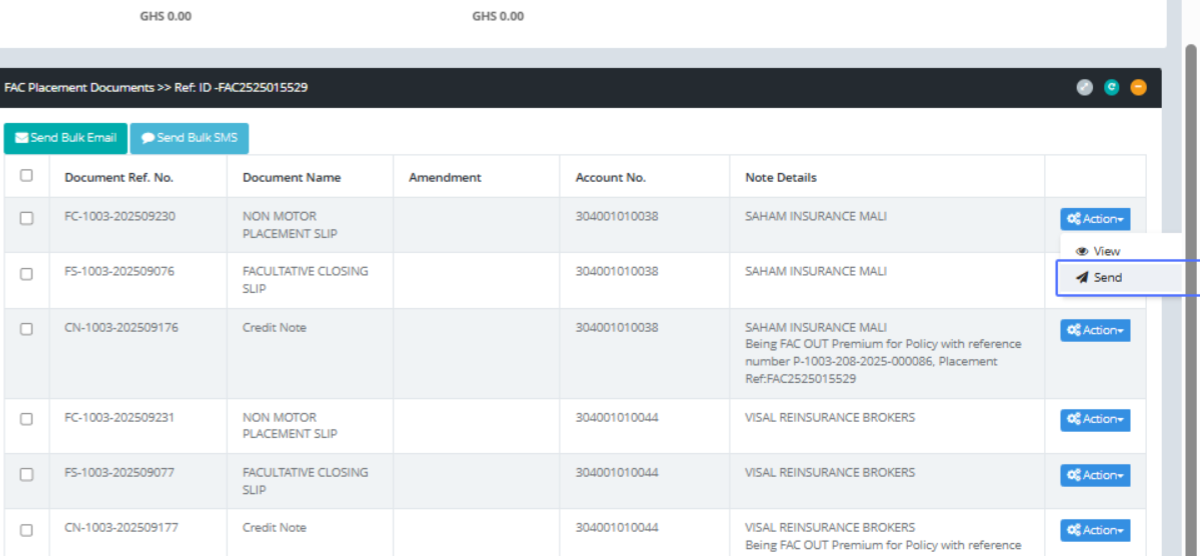
Click on "Send Bulk Email Send Bulk SMS Document Ref. No. Document Name Amendment Account No. Note Details ..."
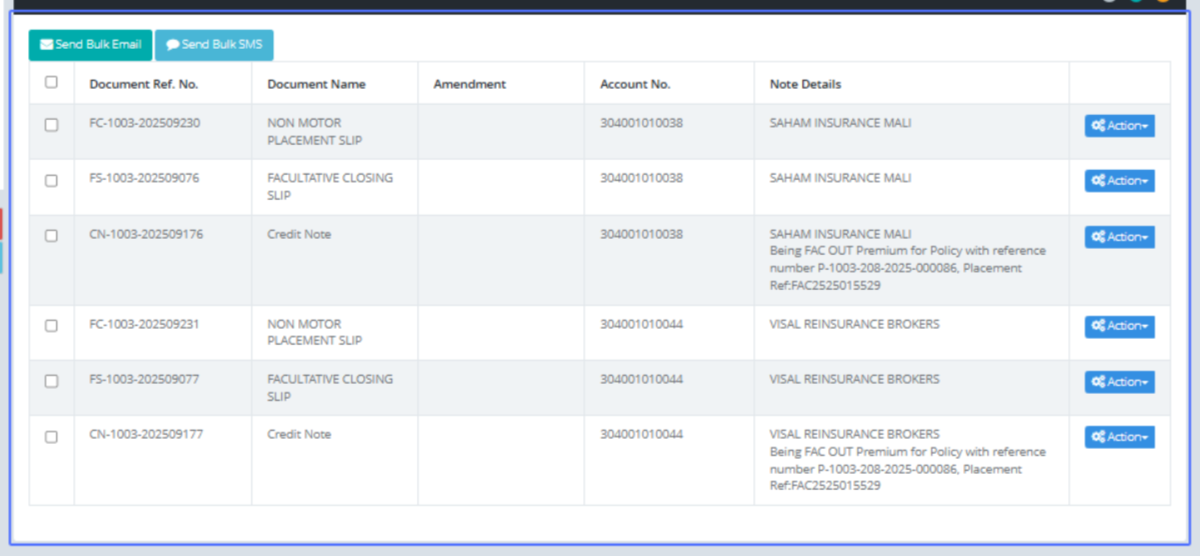
Click on the link "Send" via mail to any party involved
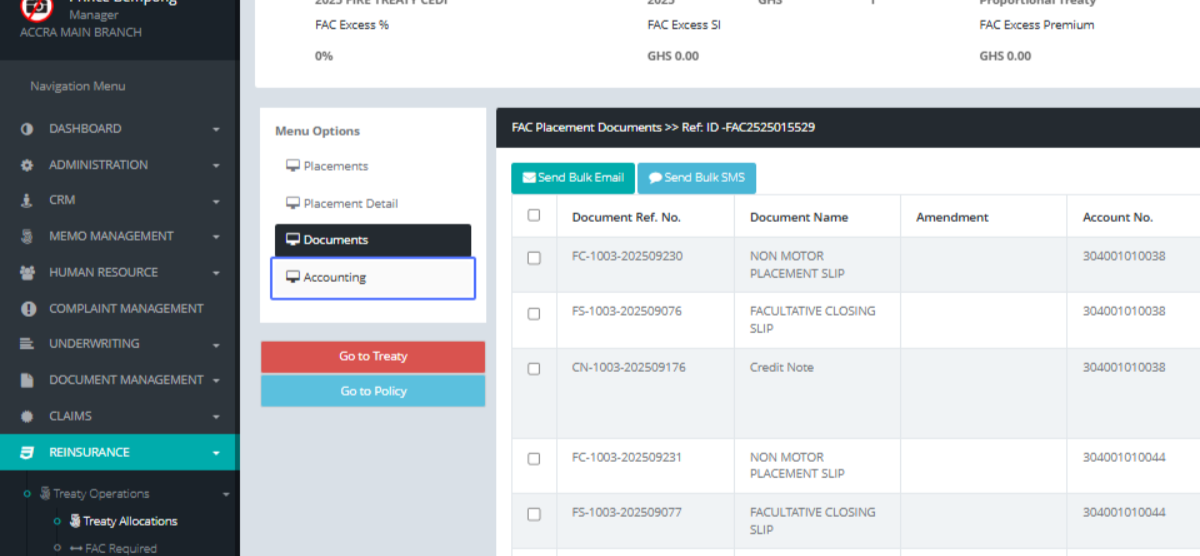
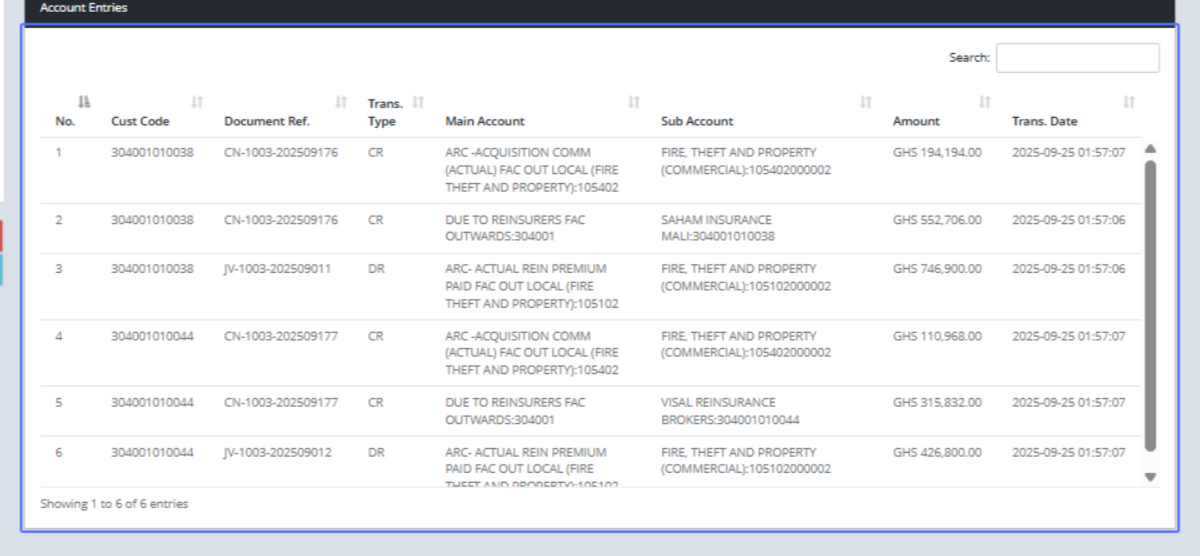
Click on the link "Accounting" to see the financial implications
As shown above
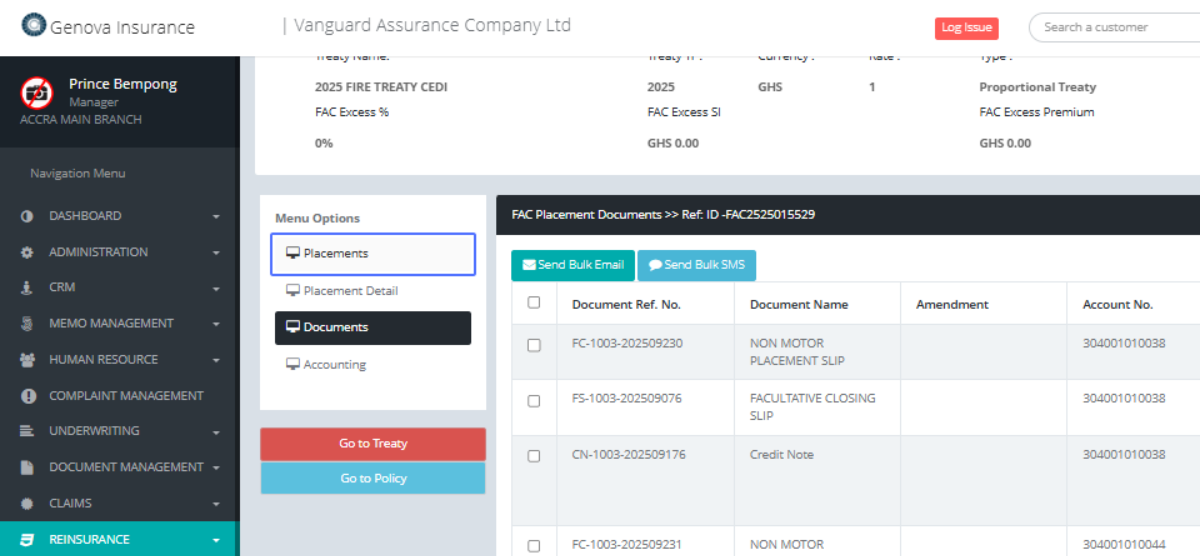
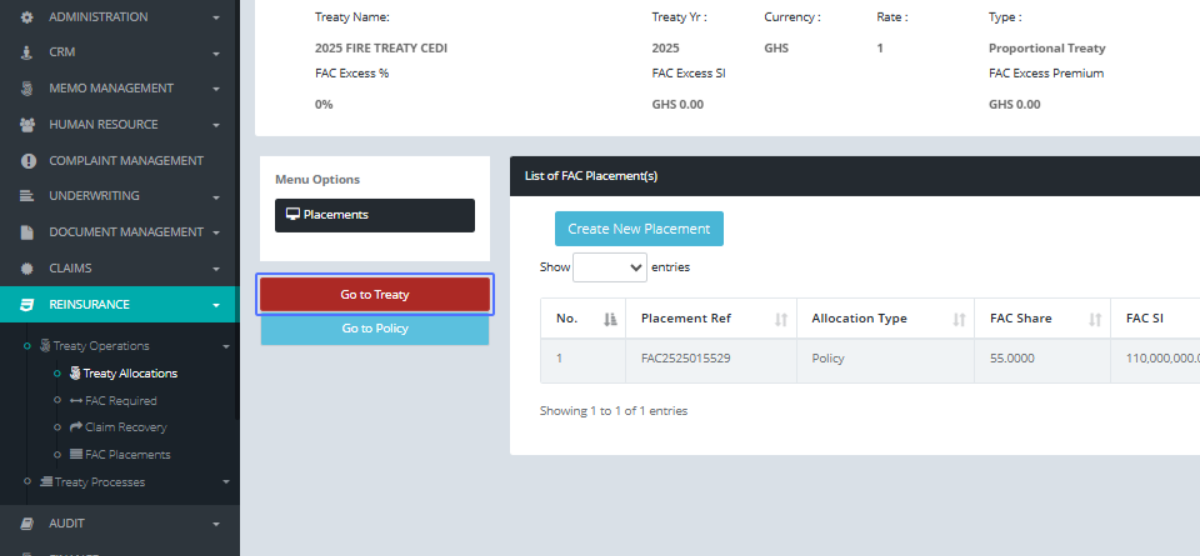
Click on the link "Placements"
Click on the button "Go to Treaty"
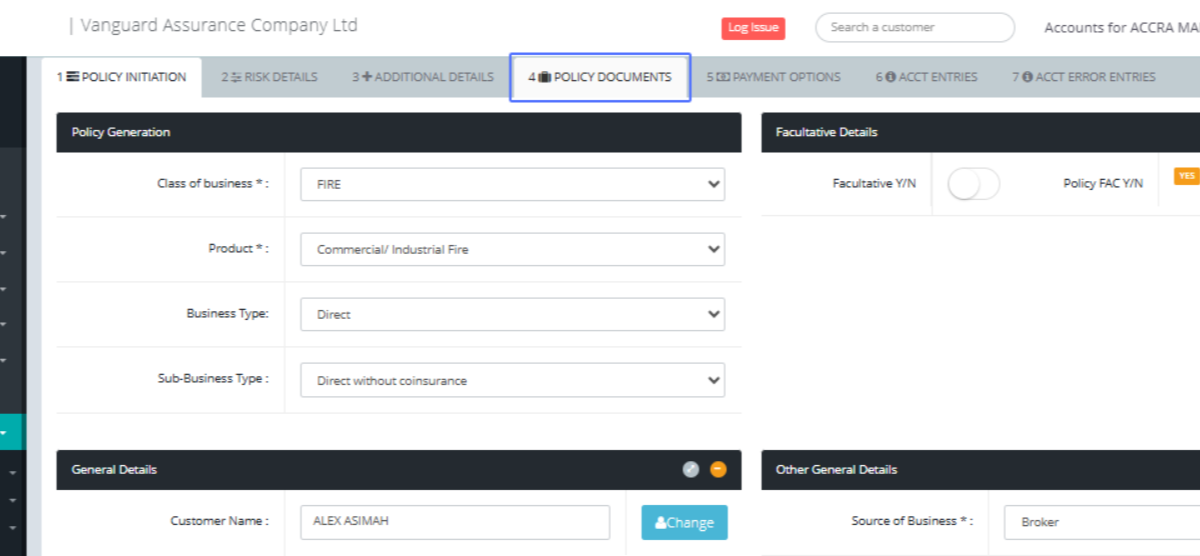
Click on the link "4 POLICY DOCUMENTS"
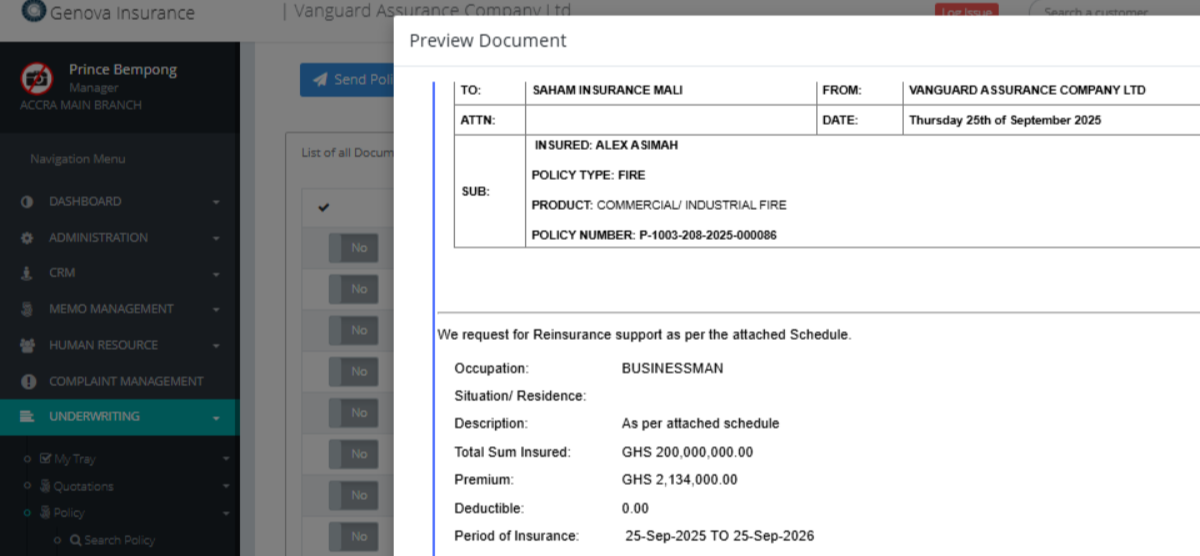
Click on the link "View" to view any of the documents

Click on "GENOVA INSURANCE COMPANY LIMITED FACULTATIVE PLACEMENT SLIP TO: SAHAM INSURANCE MALI ..."
Click on "× Preview Document Print Options Close"
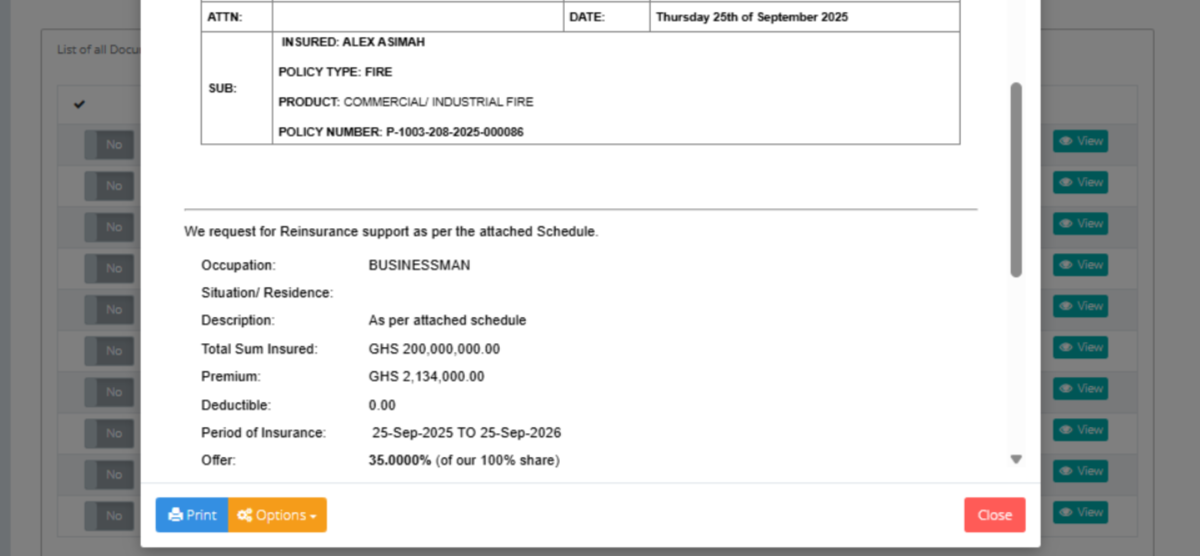
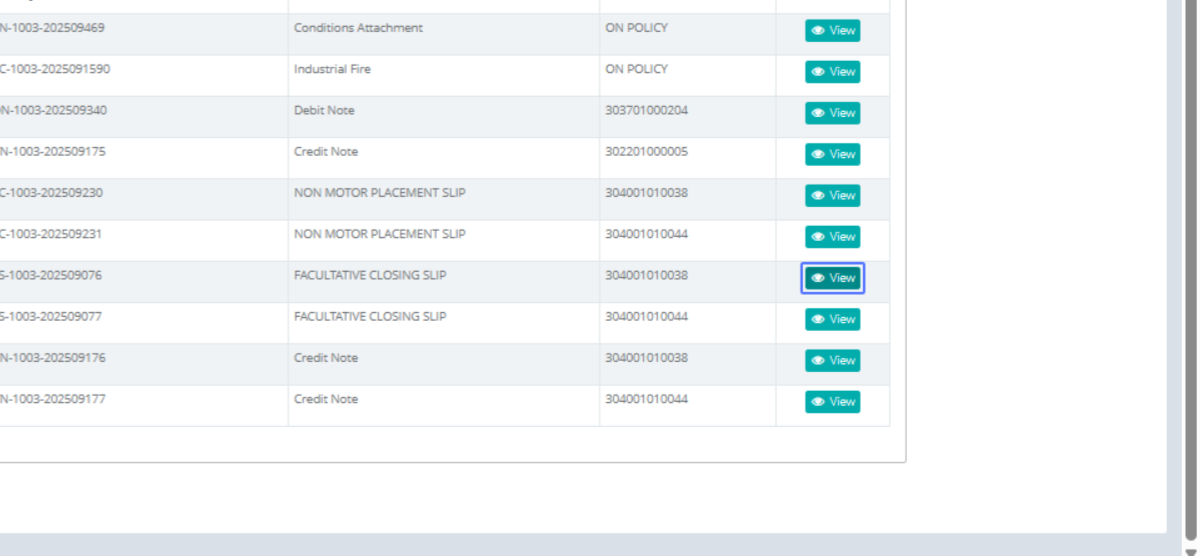
Click on the link "View"
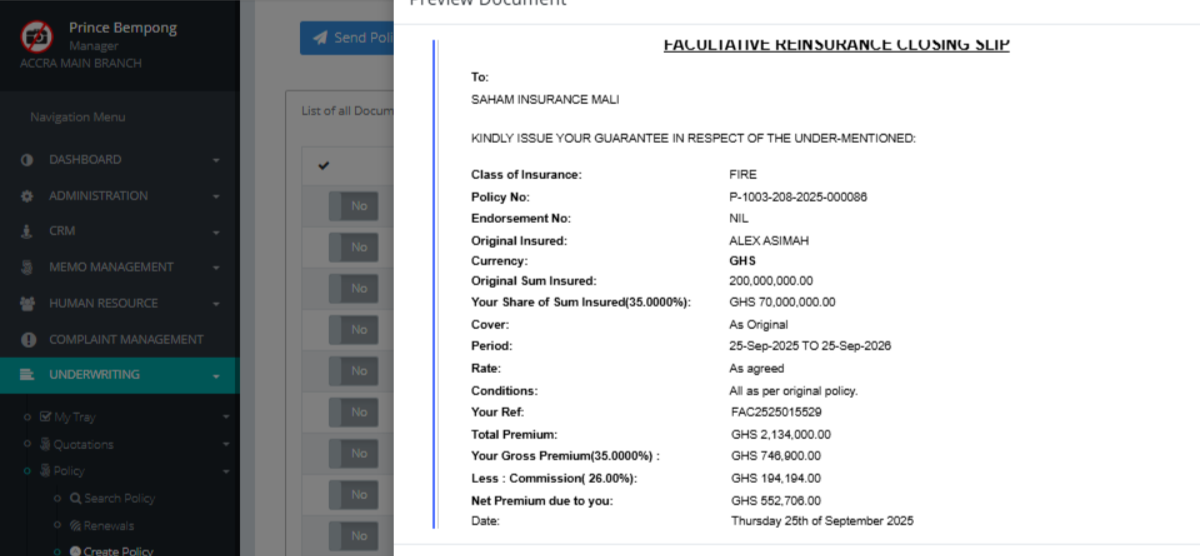
Click on "FACULTATIVE REINSURANCE CLOSING SLIP To: SAHAM INSURANCE MALI KINDLY ISSUE YOUR GUARANTEE..."
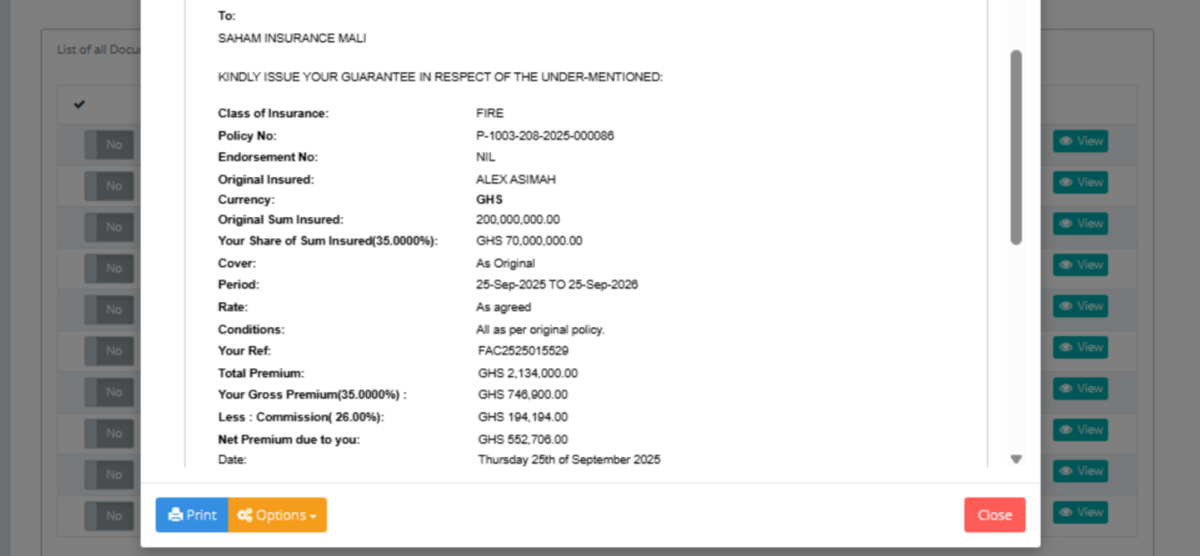
Click on "× Preview Document Print Options Close"
Click on the link "View"
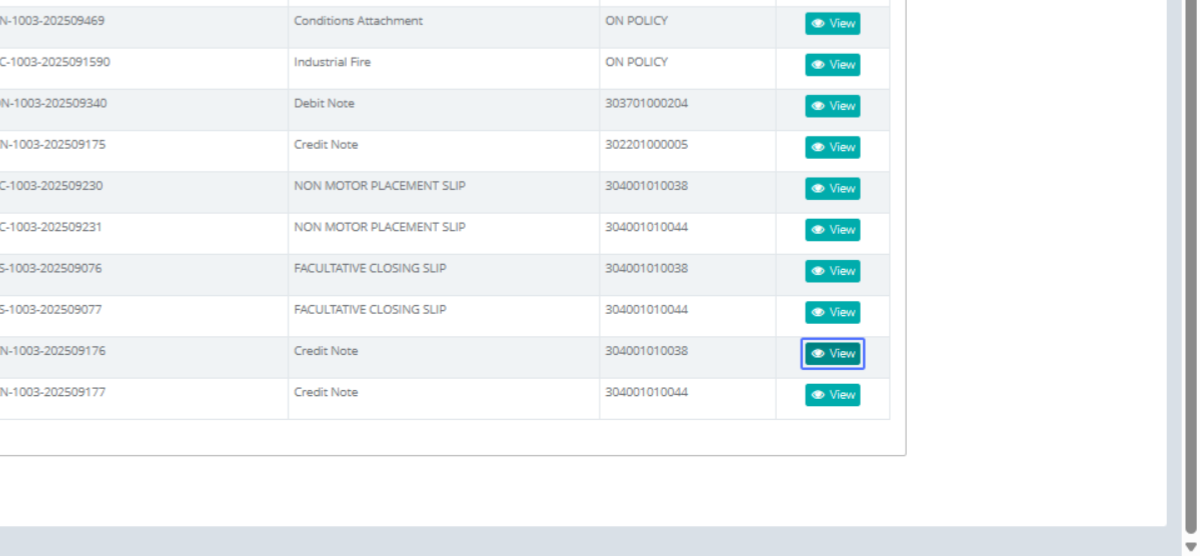
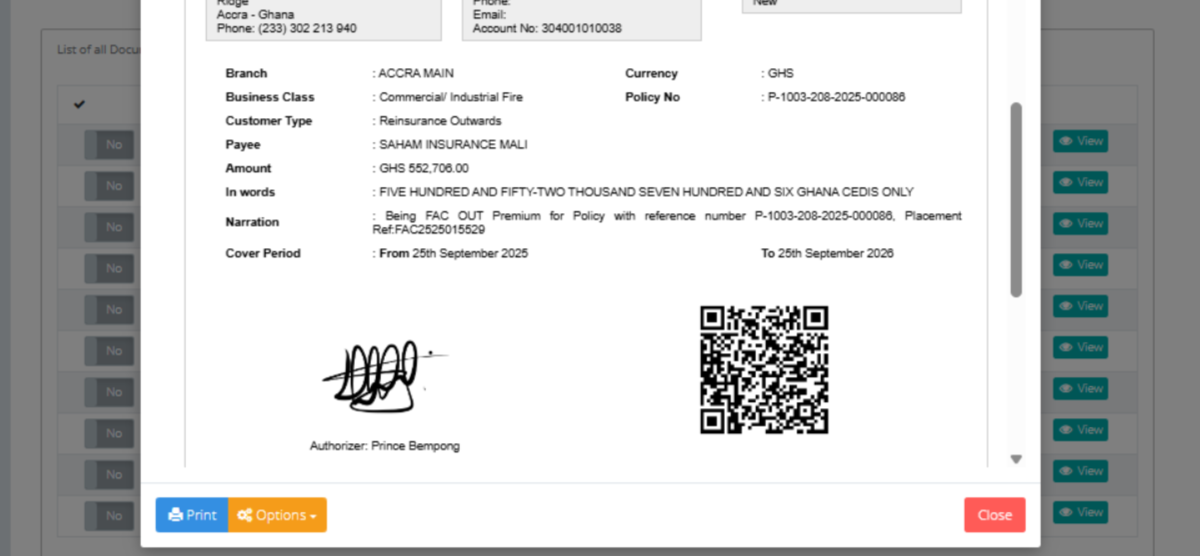
Click on "CREDIT NOTE From GENOVA Phone: (233) 302 2..."
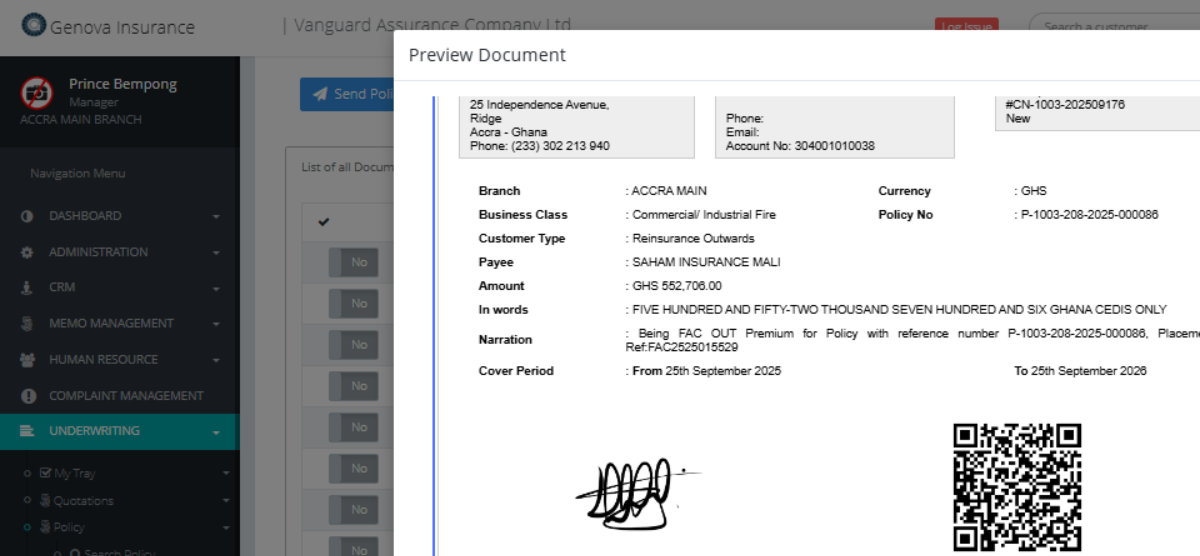
Click on "× Preview Document Print Options Close"