Genova
ACCOUNTING
TREATY ACCOUNTING
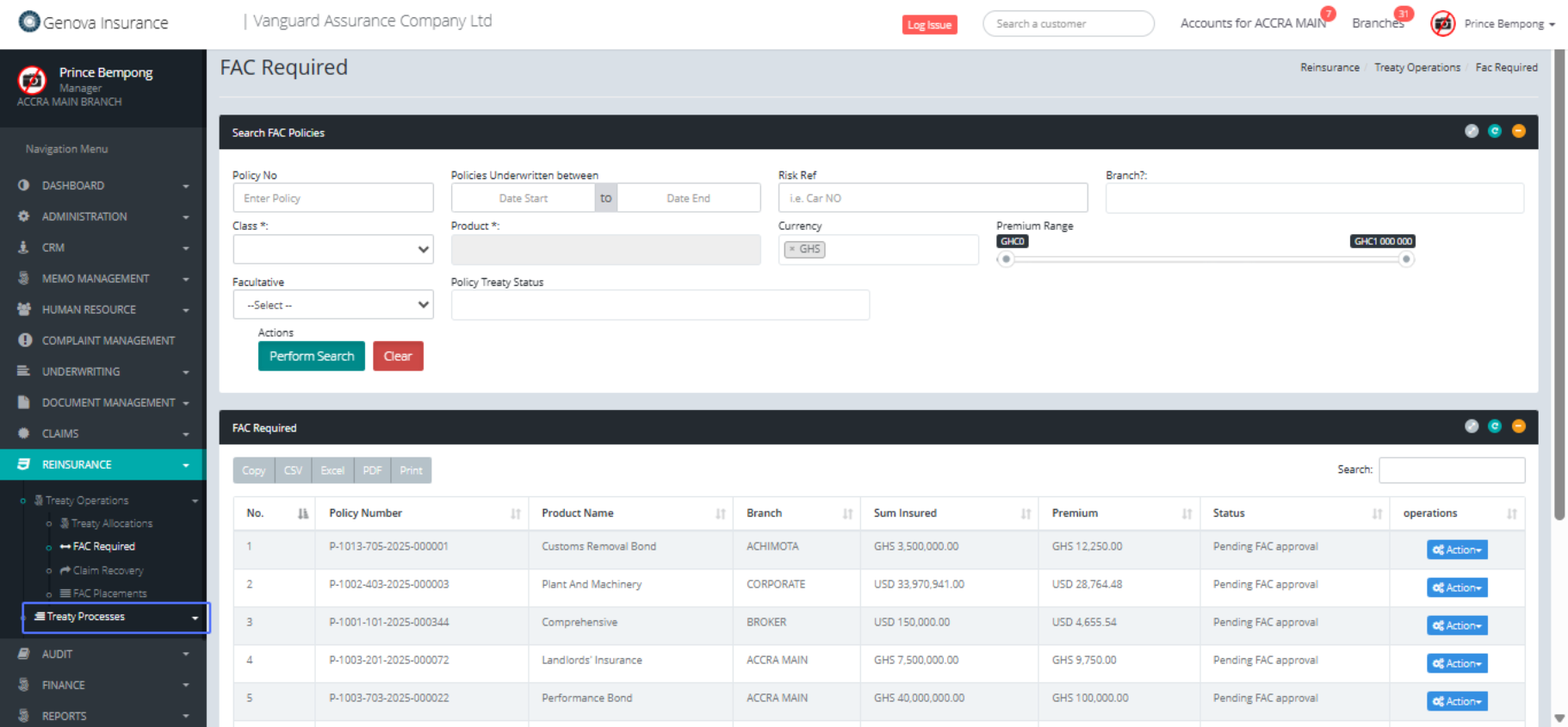
Click on the link "Treaty Processes"
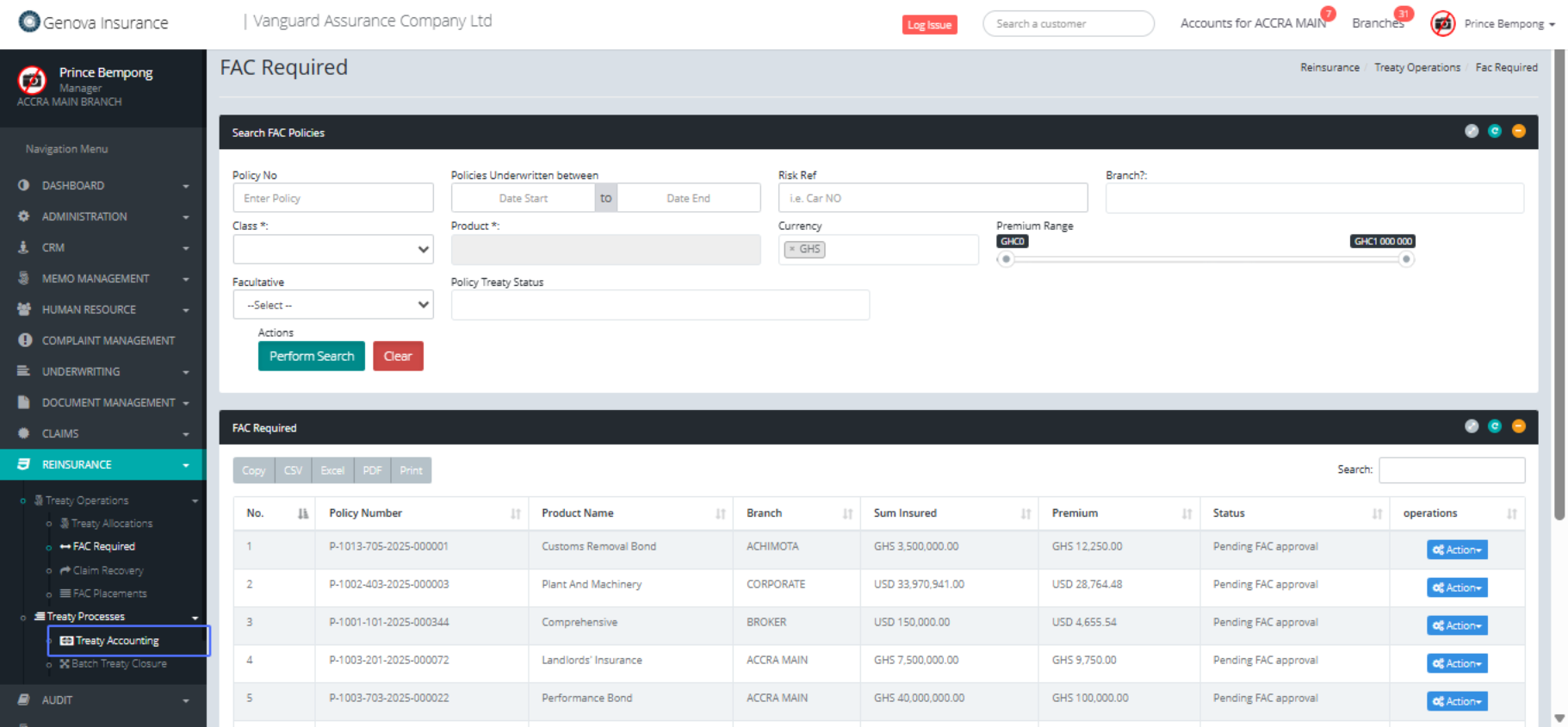
Click on the link "Treaty Accounting"
Click on "1st Month 2nd Month 3rd Month 4th Month 5th Month
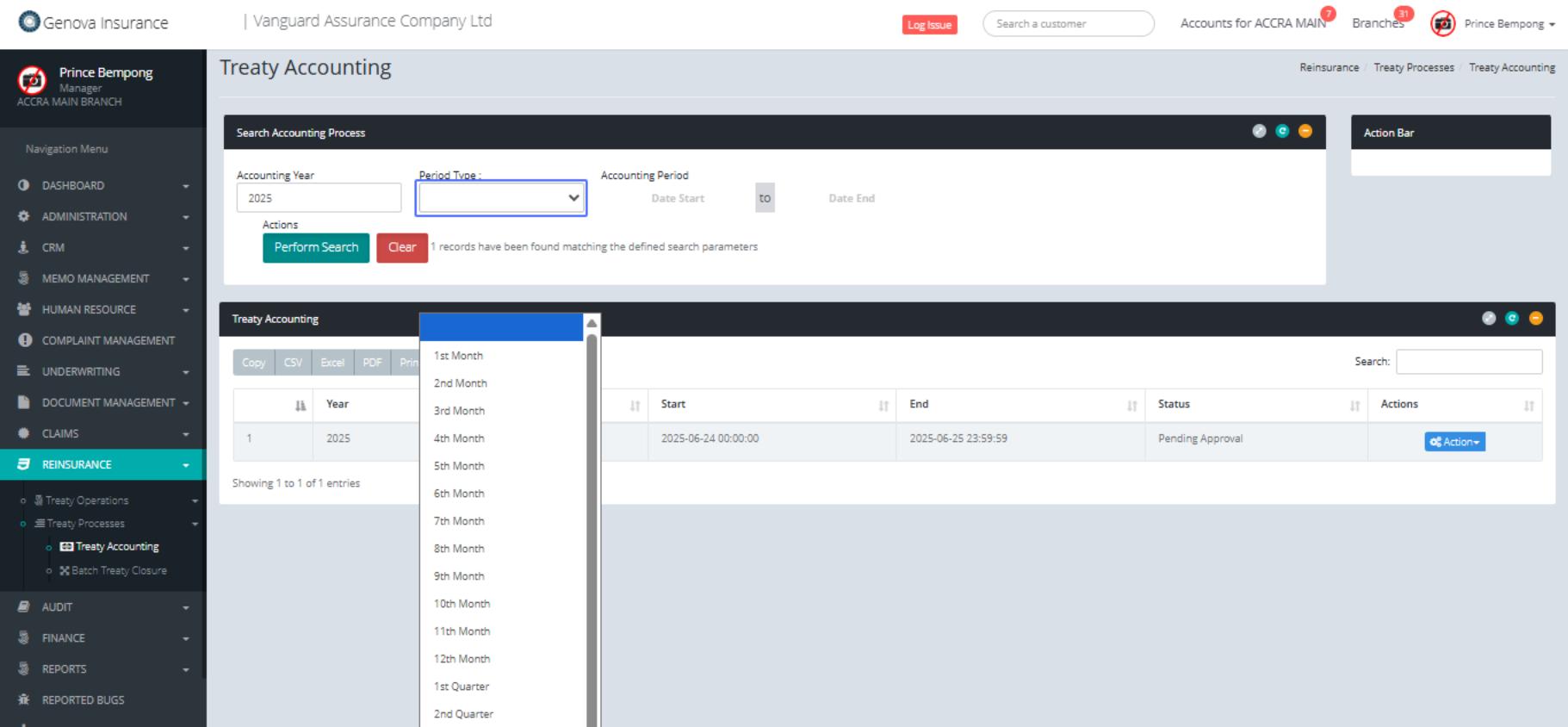
Click on the input
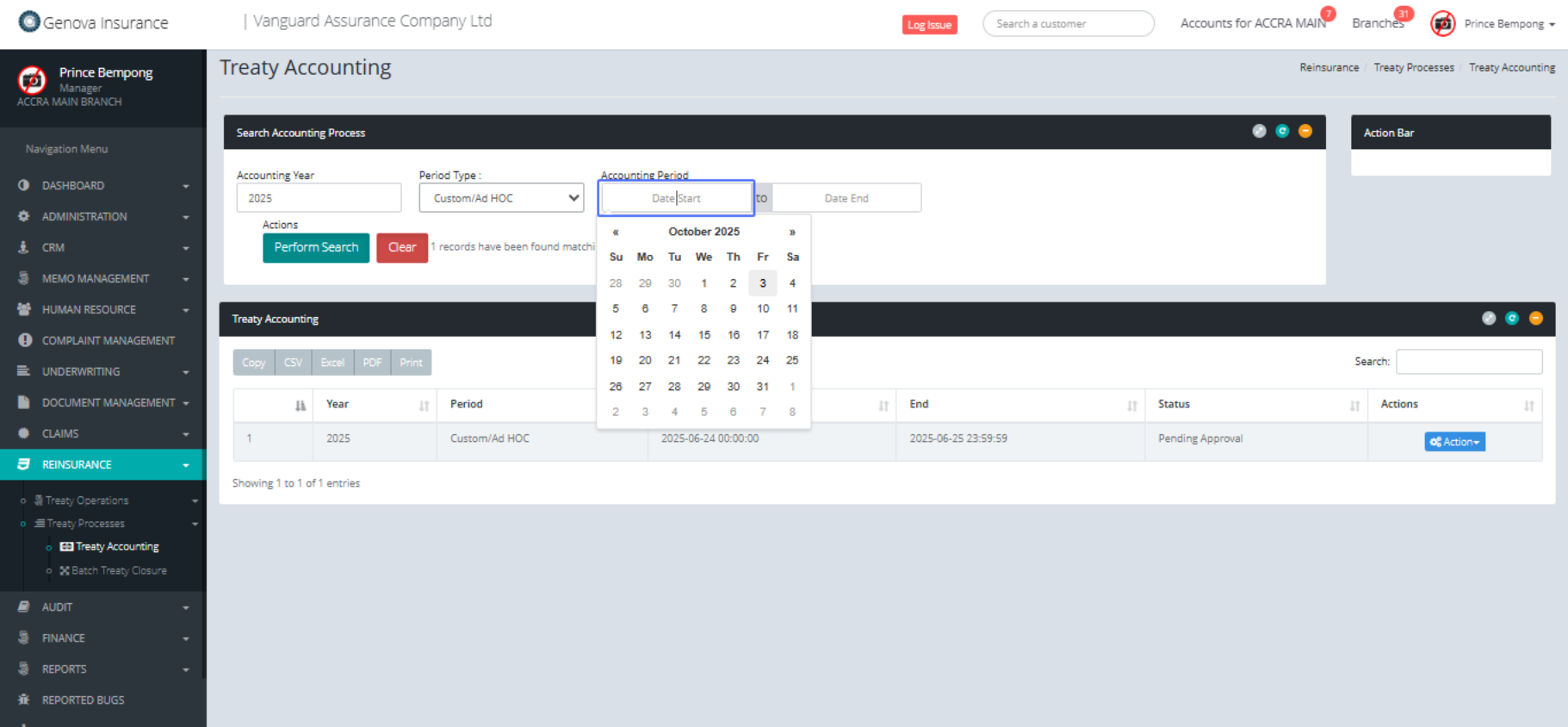
Click on the input 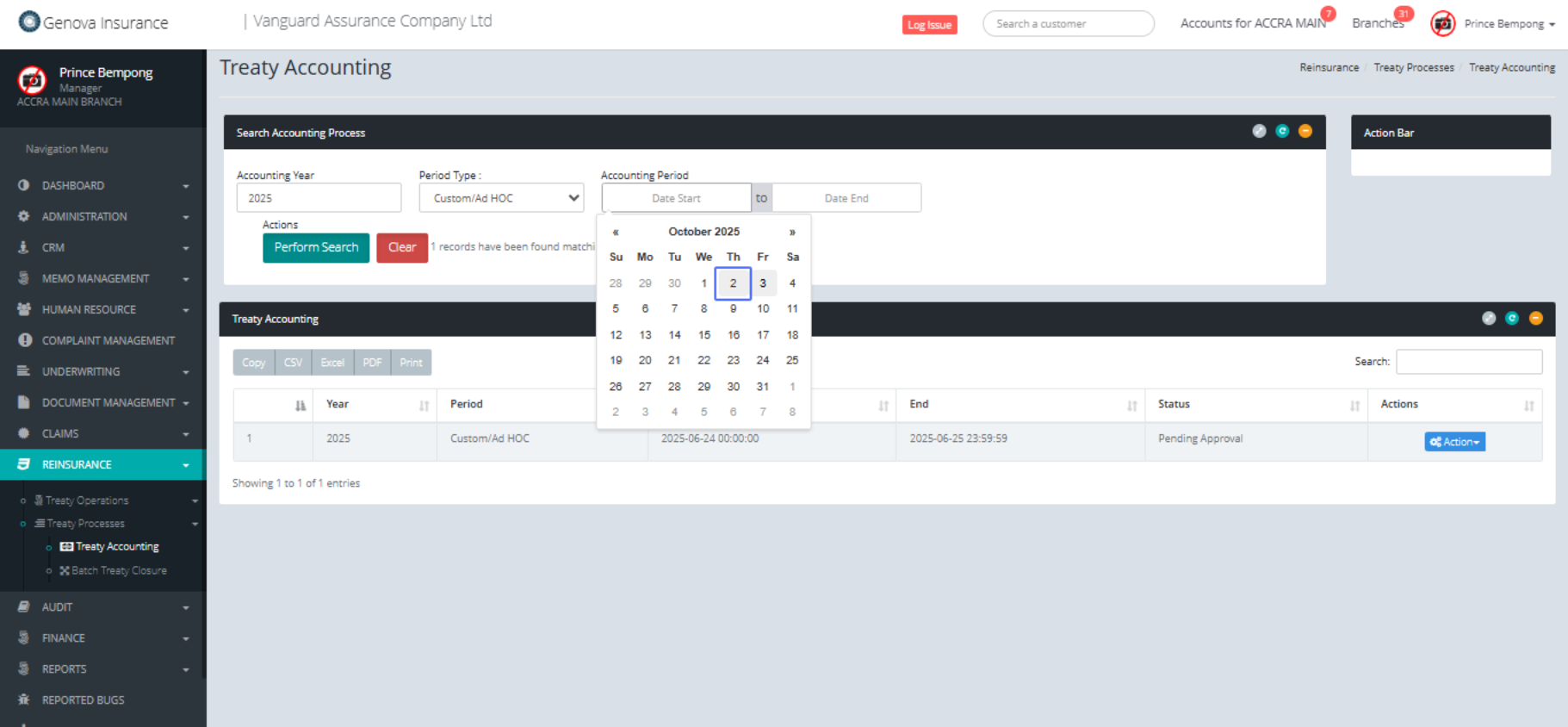
Select the preferred date
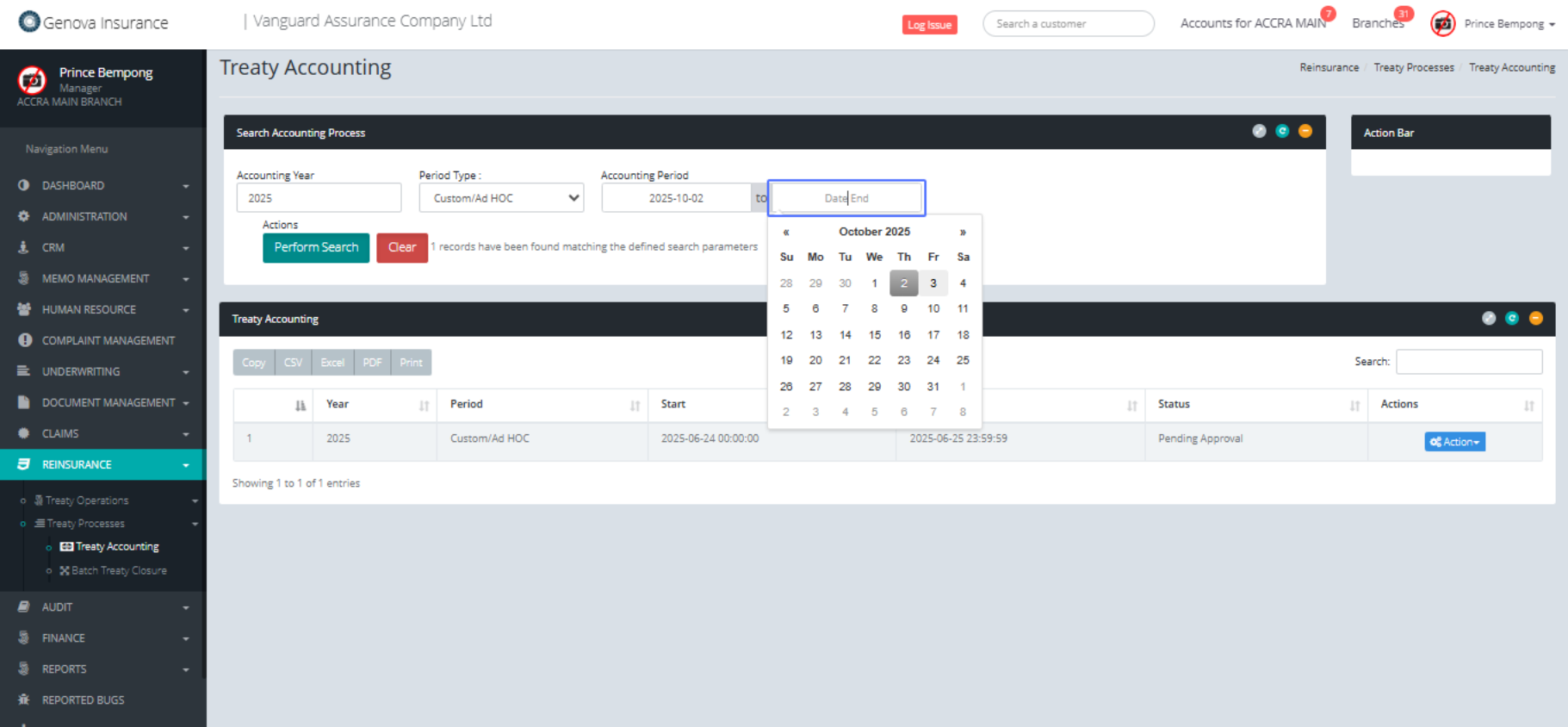
Click on "3"
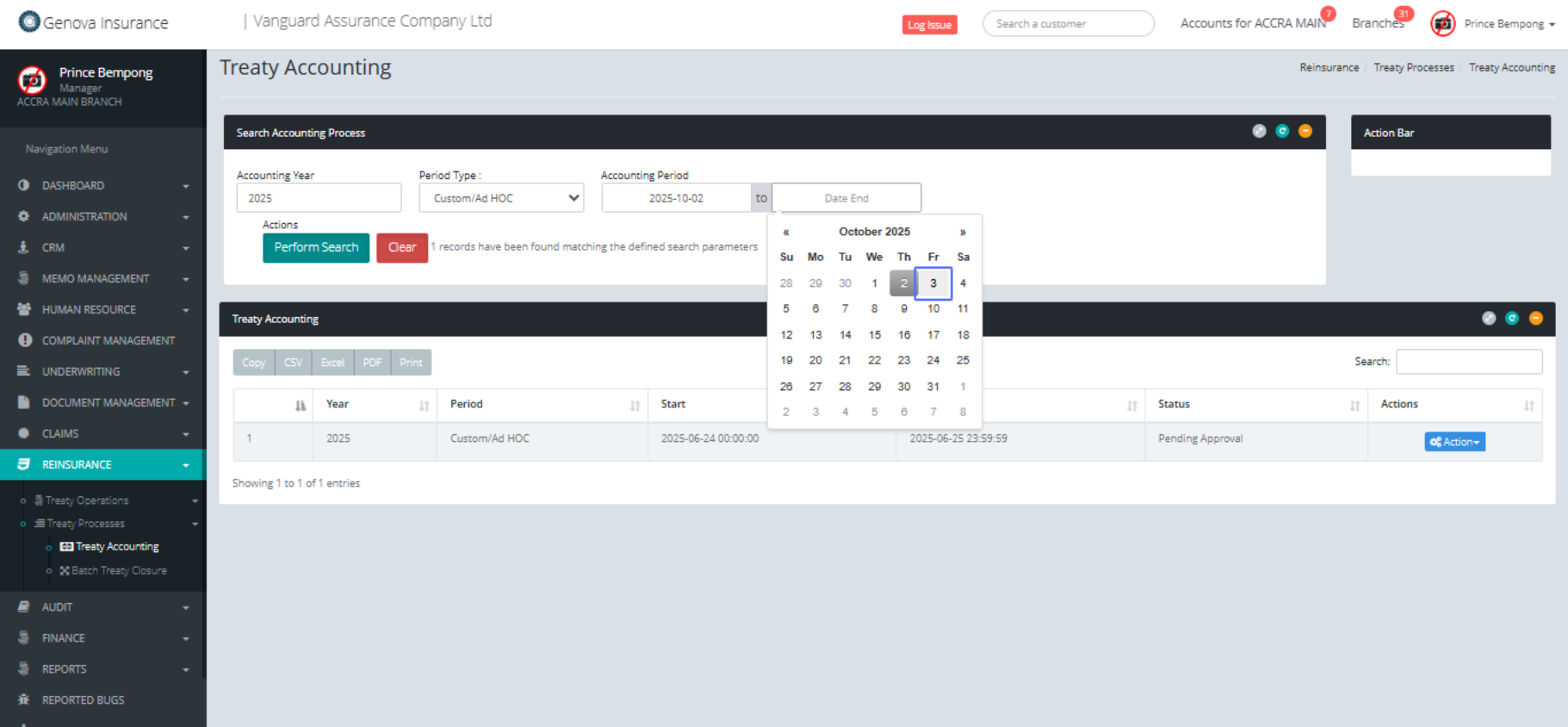
Click on the button "Perform Search"
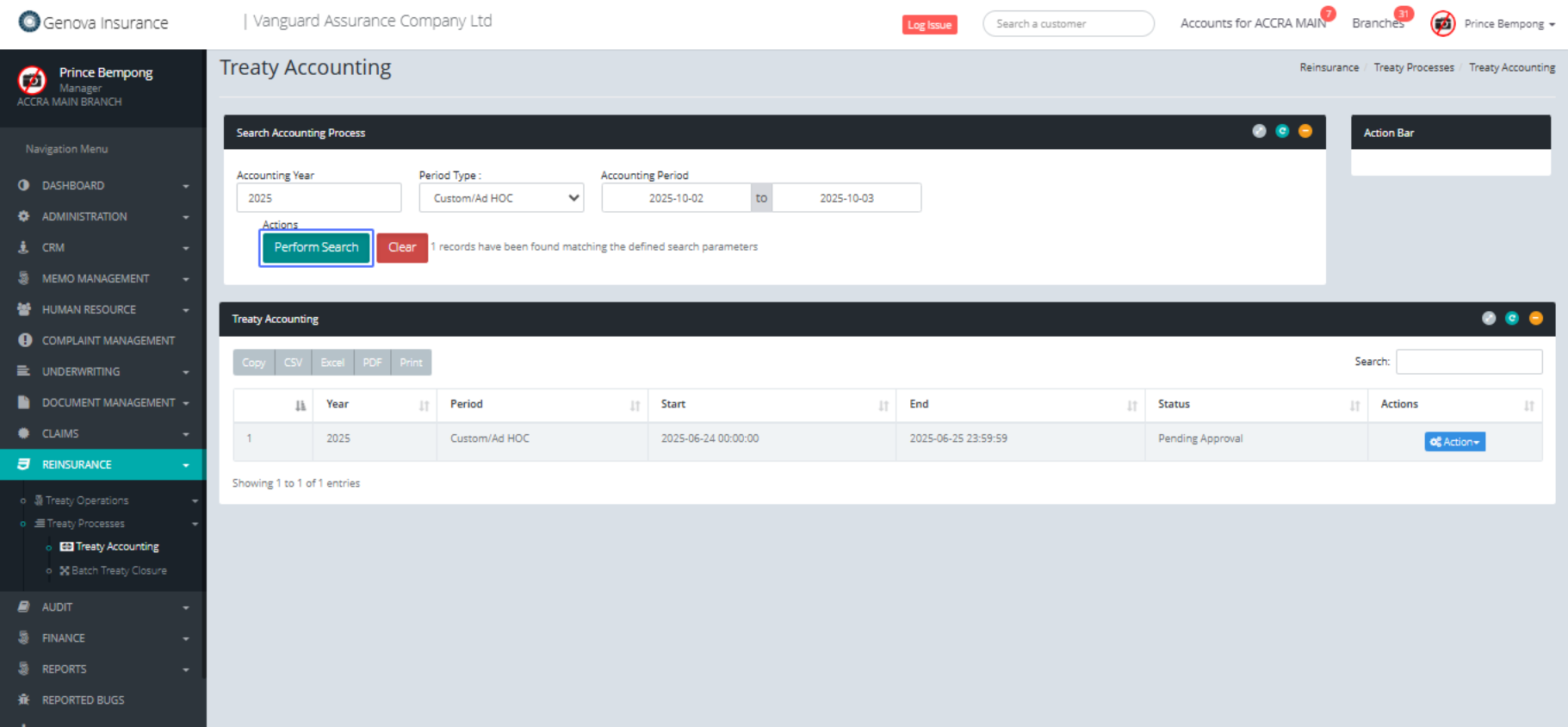
Click on the button "New Process"
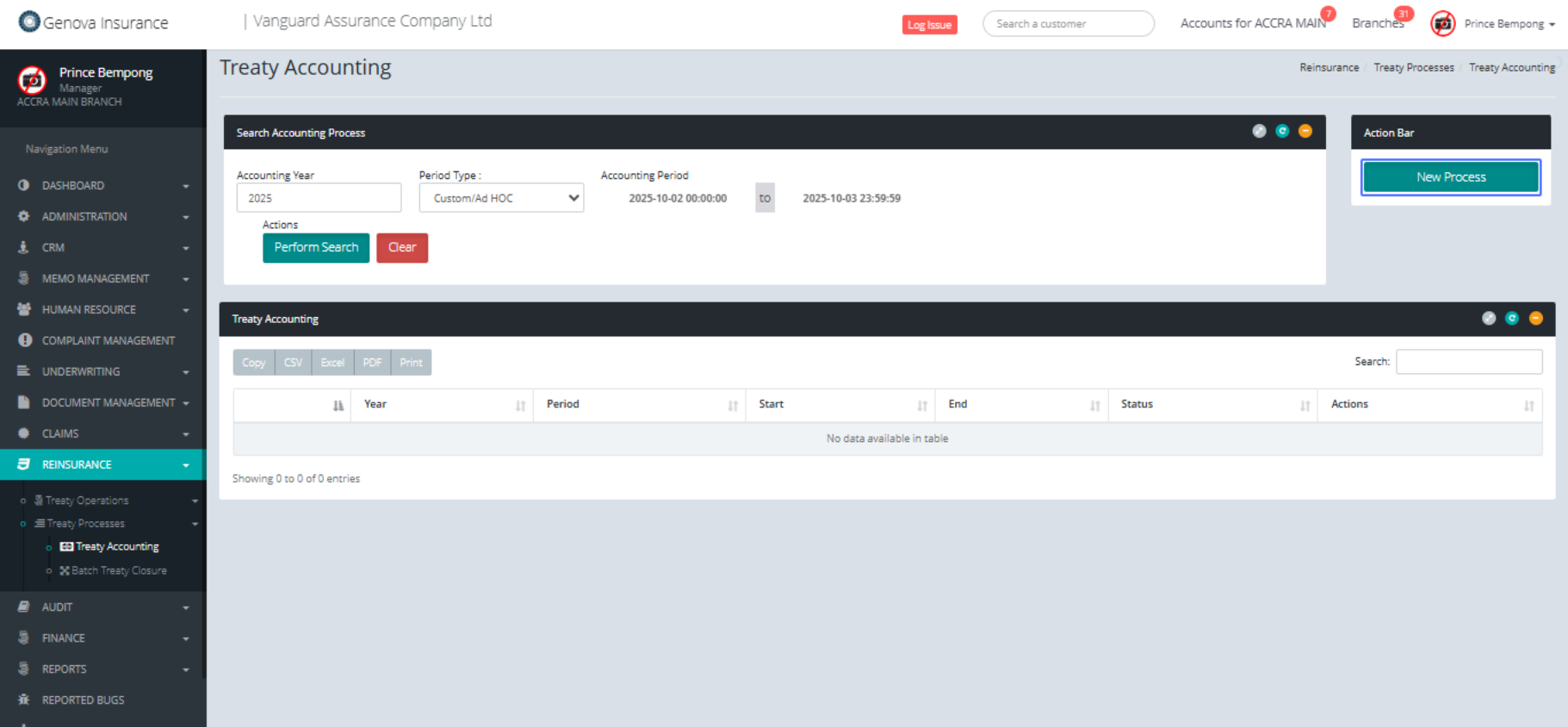
Click on the button "Yes, Generate it!"
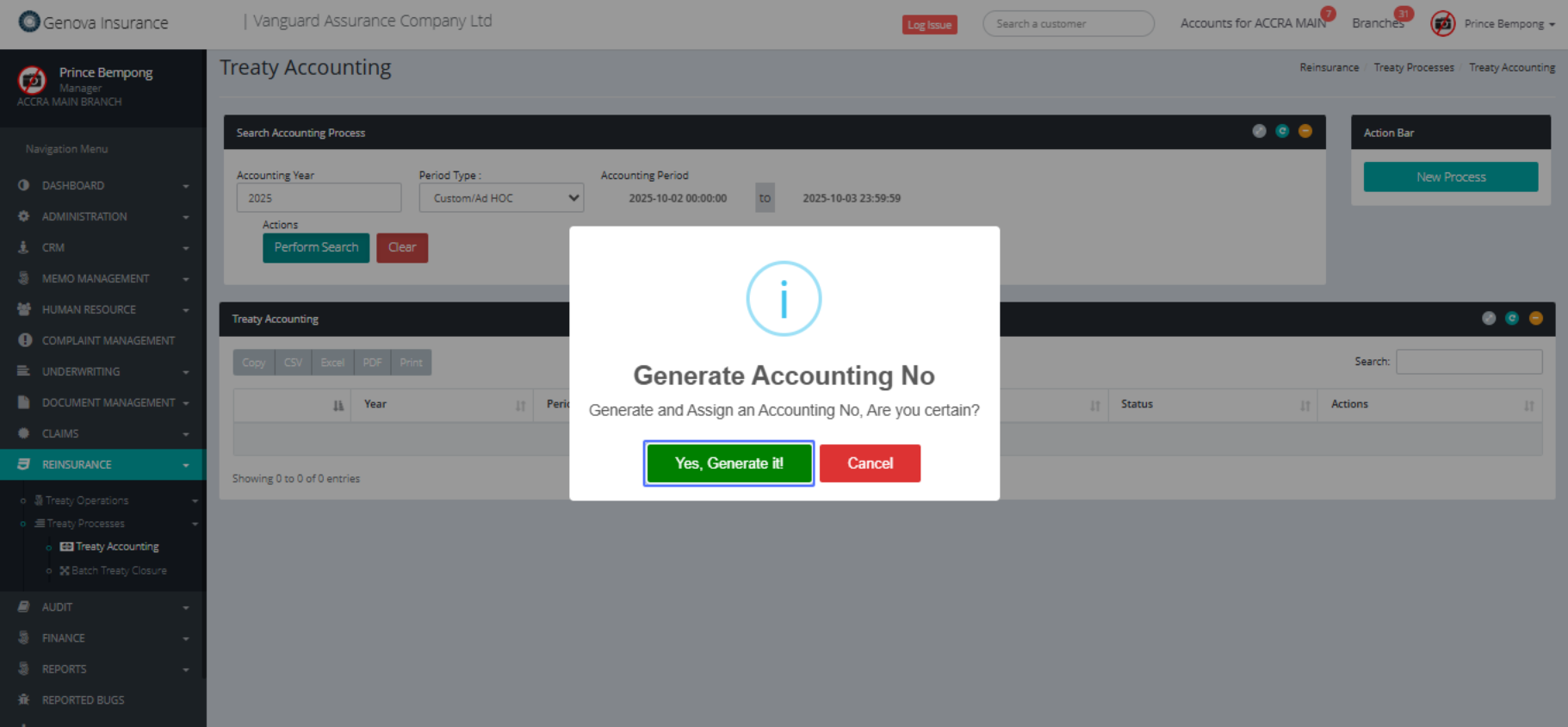
Click on the button "Ok Thanks"
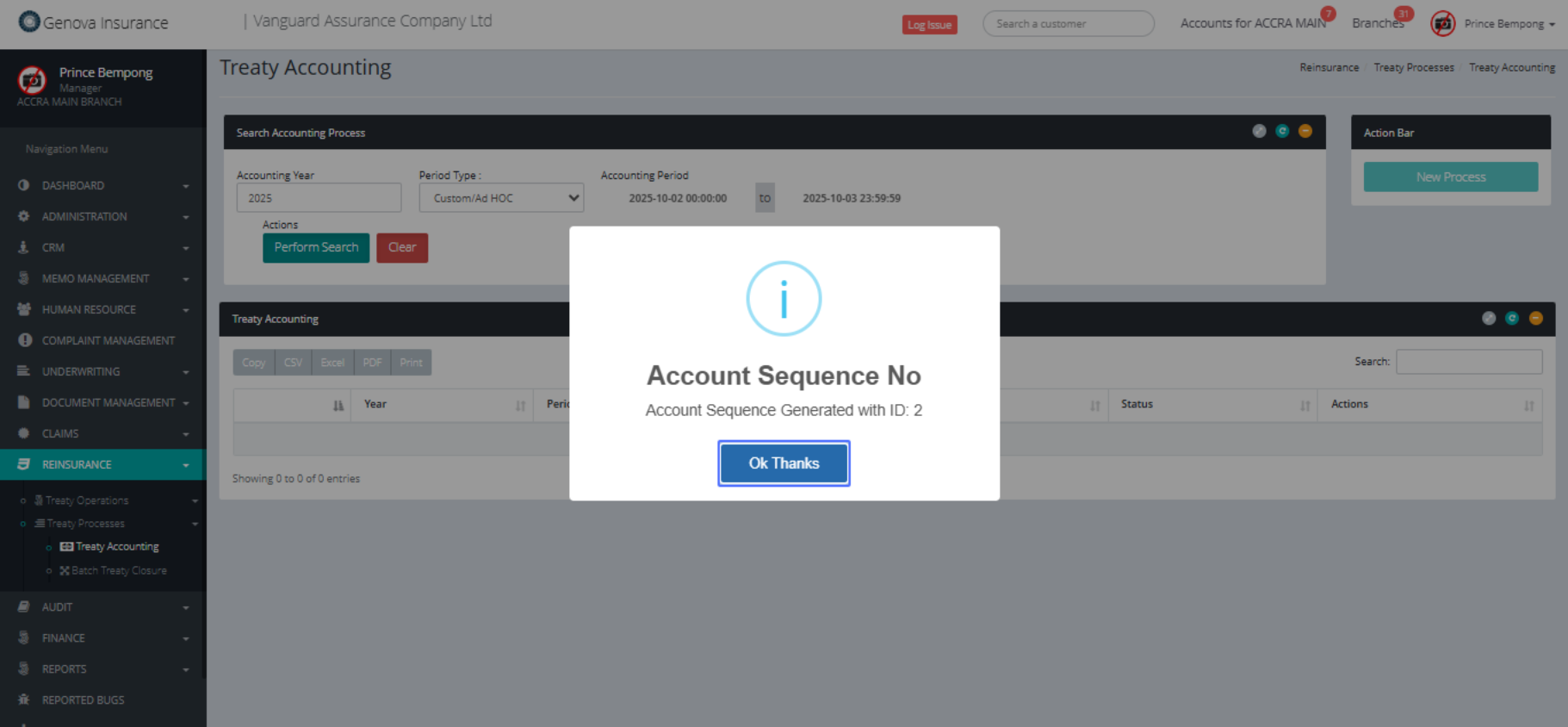
Click on the button "Action"
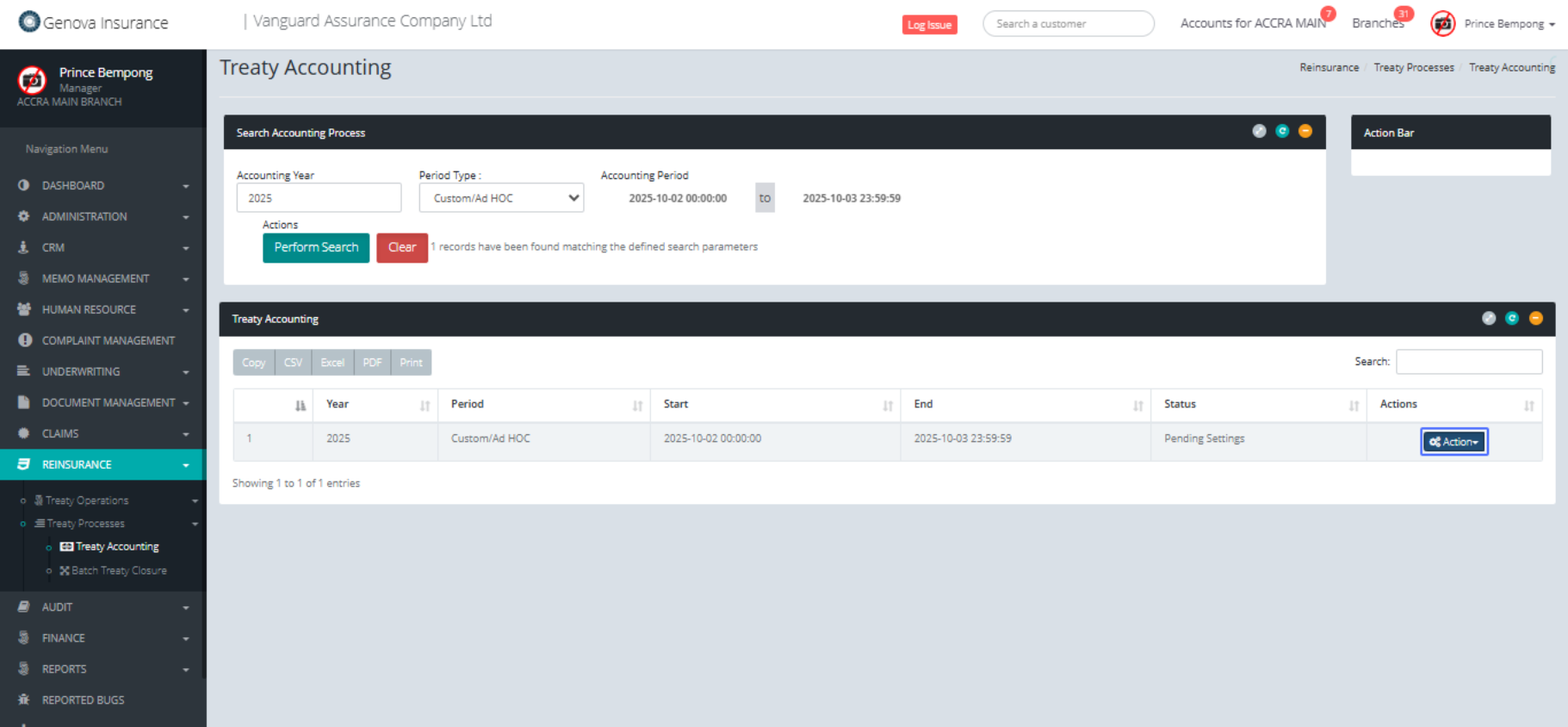
Click on the link "Review Settings"
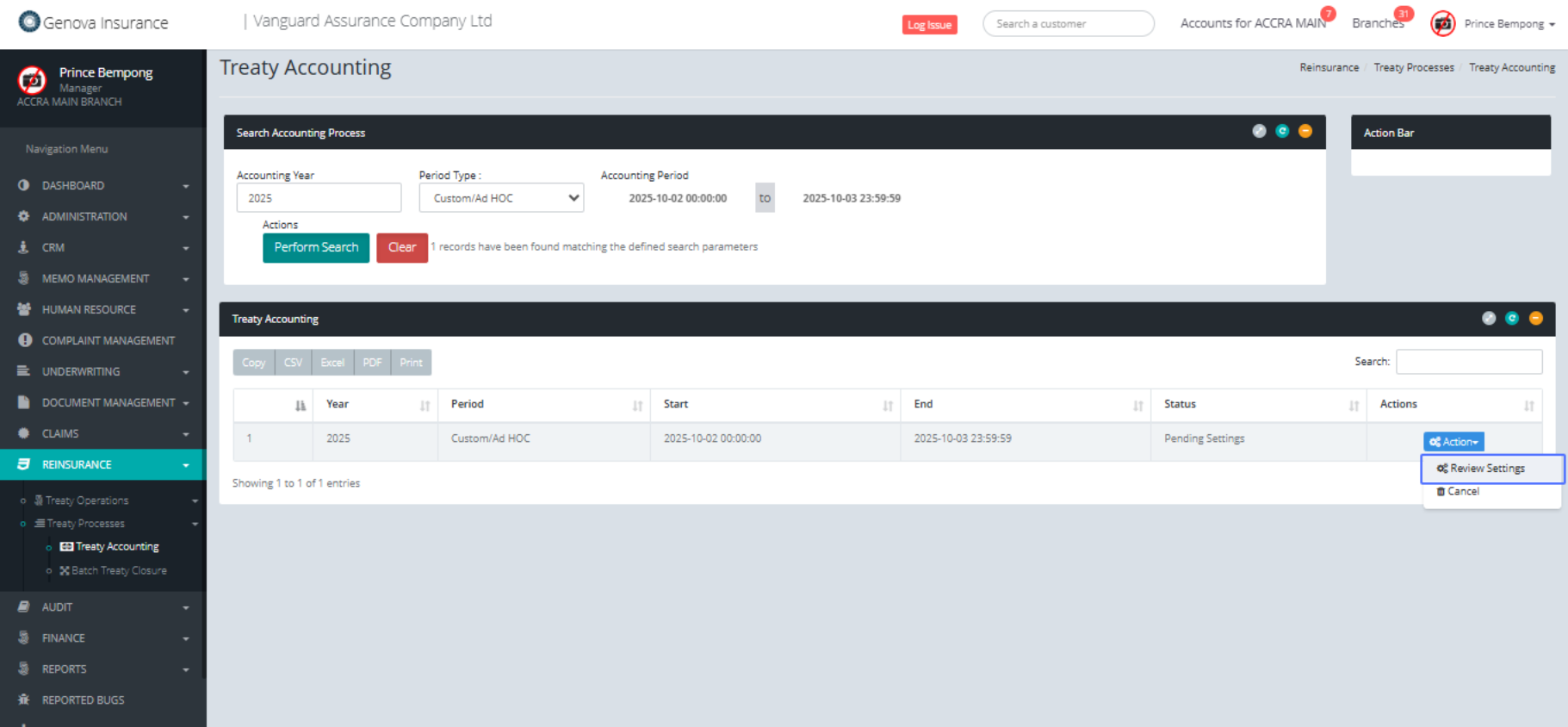
Click here
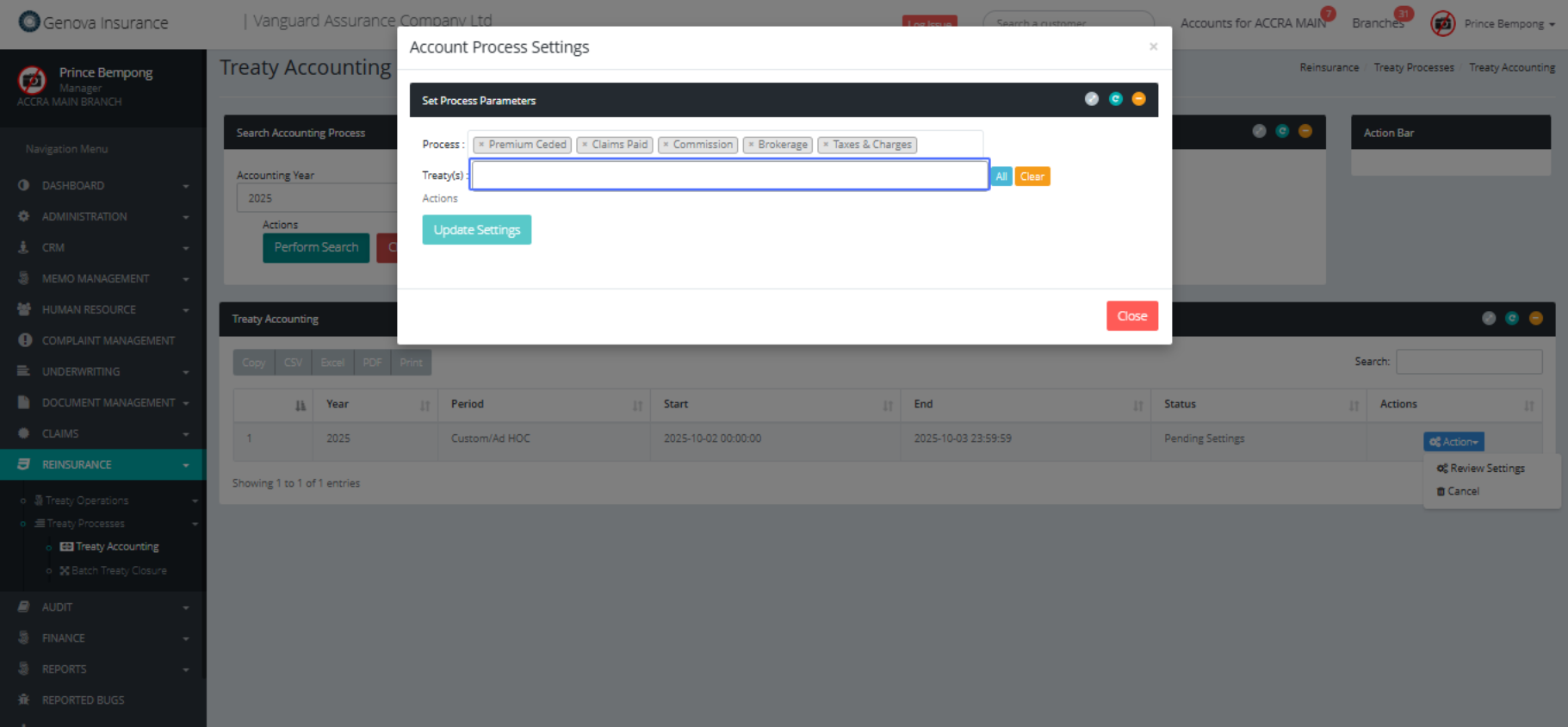
Click on "2025 FIRE TREATY CEDI"
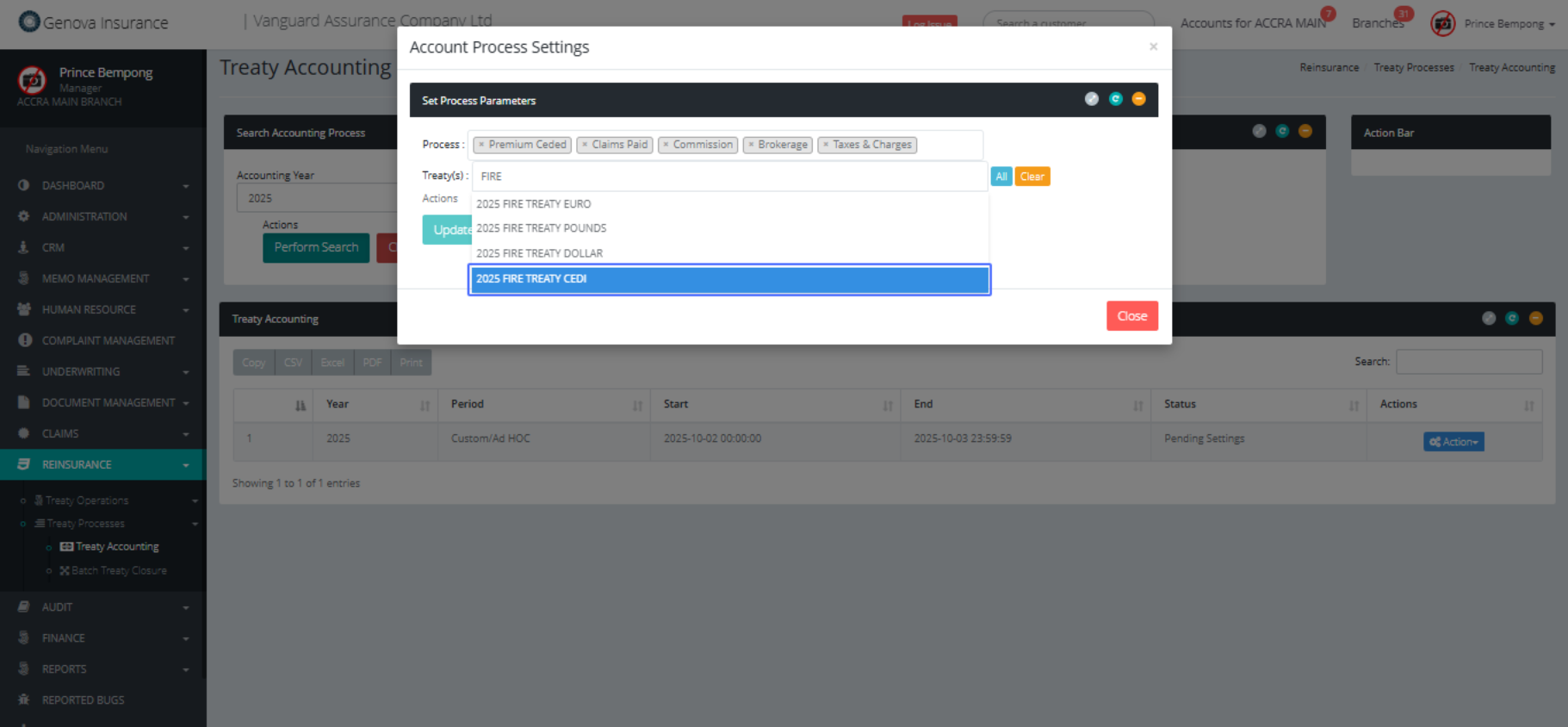
Click on "Process : × Premium Ceded × Claims Paid × 2..."
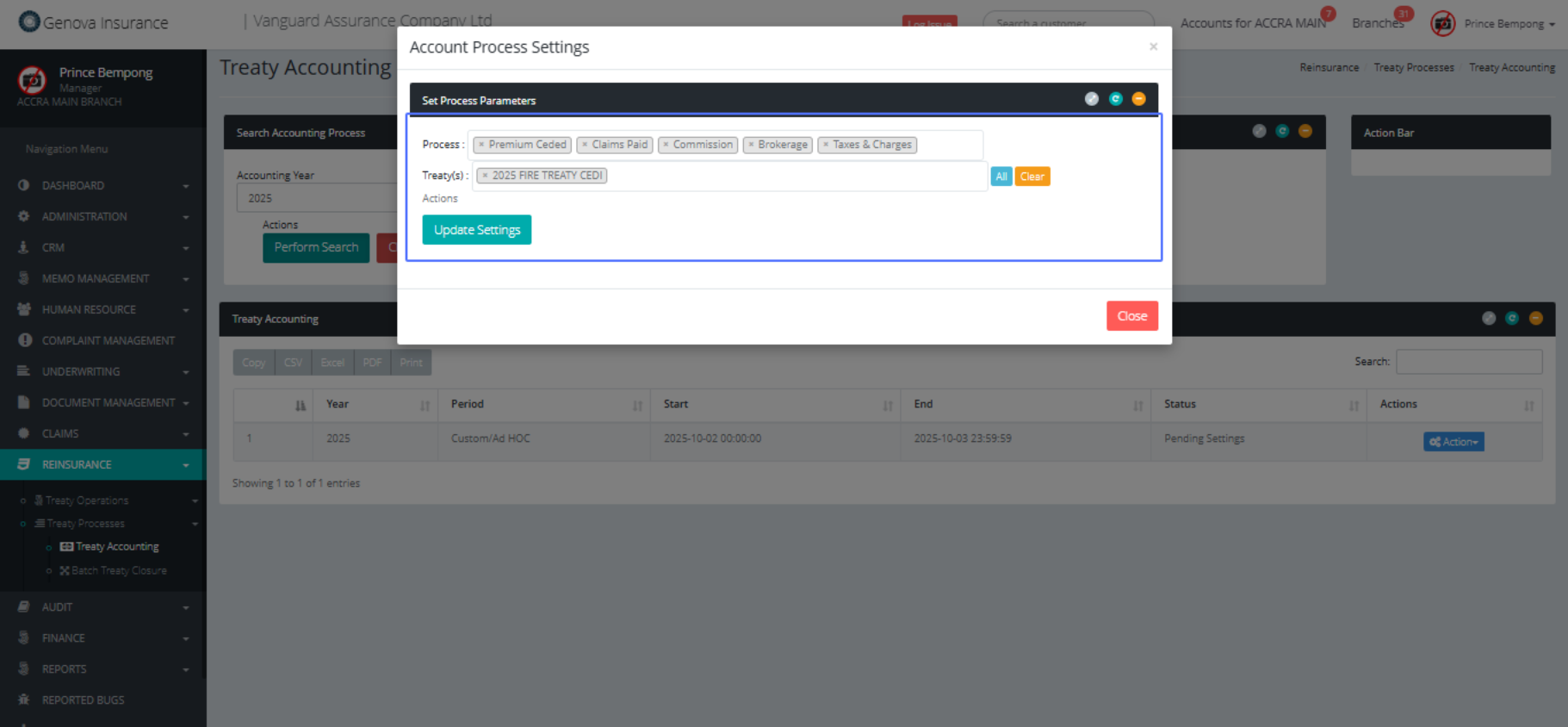
Click on the button "Update Settings"
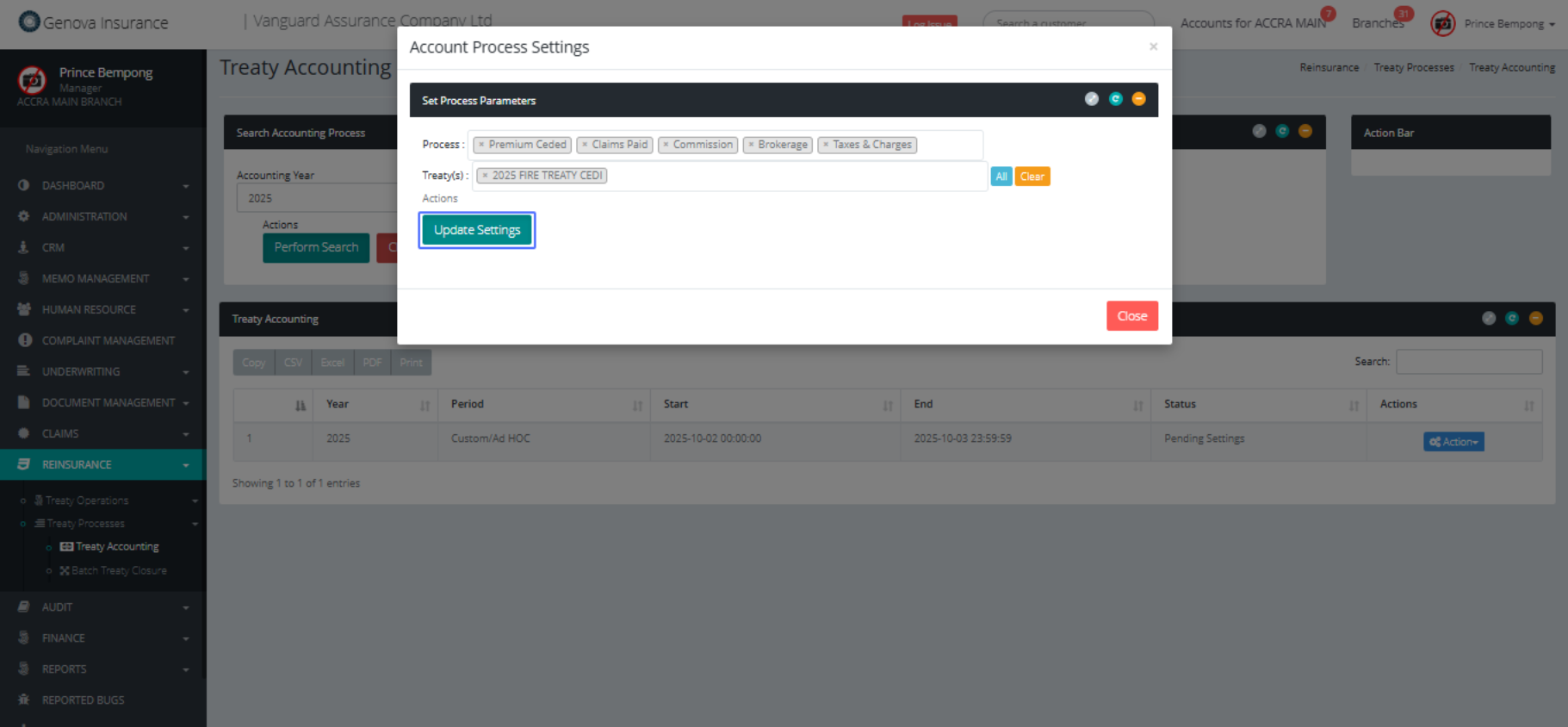
Click on the button "Ok Thanks"
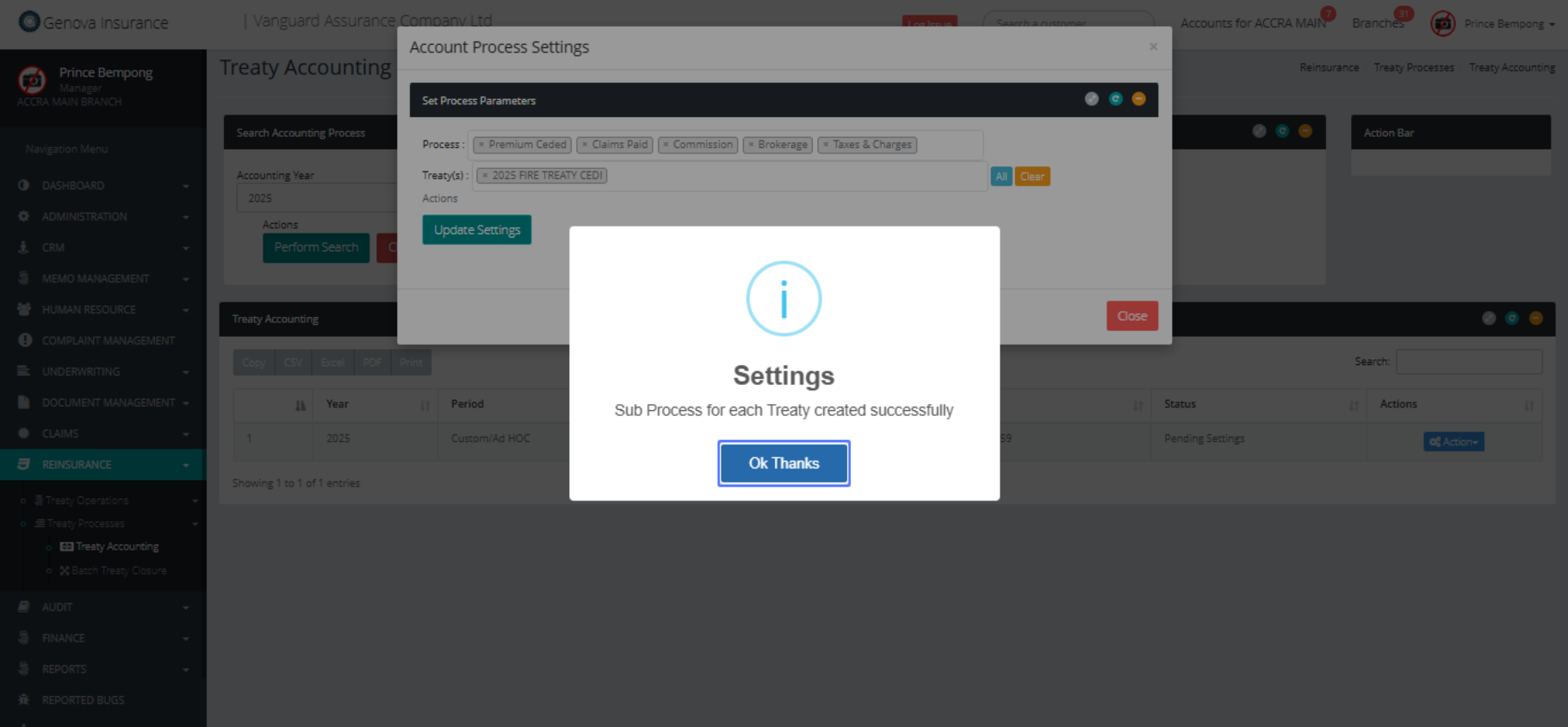
Click on the button "Action"
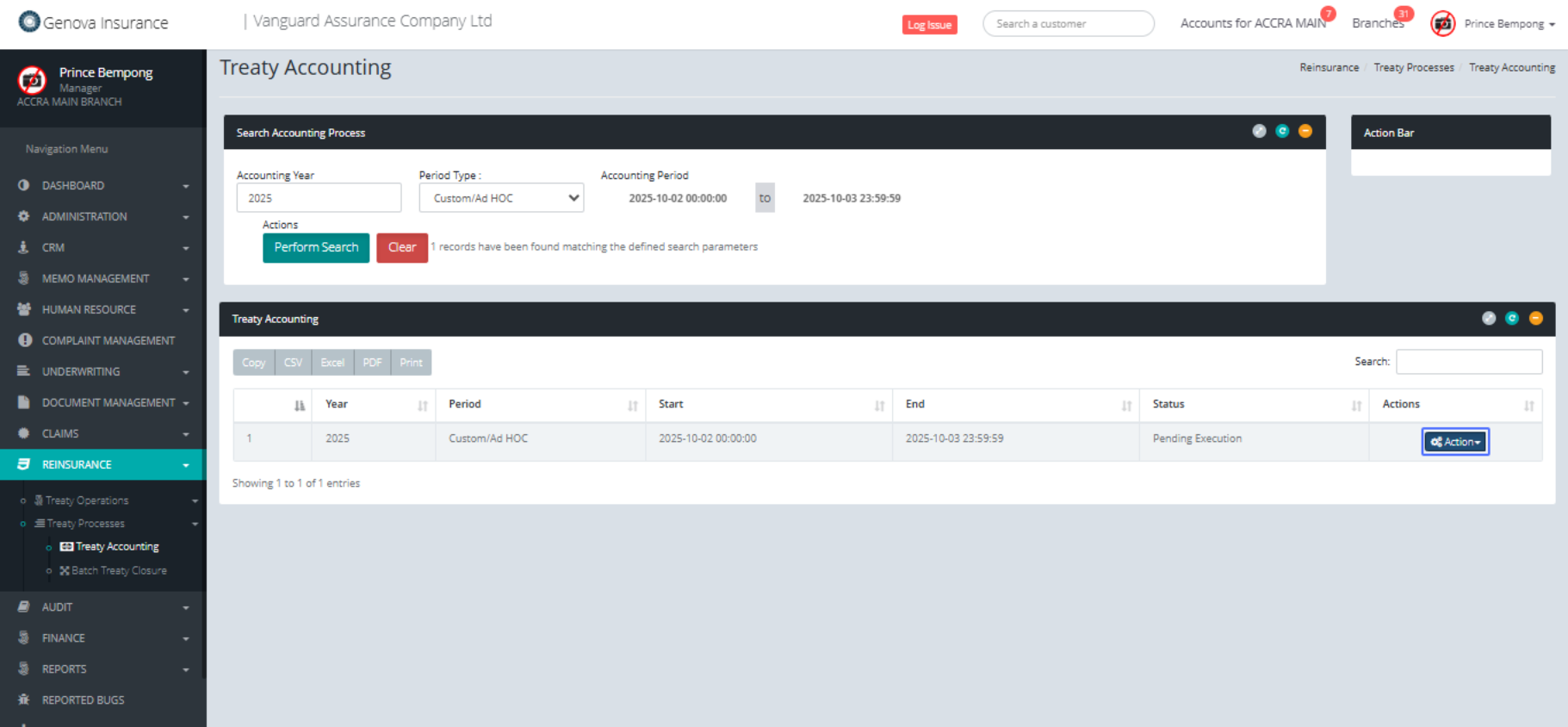
Click on the link "Review Settings"
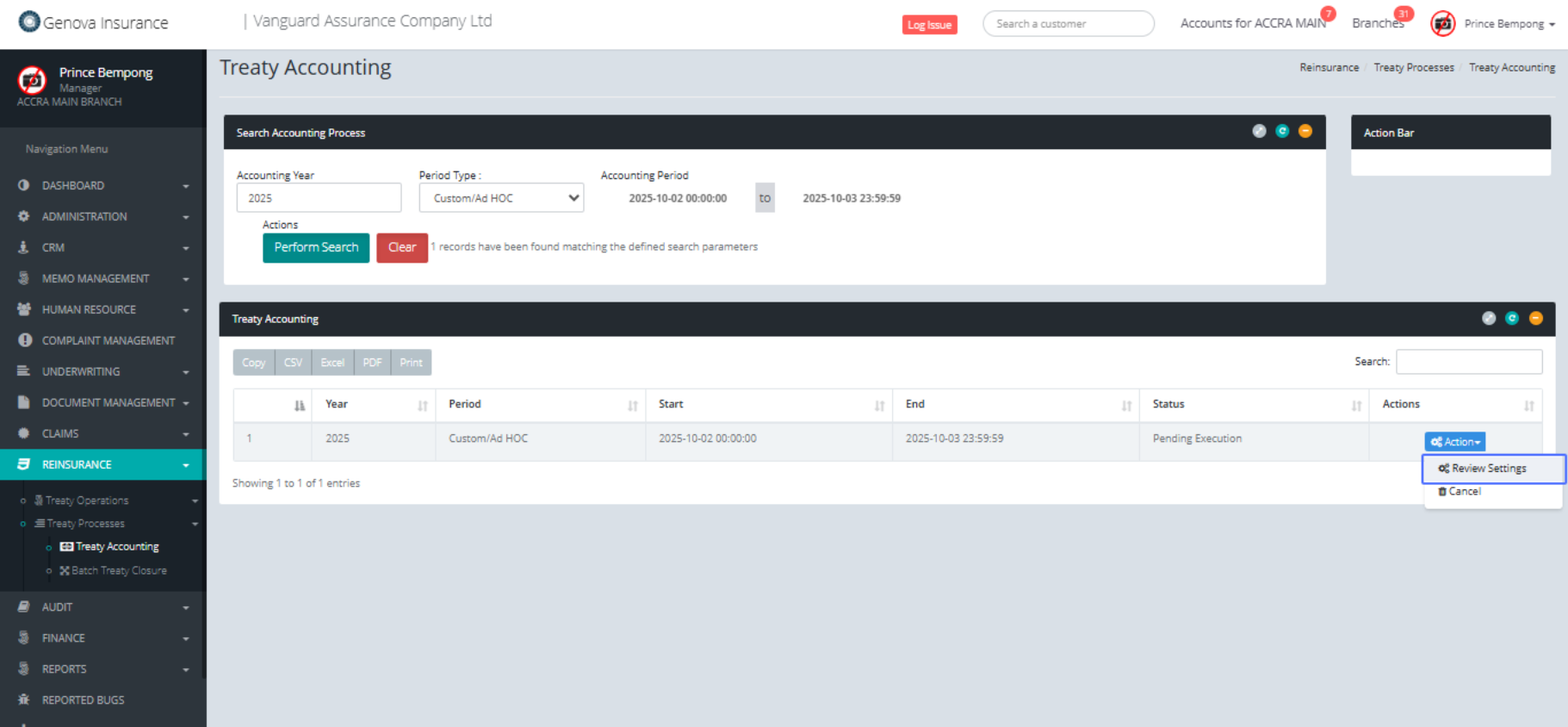
Click on the button "Save & Process"
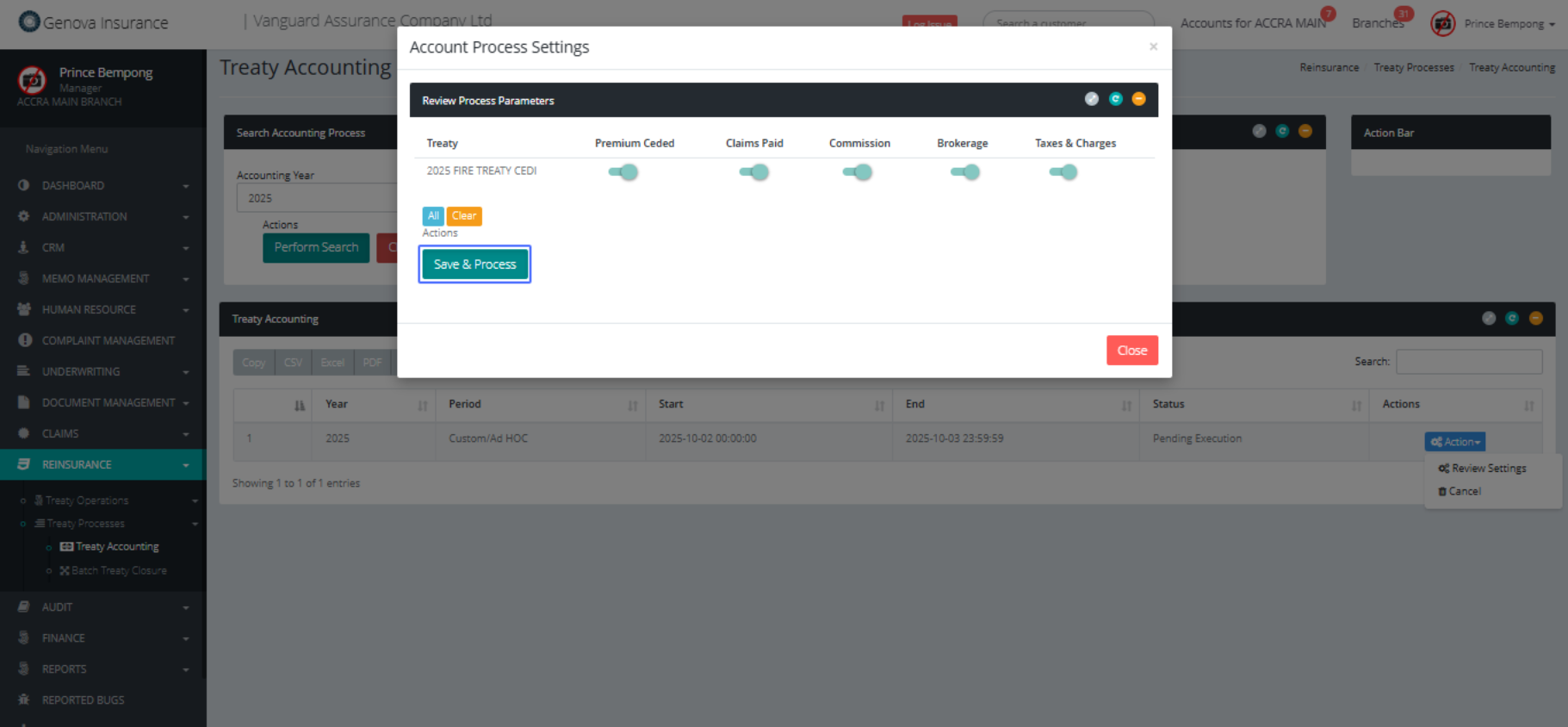
Click on the button "begin process"
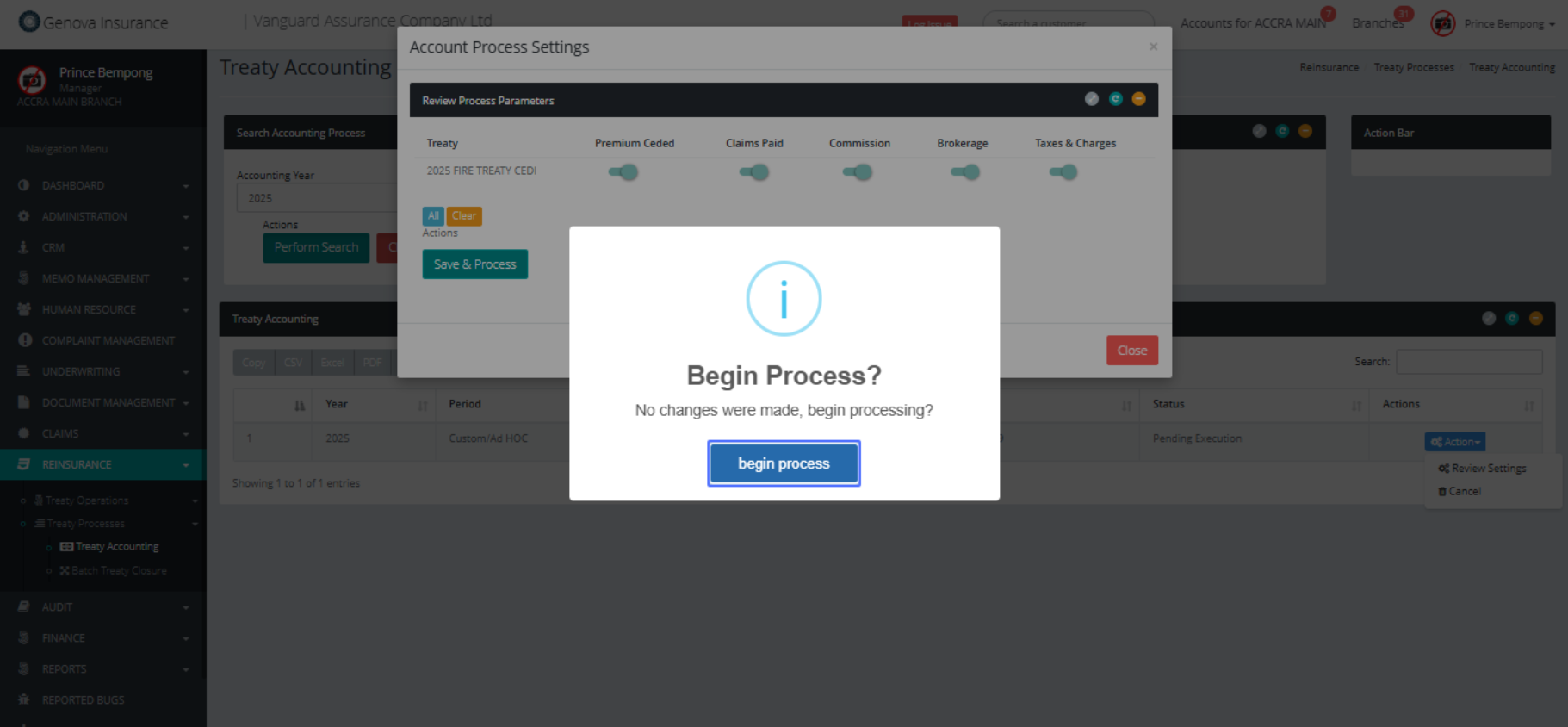
Click on the button "Noted"
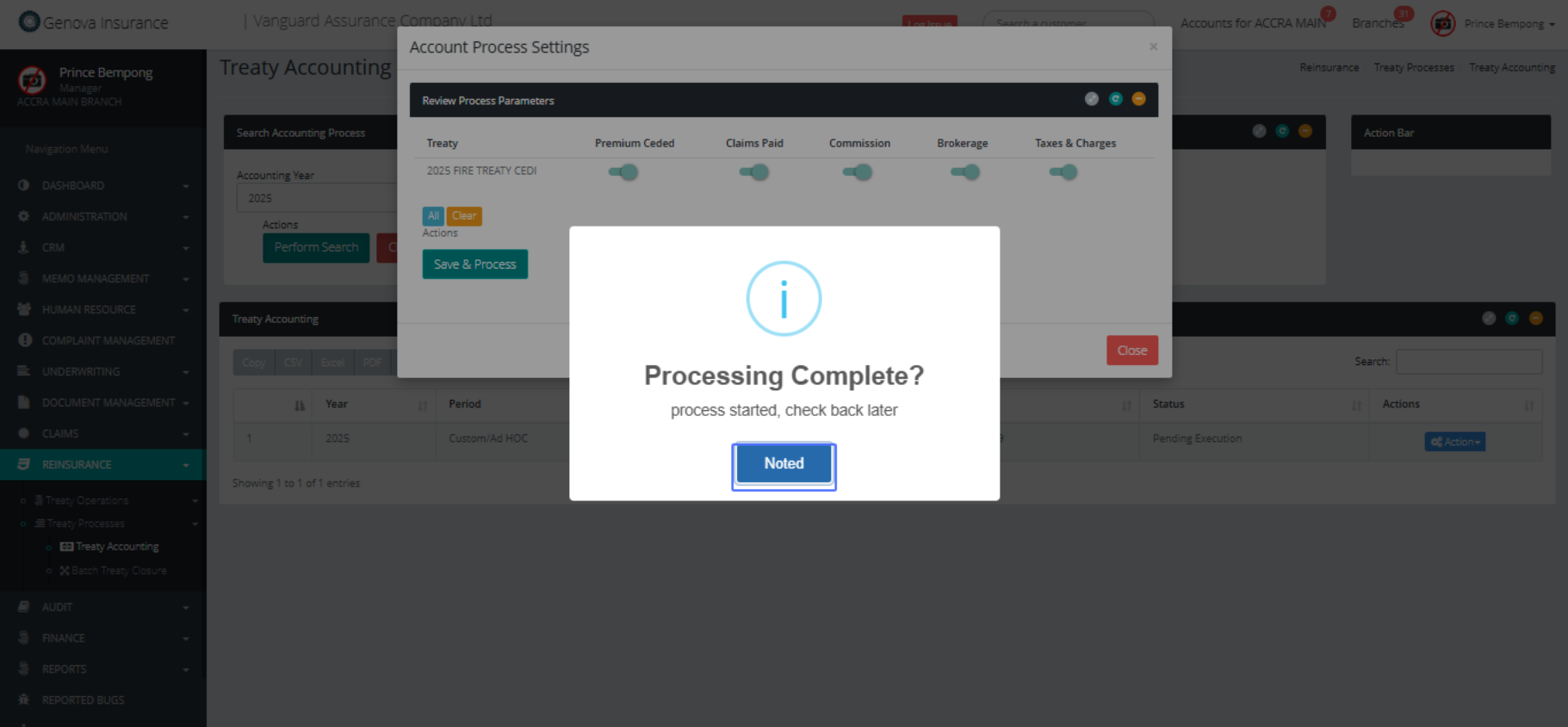
Click on the button "Action"
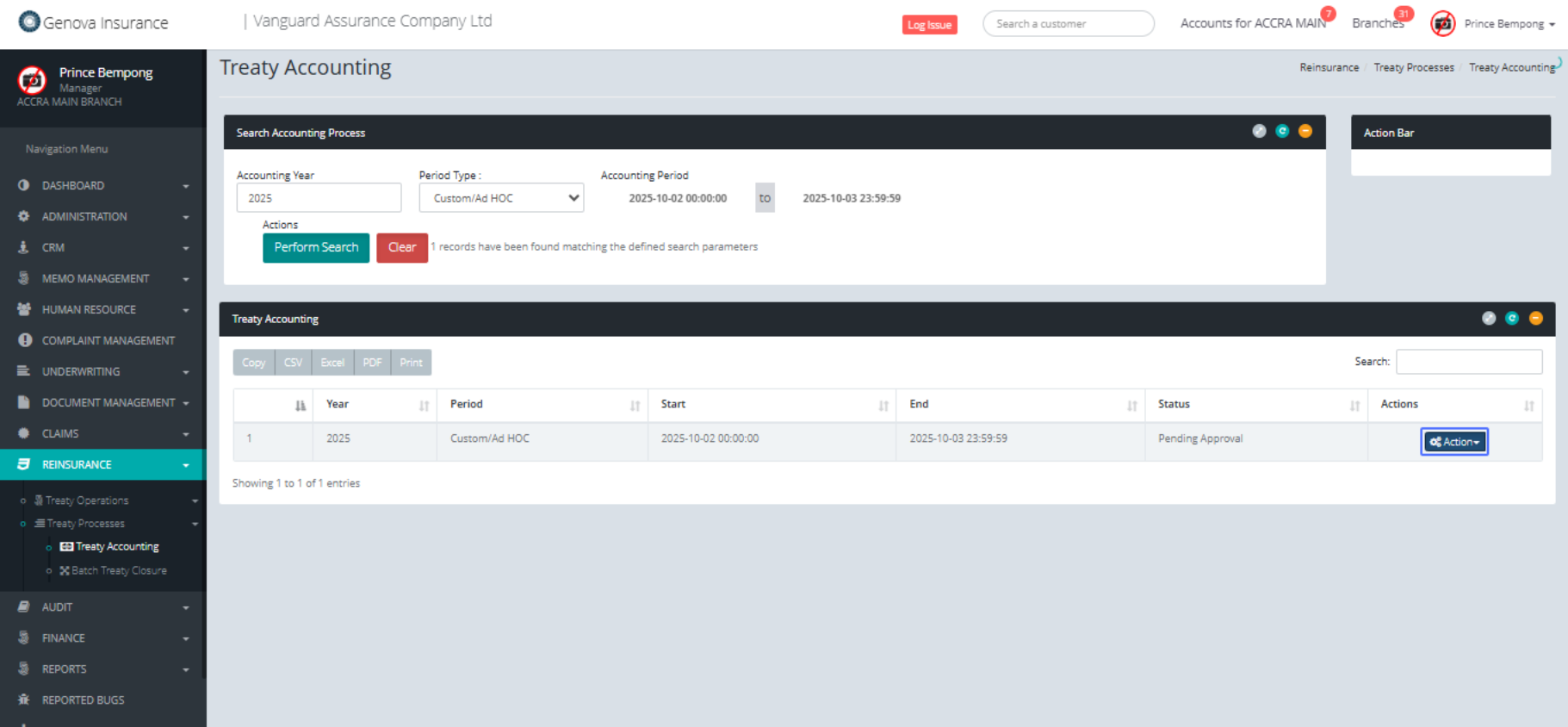
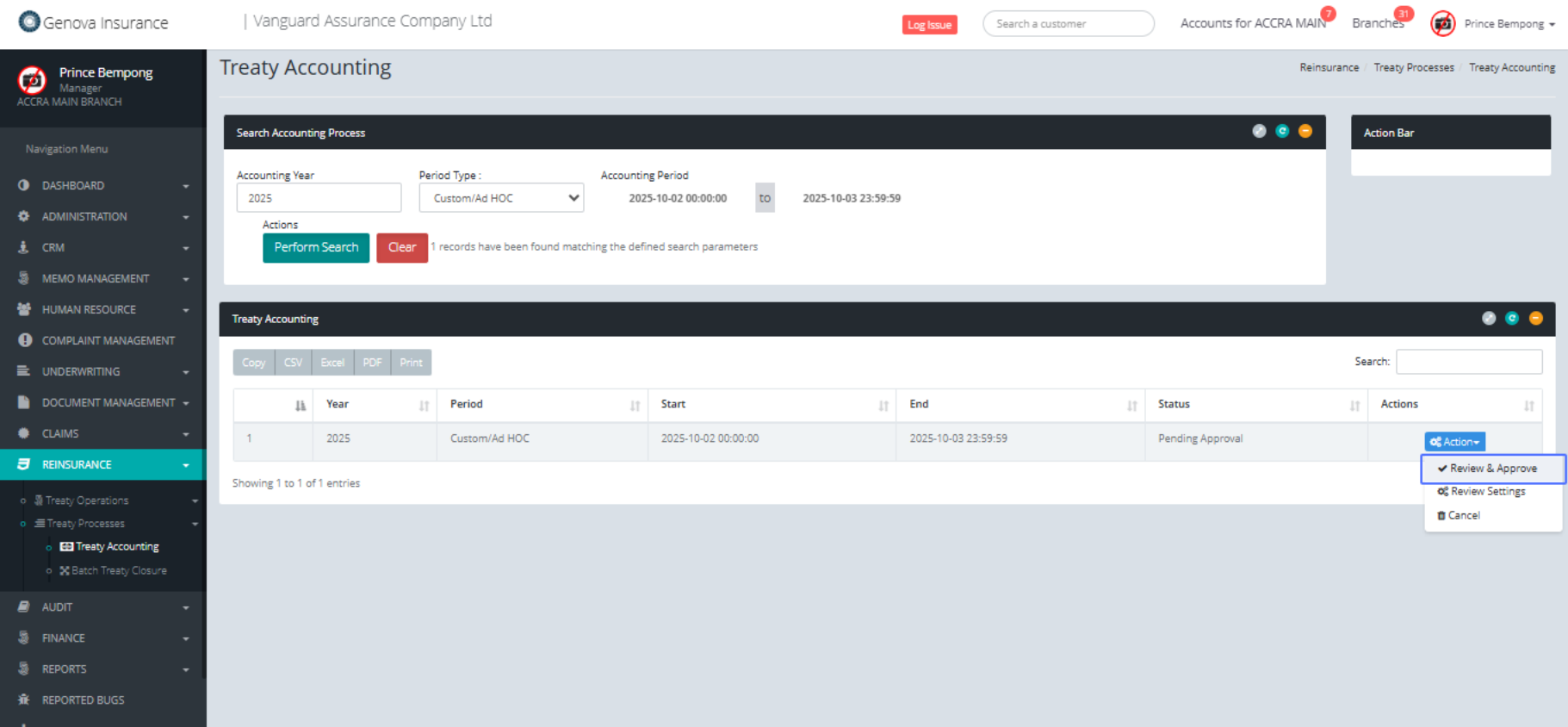
Click on the link "Review & Approve"
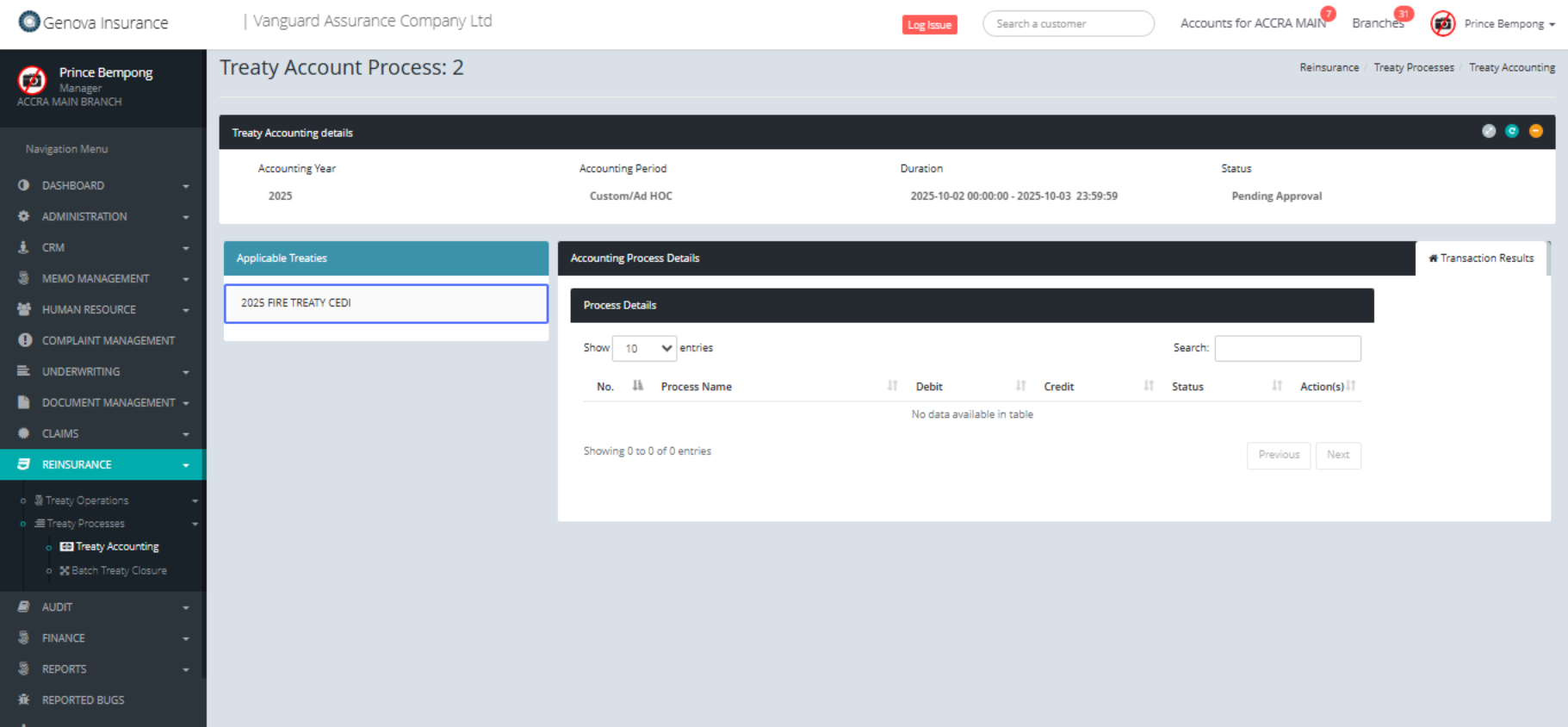
Click on the link "2025 FIRE TREATY CEDI"
Click on " No. Process Name
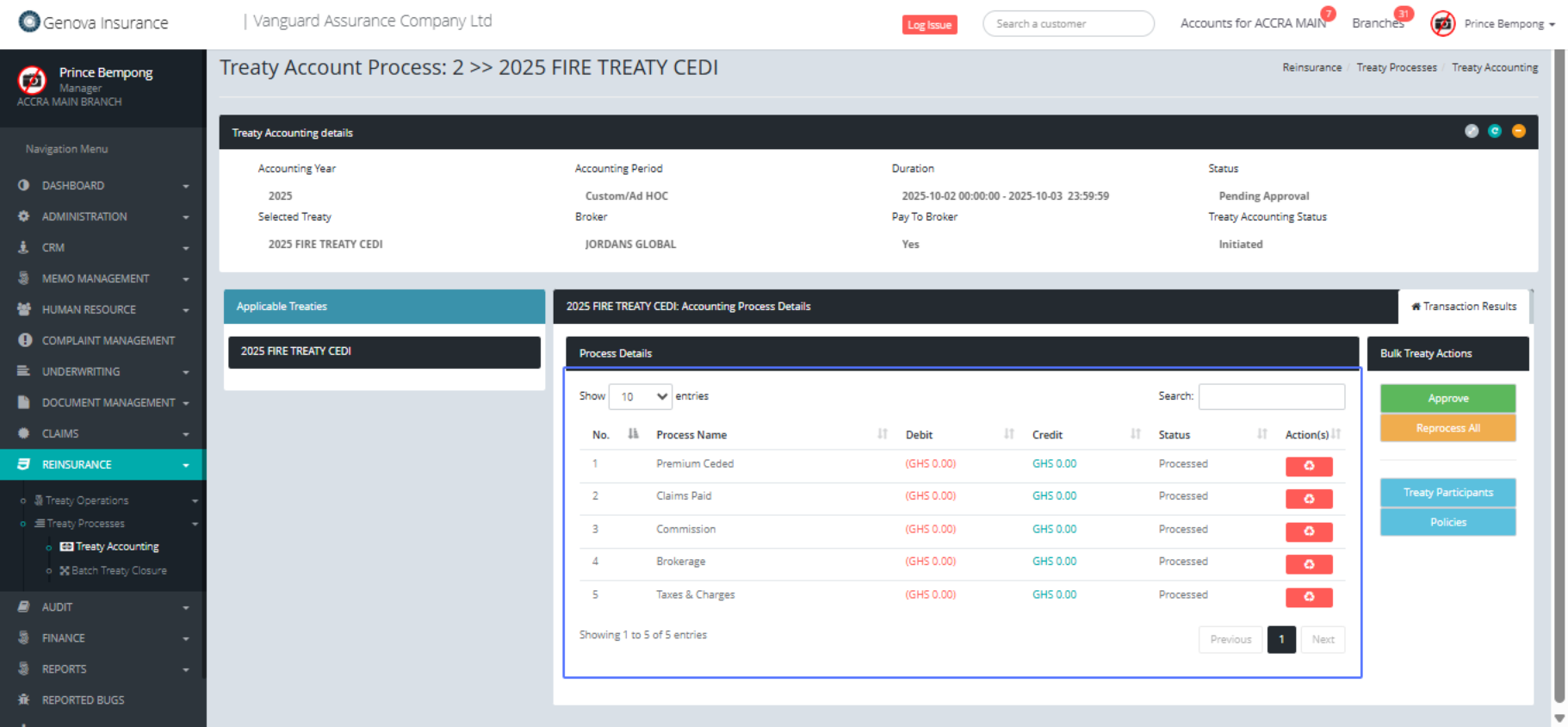
Click on the button "Approve"
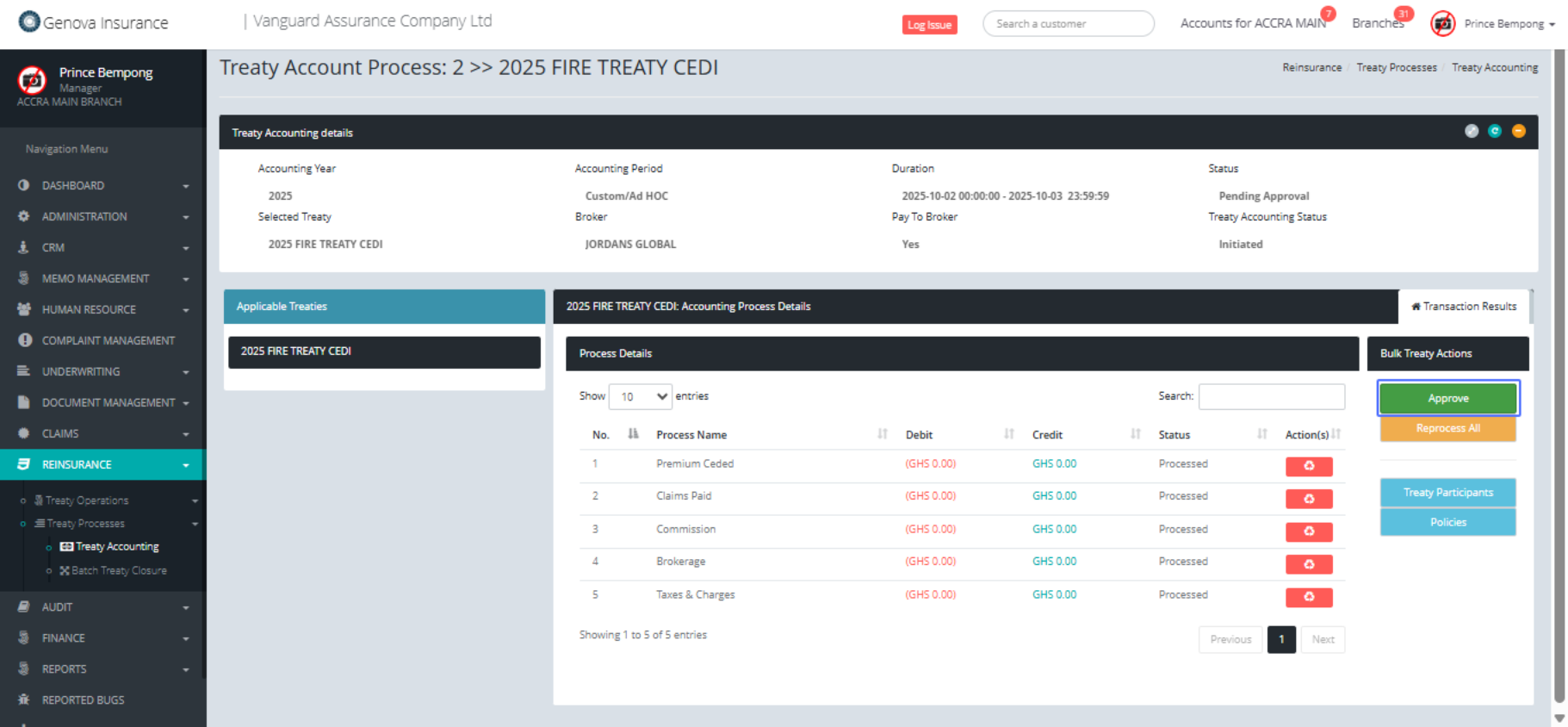
Click on the button "Yes!"
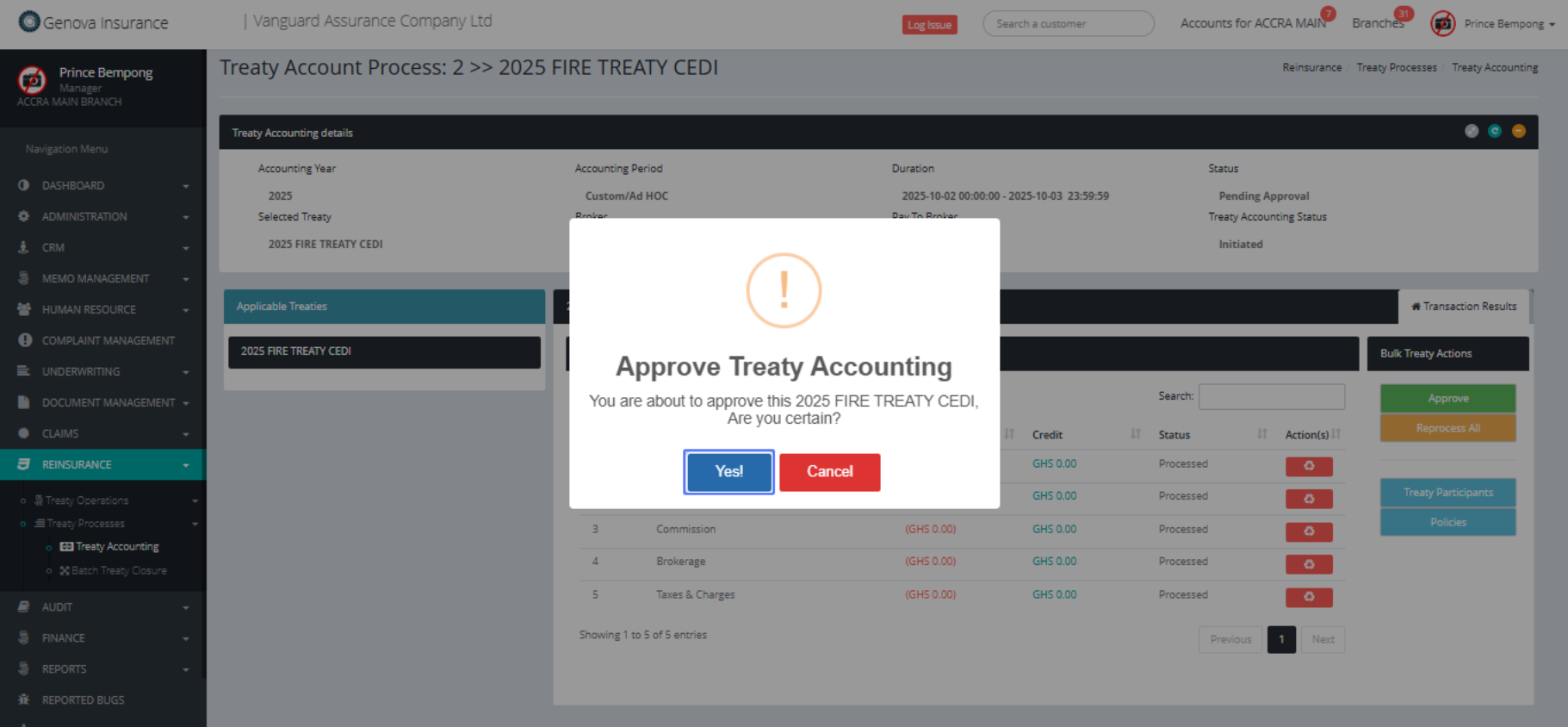
Click on the button "Noted"
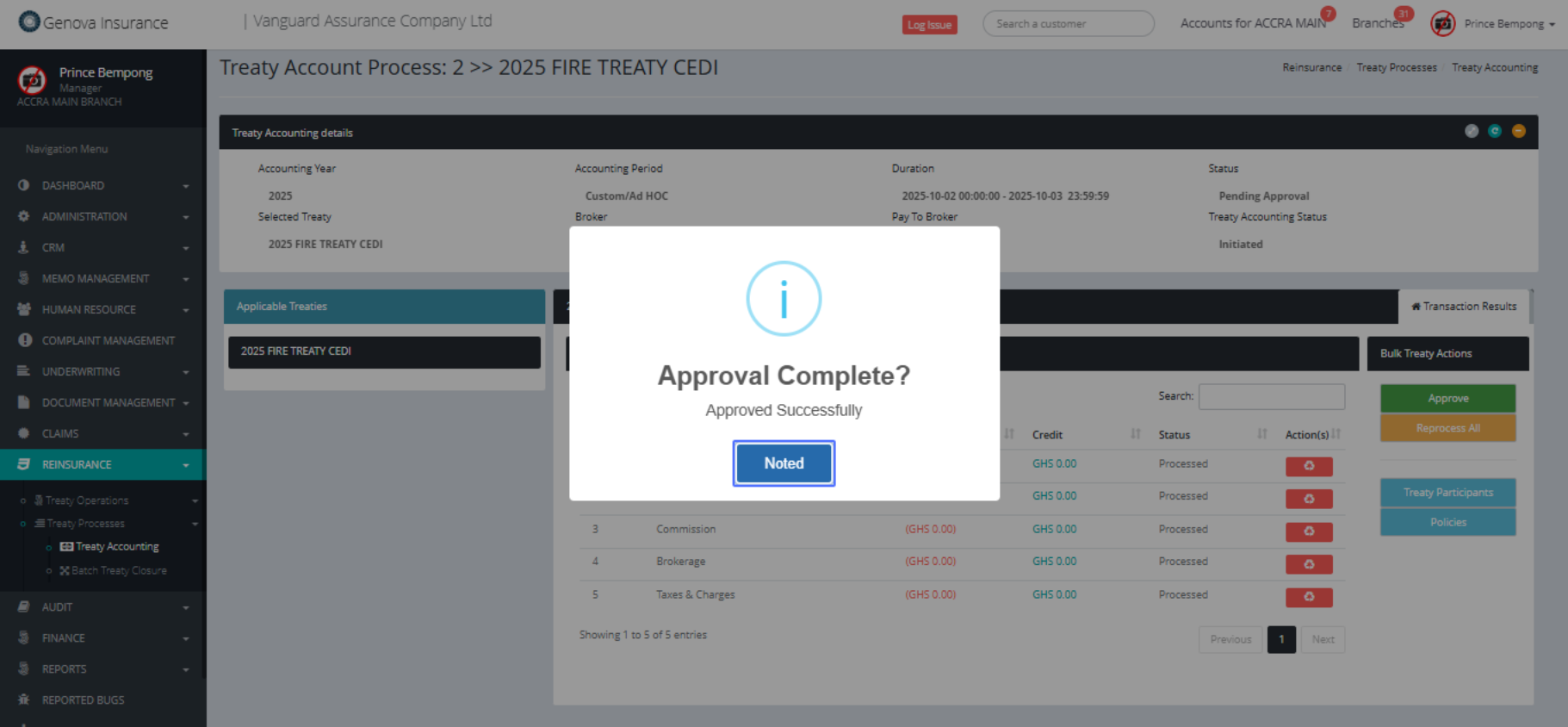
Click on the button "Treaty Participants"

Click on "2025 FIRE TREATY CEDI - Treaty Participants
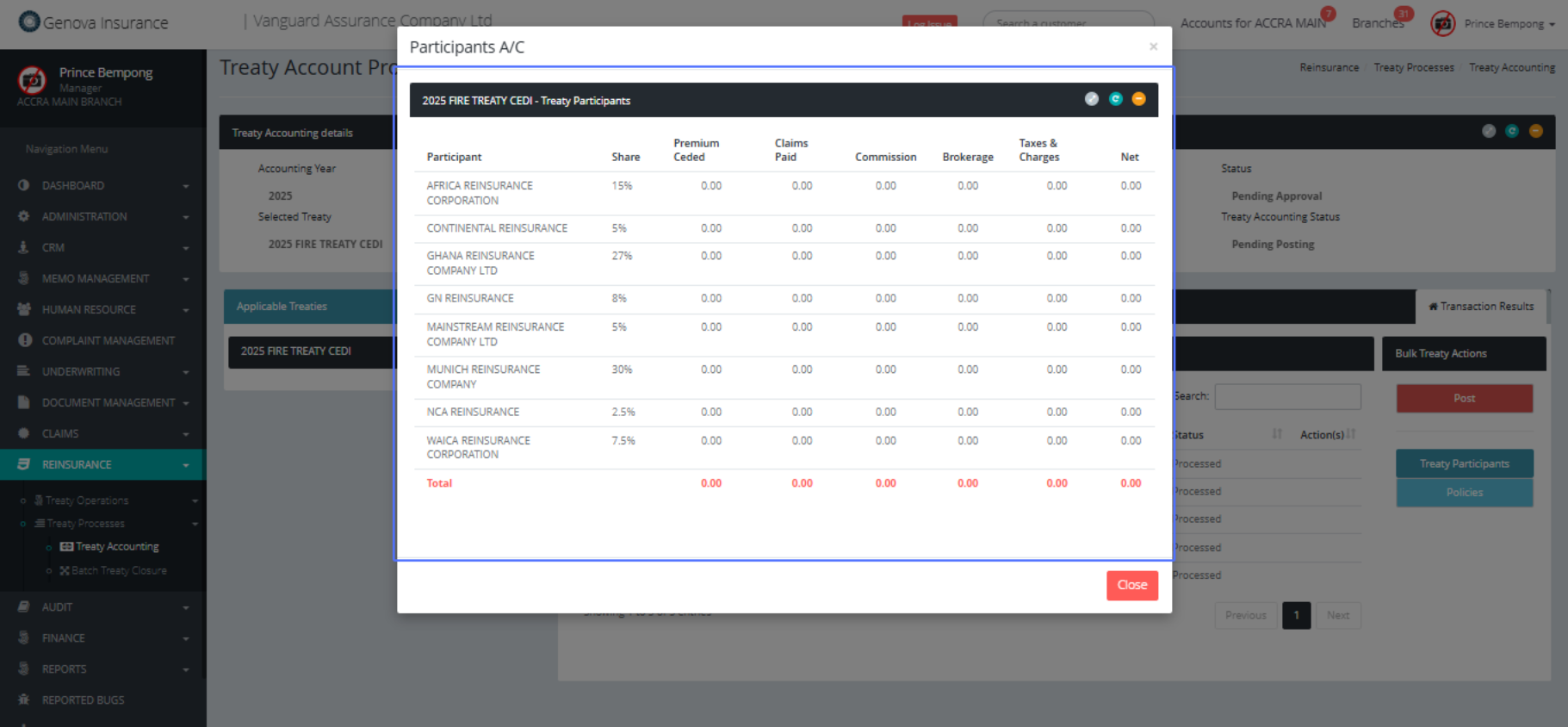
Click on "× Participants A/C 2025 FIRE TREATY CEDI - Treaty
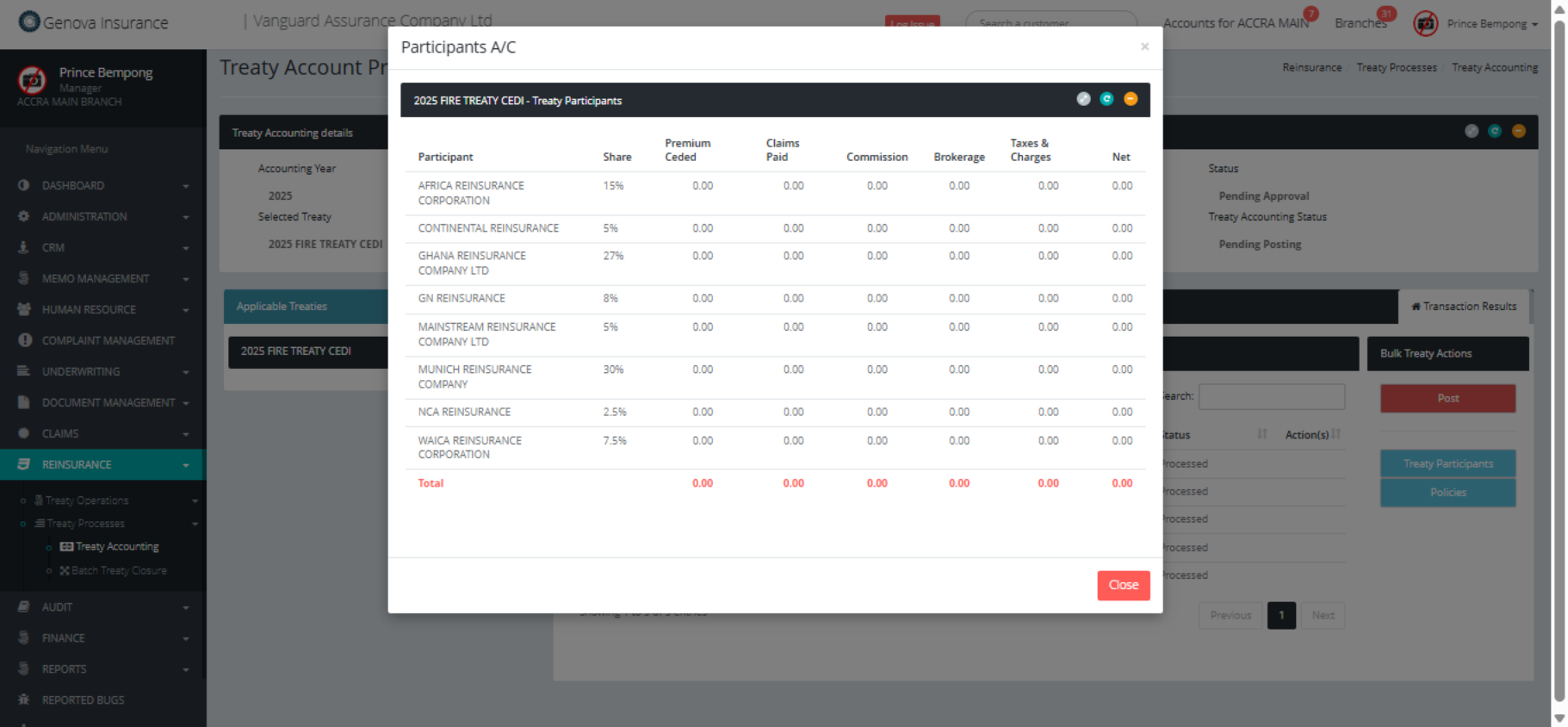
Click on the button "Post"
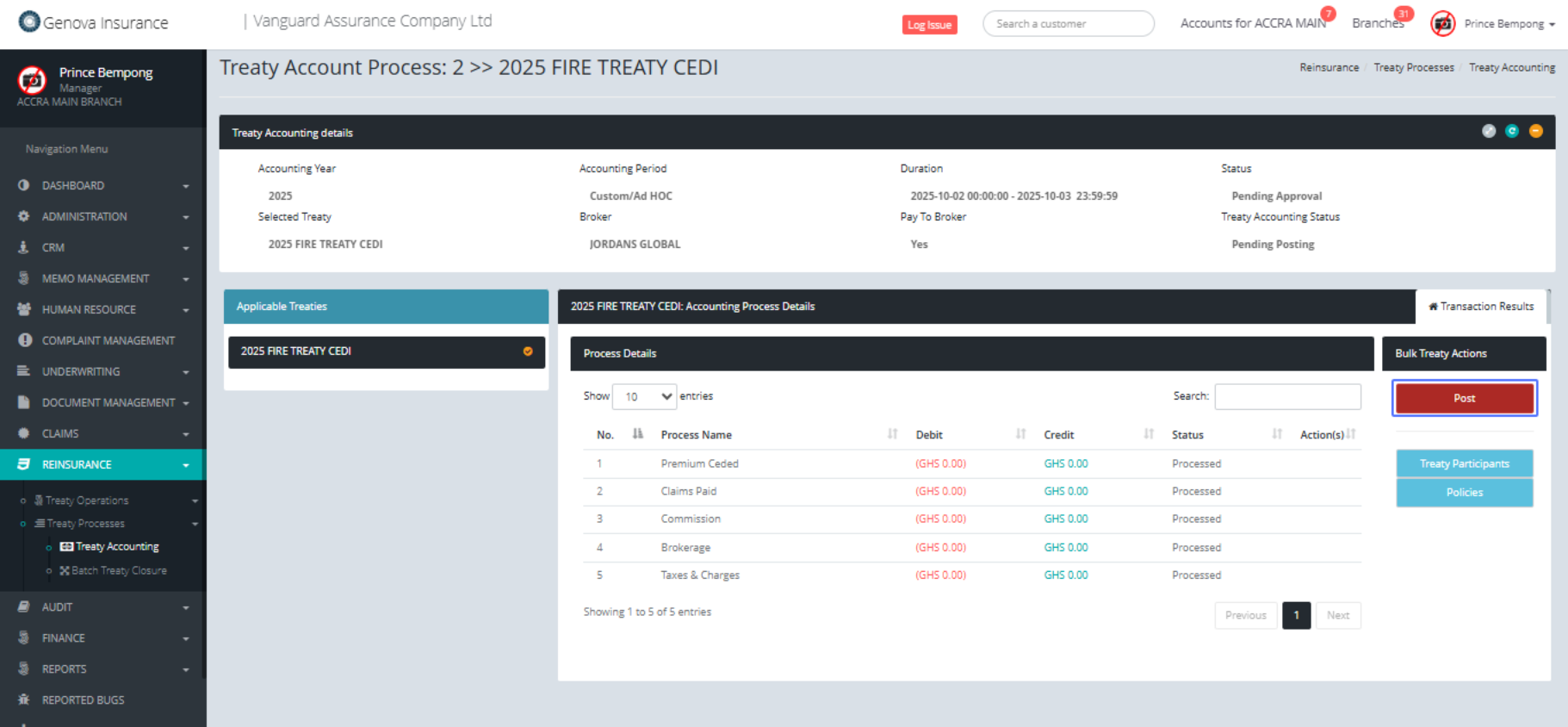
Click on "Pay to Participants Pay to Brokers"
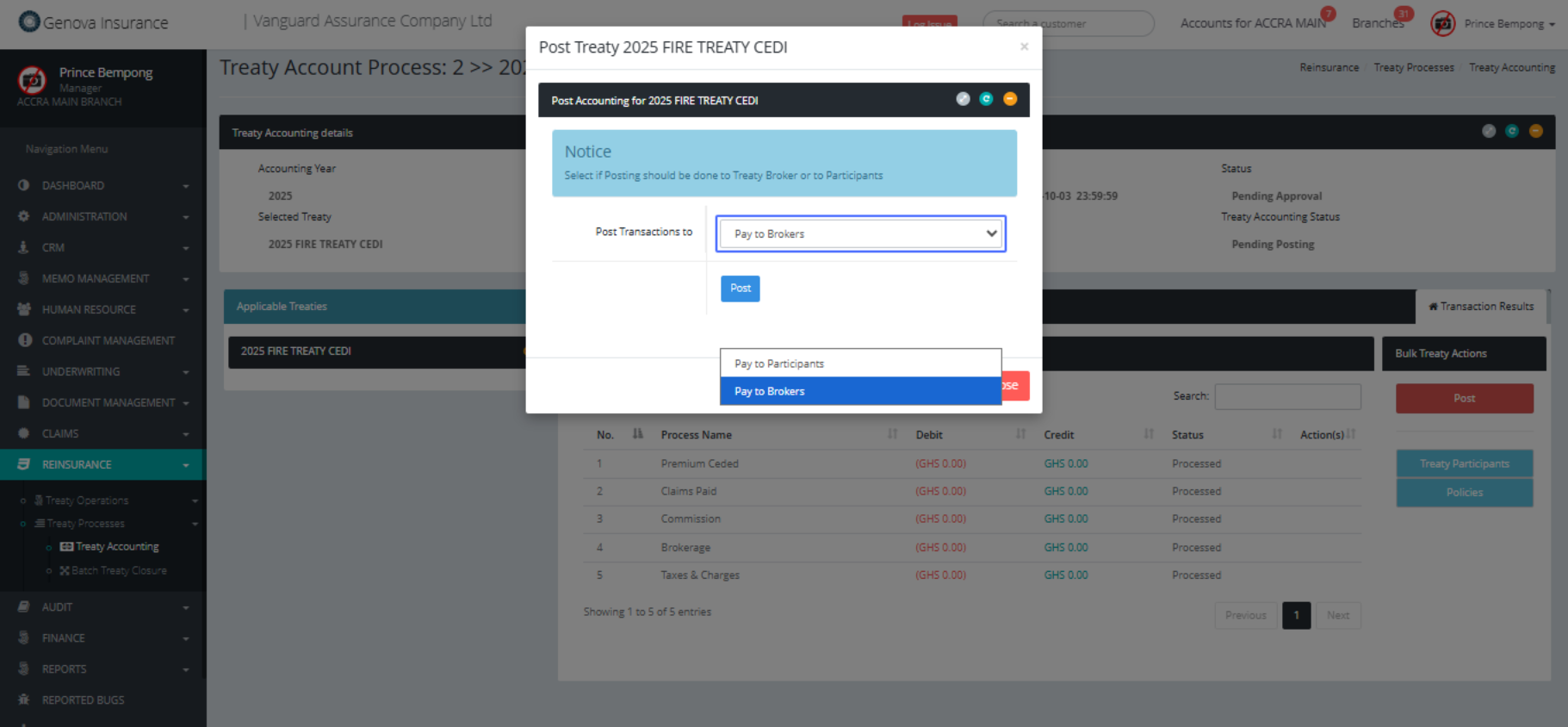
Click on the button "Post"
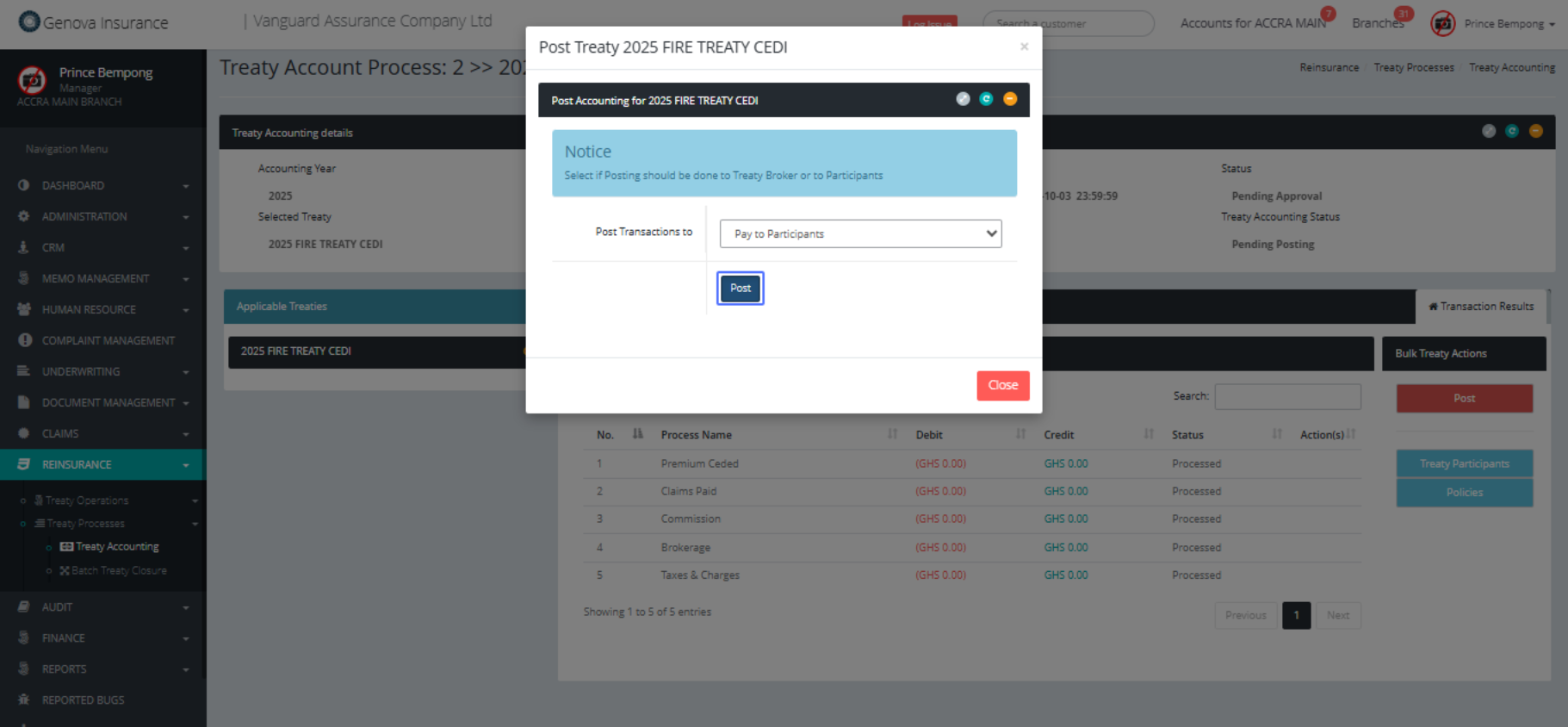
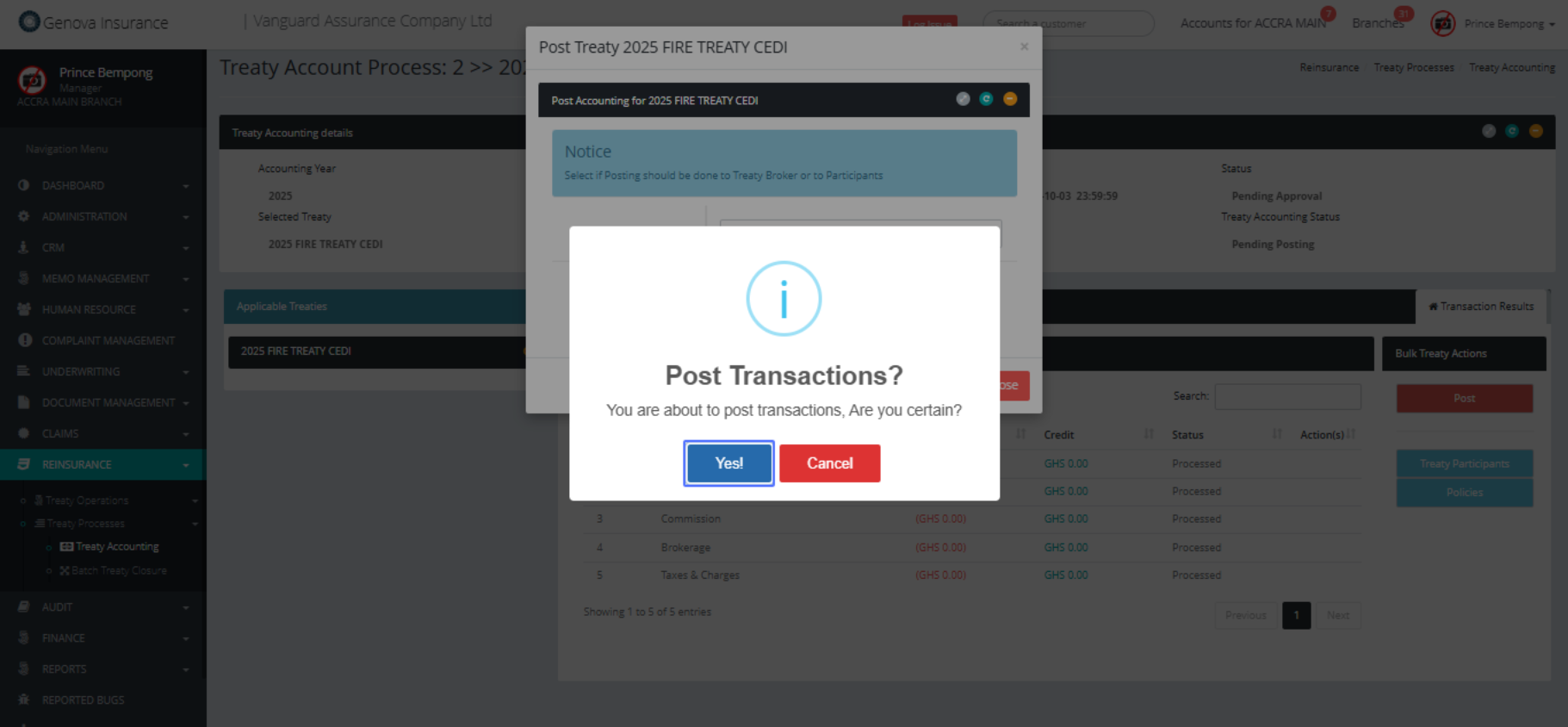
Click on the button "Yes!"
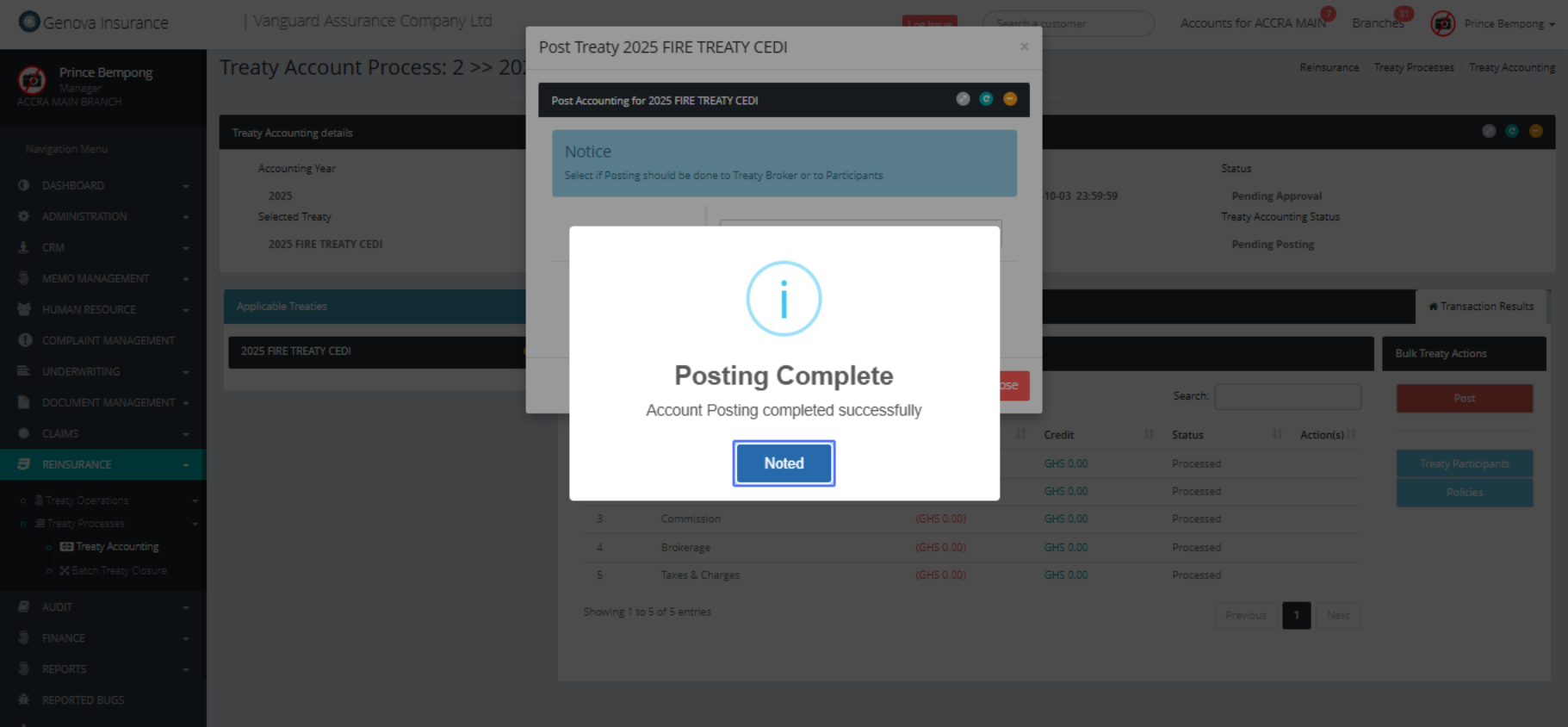
Click on the button "Noted"
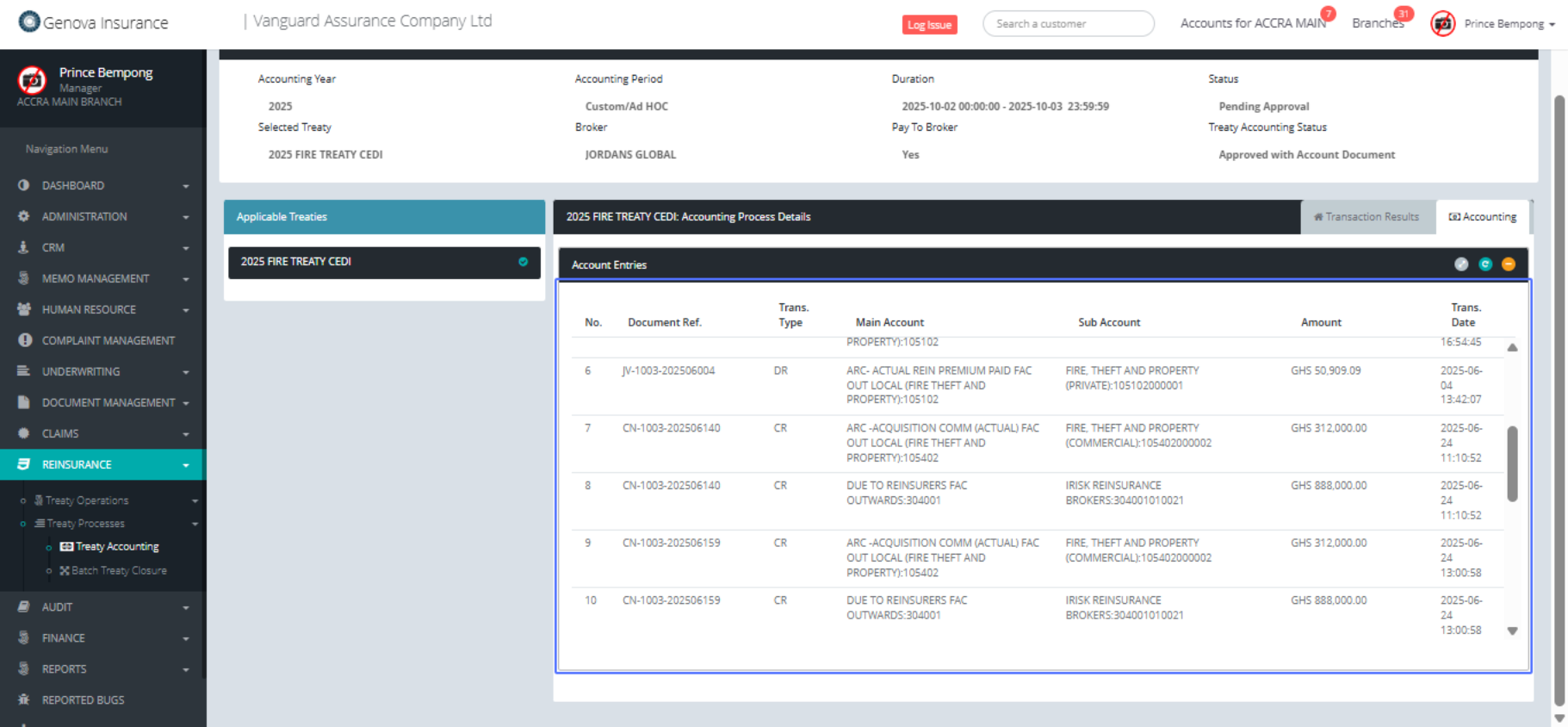
Click on the link "Accounting"

Click on "No. Document Ref. Trans. Type Main Account Sub
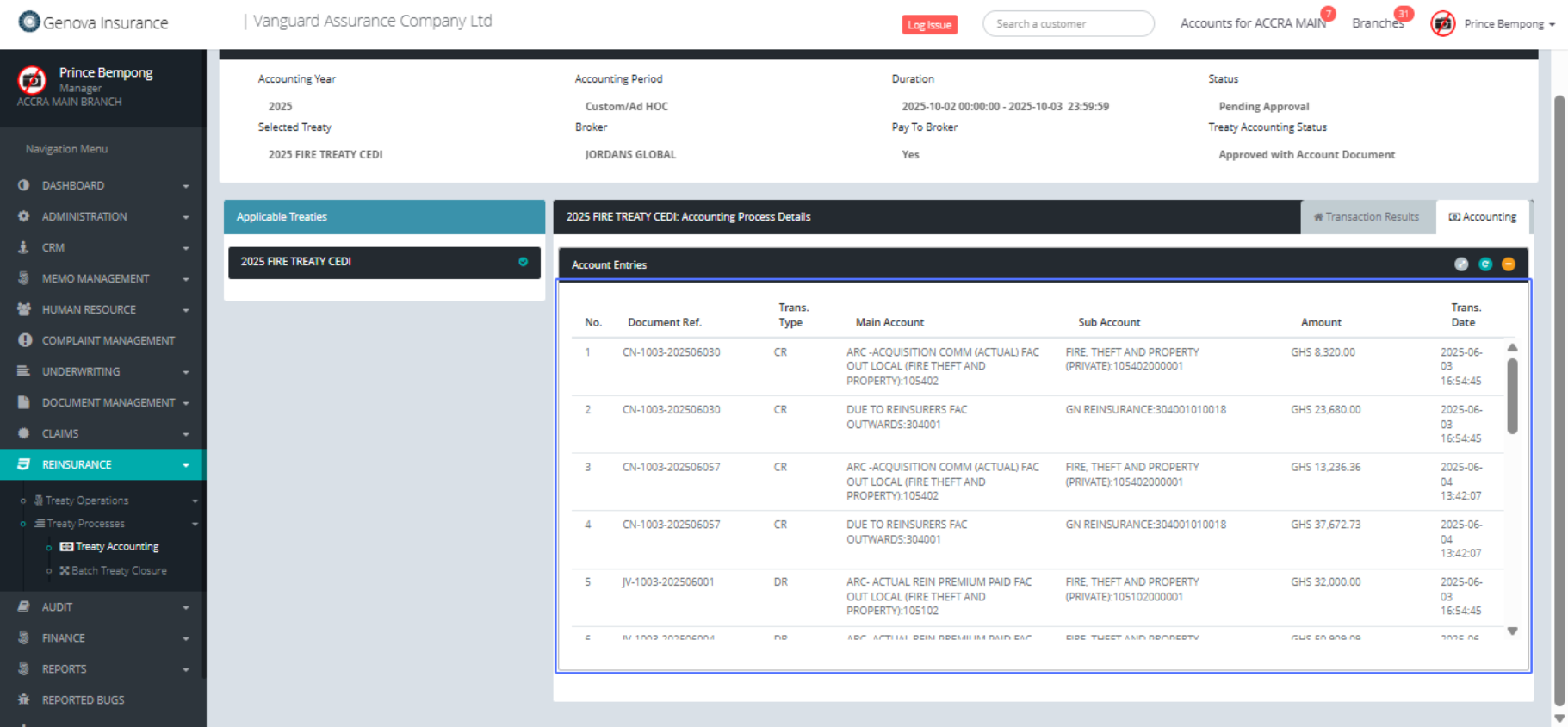
Some of the accounting entries
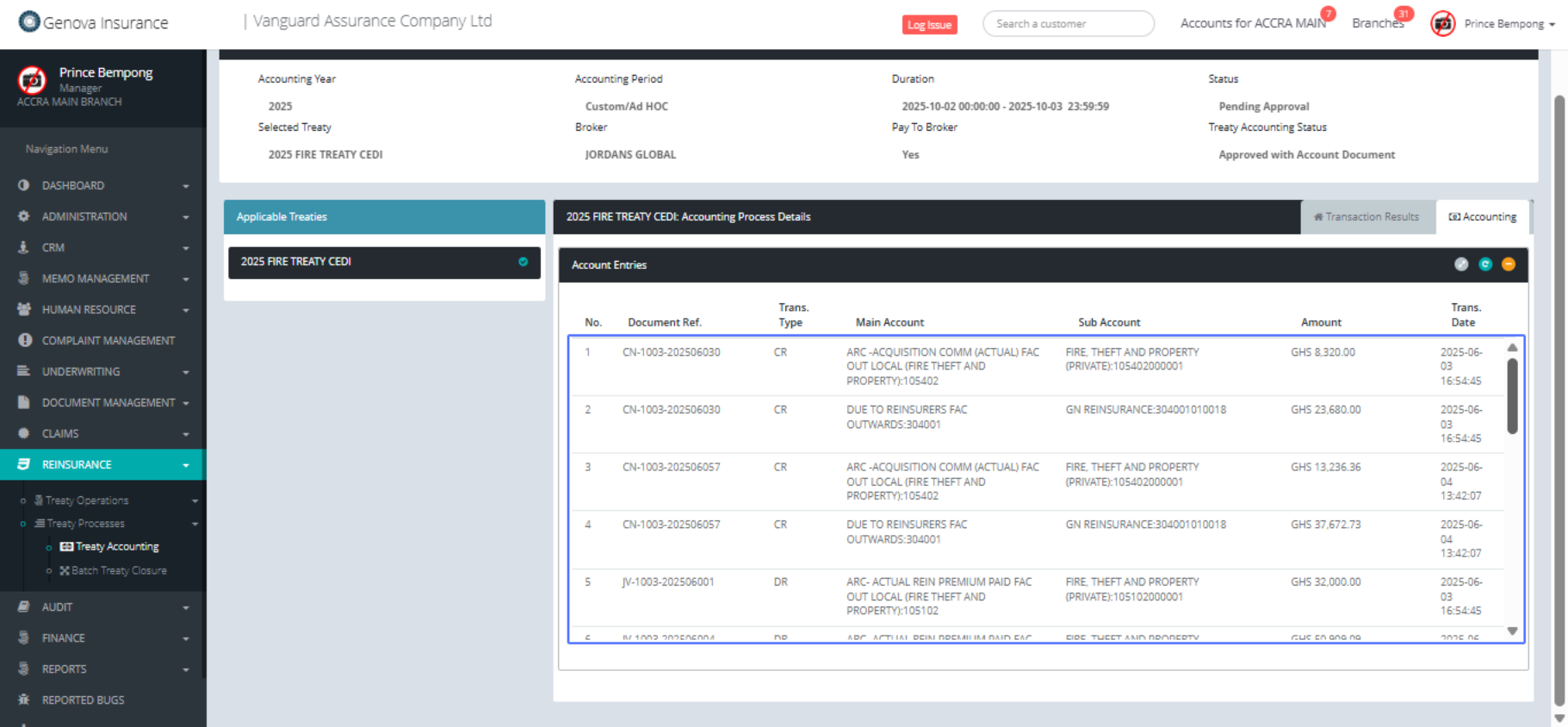
Some of the accounting entries