 Genova
BATCH
BATCH TREATY
Click on the link "REINSURANCE"
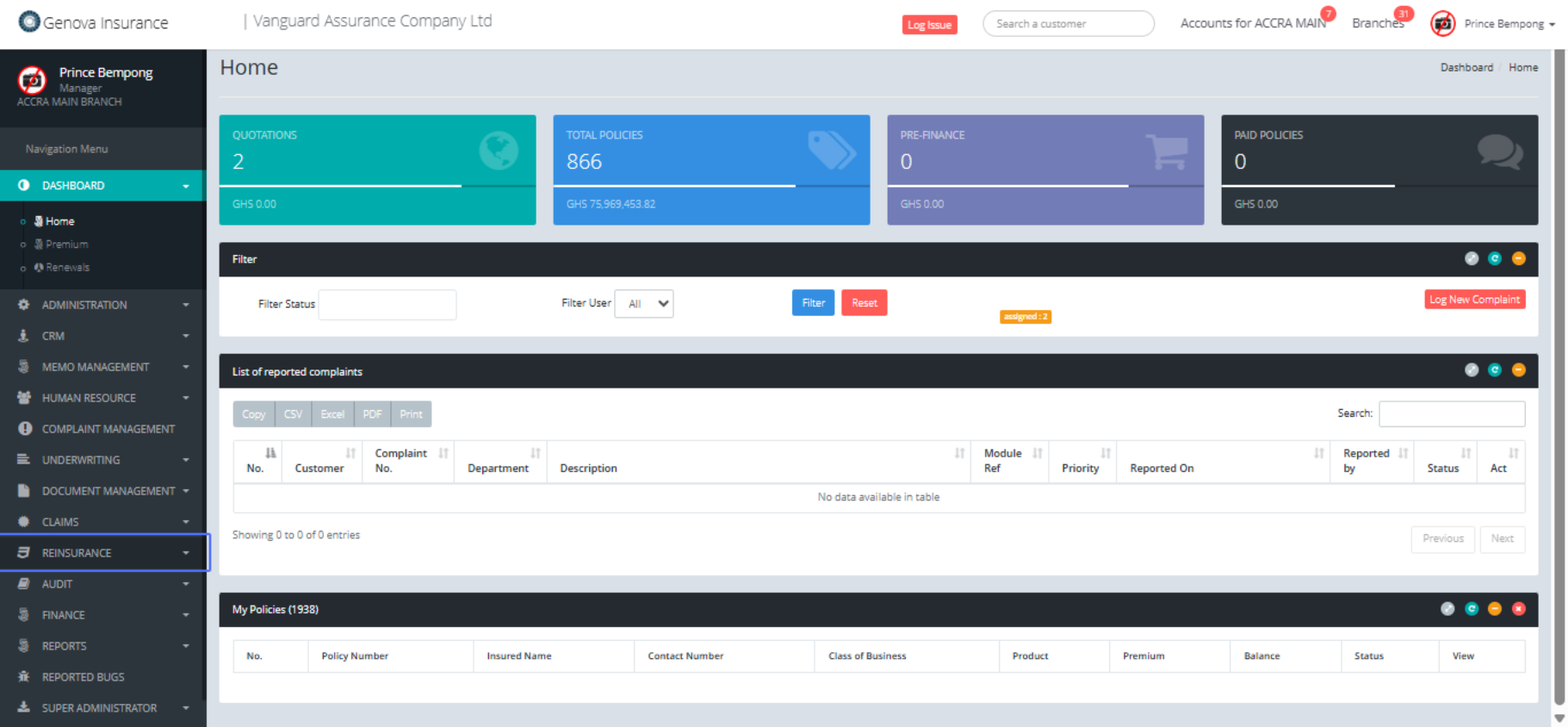
Click on the link "Treaty Processes"
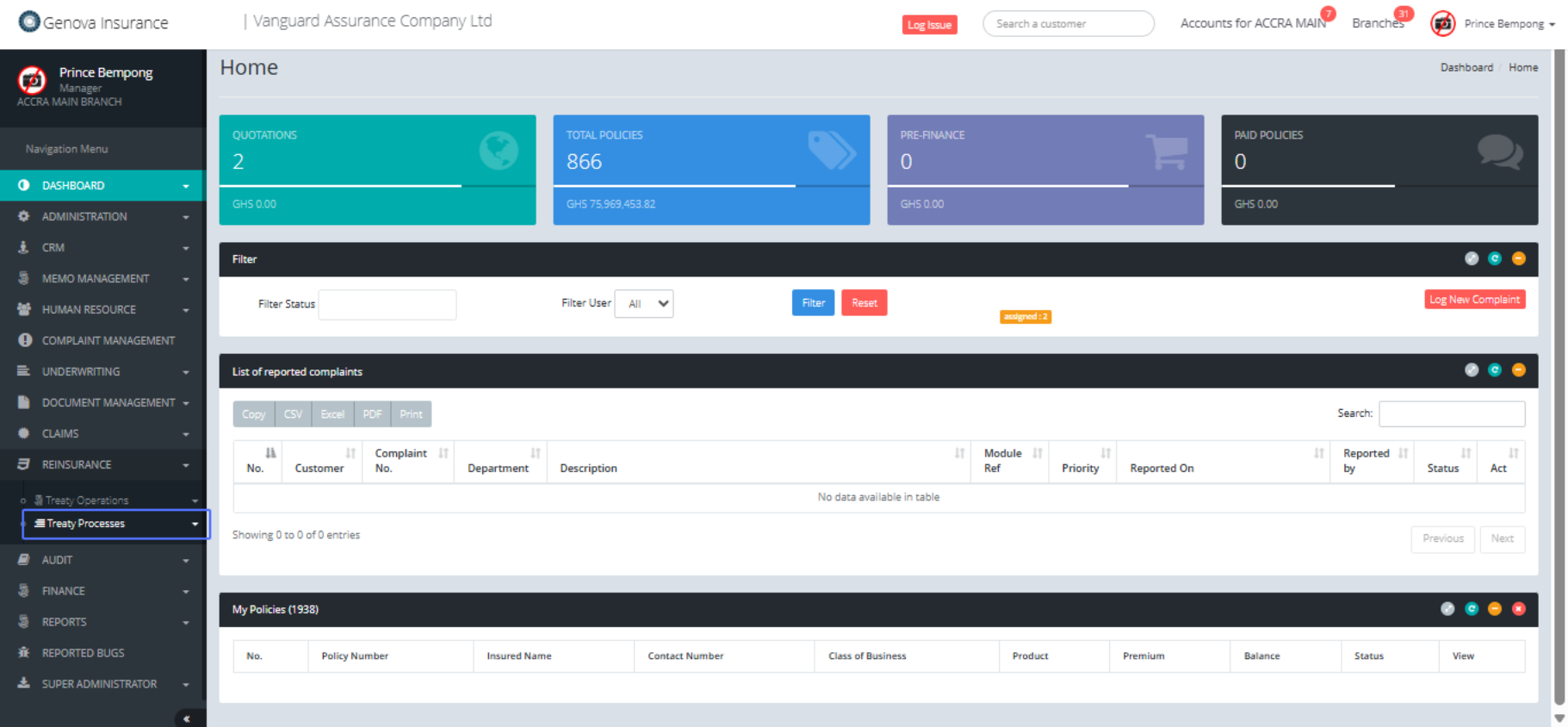
Click on the link "Batch Treaty Closure"
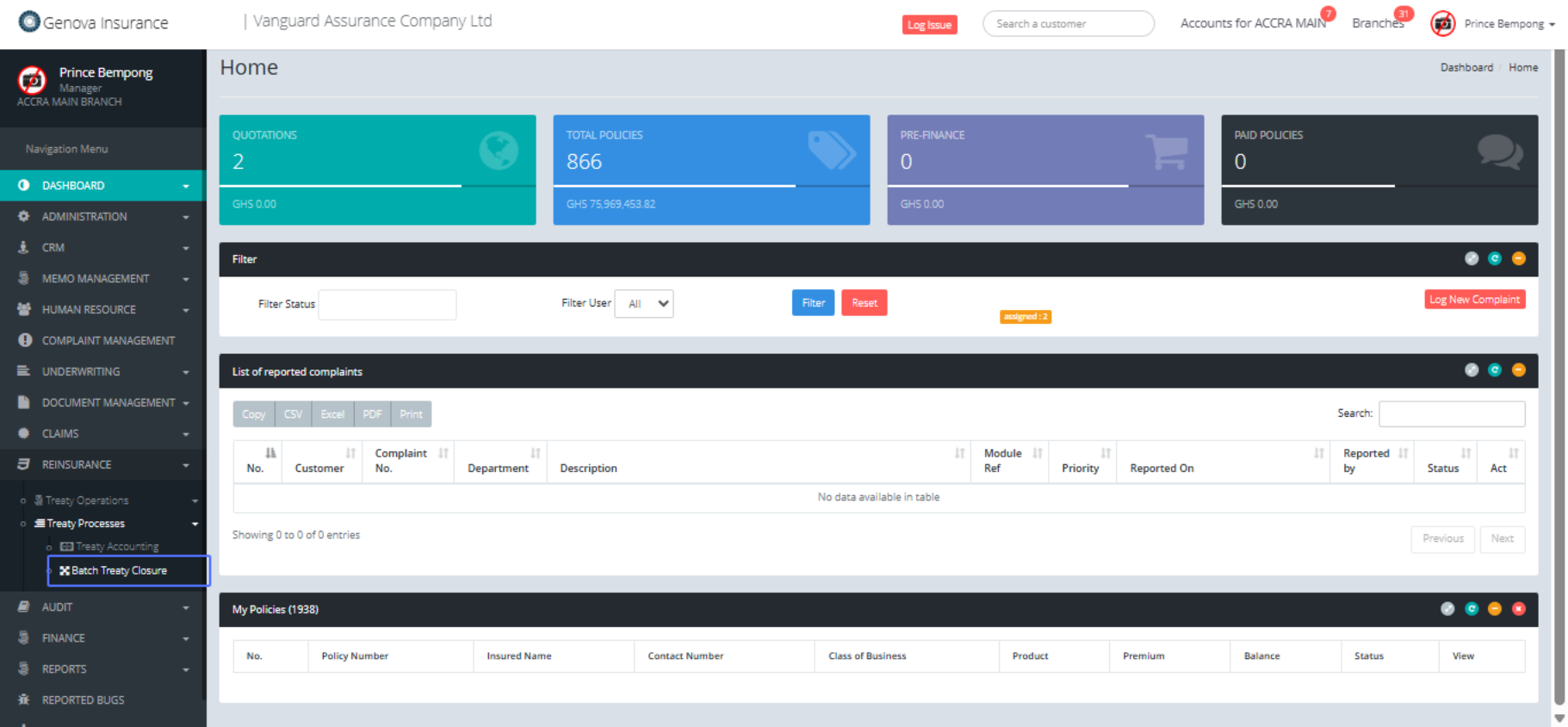
Click on and querry with the necessary credentials
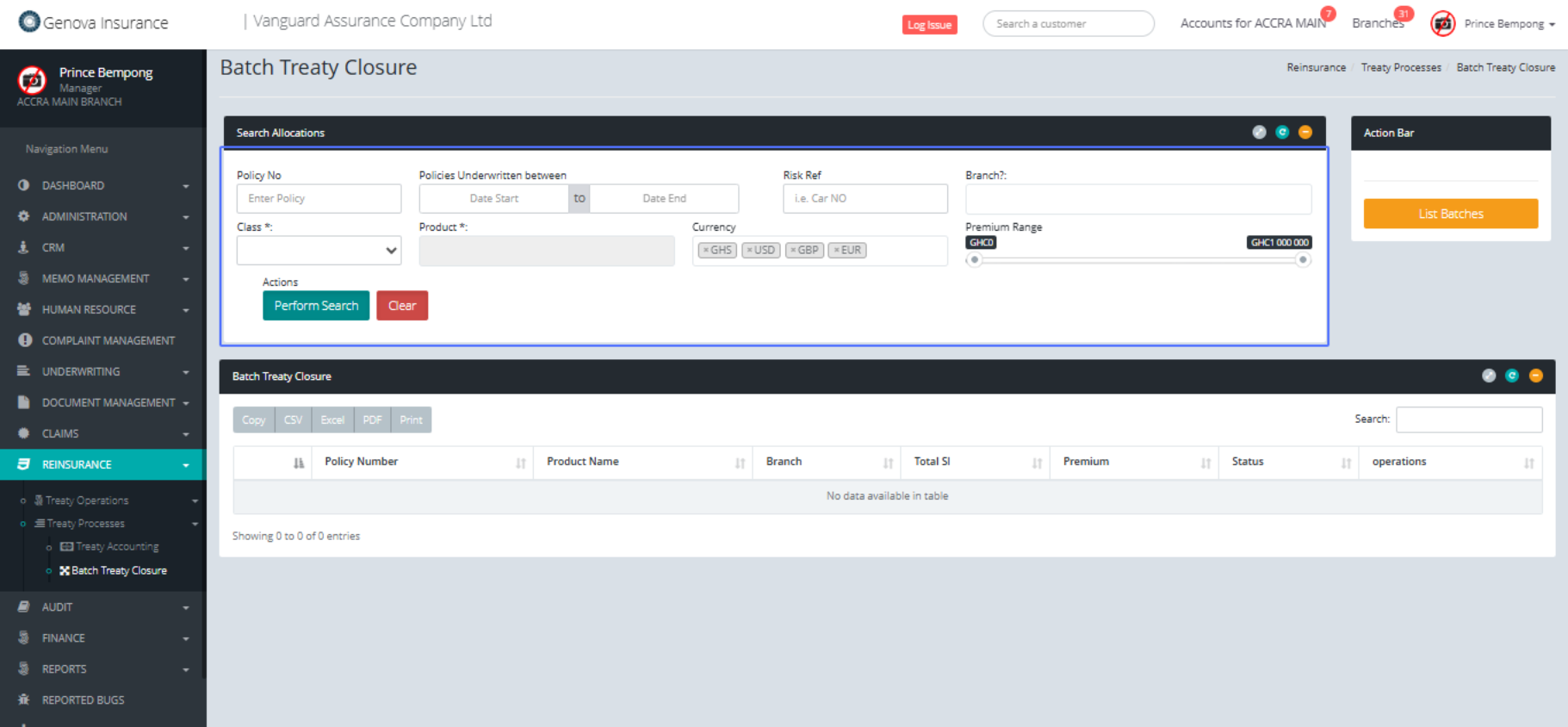
Click on the input
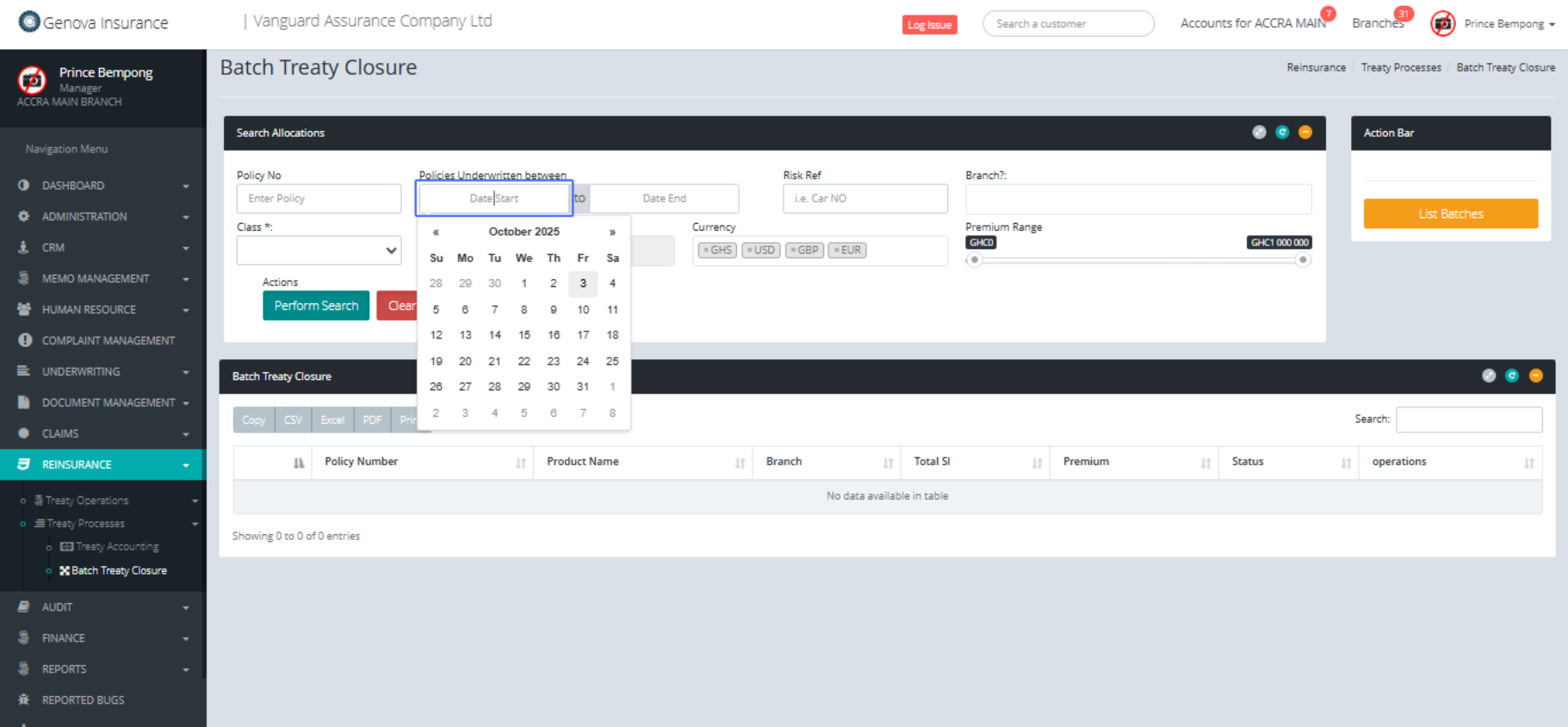
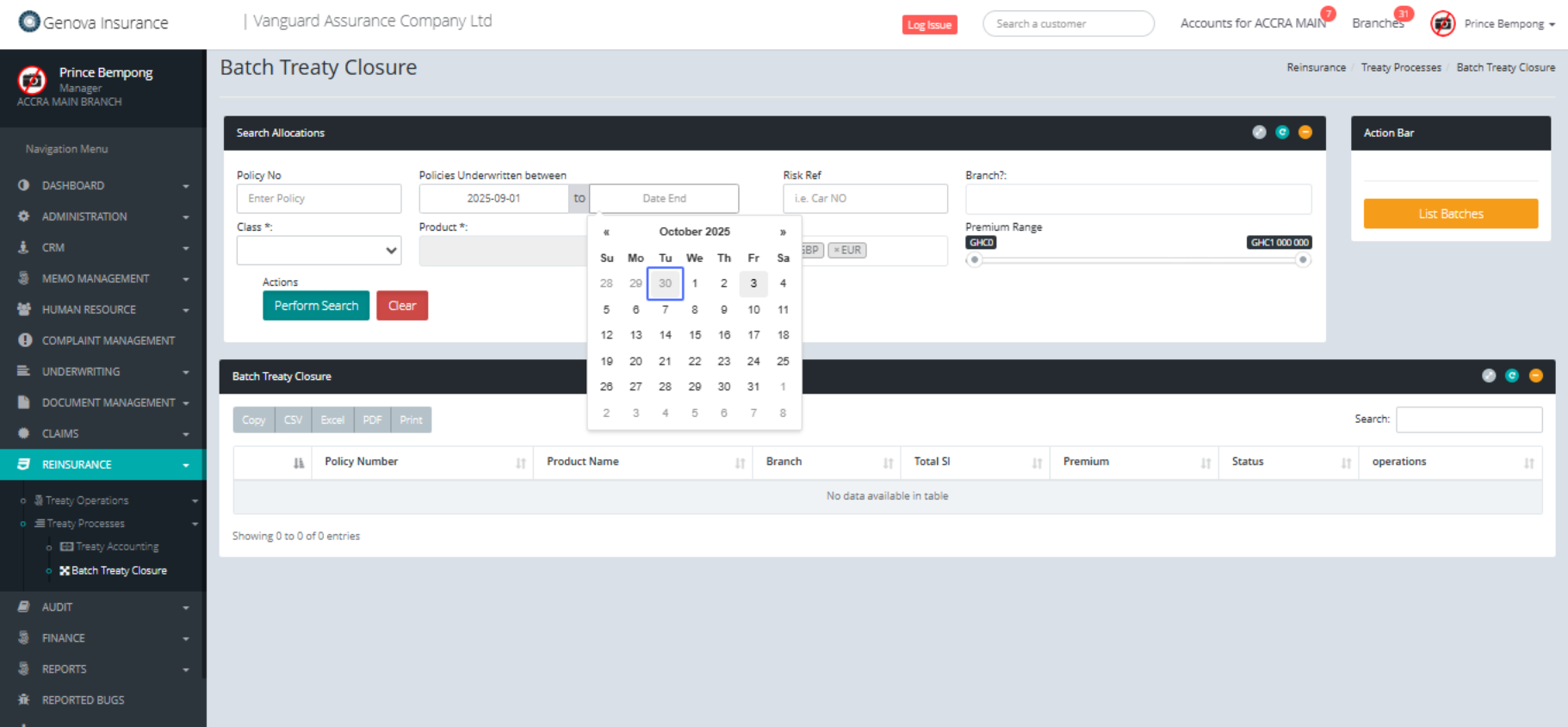
Click on "« to choose the previous month if necessary.
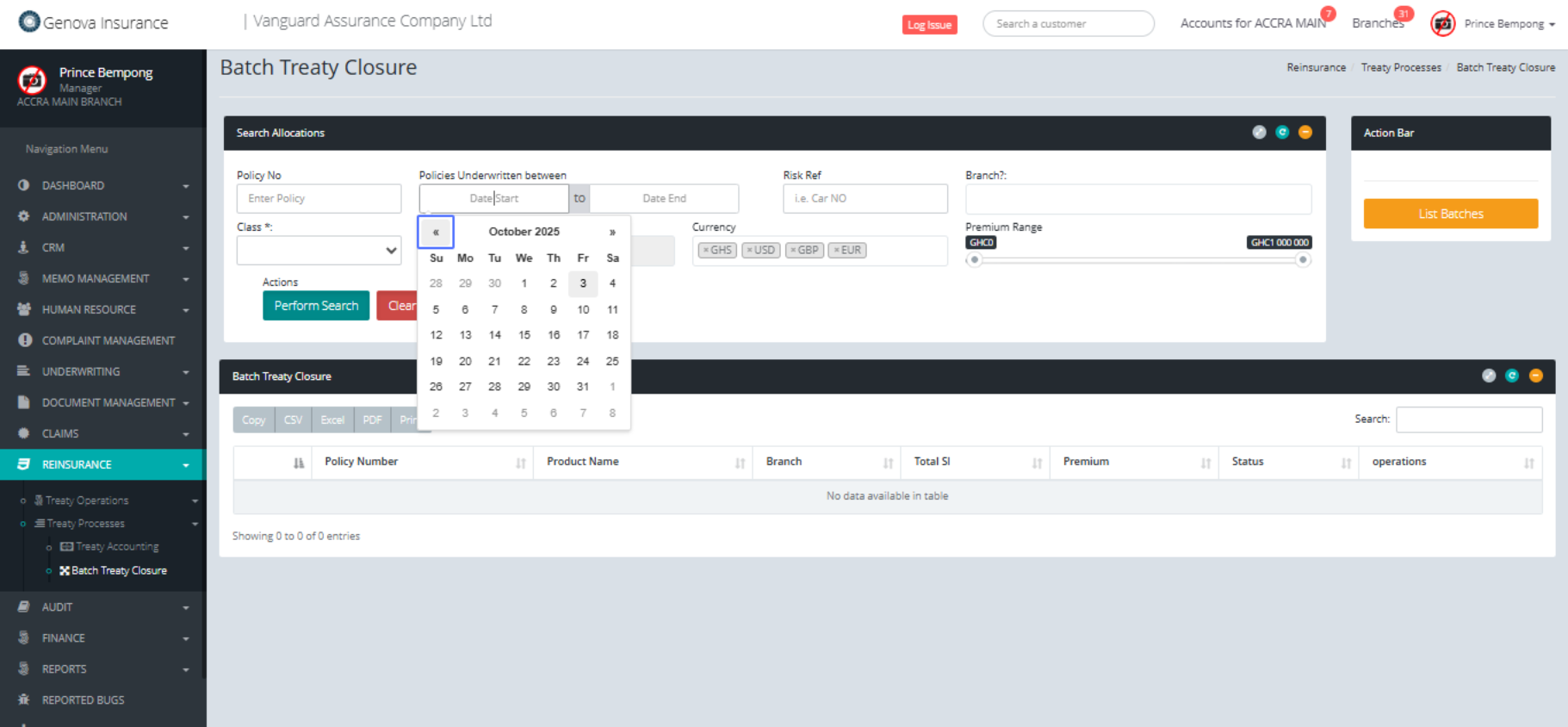
Click on "1"
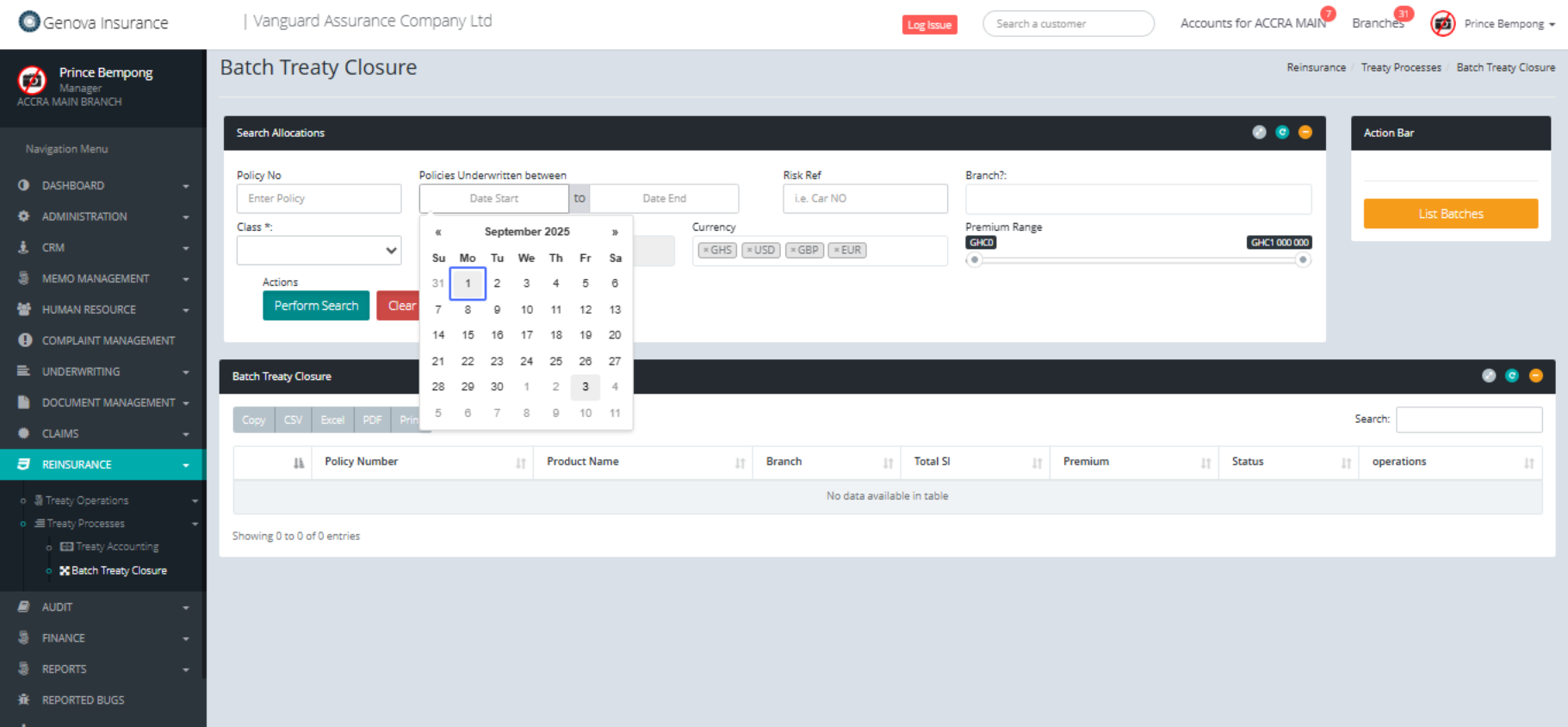
Click on the input
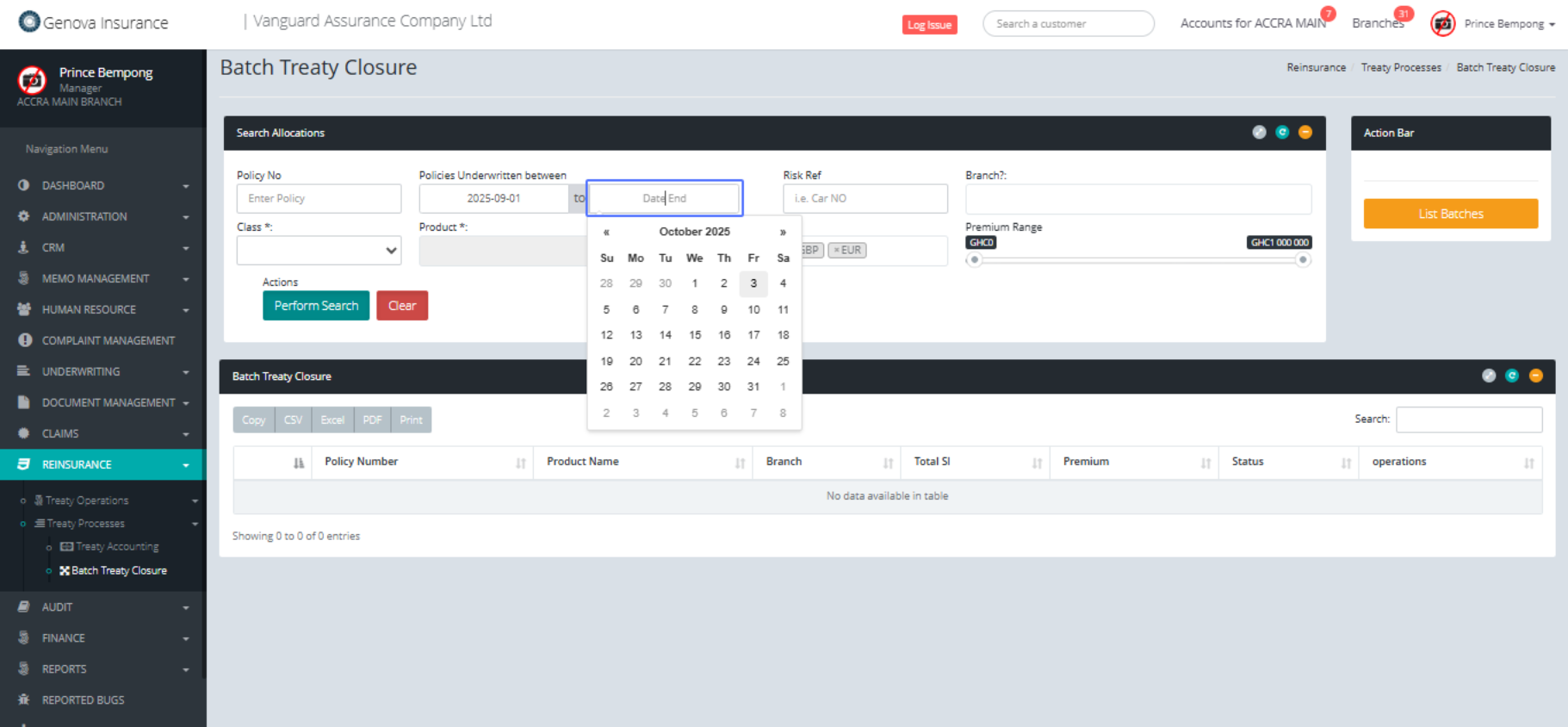
Click on "30"
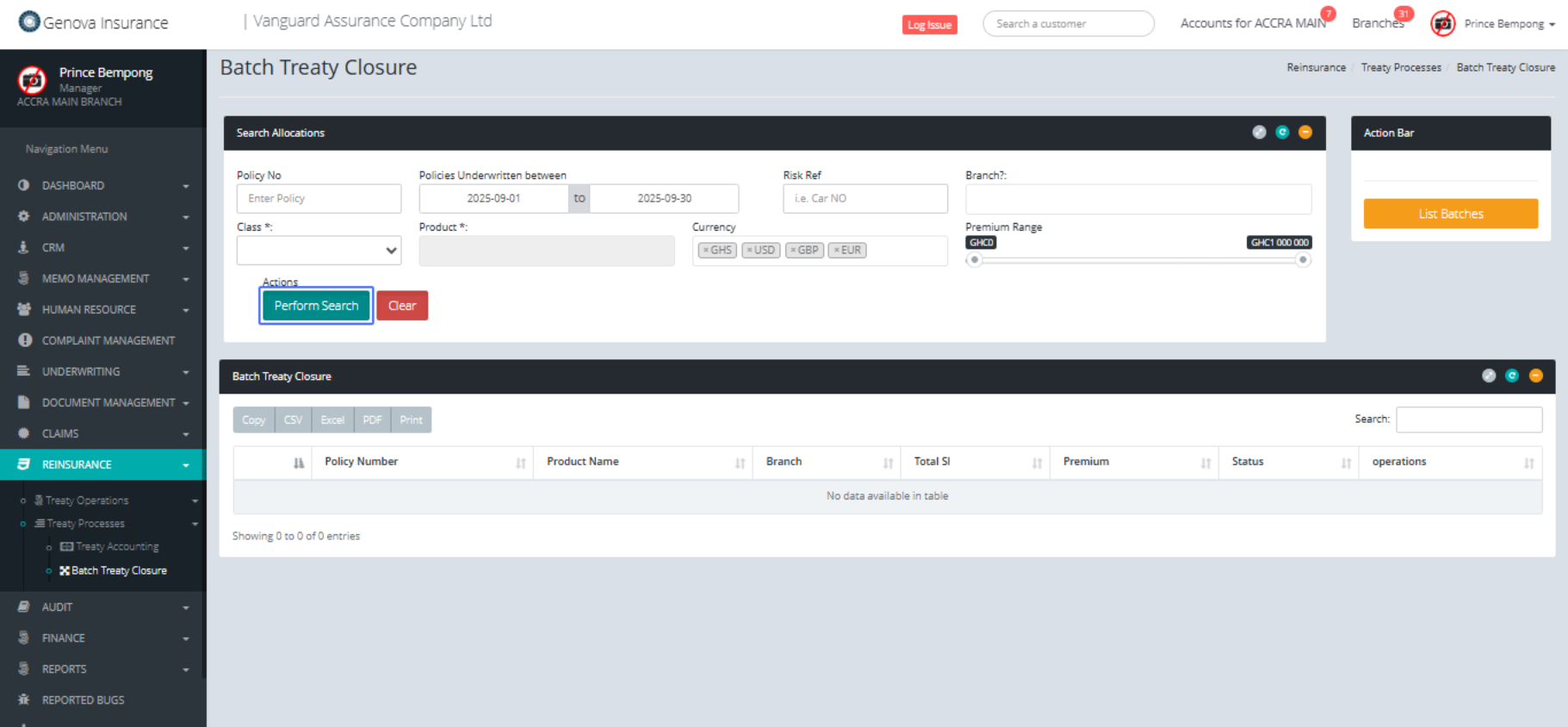
Click on the button "Perform Search"
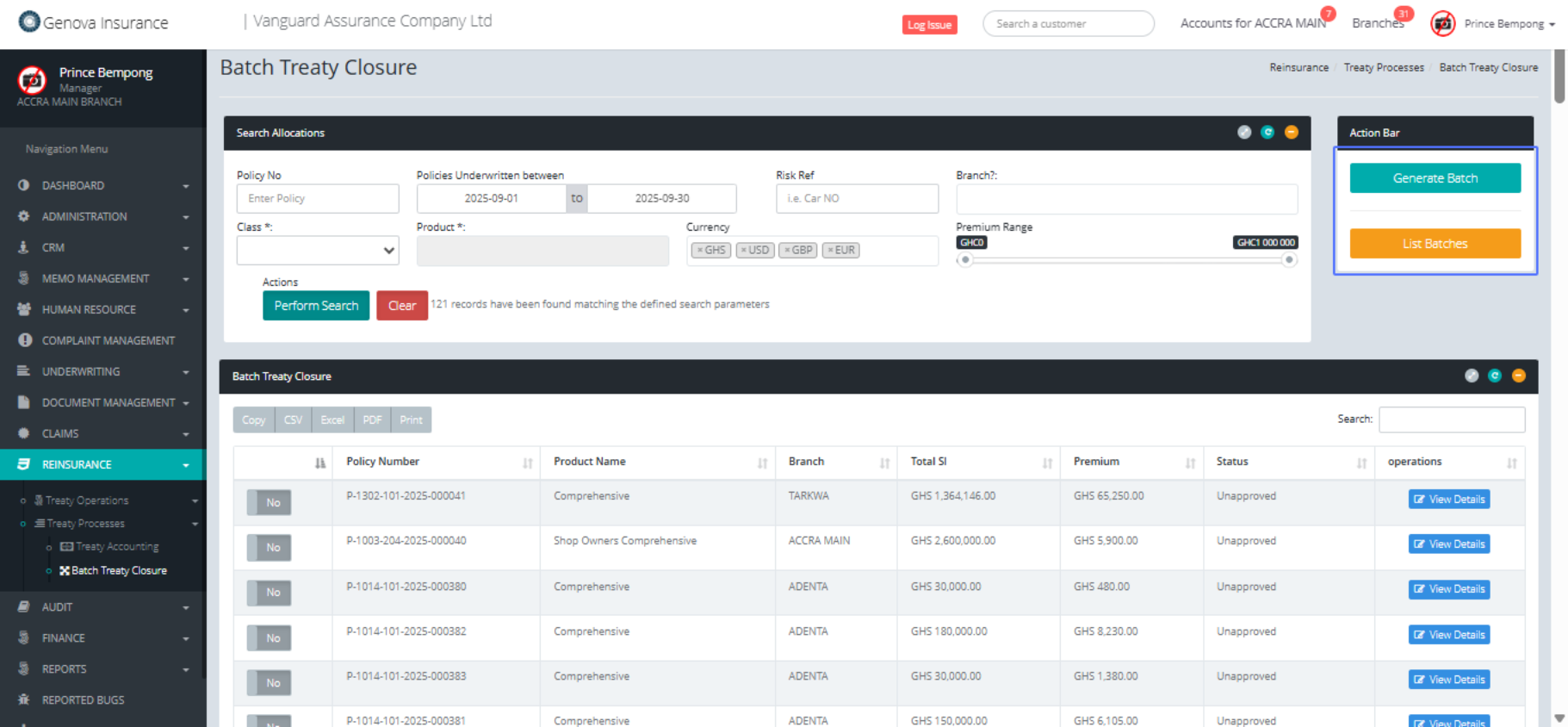
Click on "Generate Batch List Batches"
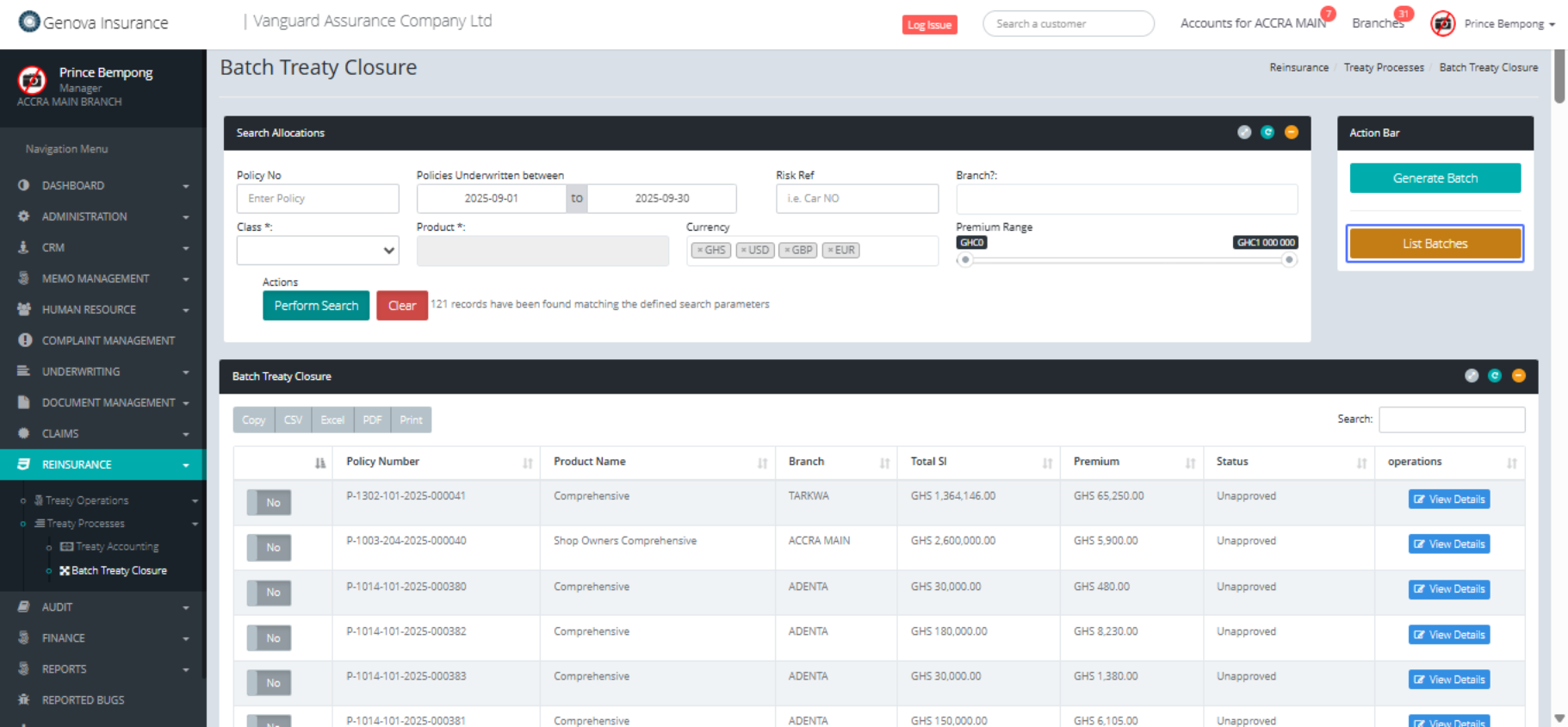
Click on the button "List Batches"
Click on "Show 10 25 50 100 entries. Search: Batch No. Created"

Click on the button "Generate Batch"
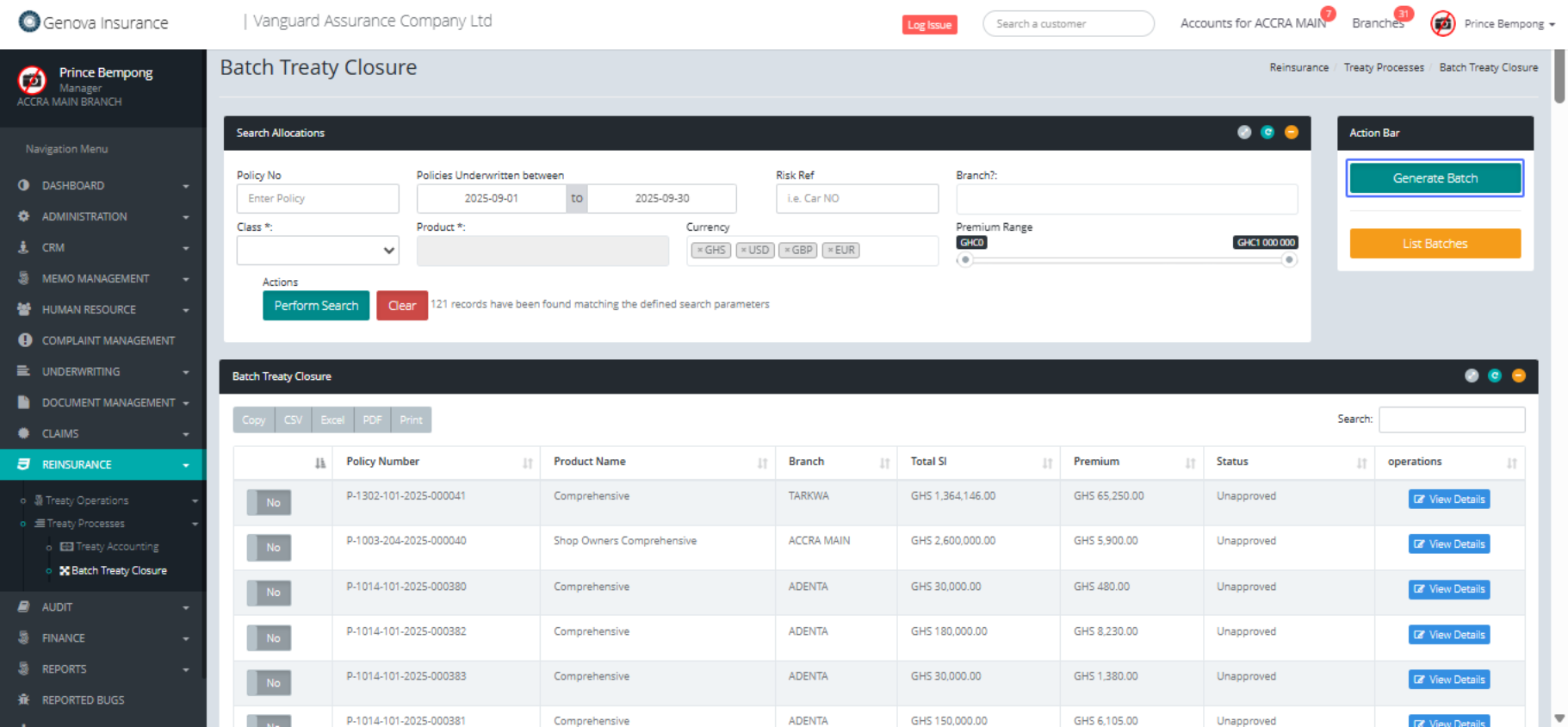
Click on the button "Yes, Generate it!"
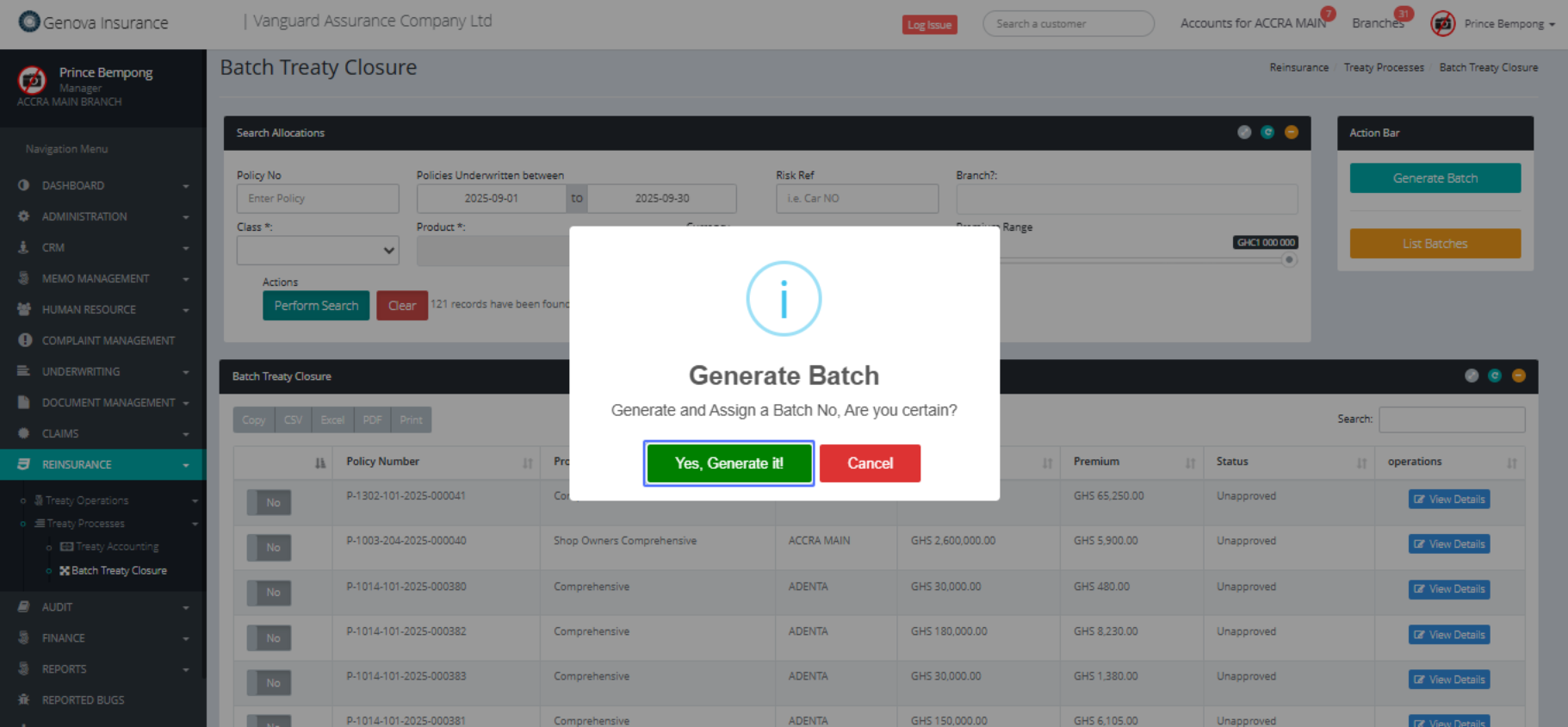
These are policies available within the specied date range
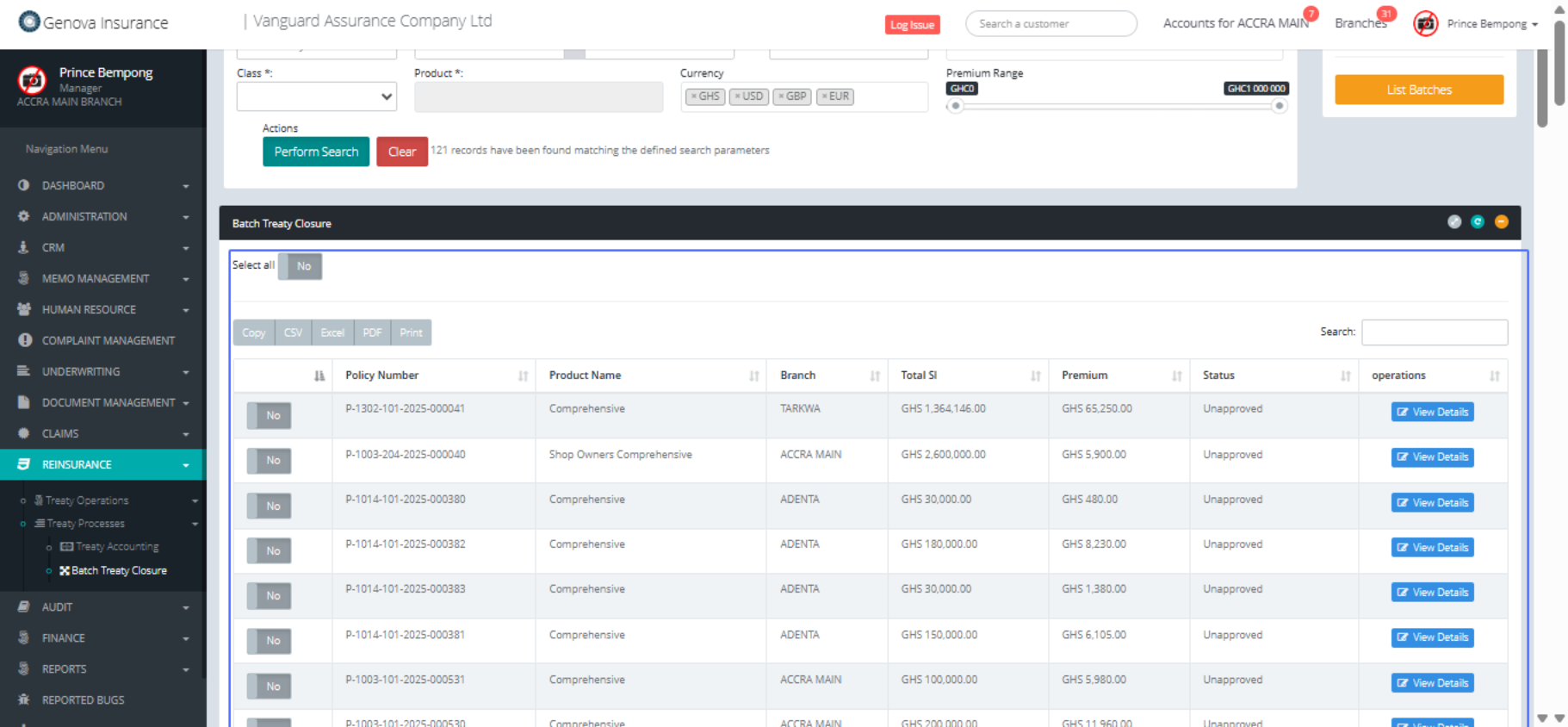
Click on "No" to change to Yes if you a selecting the policies individually
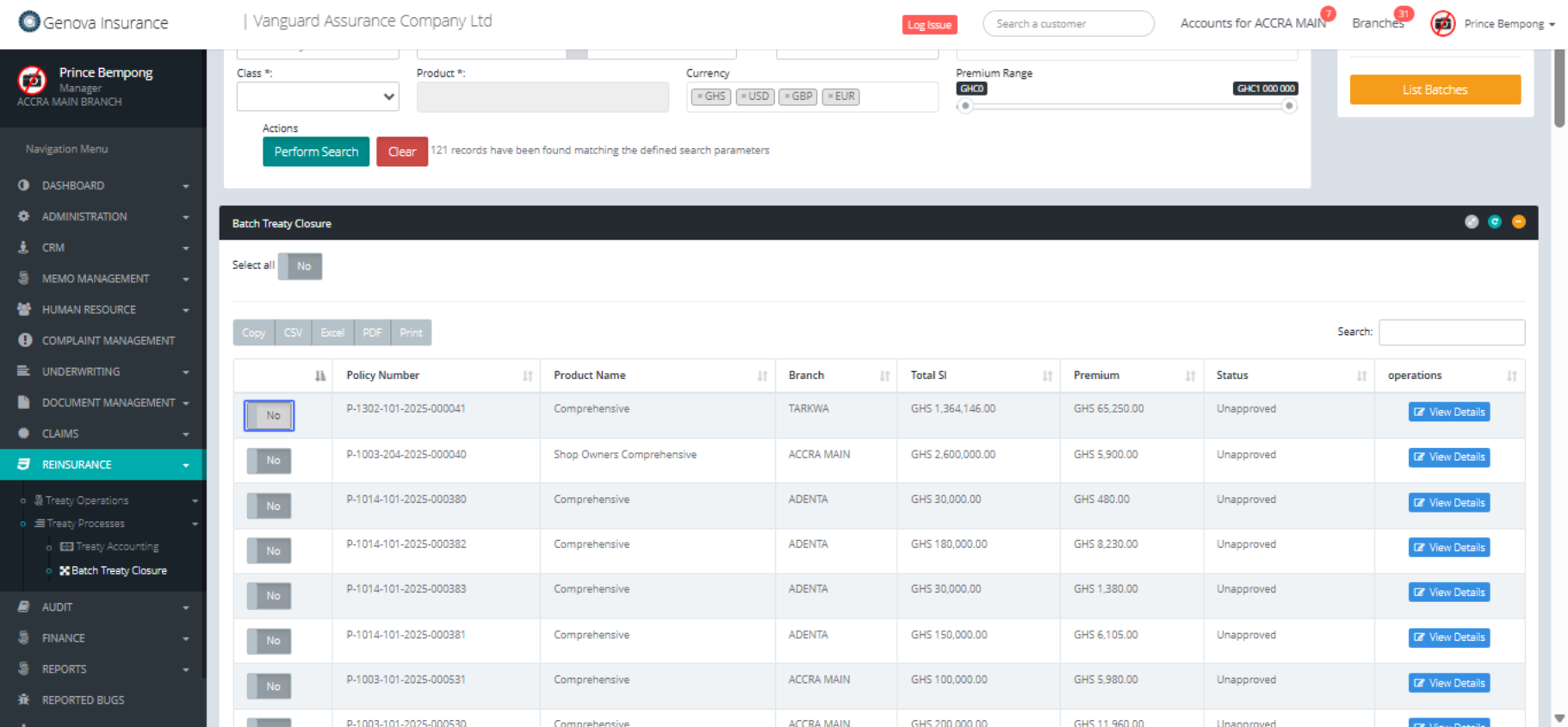
Click on "No"
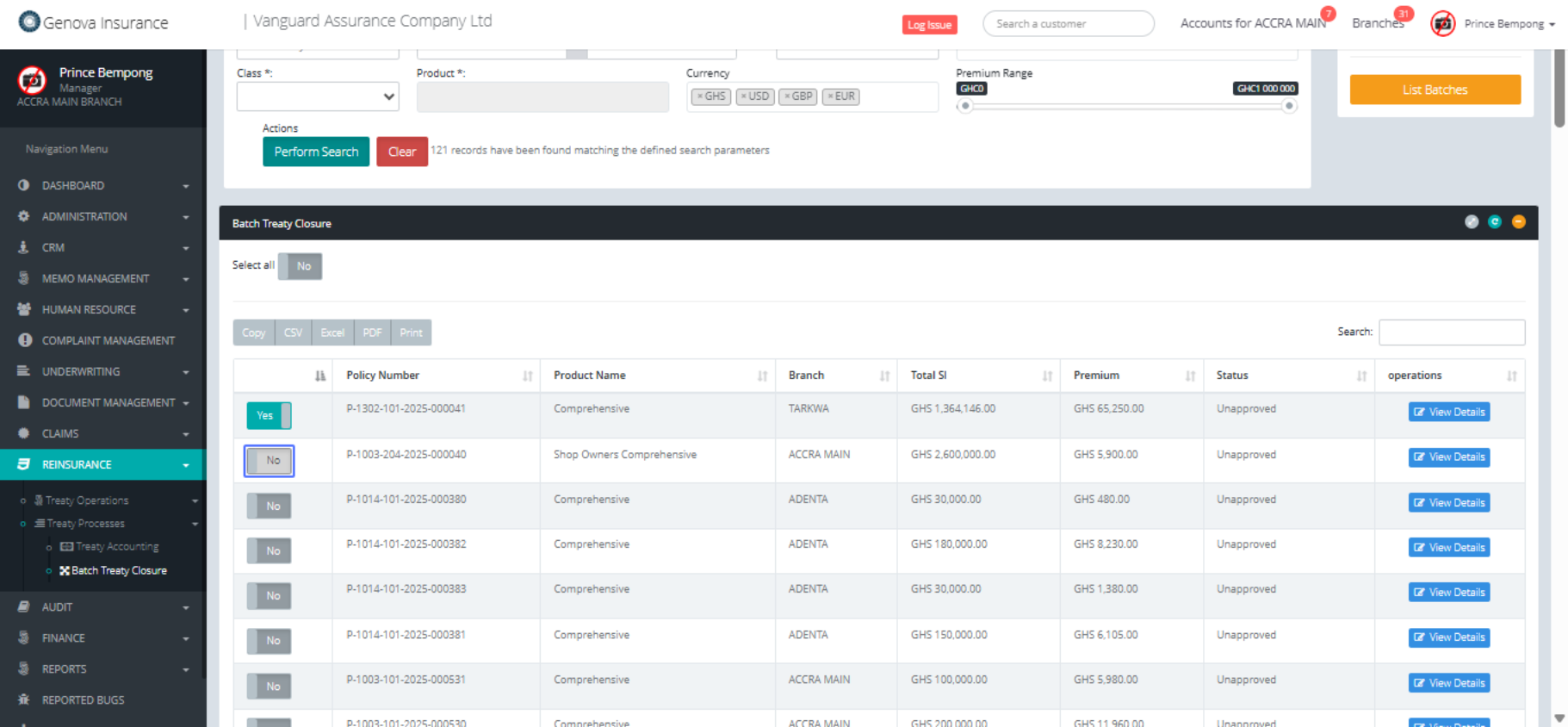
Click on "No" to Yes to select all
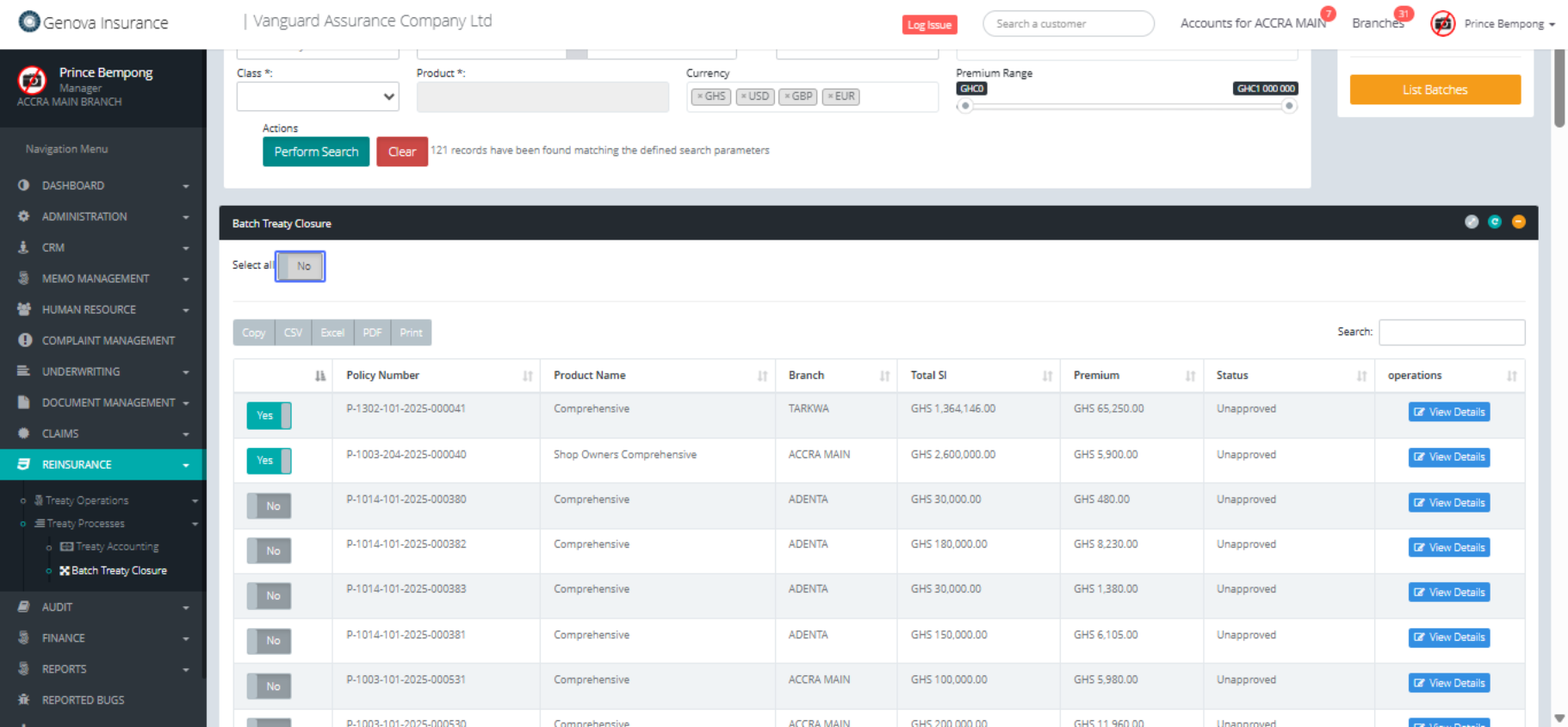
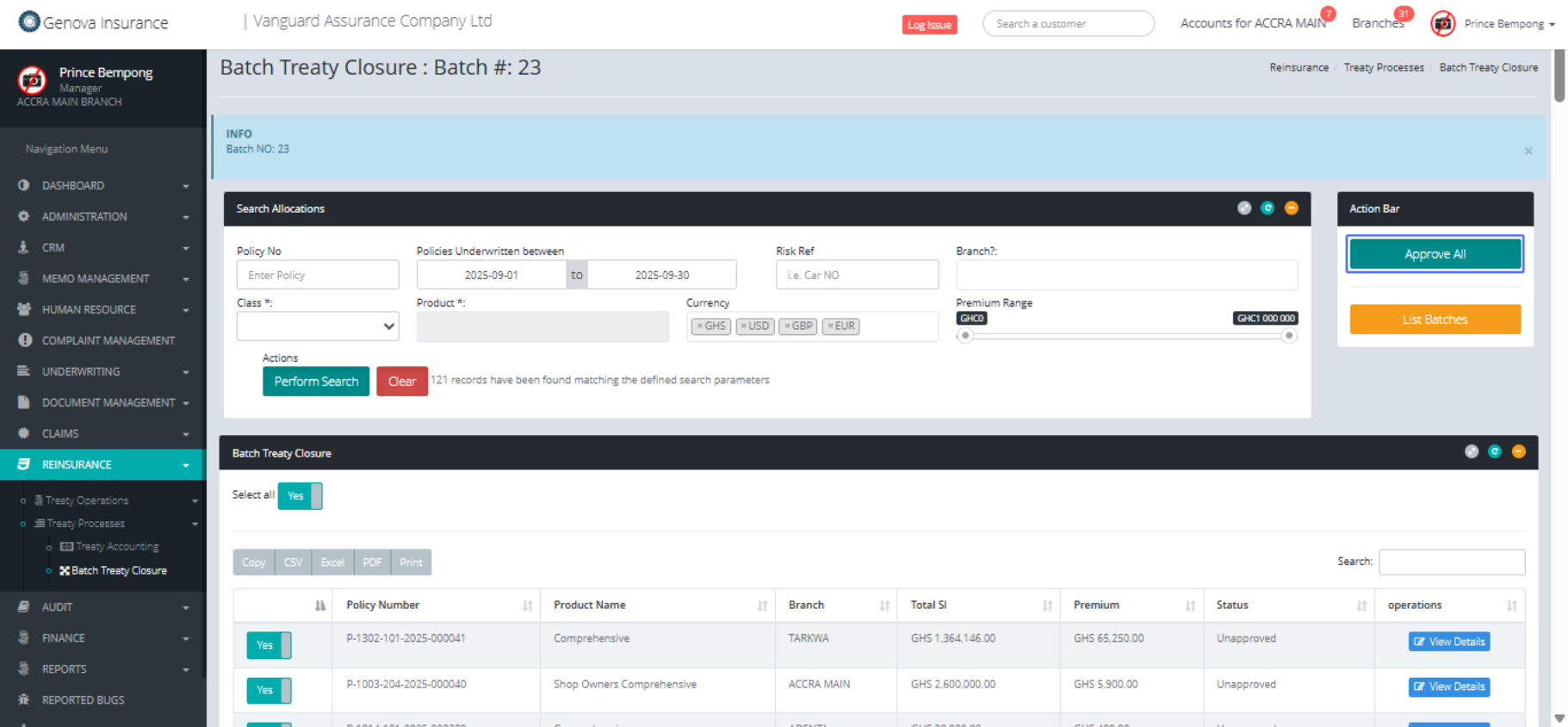
Click on the button "Approve All"
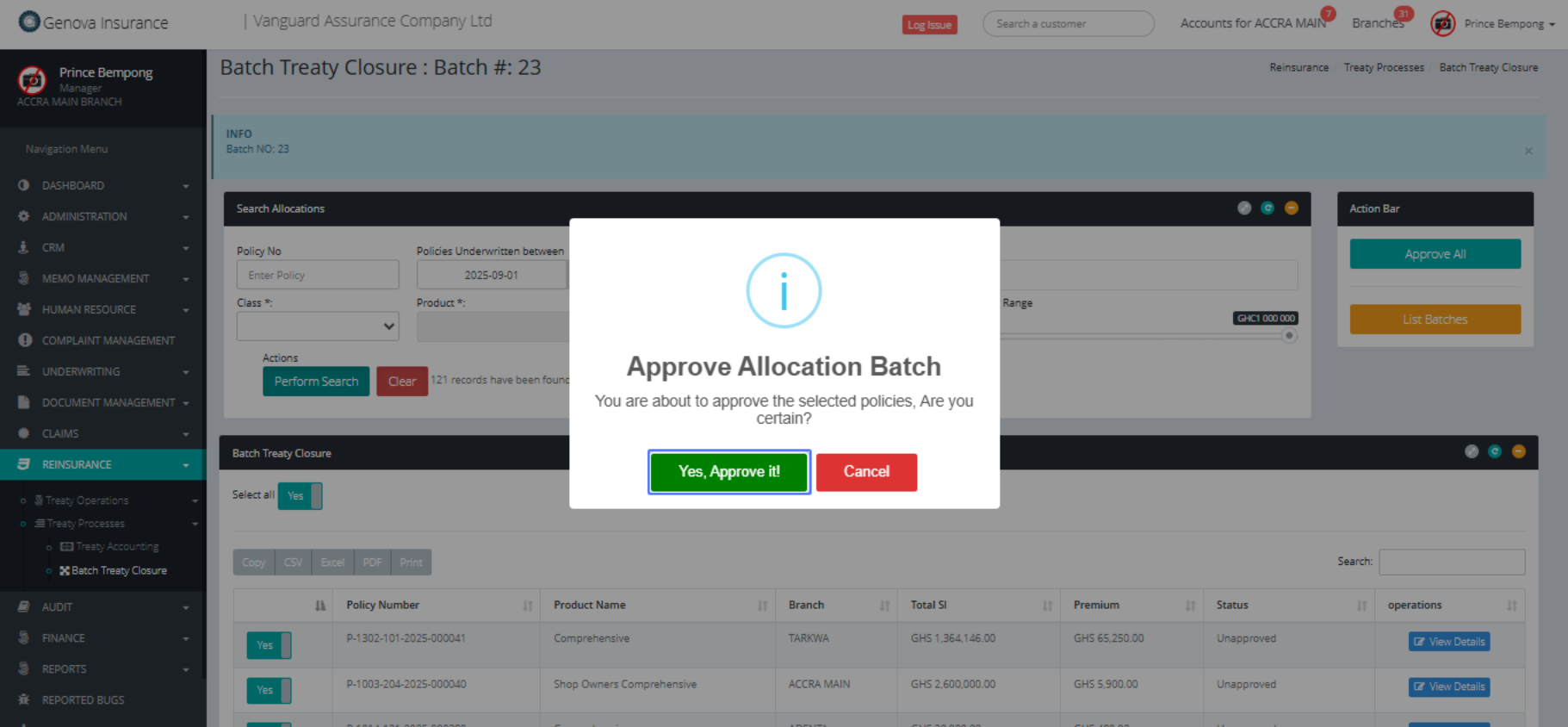
Click on the button "Yes, Approve it!"
Click on the link "Summary"
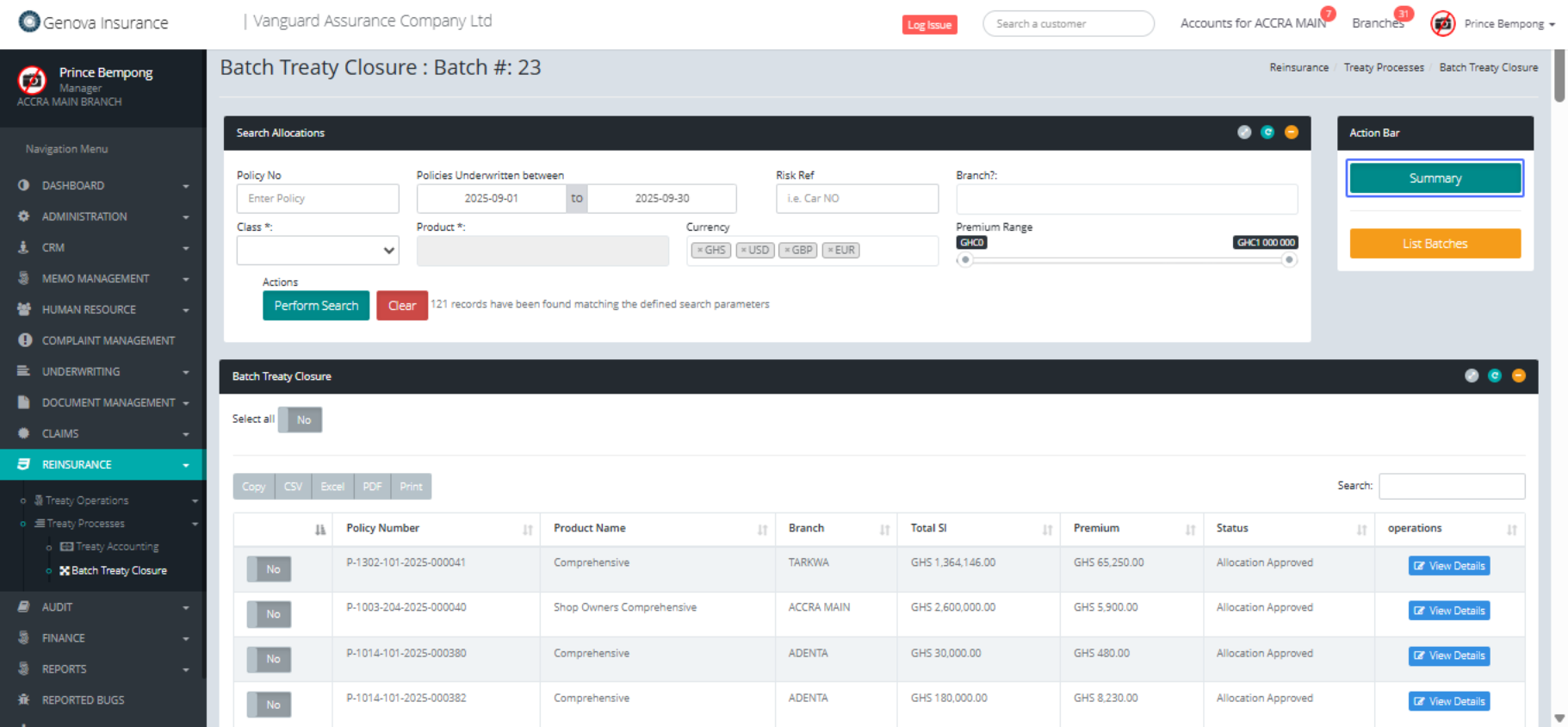
Click on "Batch Summary Total Policy Count : 121 Approved
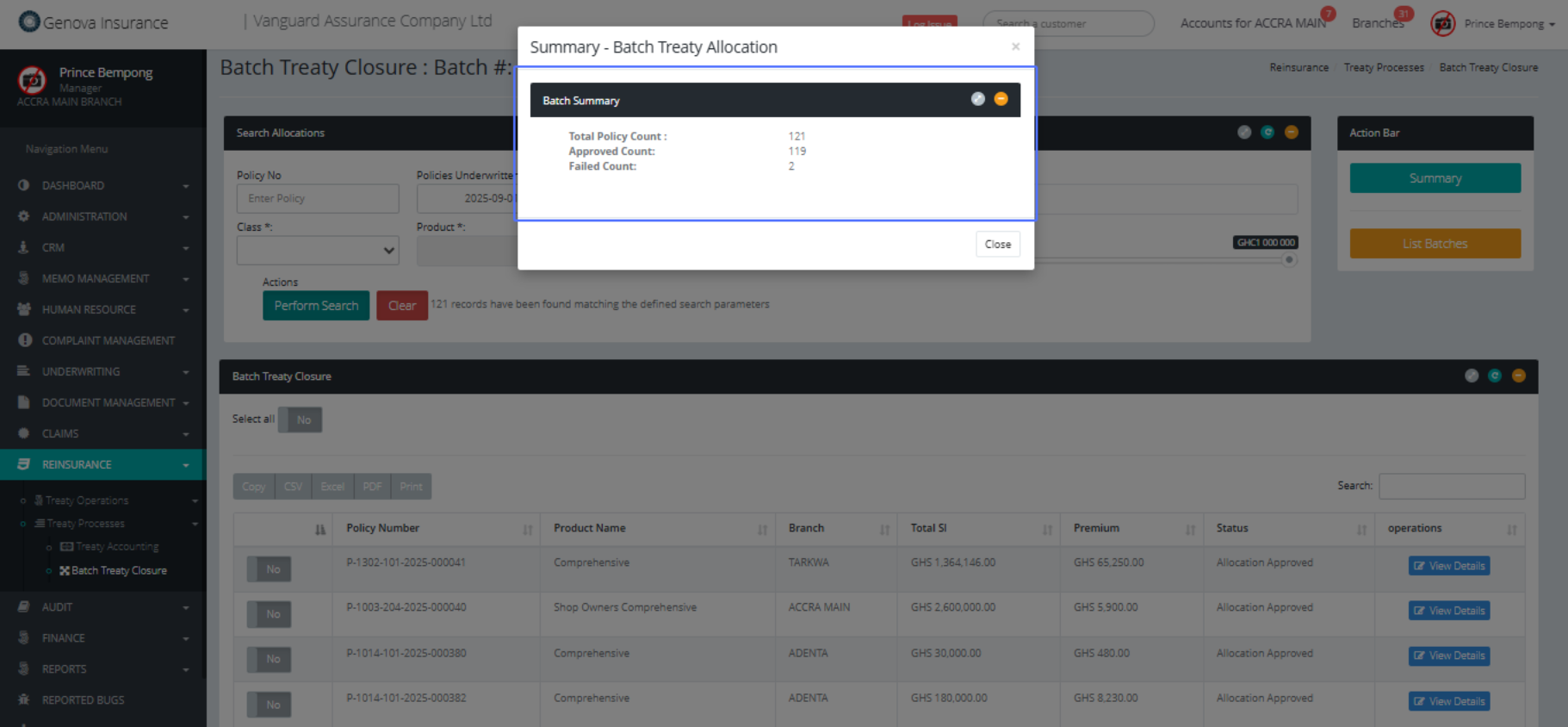
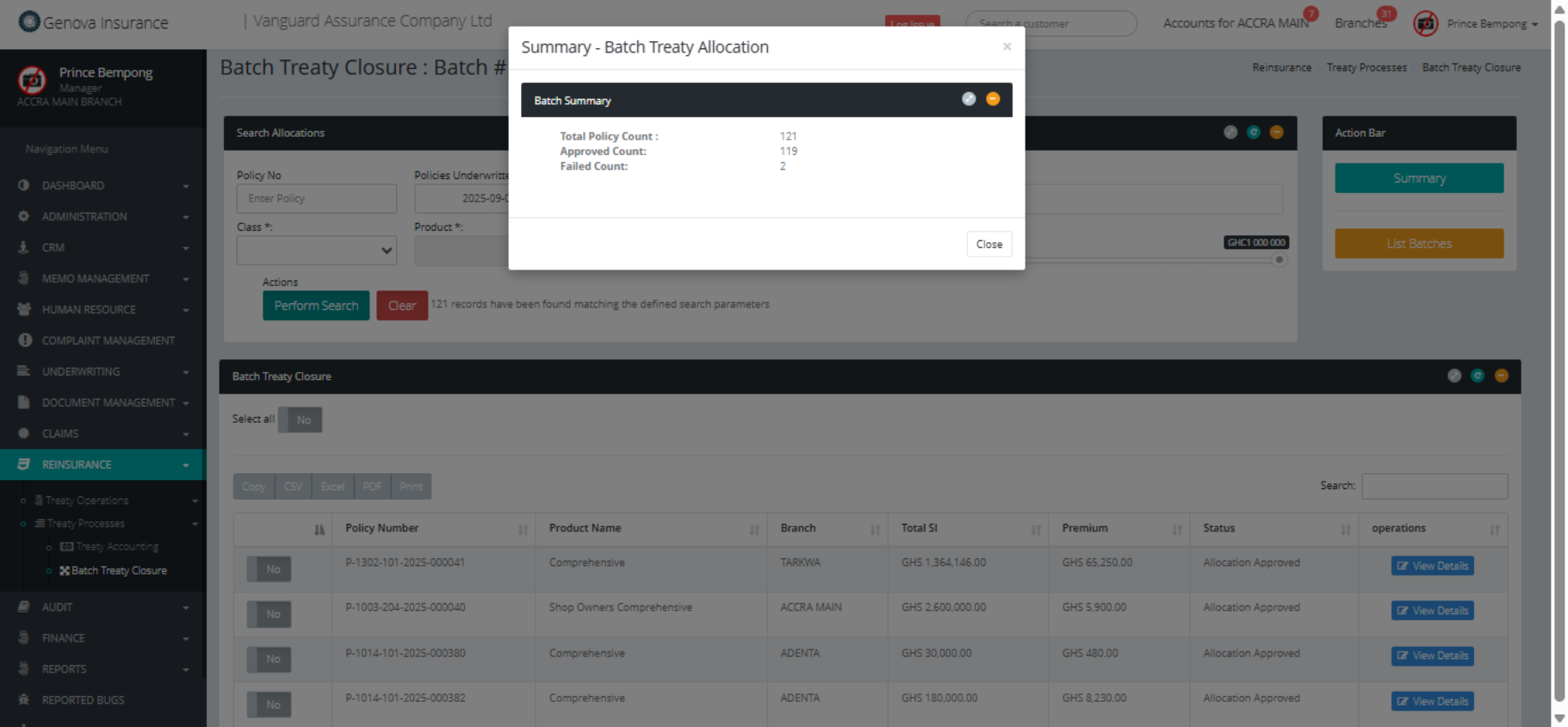
Click on "× Summary - Batch Treaty Allocation Batch Summary
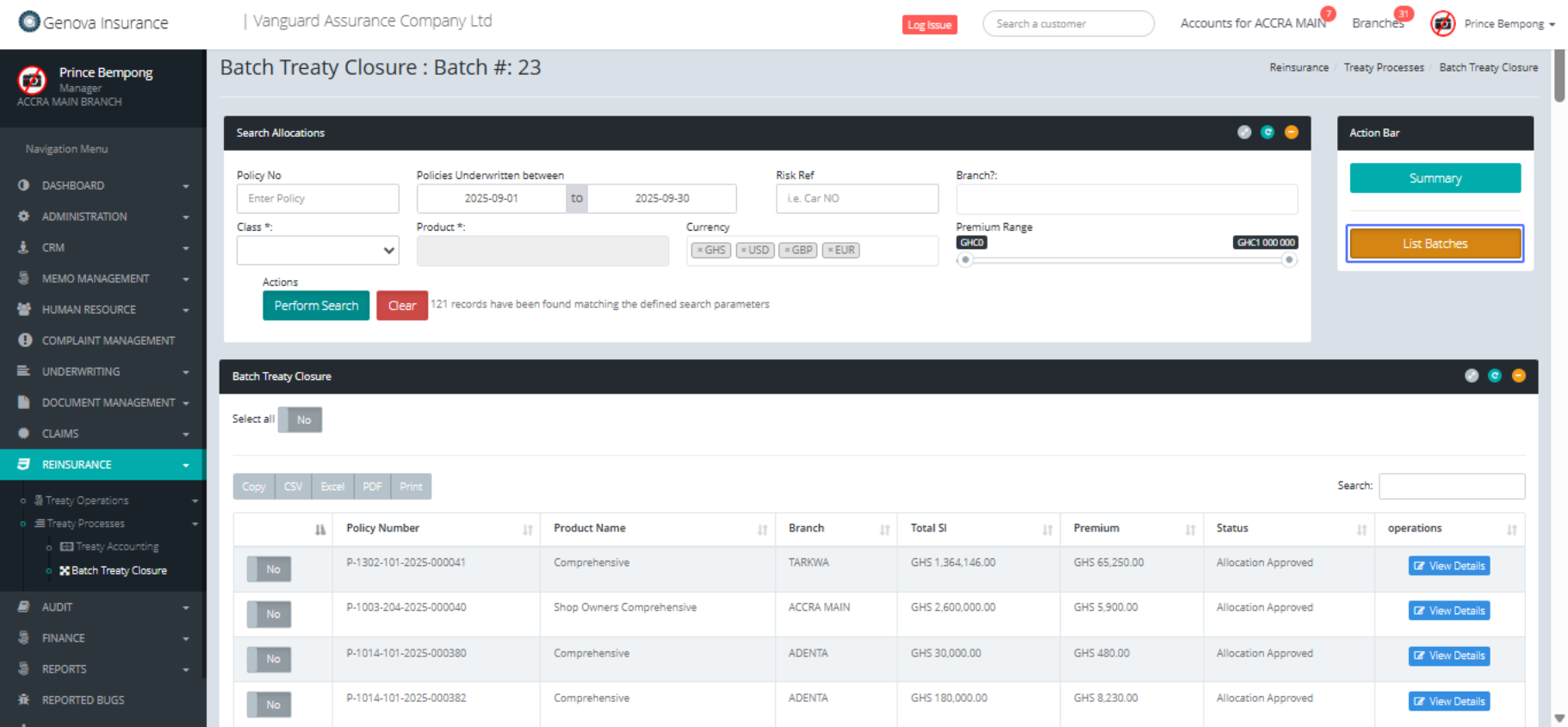
Click on the button "List Batches"
Click on the link "2"
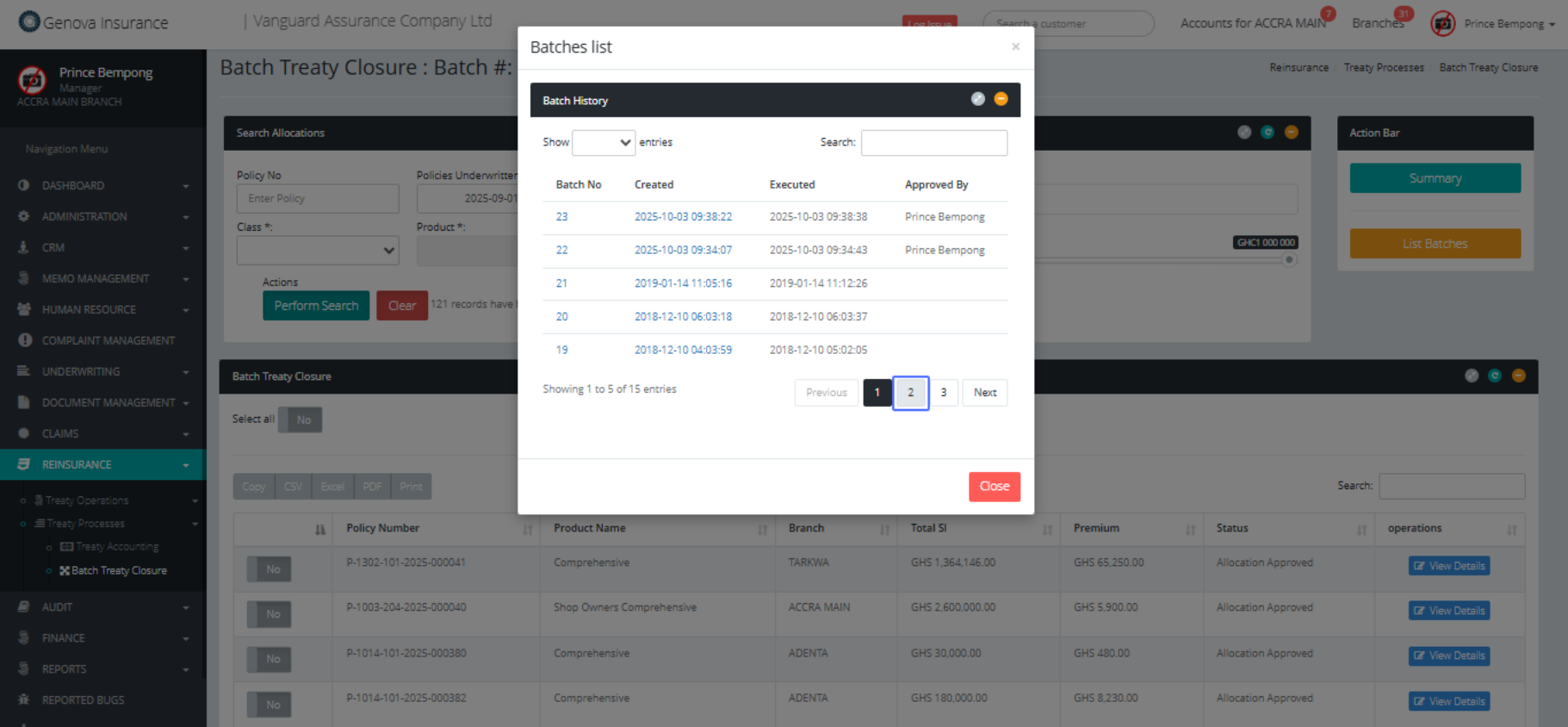
Click on the link "3"
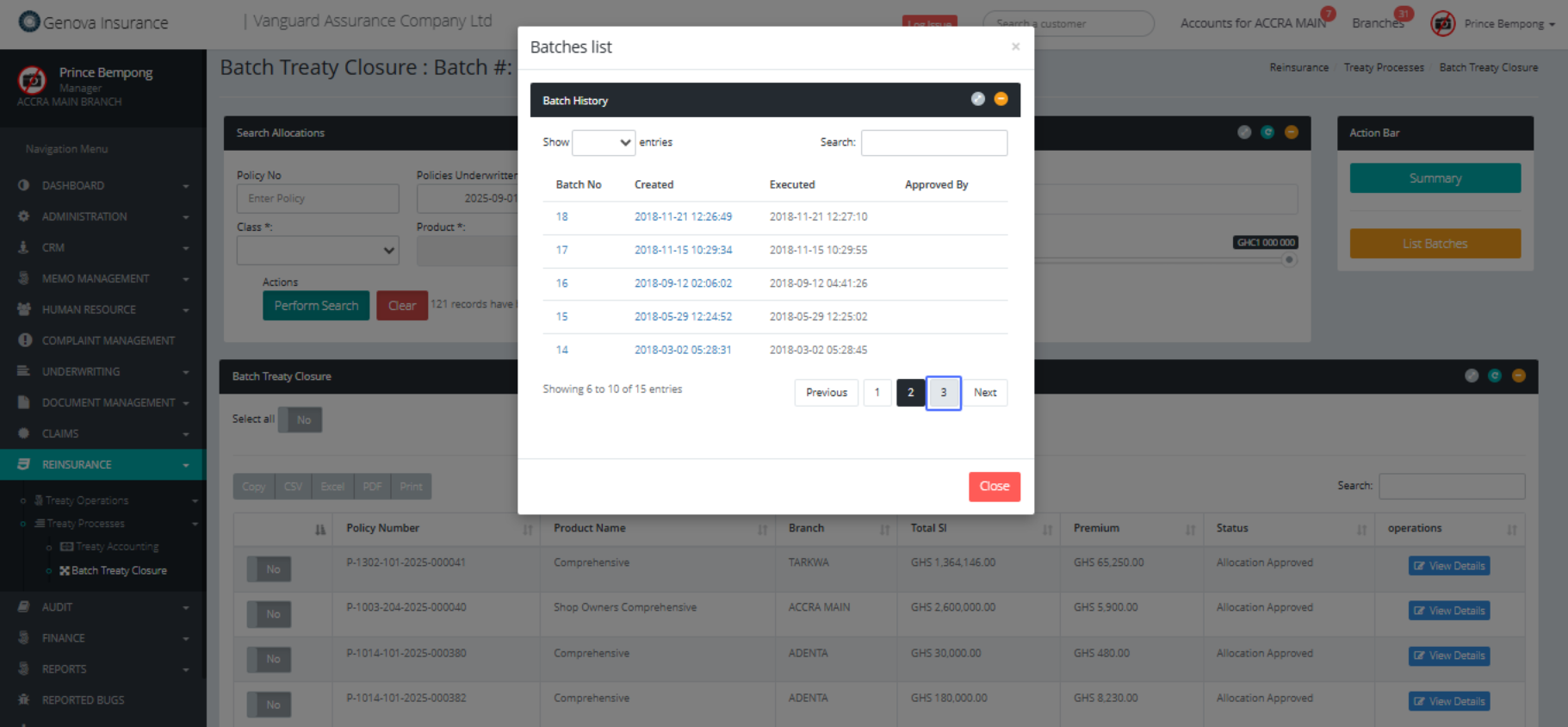
Click on the link "Summary"
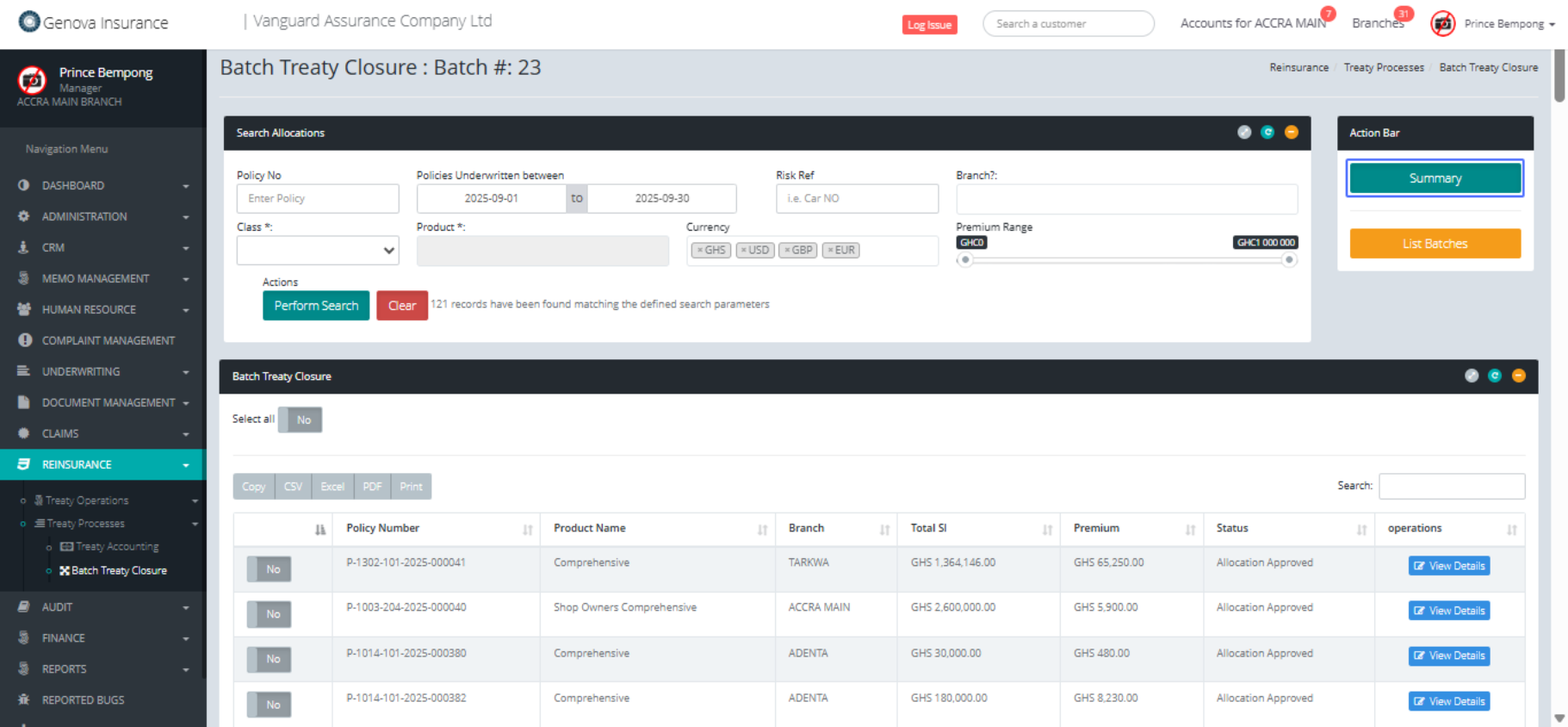
Click on the link "Close"
