Genova
PLACEMENT
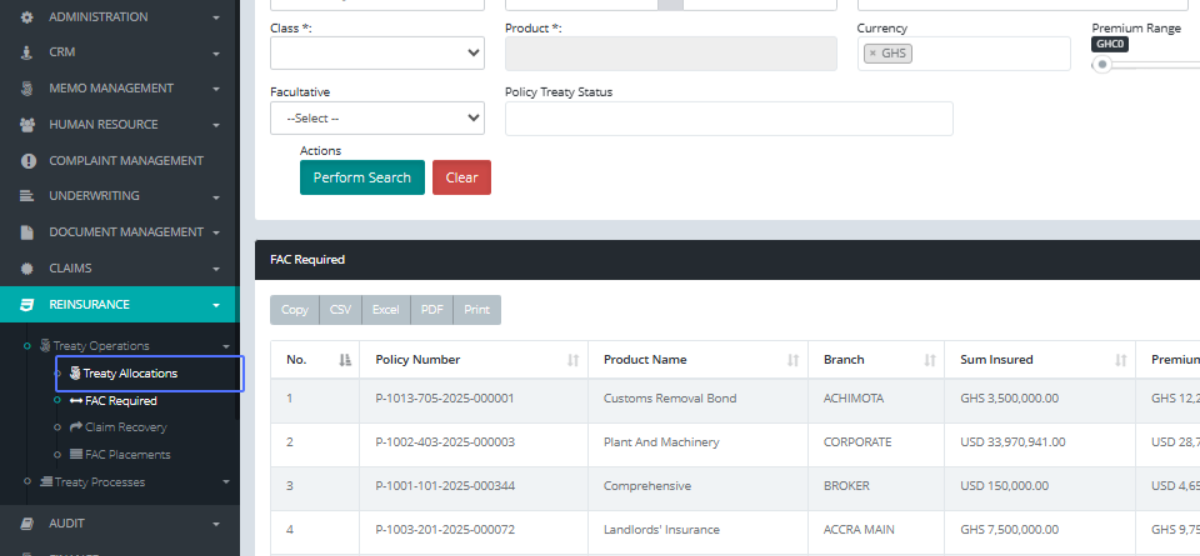
TREATY PLACEMENTClick on the link "Treaty Allocations" to approve the treaty of the policy made
Click on the link "View Details" after locating the policy you want approve it treaty

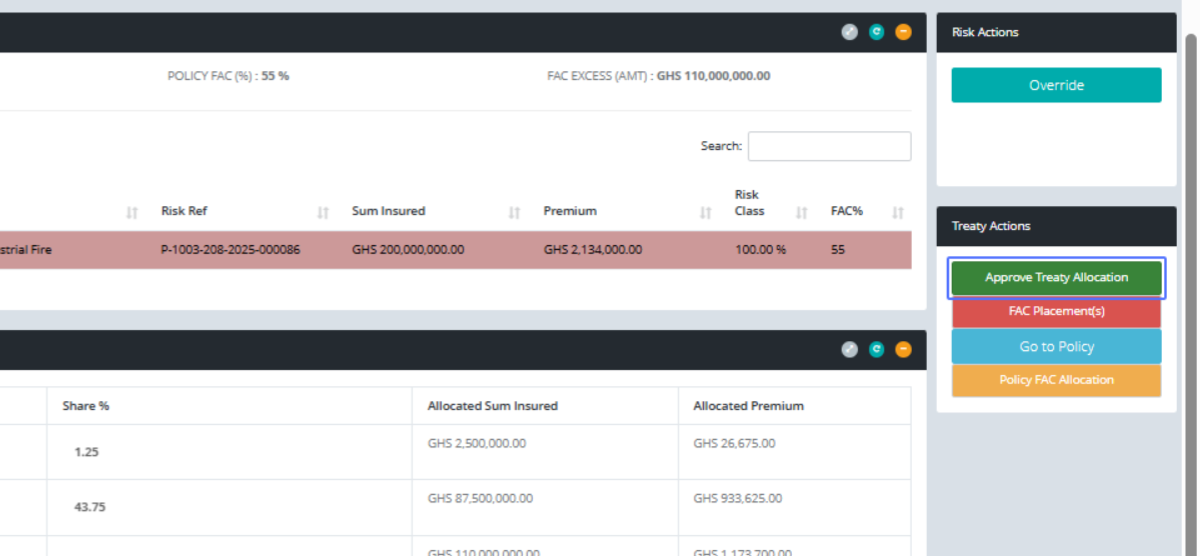
Click on the button "Approve Treaty Allocation" after confirming the percentages, you can click on the OVERRIDE btn to make changes and save
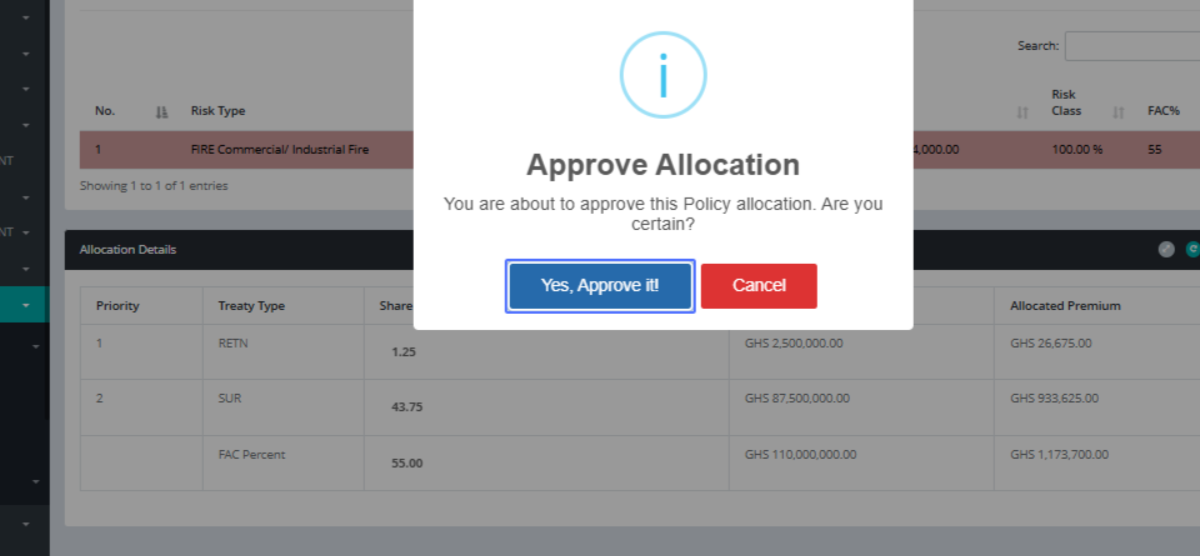
Click on the button "Yes, Approve it!"
Click on the button "OK"

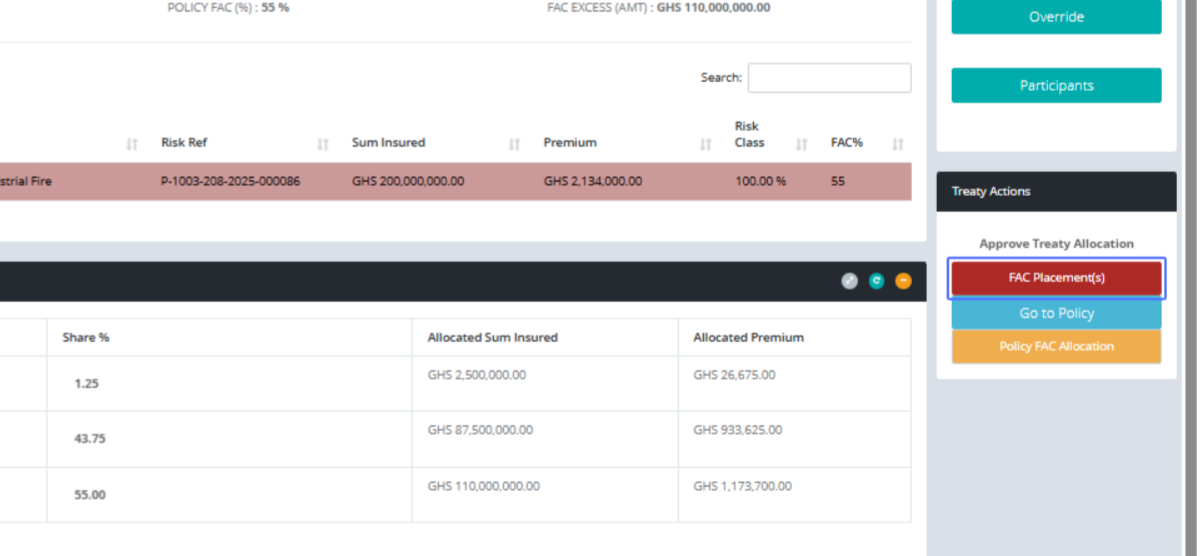
Click on the button "FAC Placement(s)" place the remaining risk on FAC
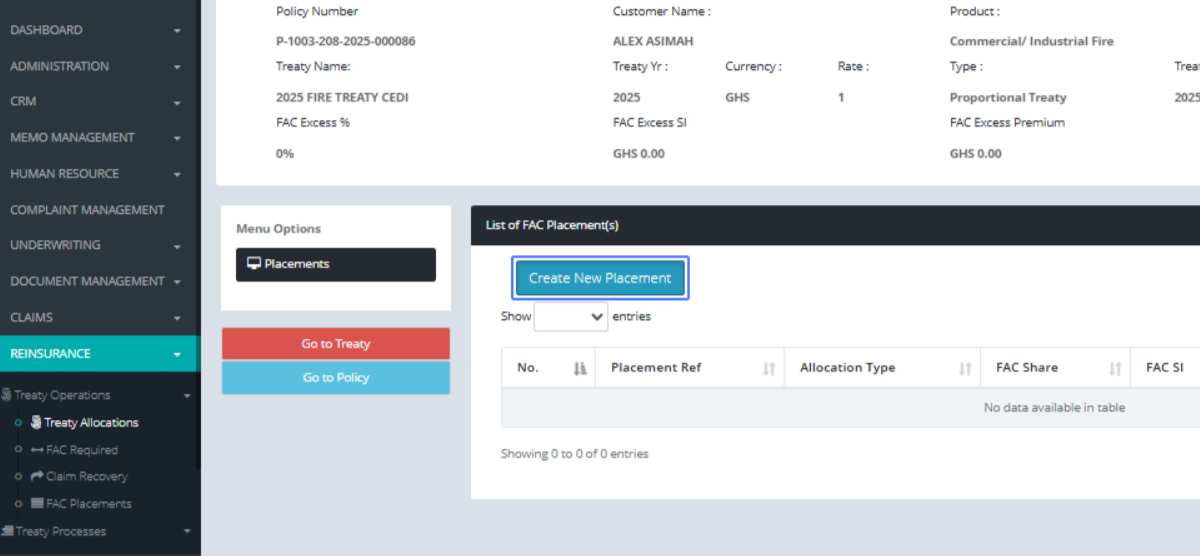
Click on the button "Create New Placement"
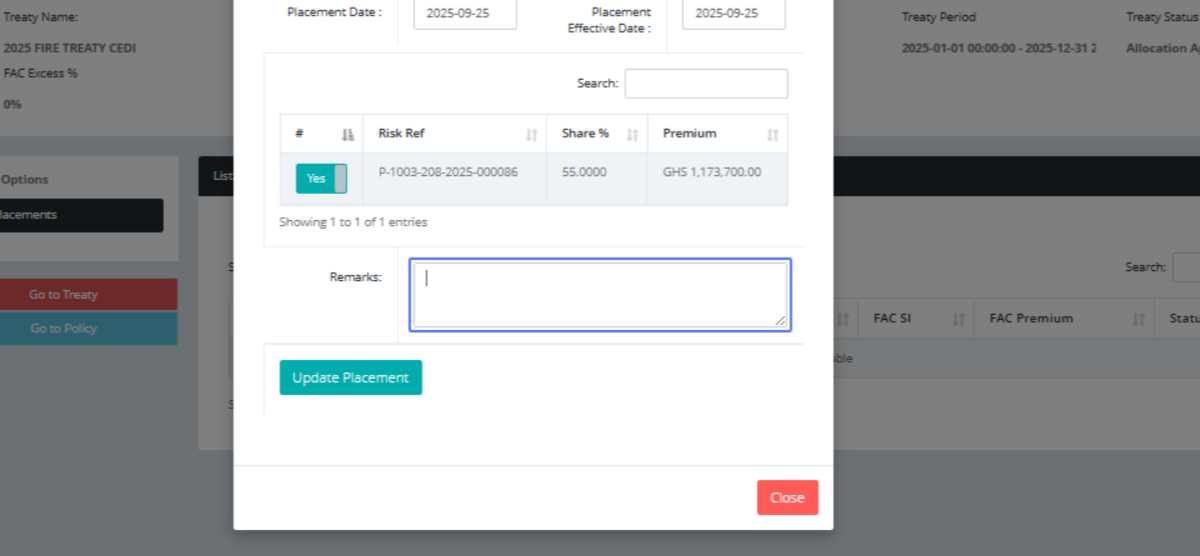
Click here to pass your comment
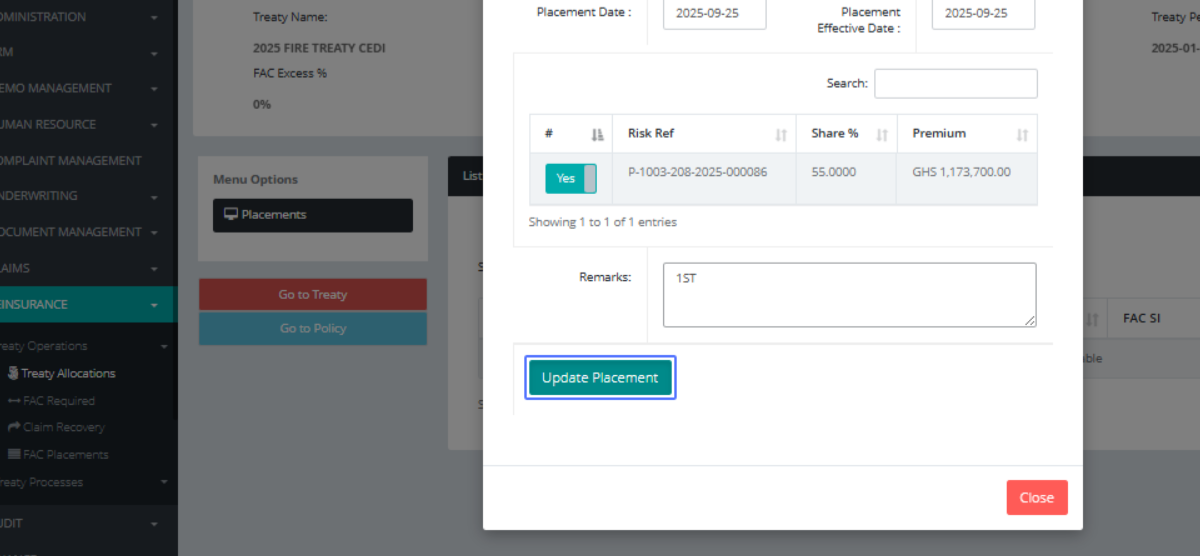
Click on the button "Update Placement"
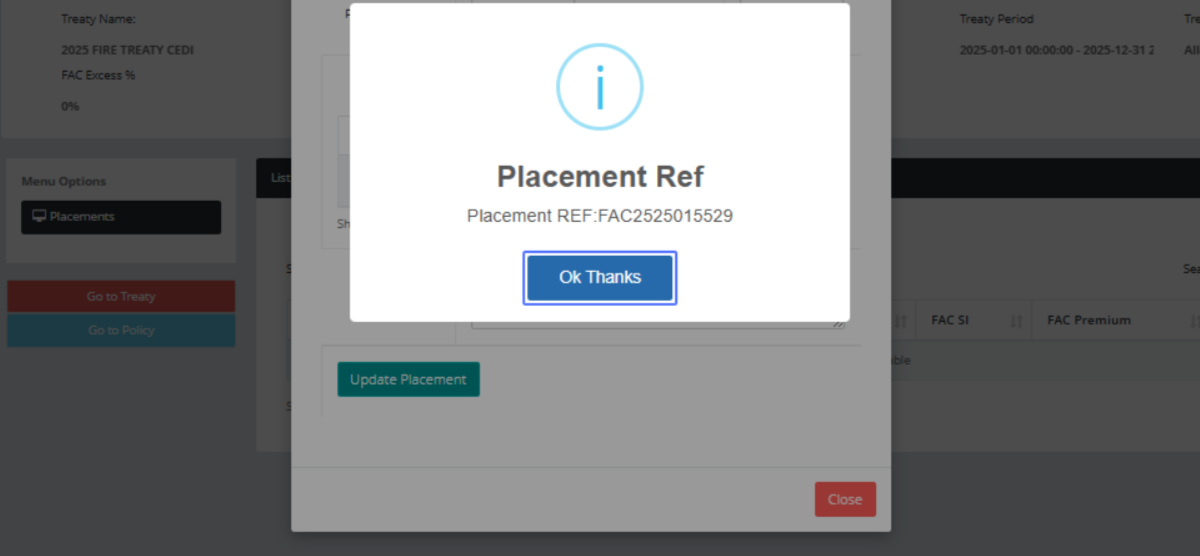
Click on the button "Ok Thanks"
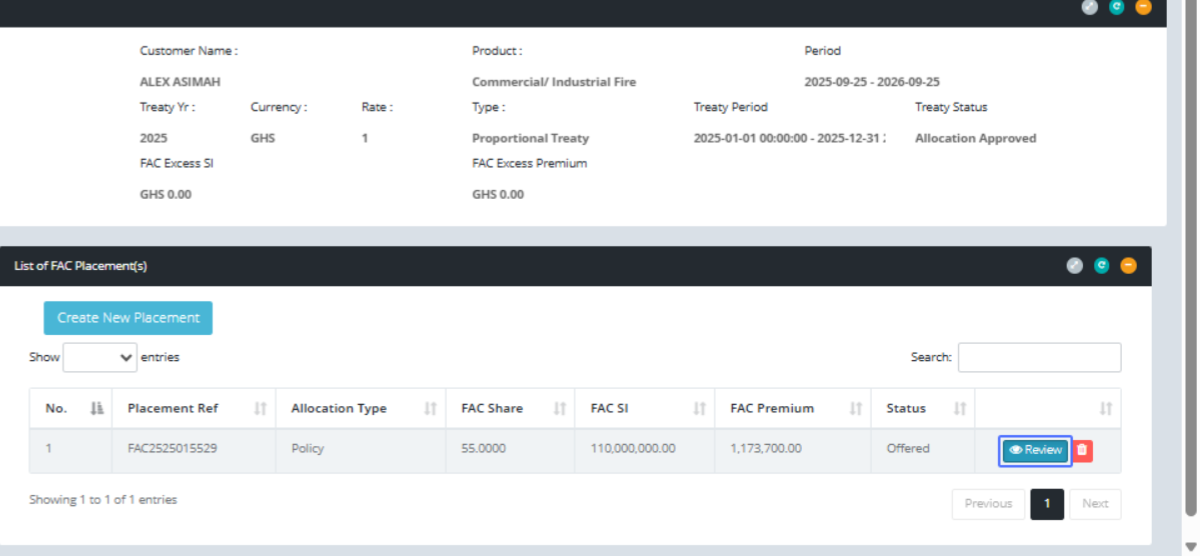
Click on the link "Review"
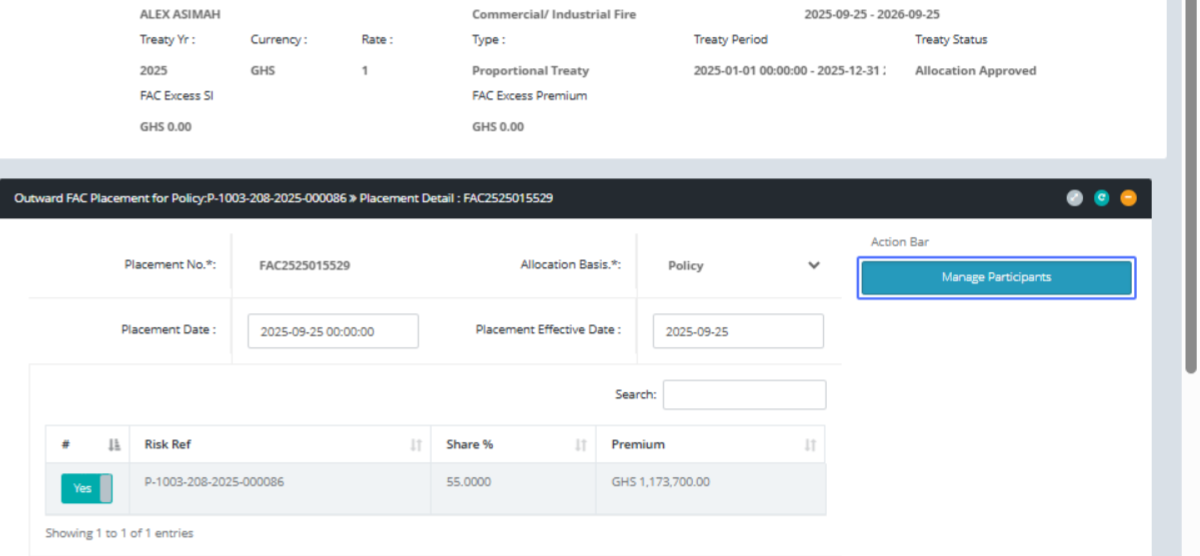
Click on the button "Manage Participants"
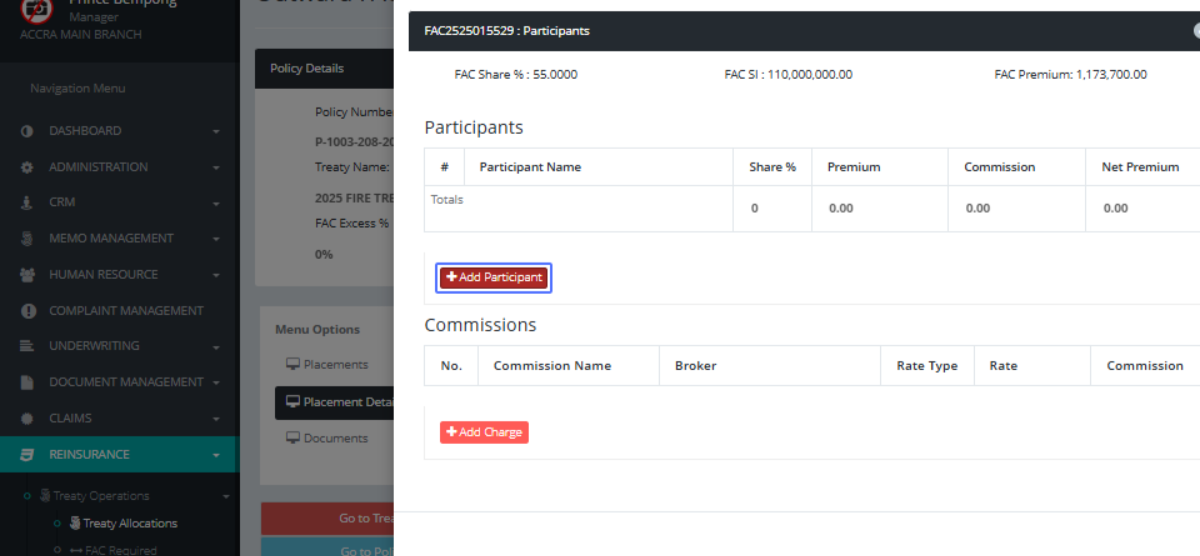
Click on the link "Add Participant" or any insurance firm to share the risk with
Click here to choose among the list
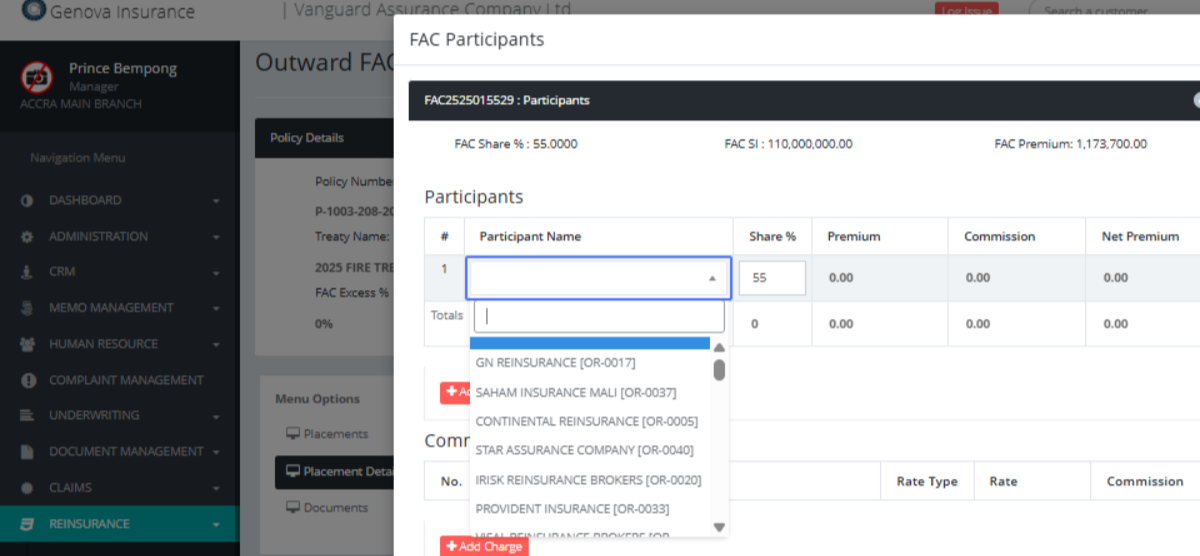
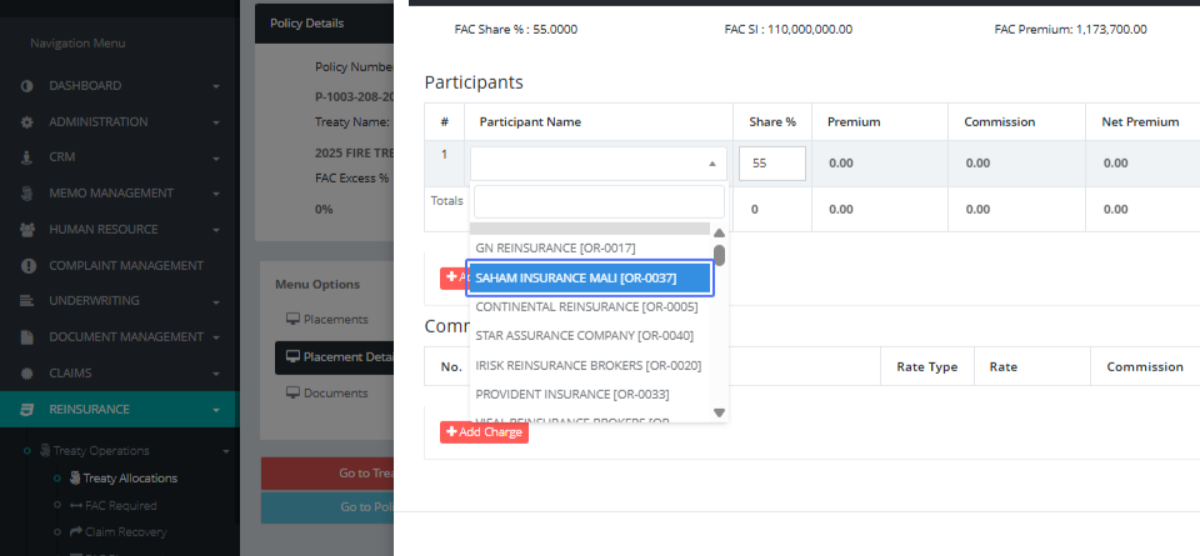
Click on "SAHAM INSURANCE MALI [OR-0037]" and give it rate for the risk
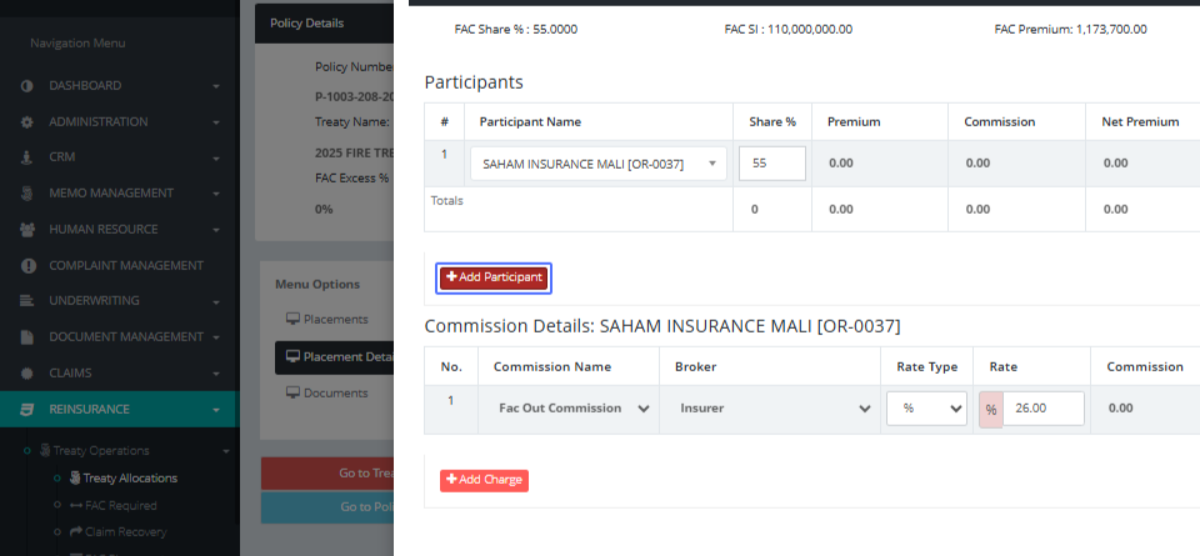
Click on the link "Add Participant"
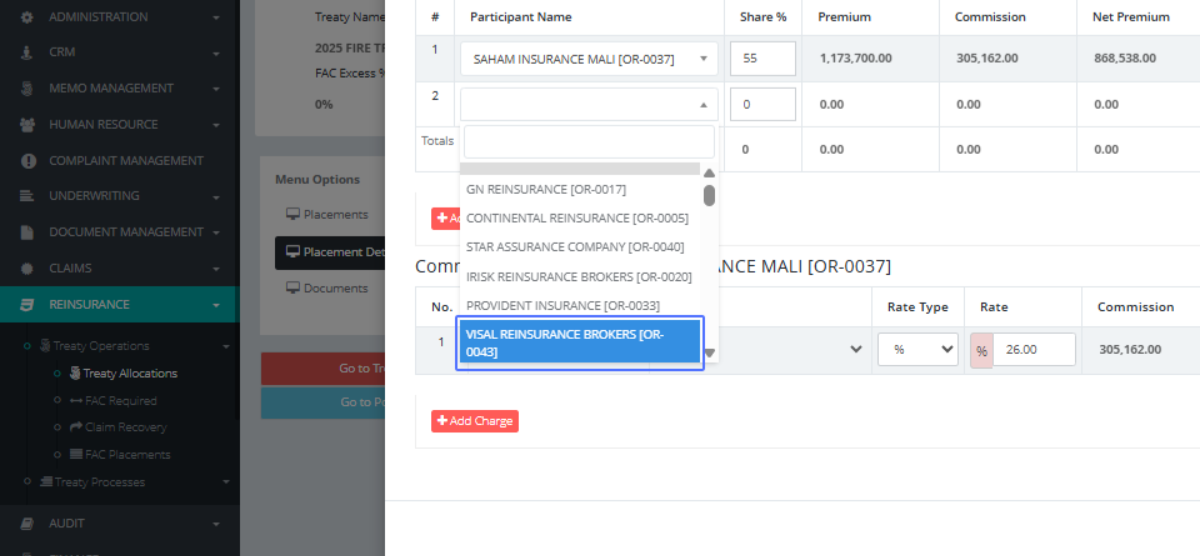
Click here to choose
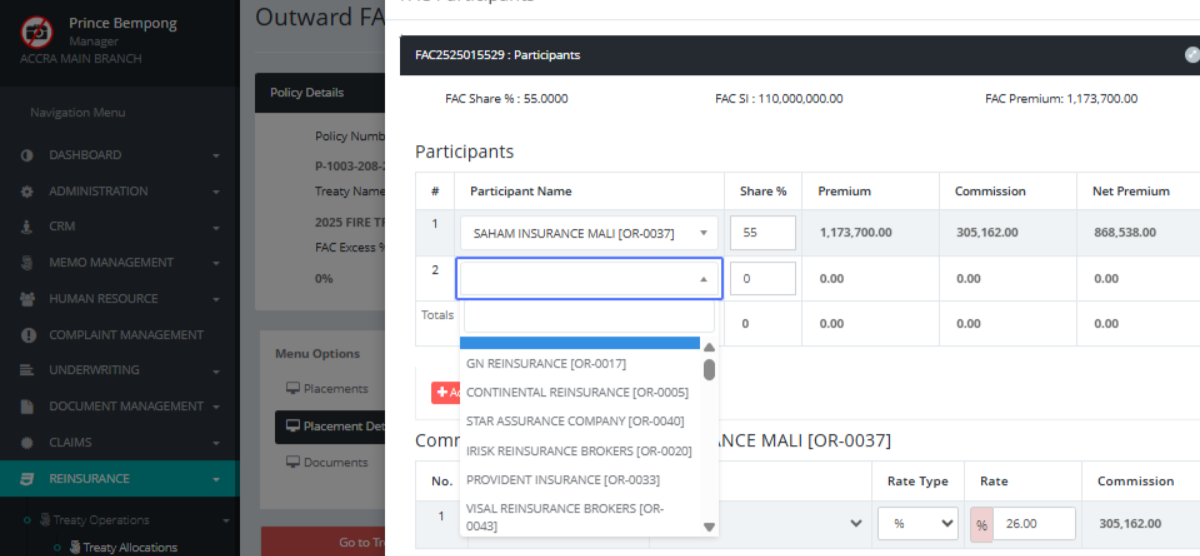
Click on "VISAL REINSURANCE BROKERS [OR-0043]"
Input the rate shared among them, on the policy

Click on the input
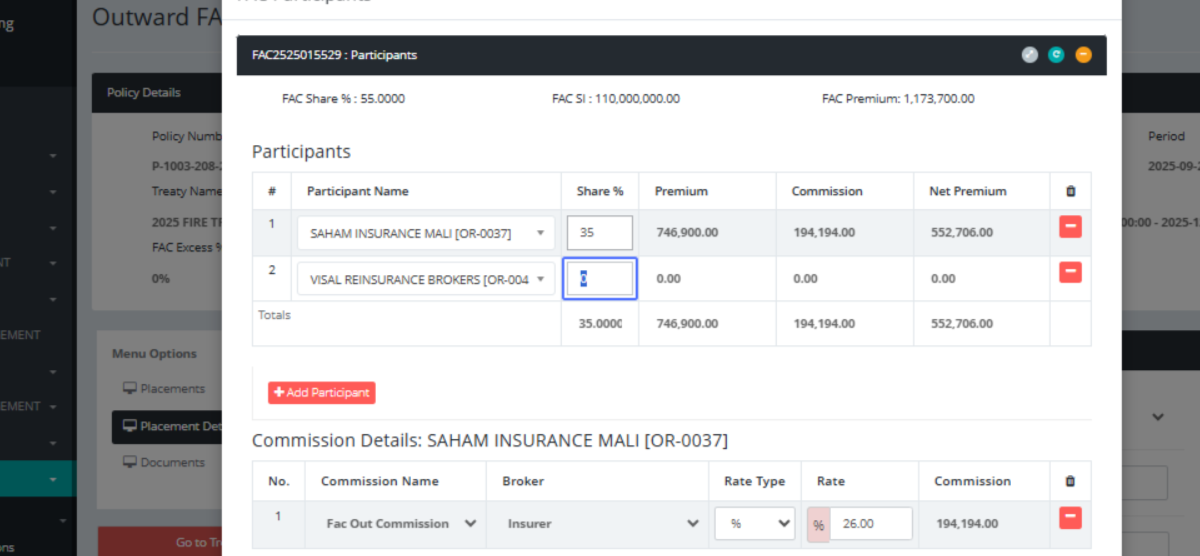
Here shows the risk shared, their commissions and rates for the them
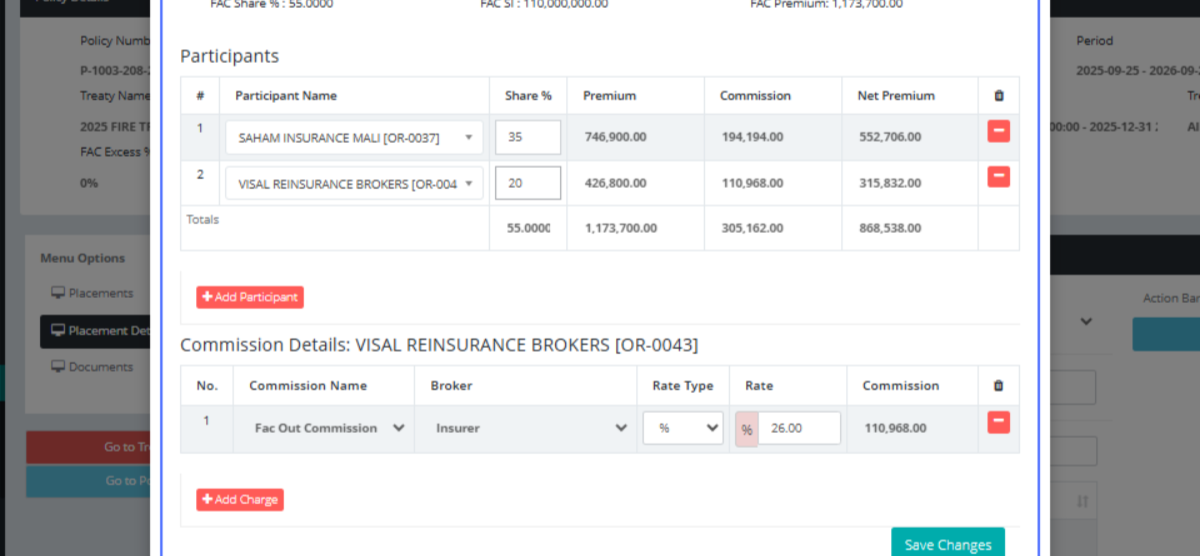
Click on the button "Save Changes"
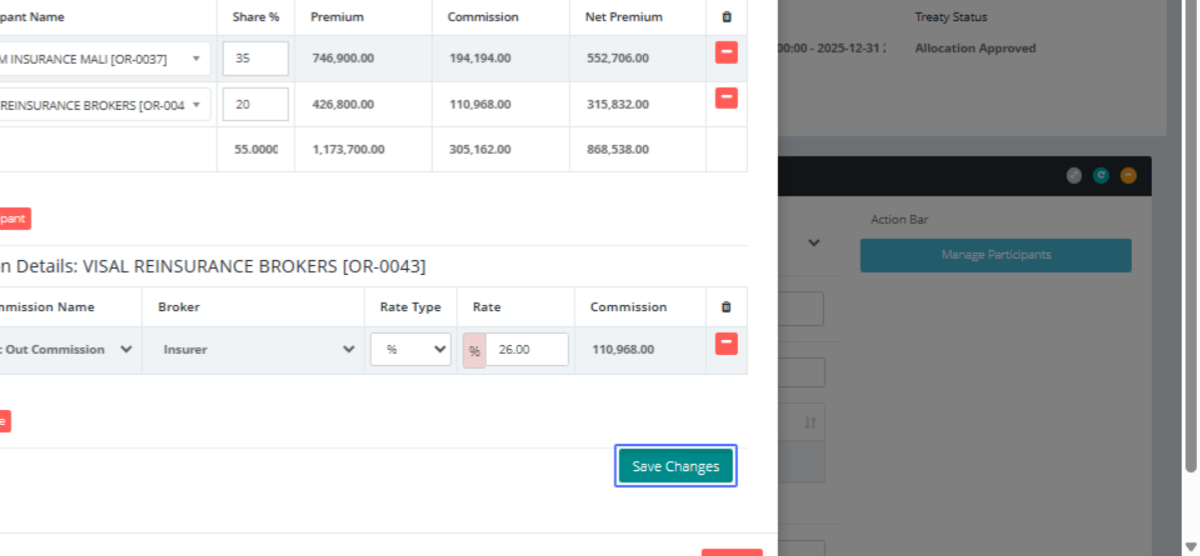
Click on the button "Ok Thanks"

Click on the button "Approve"
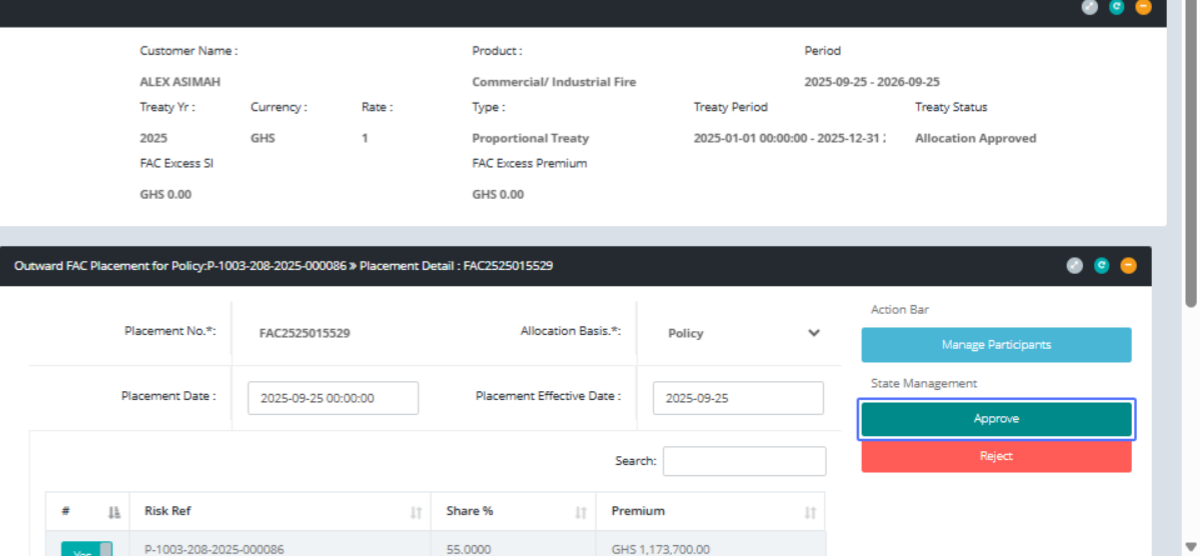
Click on the button "Proceed"
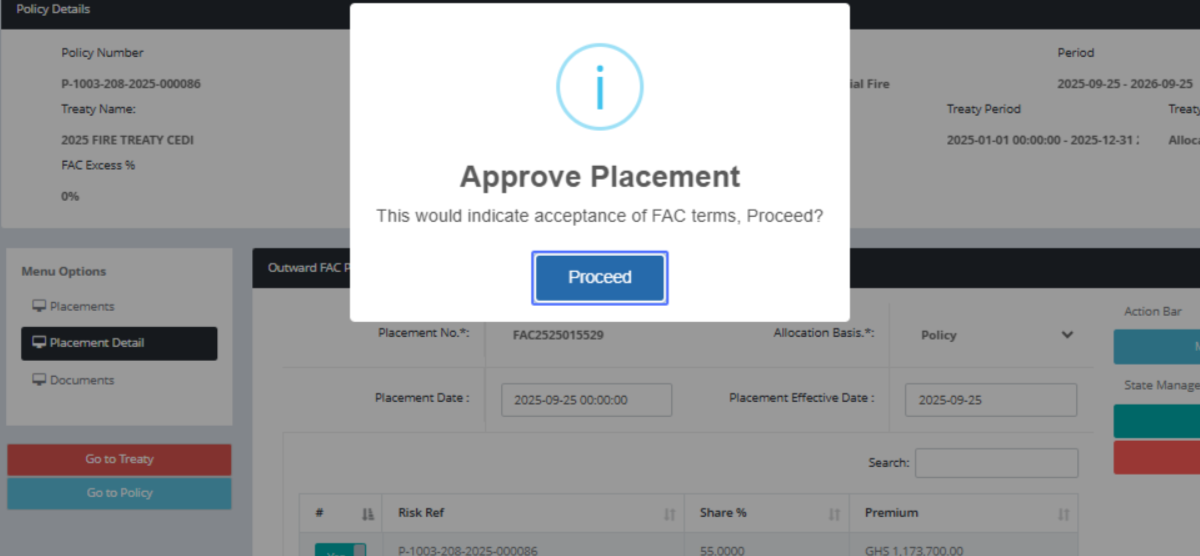
Click on the button "Ok Thanks"
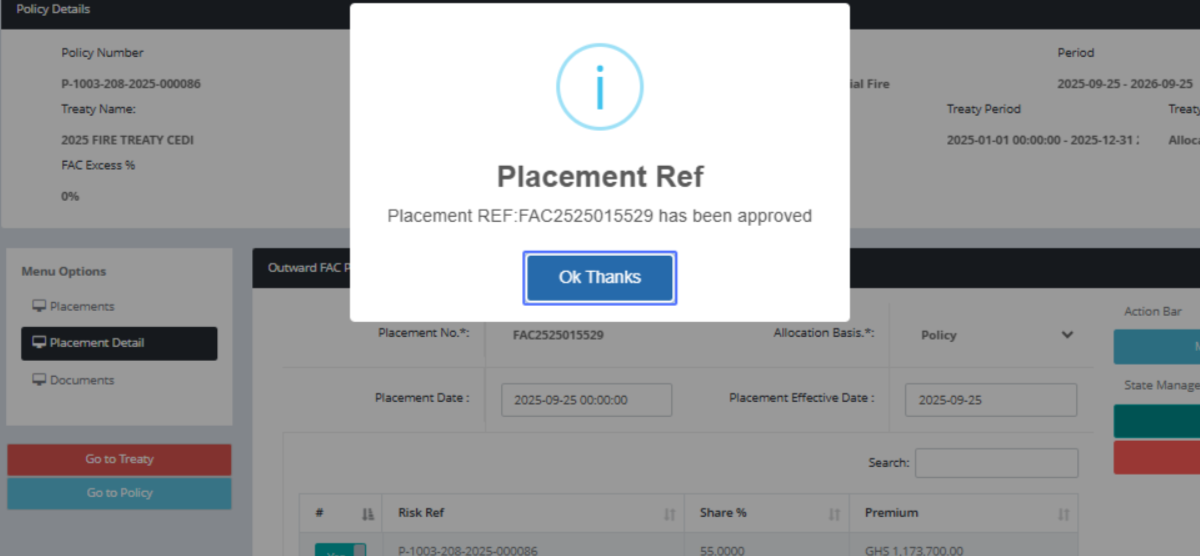
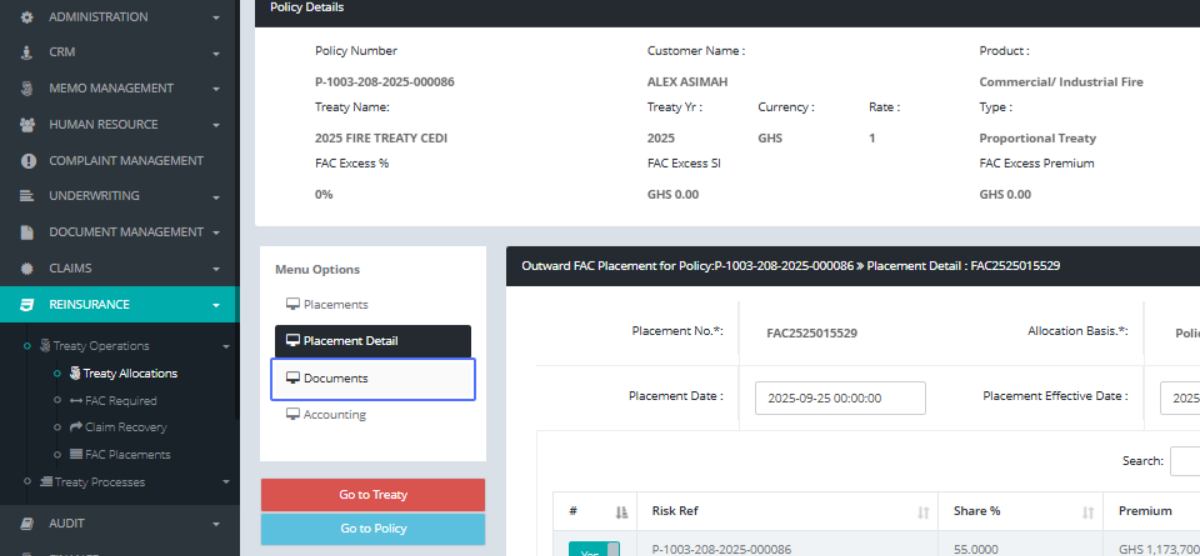
Click on "Menu Options Placements Placement Detail Documents Accounting"

Click on the link "Documents"
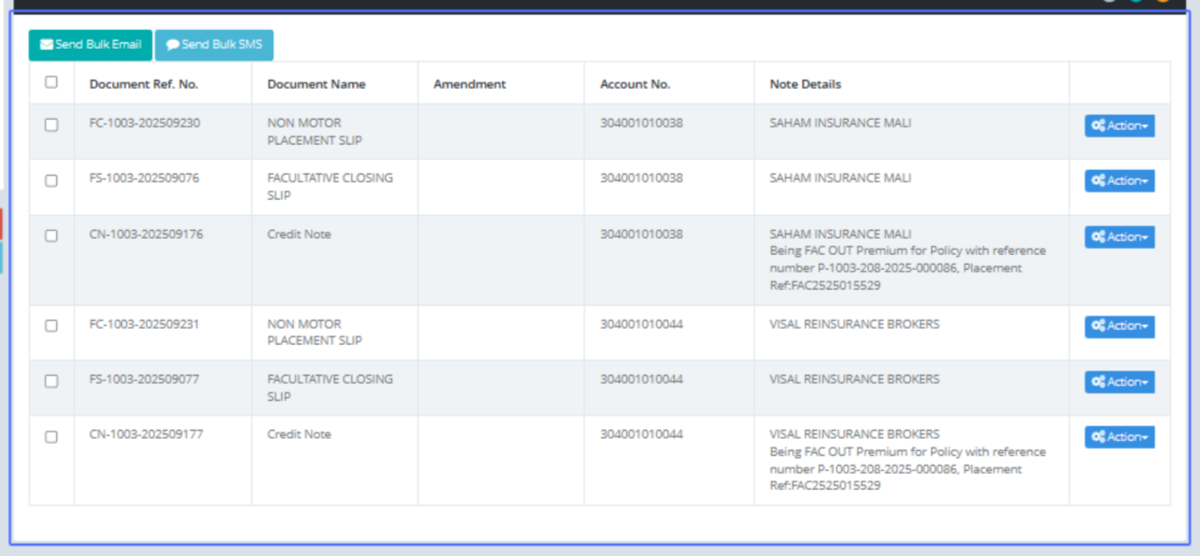
Click on "Send Bulk Email Send Bulk SMS Document Ref. No. Document Name Amendment Account No. Note Details ..."
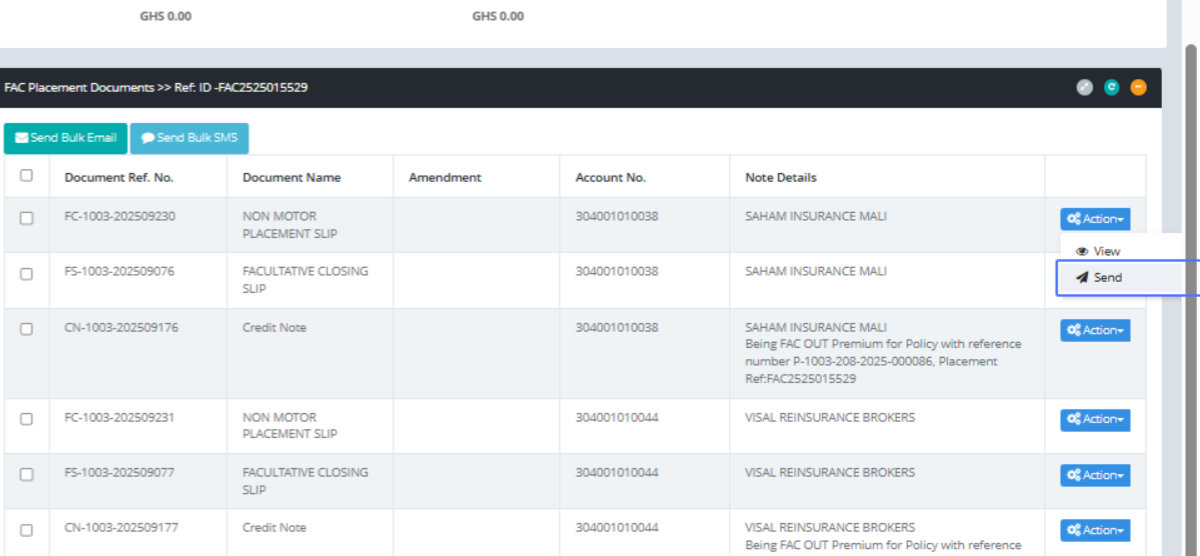
Click on the link "Send" via mail to any party involved
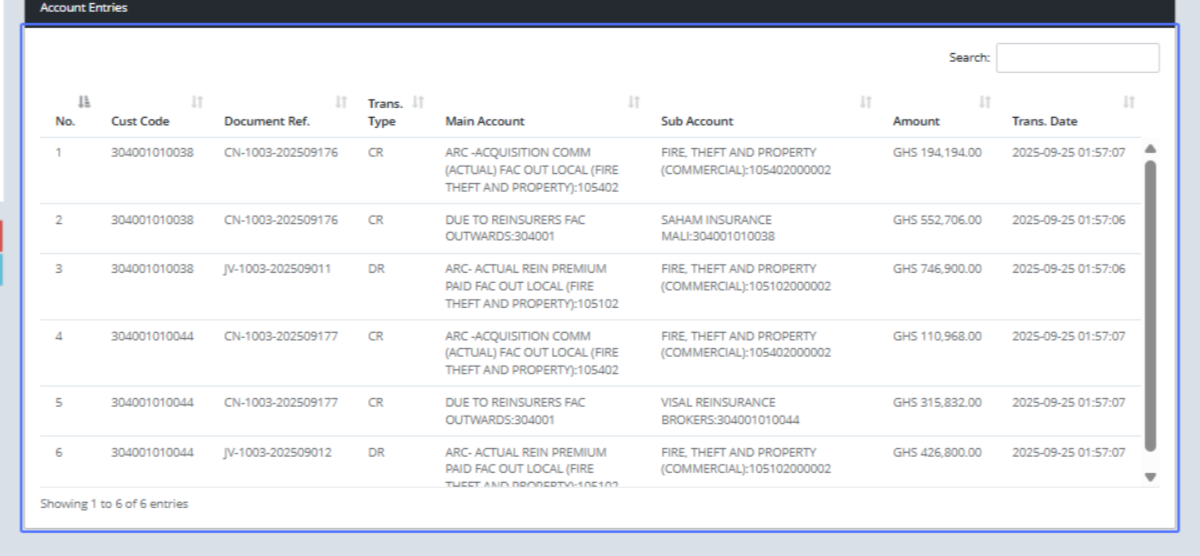
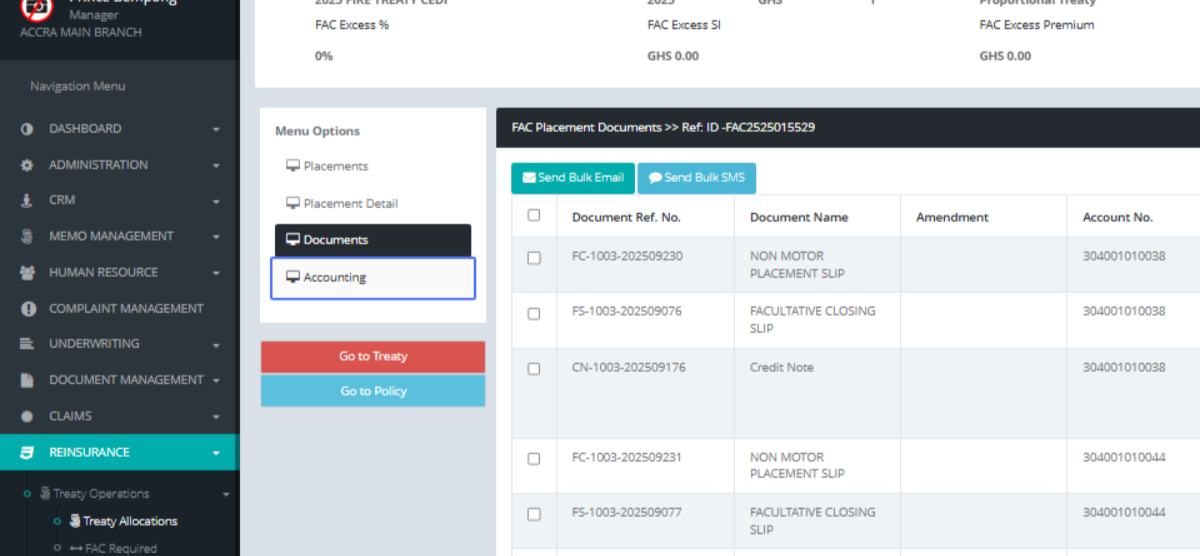
Click on the link "Accounting" to see the financial implications
As shown above